Easy Development Controls V1.1.0.0
Easy Development Controls V1.1.0.0
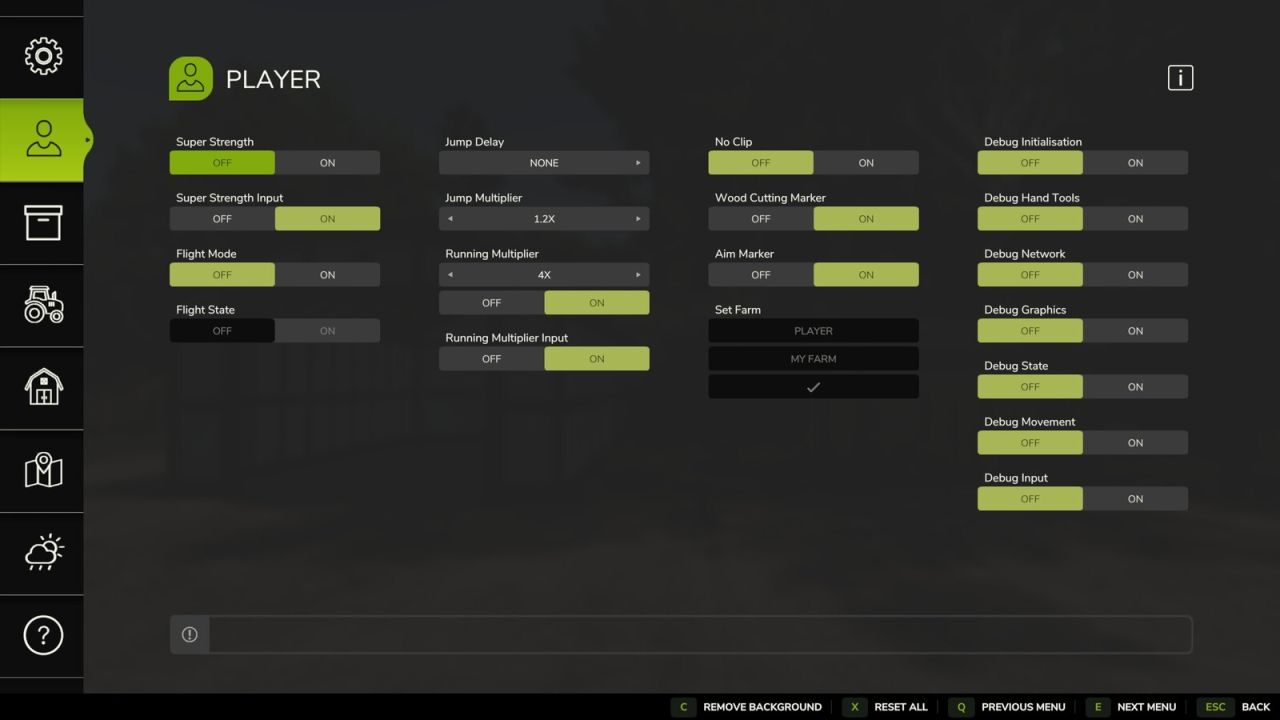
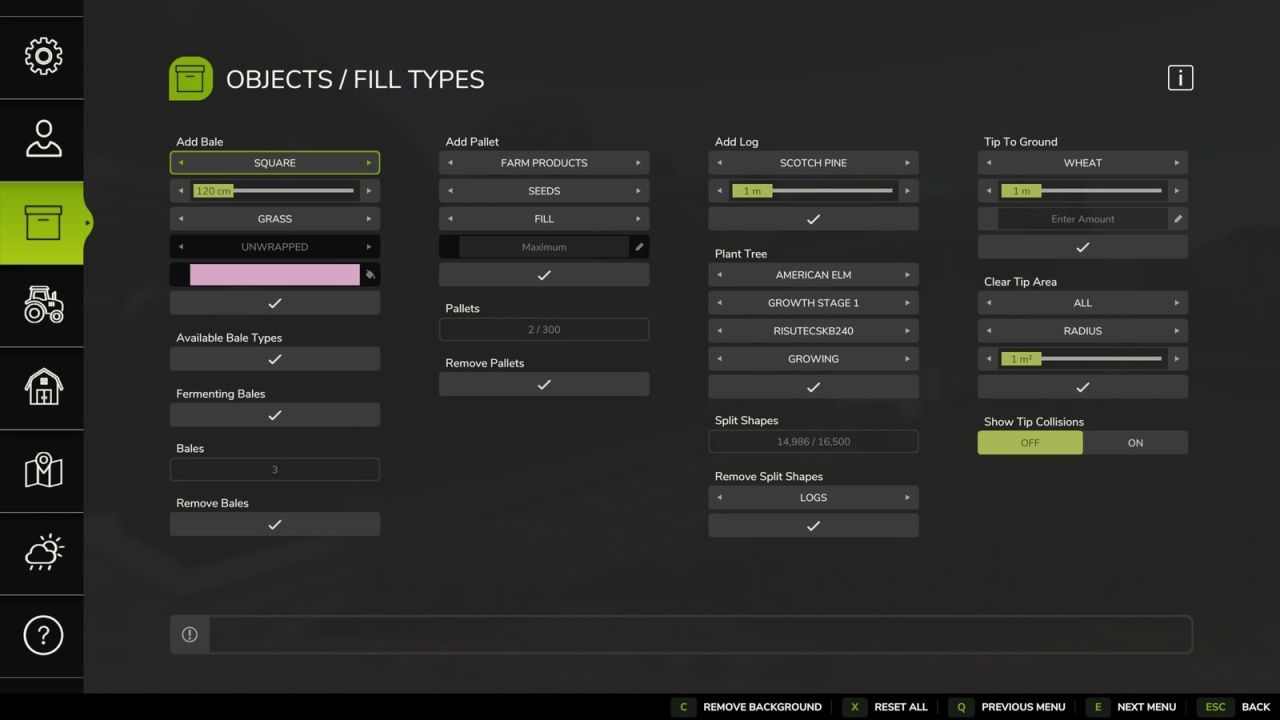
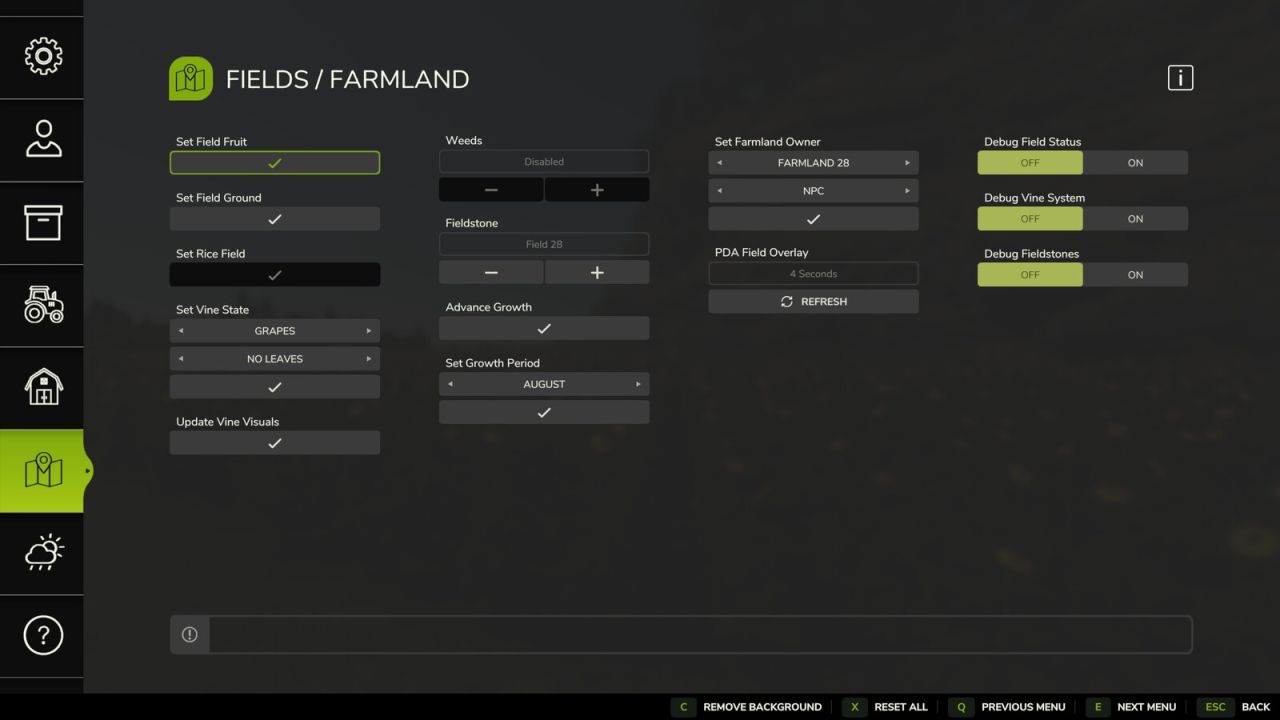
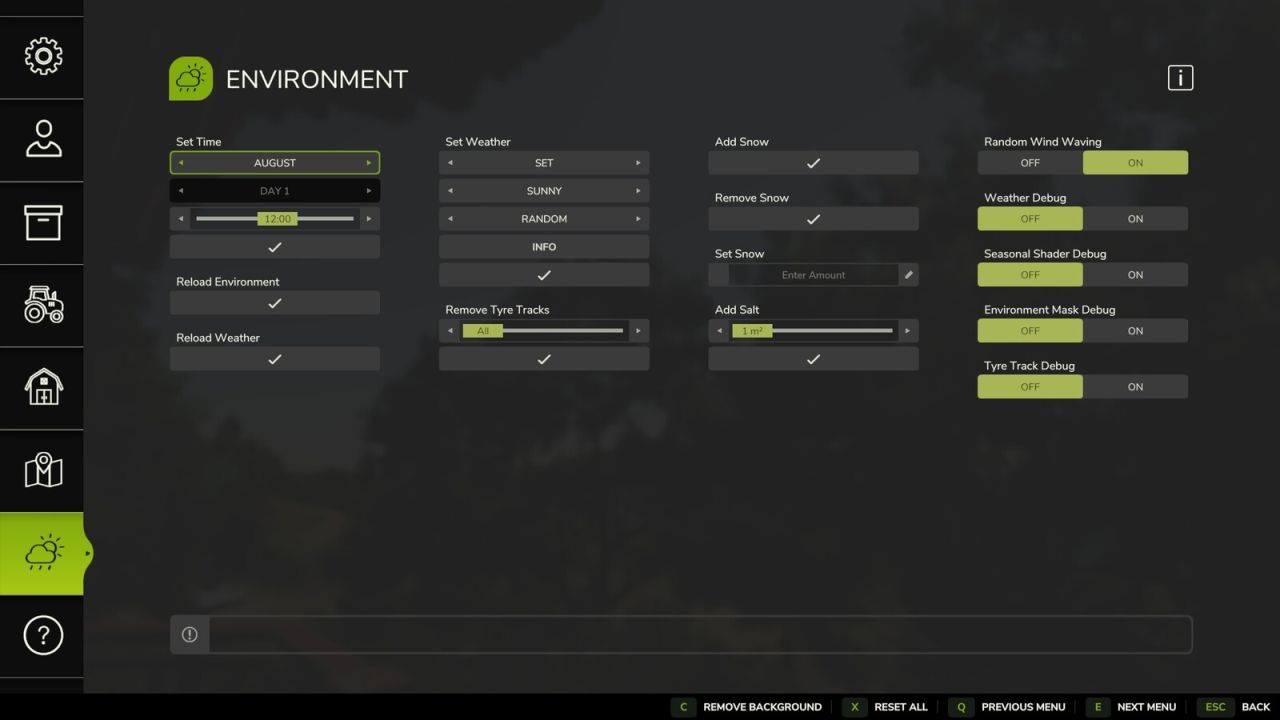
Easy Development Controls is designed as a testing tool for modders, mappers and content creators. It can also assist with gameplay setups or however you wish to play the game.
It includes some features available already through the game console commands but now easily accessible and also the addition of many new custom features.
Most features support use in Multiplayer and permission levels of some commands can be adjusted. This now also includes existing console commands that previously only worked for the host.
Some quality of life features include:
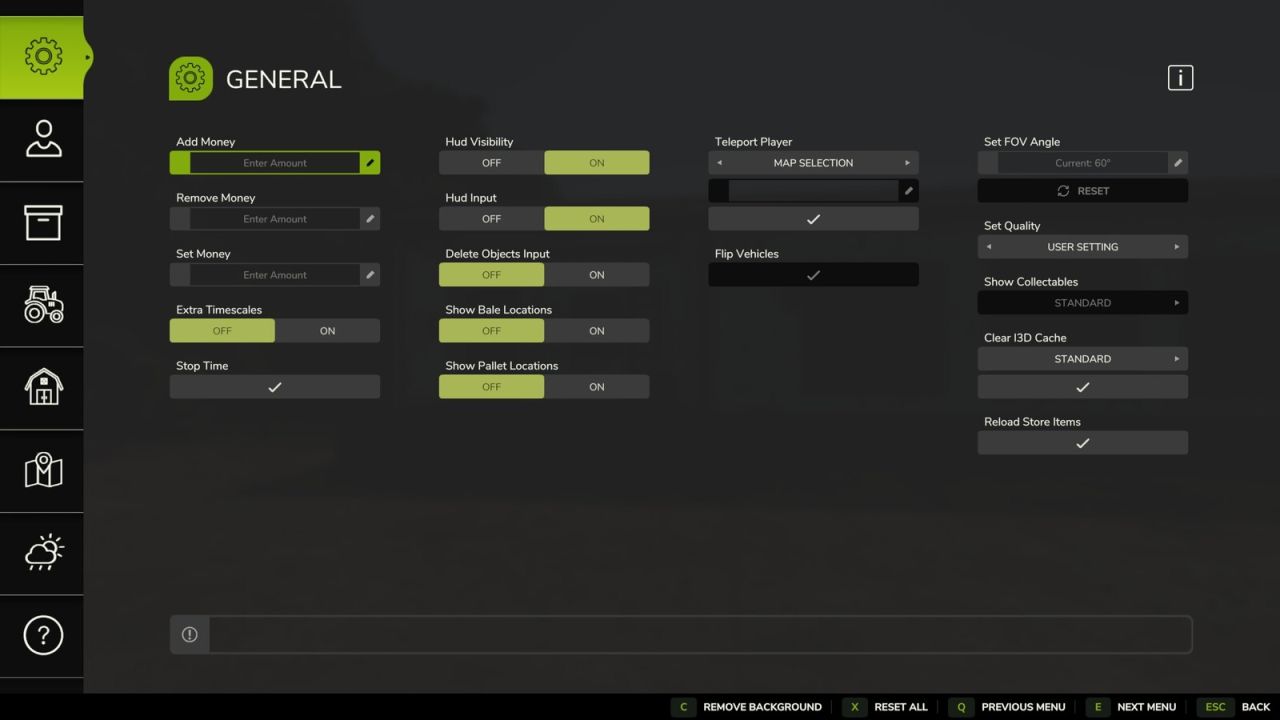
– Teleport: Quickly move yourself or vehicles around the map by selecting a location on the map, by field number or x/z coordinates.
– Flip Vehicles: Allows a user to easily correct upright rotation of a vehicle.
– Super Strength: Increases a players carrying capacity and pickup range.
– Hud Visibility: Shows and hides the whole hud, you can also activate a key binding for faster access.
– Show Bale Locations: This will display all farm owned bales on the map.
– Show Pallet Locations: This will display all farm owned pallets on the map.
– Advance Growth: Advances all crops to the next growth stage.
With the extended number of features plus many new features planned, Easy Development Controls has something for everyone.
For further information please read the README on the Github repository.
Inputs: Open Menu: F12
V1.1.0.0
– [General] Fixed bug where some POI icons would remain hidden after using teleport screen.
– [General] Fixed bug where setting ‘Show Collectables’ above 70% would be incorrectly displayed when re-opening menu.
– [General] Removed outdated help information for ‘Delete Objects Key’.
– [Player] Fixed incorrect setting allowing ‘Super Strength’ state to be saved on dedicated servers.
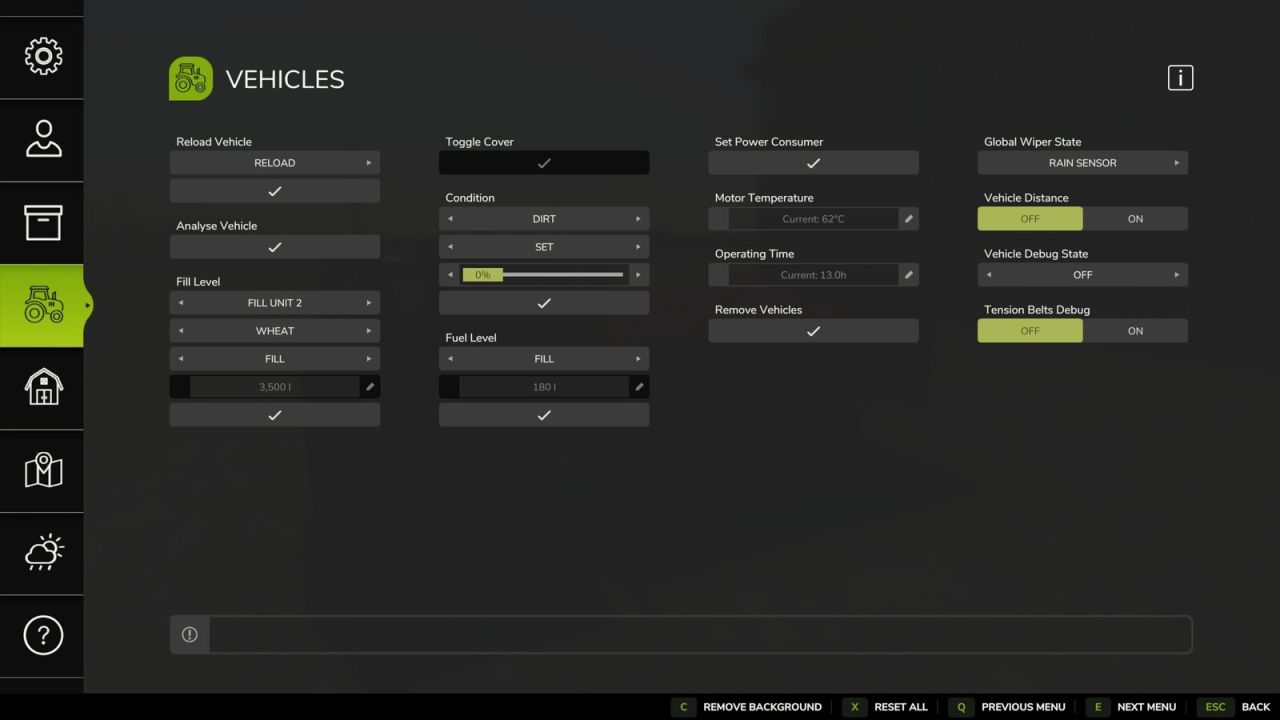
– [Vehicles] It is now possible to set operating hours to 0 or 2 decimal places.
– [Vehicles] Fixed ‘Condition’ incorrectly applying selected state type.
– [Placeables] Fixed ‘Tip To Trigger’ text box not always enabling/disabling when opening menu.
– Ukrainian (uk) translations added.
– Brazilian Portuguese (br) translations updated.
– Czech (cz) translations updated.
– French (fr) translations updated.
– Polish / Polski (pl) translations updated.
– German (de) translations updated.
– Russian (ru) translations updated.
– Italian (it) translations updated.
– Adjusted some default user settings to the ‘off’ state and prevent them from saving with the game to avoid user confusion.
Note: Due to mod changes the defaultUserSettings.xml file will be updated to the new mod defaults. As with previous releases these settings can be adjusted allowing them to be automatically applied when joining a multiplayer game or starting a new local save.