1999 Dodge Ram 2500 Club Cab v1.0.0.3
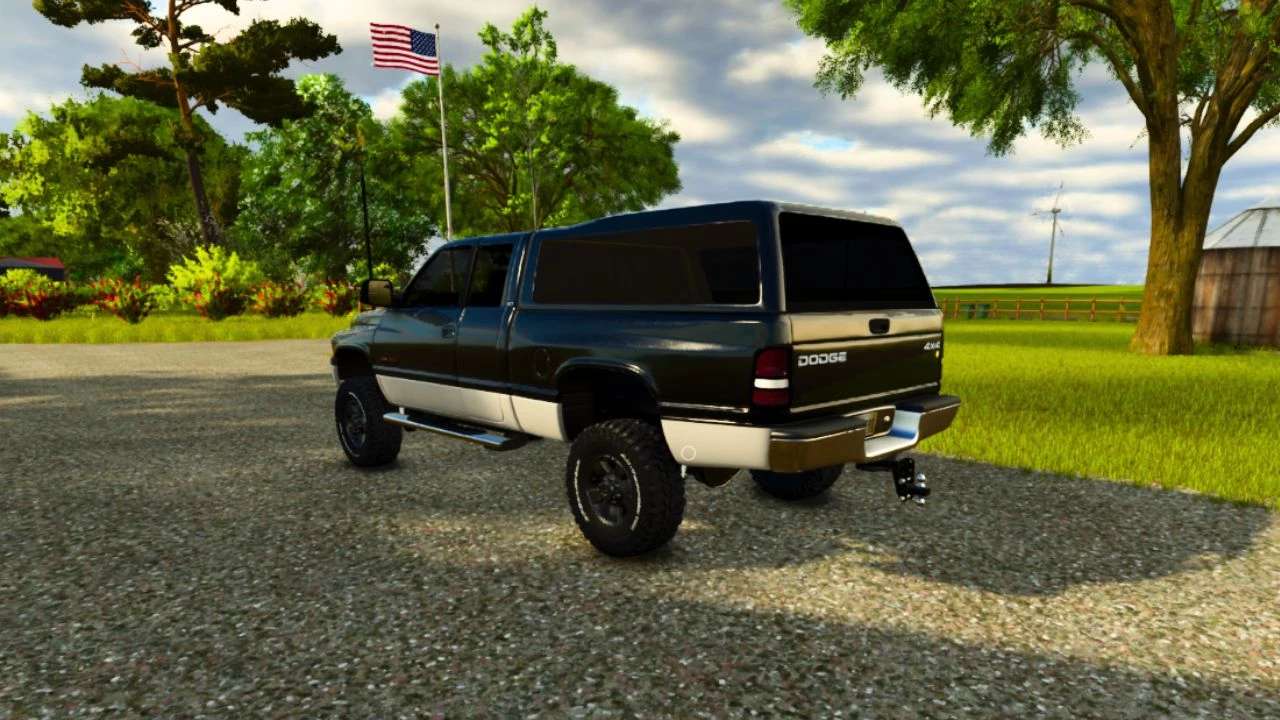
1999 Dodge Ram 2500 Club Cab v1.0.0.3
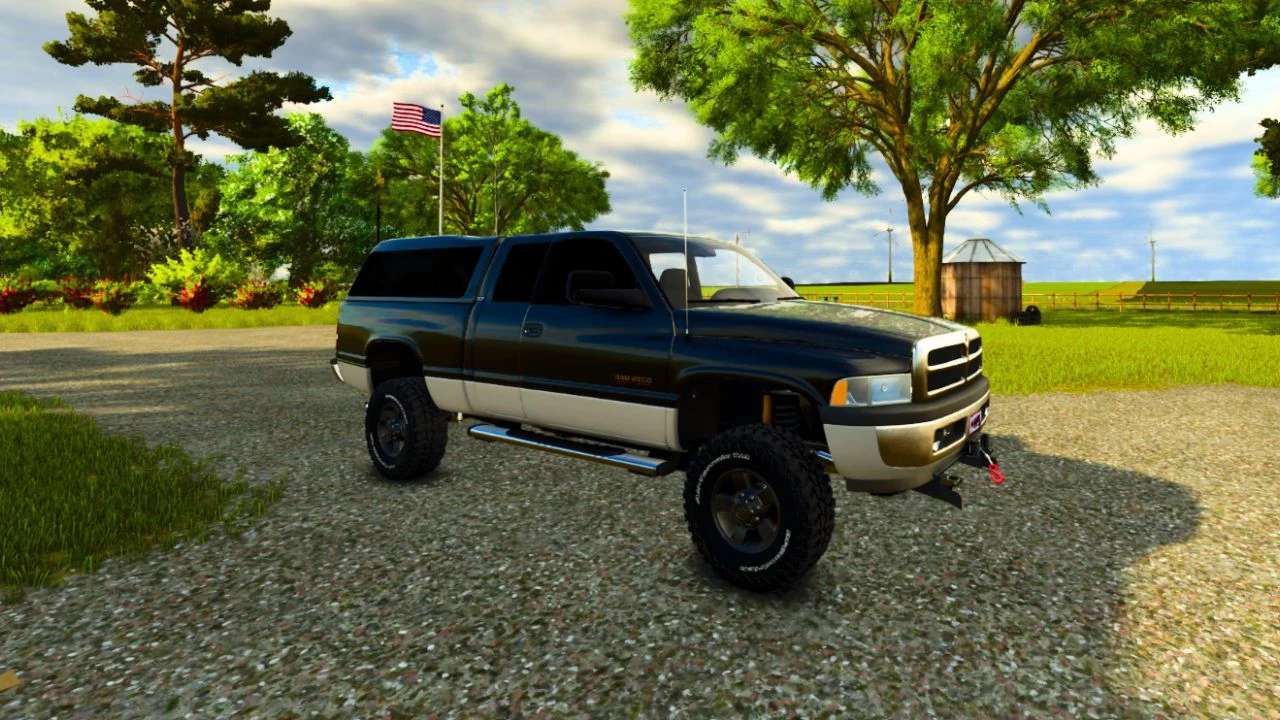
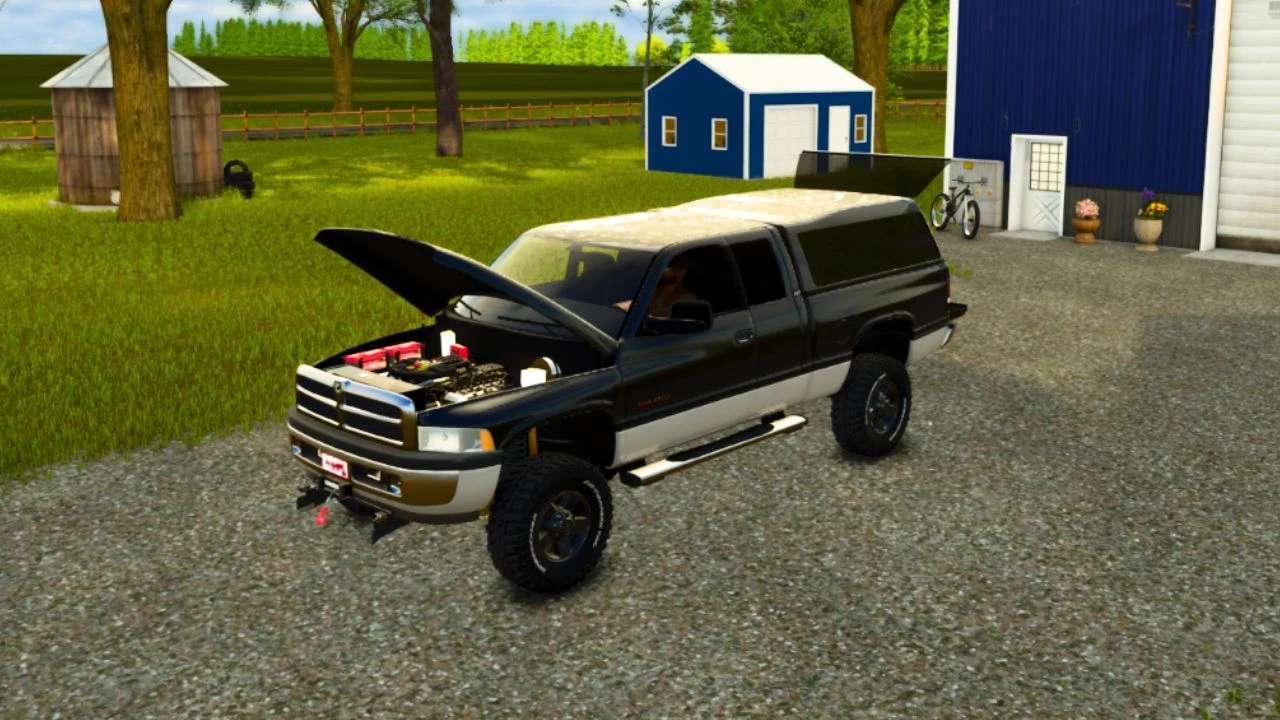
The 1999 Dodge Ram 2500 is a heavy-duty pickup truck with a short bed. It’s a more robust truck compared to the Ram 1500, designed for heavier towing and payload needs.
V1.0.0.3
Fixed engine sound that giants last update 1.11.0.1 caused a problem with. To do this we had to sadly remove the turbo blow off sound for now until we can figure something out with how the game uses sound xml files atm.
Key Features and Options:
Trim Level: Club Cab
Bed Length: Short Bed
Drivetrain: 4-wheel drive (4WD) option
Engine Options: Primarily offered with a 5.9L V8 engine, but also included a 5.9L Turbo-Diesel I6.
Transmission: 6-speed automatic
Towing Capacity: Can tow up to 13,900 lbs, depending on the configuration.
Payload Capacity: Can carry a significant payload, with some models exceeding 3,000 lbs.
Features: Includes options like power windows, power locks, and air conditioning.
Features:
3 Engine Options – 5.9L Magnum @ 245 hp / 5.9L Cummins @ 215 hp / 6.7L Cummins @ 420 hp
4 Wheel Options
3 Passenger Capable
4 Interior Deco Options
4 Stock Front Bumper Novelty Plate Options
Subwoofer Option
Winch Option
Plow Mount Option
Strobe Light Option
Side Step / Camper Shell Options
Adjustable Hight Drop Hitch, Gooseneck Option, Fifth Wheel
To use the On The Field Equipment Repair feature you activate it by pressing X key on keyboard then have what ever piece of equipment your trying to repair next to the rear of the truck. You should be prompted by money being deducted for the repairs if done successfully and correctly. The Chainsaw Storage feature is best and easiest activated by the back door area of the passenger side of the cab. You should see a prompt to press R key on your keyboard to store or take your chain saw. To open the engine hood a.k.a [The bonnet] hold both mouse buttons at the same time while the truck is running and then simply move the mouse left to right to open and close the engine hood a.k.a [The bonnet].
Credit goes out to Squigglze for the J.
Credit goes out to KretnGaming/HuiaModifications for the prefab strobe light bar and its easy to use instructions.