Realistic Shader Stardiver2 v1.2.0.0
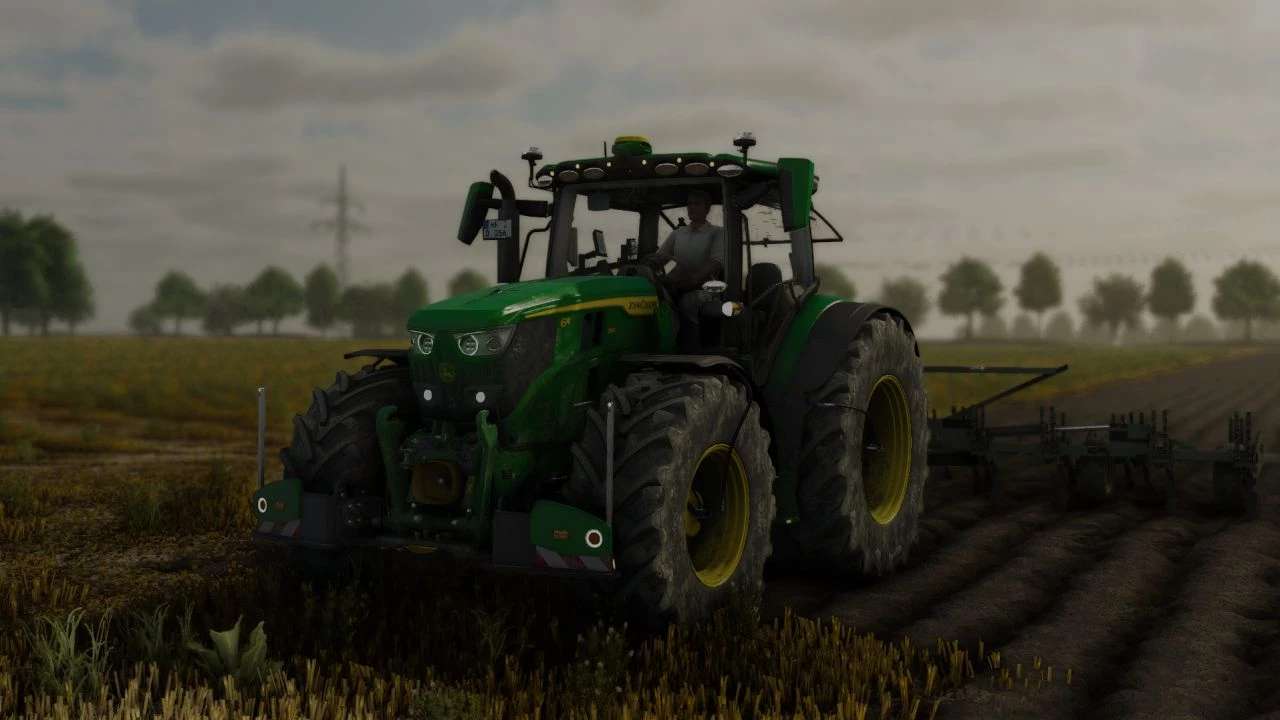
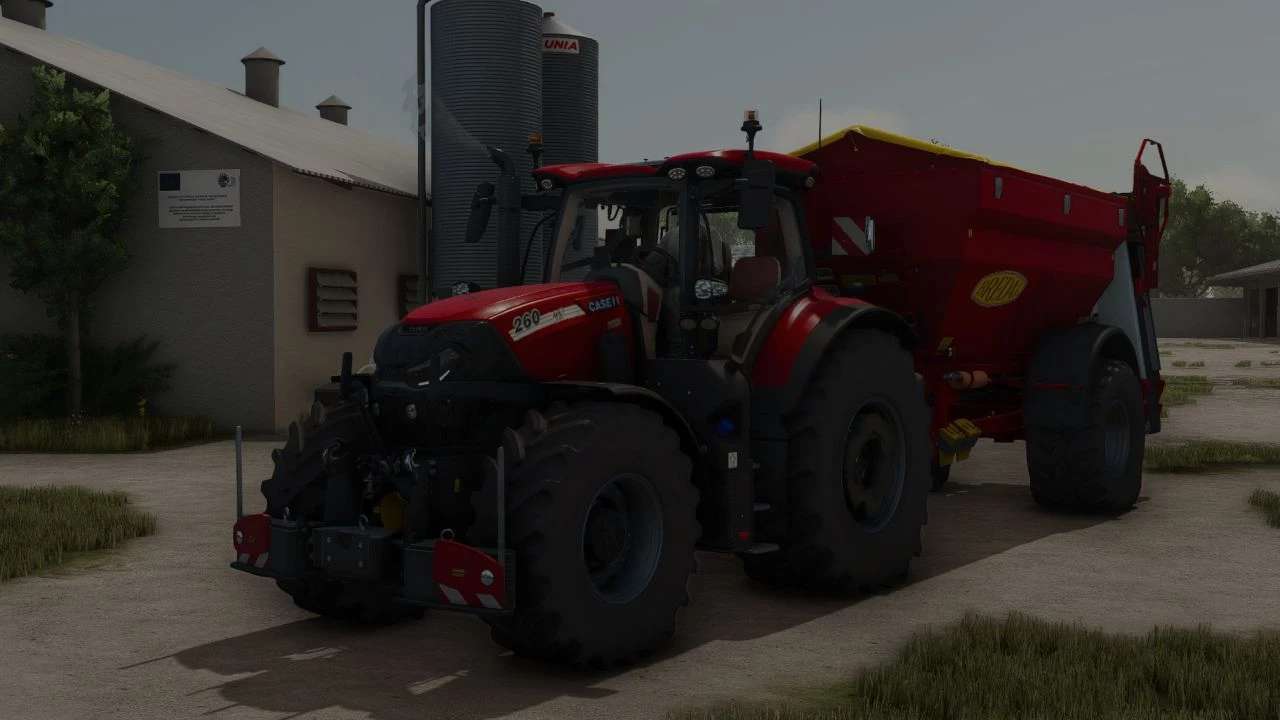
Realistic Shader Stardiver2 v1.2.0.0
Realistic Shader – Reshade for LS25
V1.2.0.0
Improved shadows
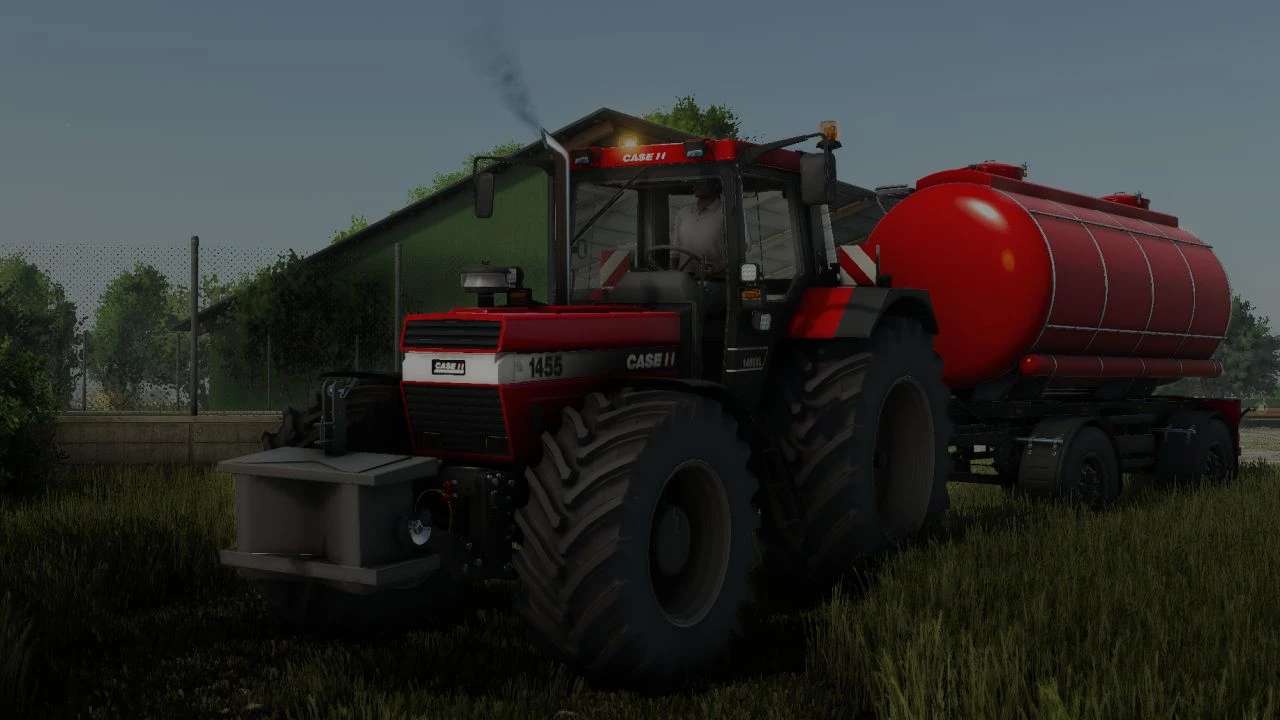
A simple reshade preset for the LS25 with more natural colors and light.
Provides more realistic atmosphere without much frills.
Instructions for installing the Shader:
Download Reshade
Visit the website Reshade and scroll down
Download full add-on support
Installed Reshade
Leads the file and confirms the warning with OK
Be sure to close the game beforehand
Select the path
Click on Browse and seek the installation path of your game
Steam version under Programs X86> Steam> Steamapps> Common> Farming Simulator 2025> X64
Giants version under Programs> Giants> Farming Simulator 2025> X64
Select the FarmingSimulator2025/Game EXE file and continue clicking
Select DirectX version
Select DirectX 10 11 12 and click on
Install effects
With the effect selection
Click all and then check all
Click Next and skip the add-ons
Import Shader
Starts the game and opens the reshade menu with the Pos1 button
Skiped the tutorial
Click on the folder symbol at the top, move the Shader file ini to the game’s X64 folder and select it in the Reshade menu
Flicker
If it flickers, opens the tab Add-on or extensions in the RESHADE menu and sets a catch with the corresponding option
If you have any questions, please contact them. I’m looking forward to your feedback
Have fun trying it out