Savegame ls_Oldtimerhof Irgendwo in Thüringen IV Crossplay v1.0.0.0
Savegame ls_Oldtimerhof Irgendwo in Thüringen IV Crossplay v1.0.0.0
Here’s another mod from FBM:
ls_Oldtimerhof Somewhere in Thuringia IV Crossplay by ls_oldtimer.
I’m making my savegame of “Somewhere in Thuringia IV Crossplay” available to you.
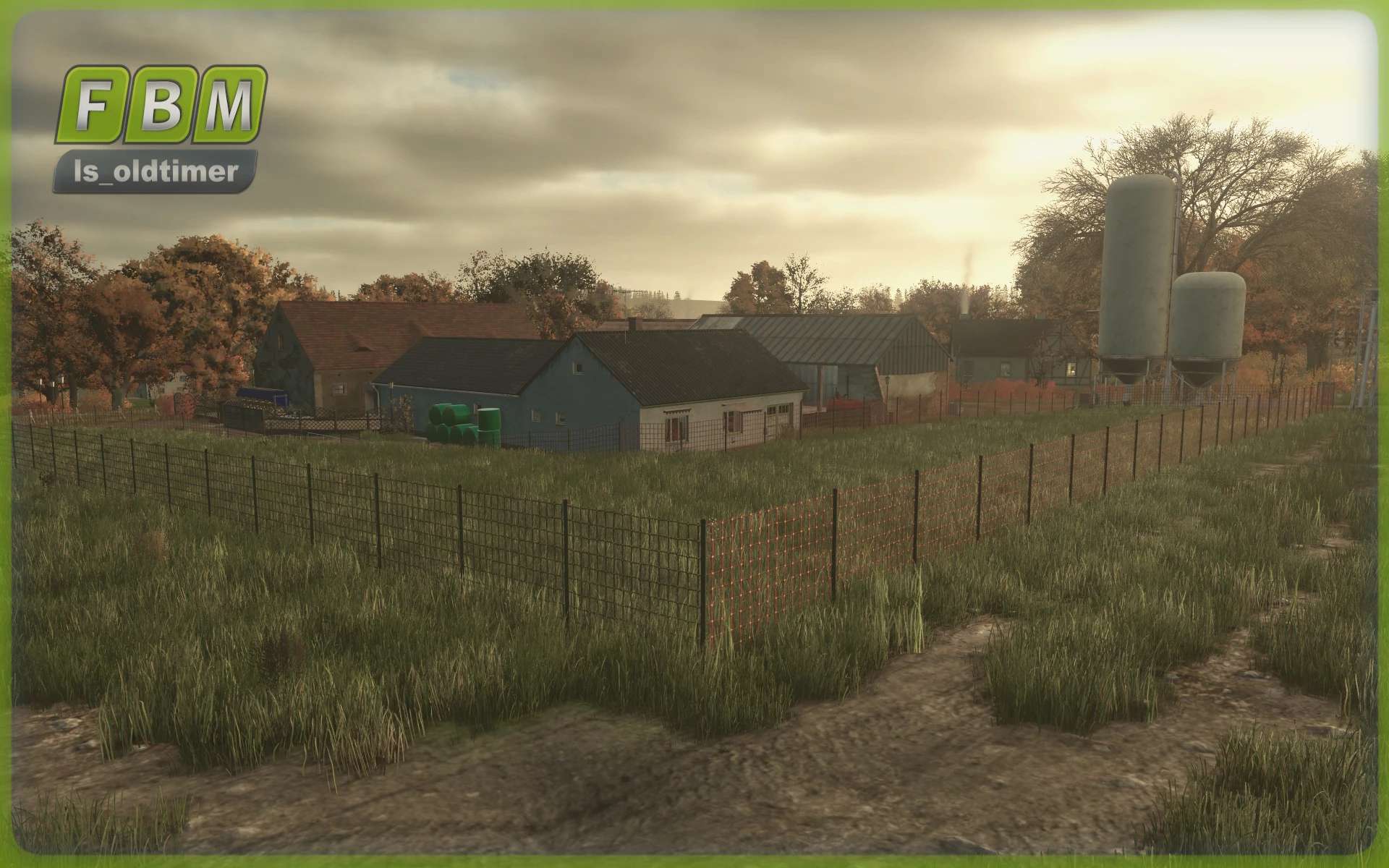
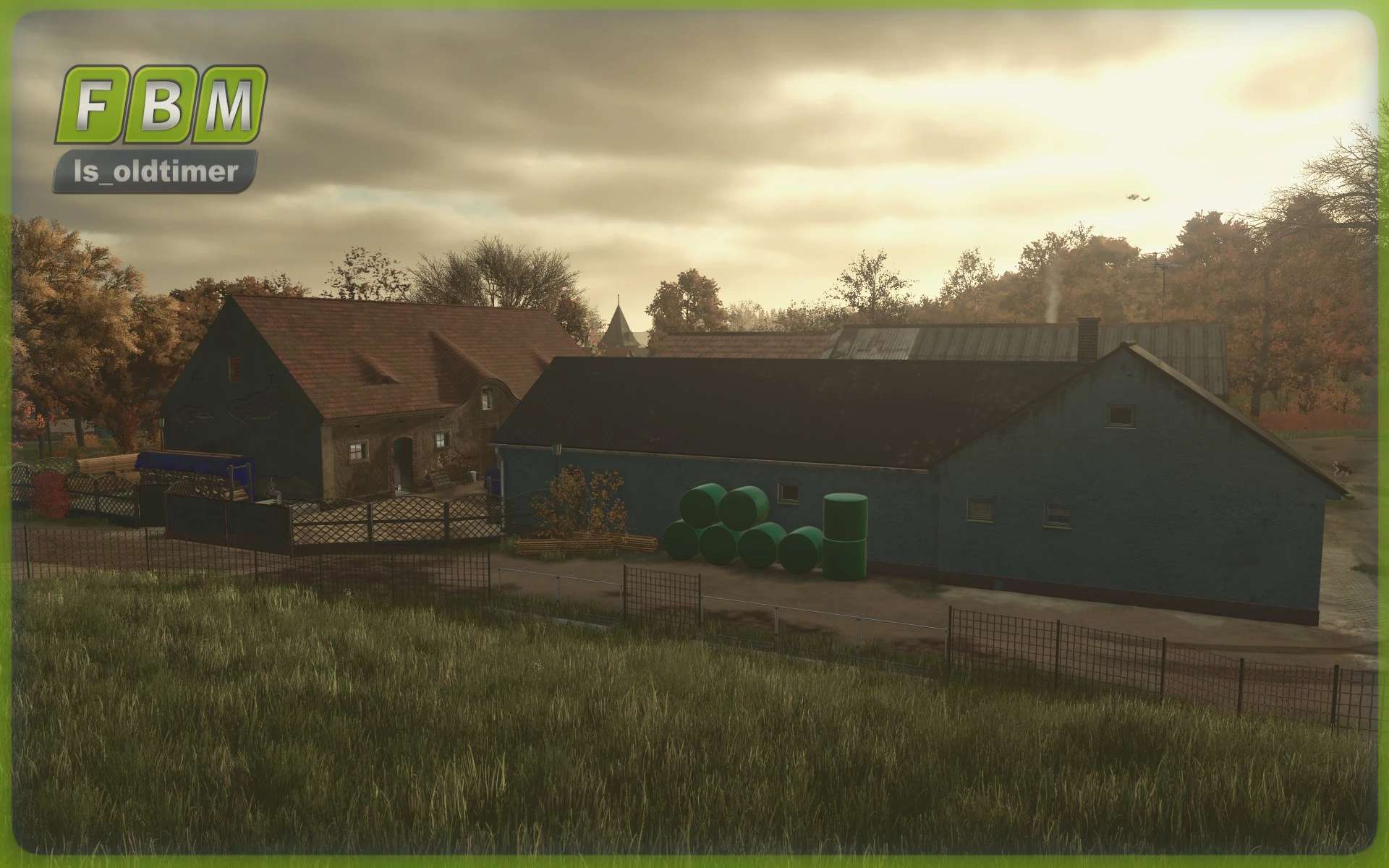
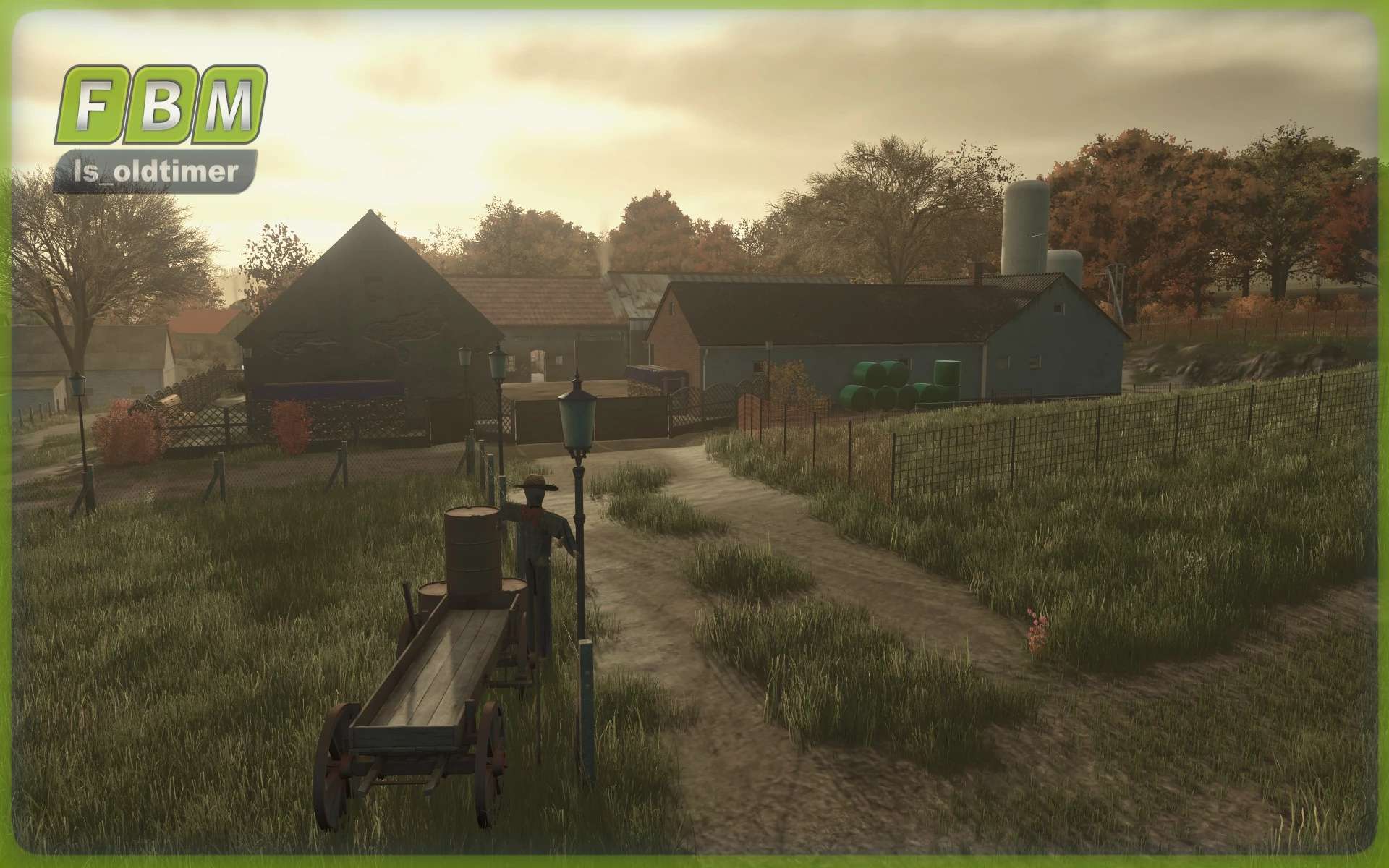
A small, rustic farm with lots of charm and character.
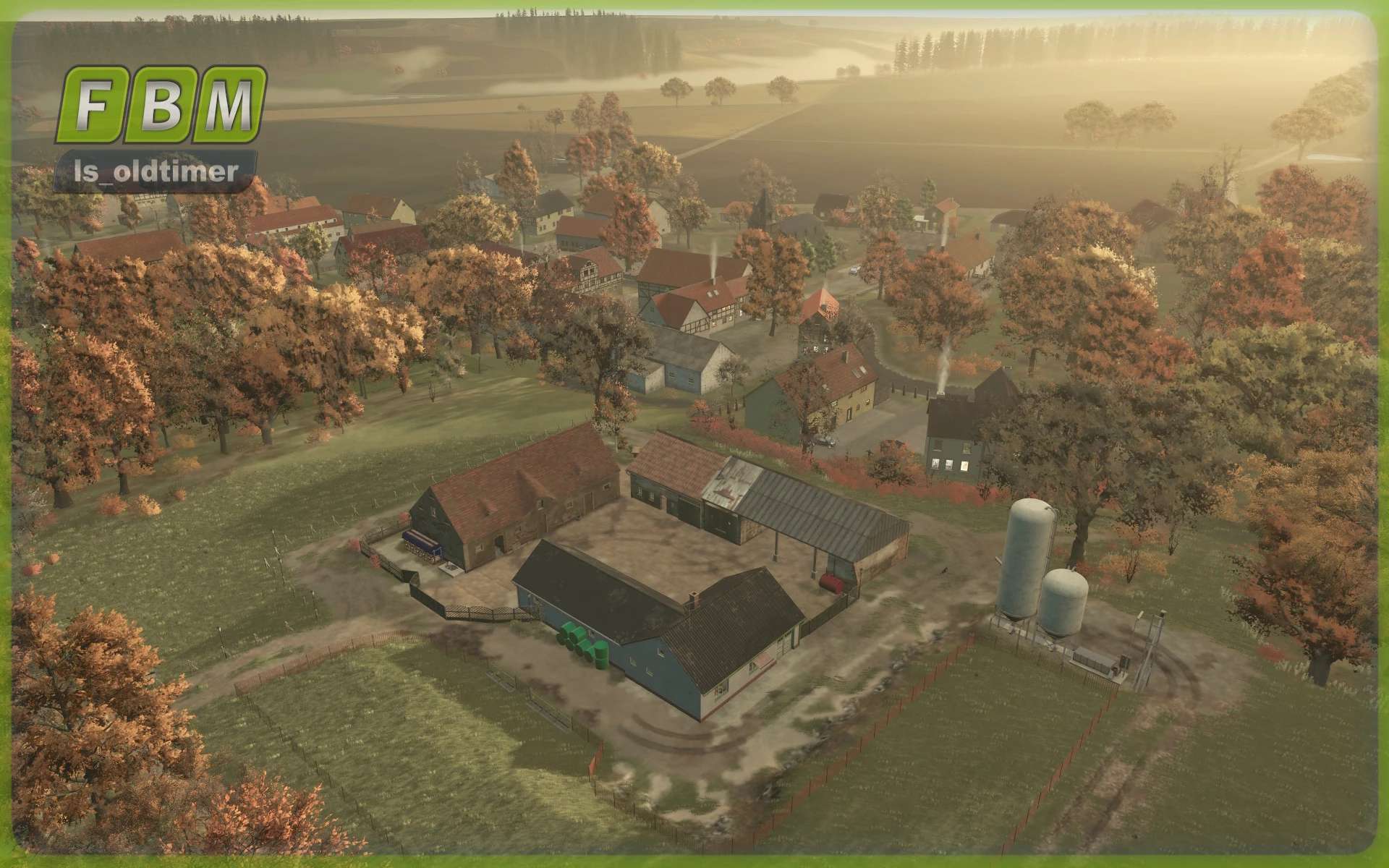
The small ls_Oldtimerhof is tucked away on field ID 79, just behind the upper village.
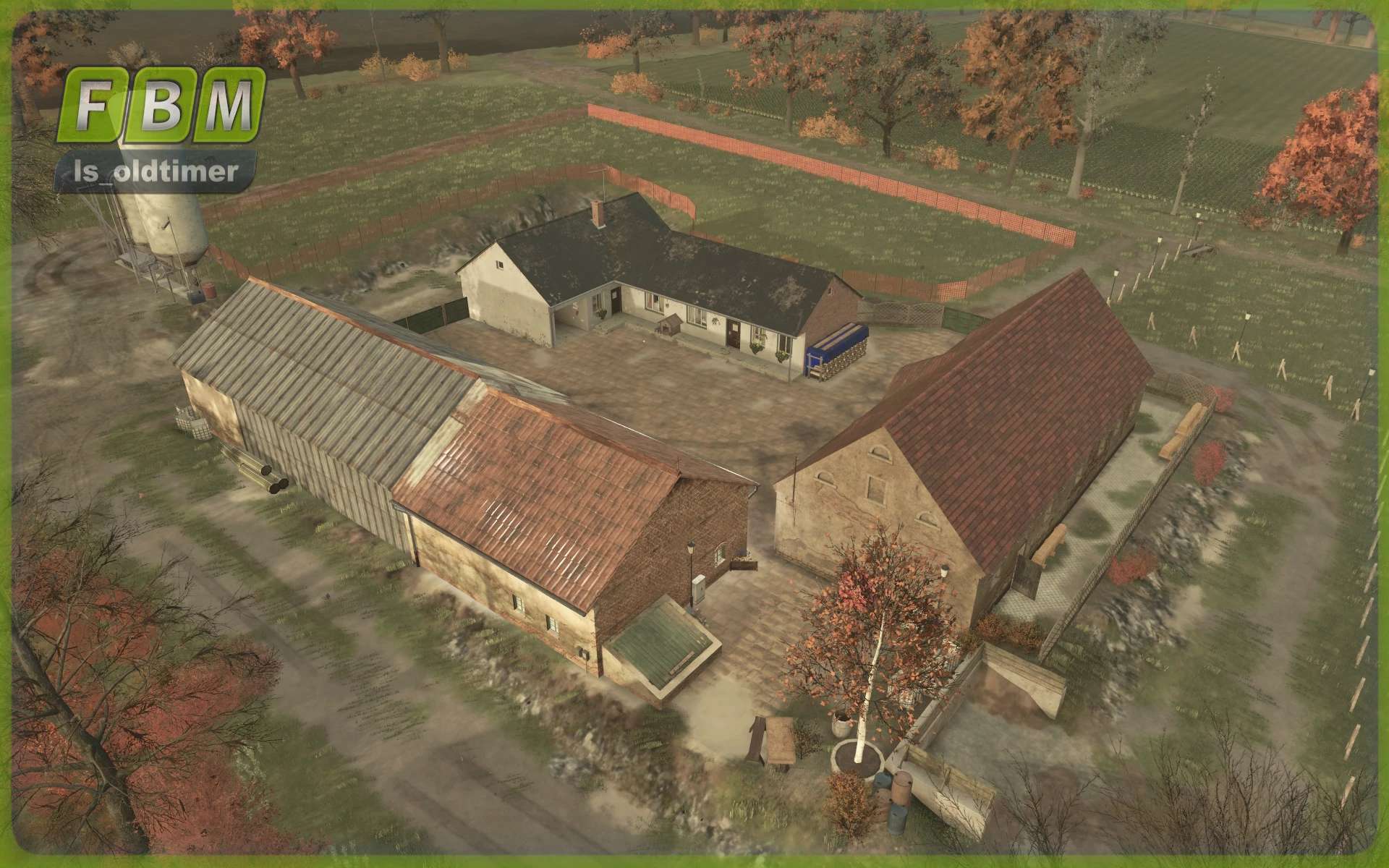
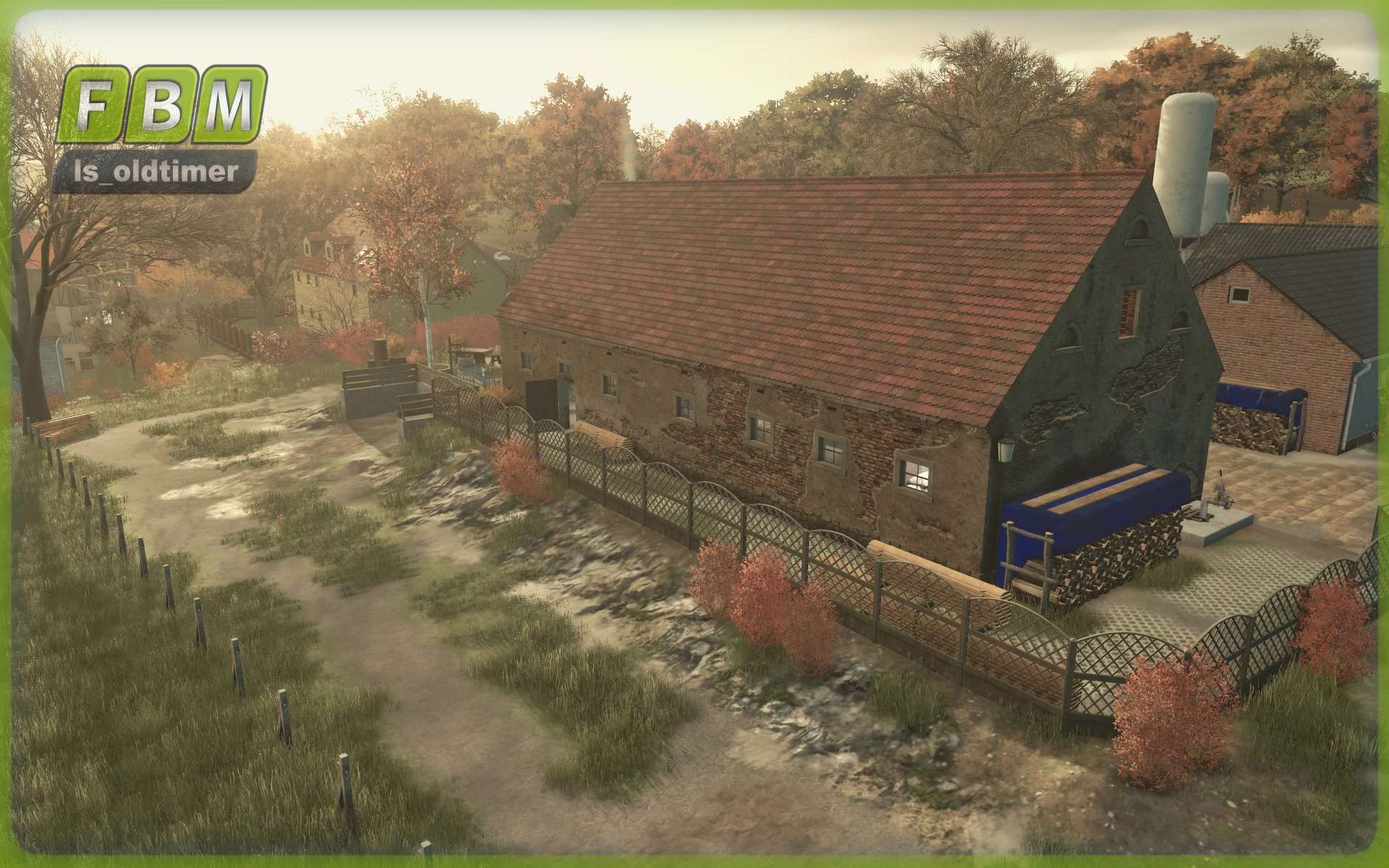
The heart of the farm is the old cowshed with a capacity for up to 20 animals.
Next to the building, you’ll find an additional manure pit and a small dung heap.
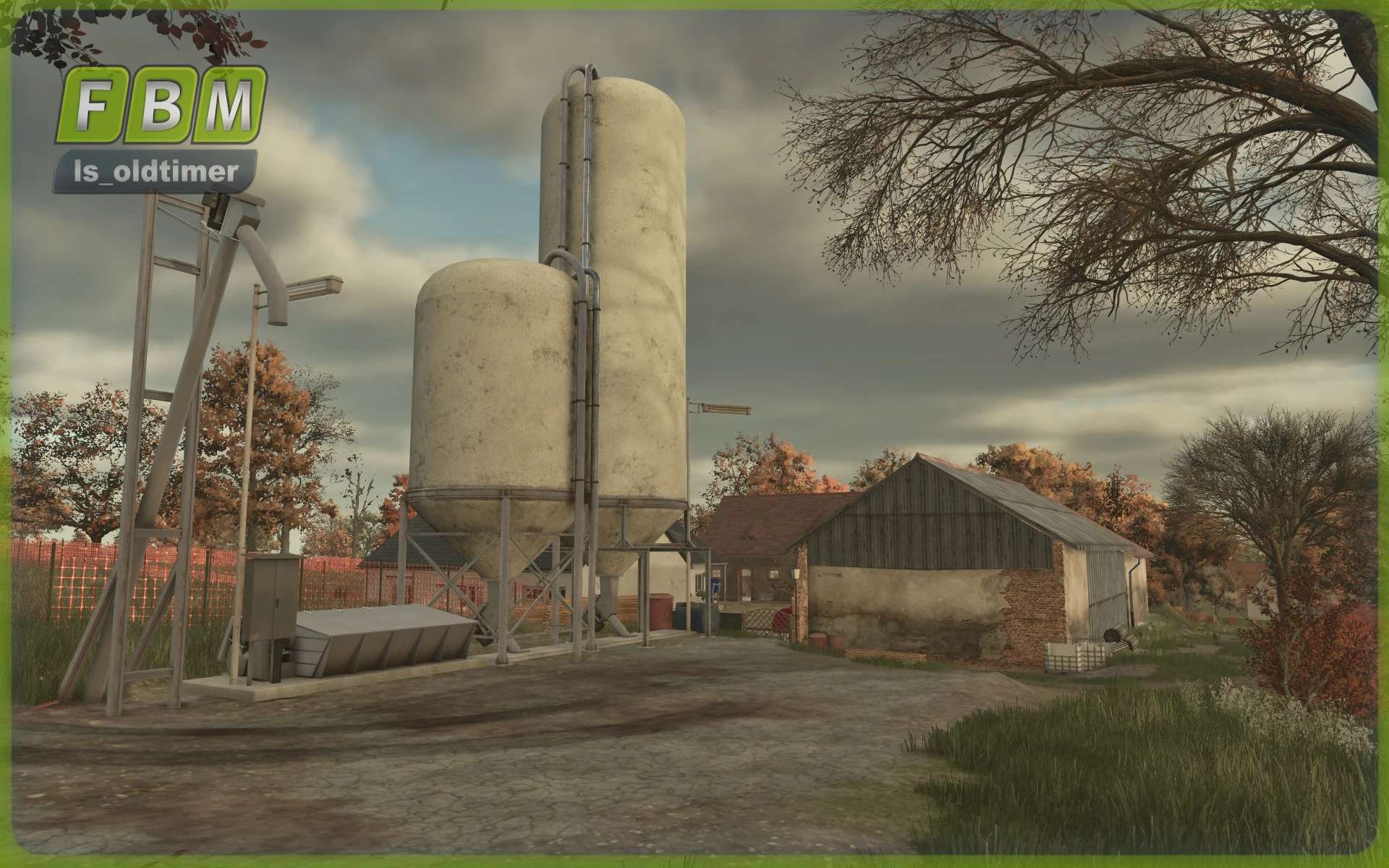
A silo for storing your crops has been added next to the somewhat dilapidated machine shed.
You don’t just have to take care of the cows; the animals on the adjacent sheep pasture are also waiting for food.
Installation Instructions:
1. Download the zip file.
2. Extract the zip file “UNPACKEN_ls_oldtimerhof_irgendwo_in_thueringen_SAVEGAME”.
3. Drag the “savegame2” file into your game folder (e.g., Documents/My Games/FarmingSimulator2025).
If you already have a save game named “savegame2”, change the last digit of the downloaded save game file.
Mods:
All required mods should be automatically downloaded from the Modhub the first time you start the game.
If you encounter any problems, here are all the installed mods:
Somewhere In Thuringia IV Crossplay
Old German Barn
European Decorative Buildings Pack
Engelmaier Farm