TerraFarm V1.6.1.0
TerraFarm V1.6.1.0
V1.6.1
Transfer material from vehicle fill volumes to excavator shovels (373f9d6)
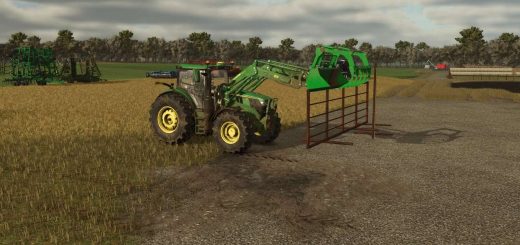
All machines configured to use excavatorShovel type can now “dig” material from other vehicle fill volumes, like trailers and even wheel loader shovels.
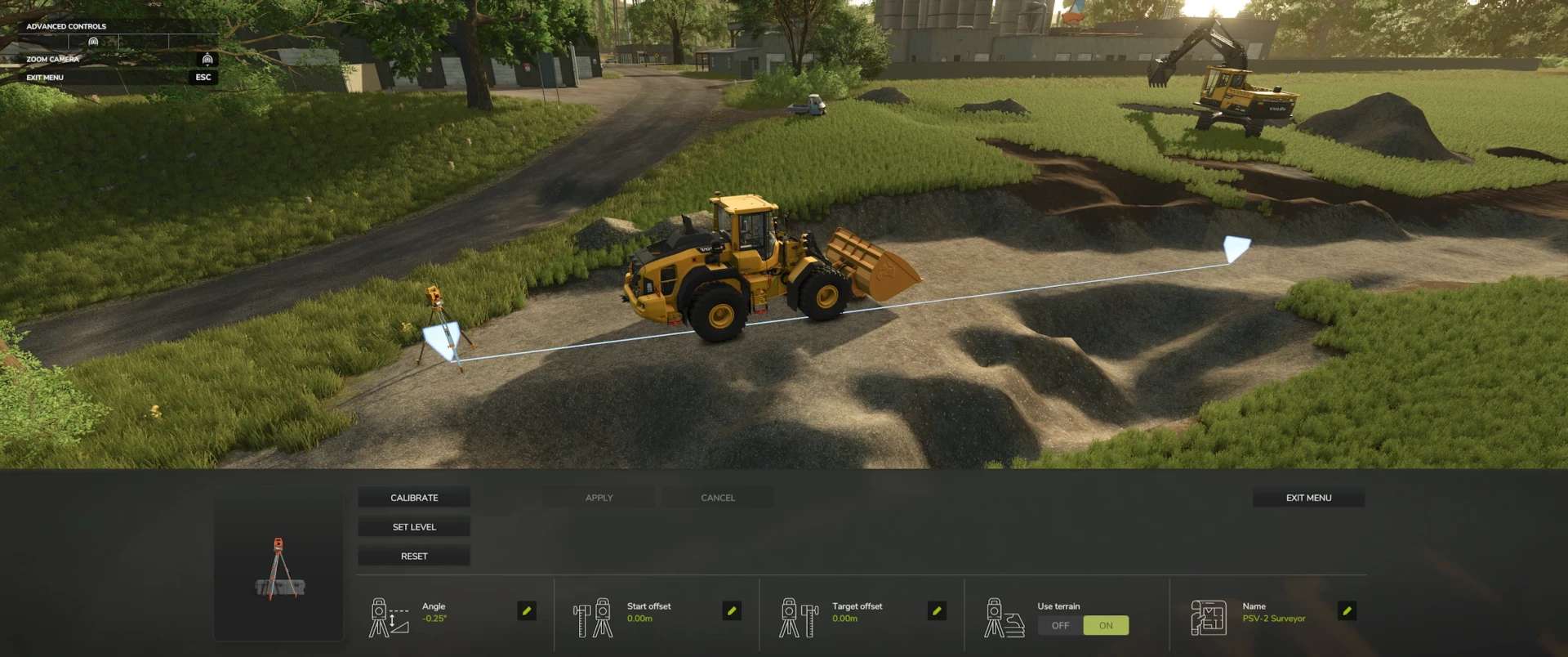
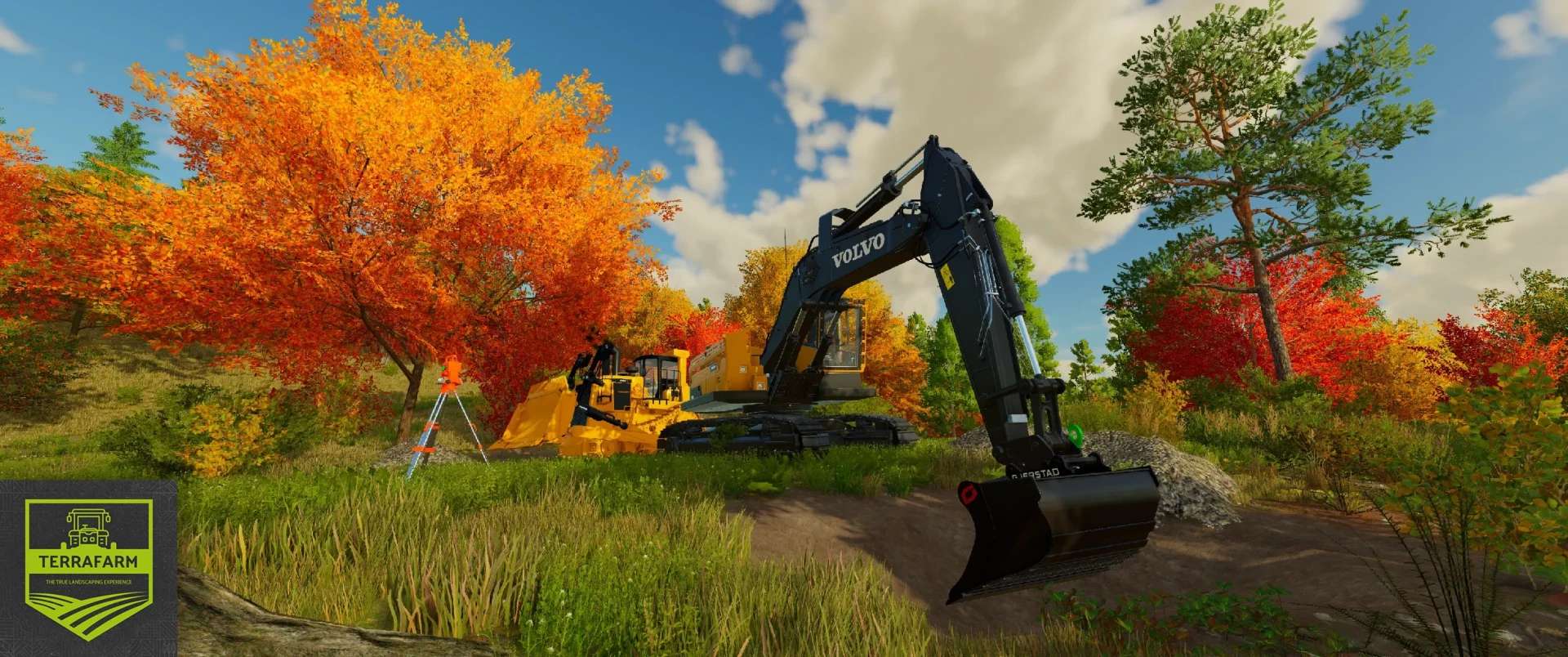
Tired of using the landscaping tool to carve out your land? Not satisfied with using fill types on the ground to supply your mining team? No worries, with TerraFarm you can shape your own land using the equipment of your choice.
Download machine addons
For supporting 3rd. party machine configurations
Official machines addon mod
Download the latest FS25_0_TerraFarmMachines.zip and copy/move it into your FS25 mods folder.
Multiplayer
Multiplayer is fully supported. In order to use machines, players will need to have either landscaping permission, be farm manager or granted admin access. Farm managers can disable/enable machines owned by the farm, and admins can control global settings.
Materials
All materials available on map, including mods adding filltypes, will be available for players to use. There is also a material settings dialog where you can control which materials players can select (SP and MP).