AutoDrive Navi AddOn V1.0.1.0
AutoDrive Navi AddOn V1.0.1.0
This mod transforms the AutoDrive mod into a navigation system.
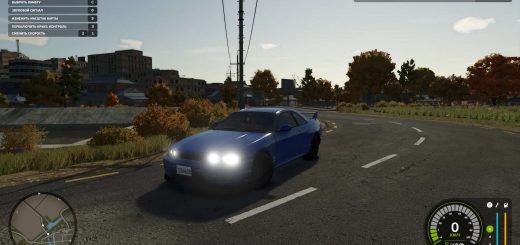
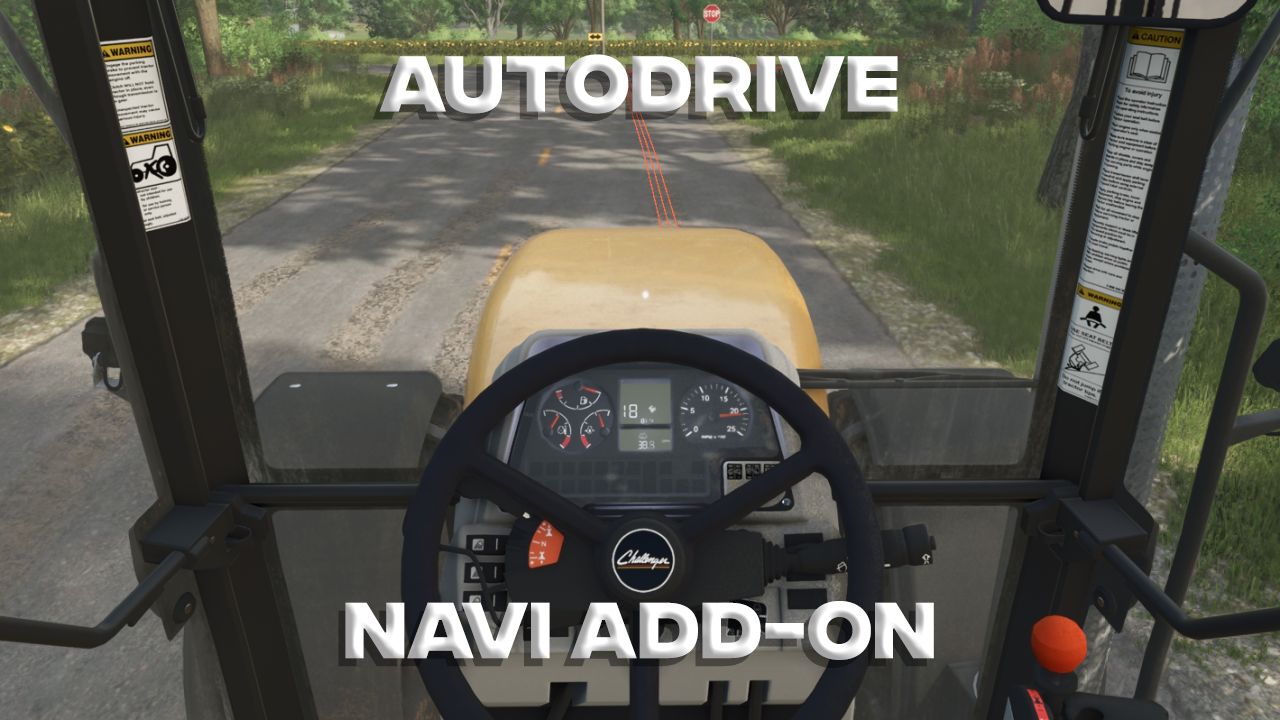
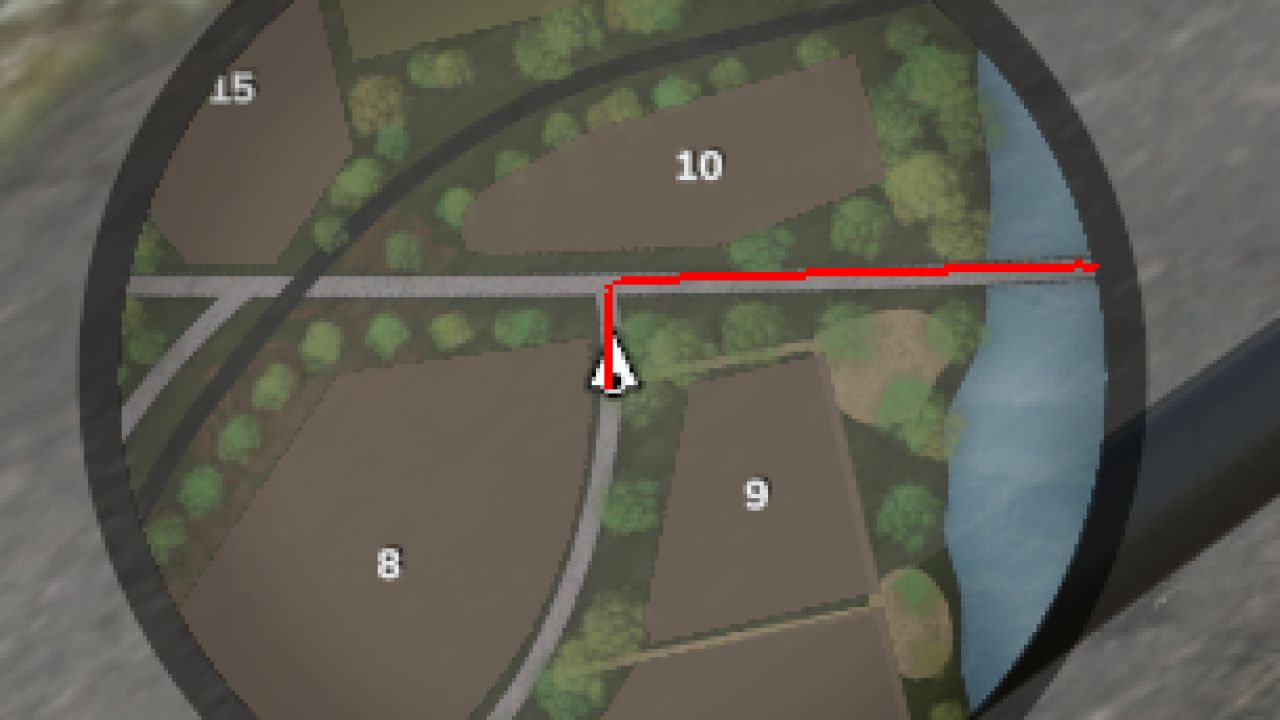
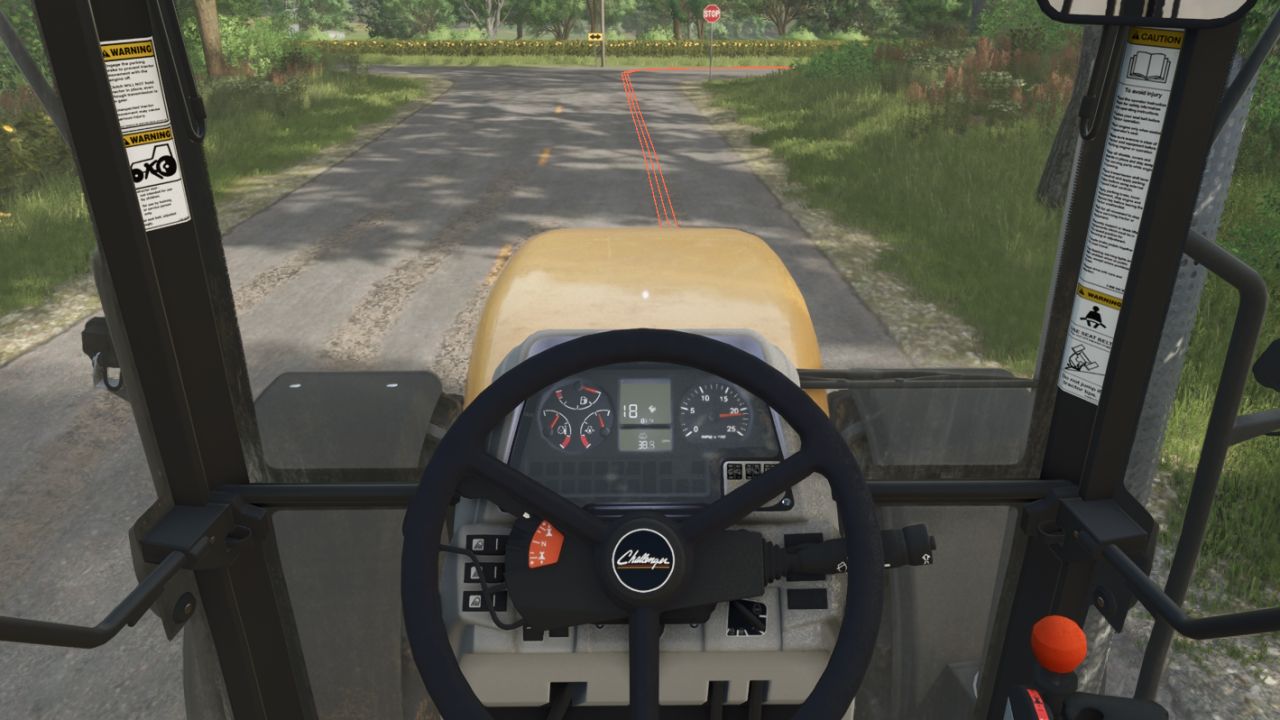
Get into your vehicle, select a destination from the AutoDrive menu, press RightShift+N , and the route will be displayed on the minimap and as a line on the road.
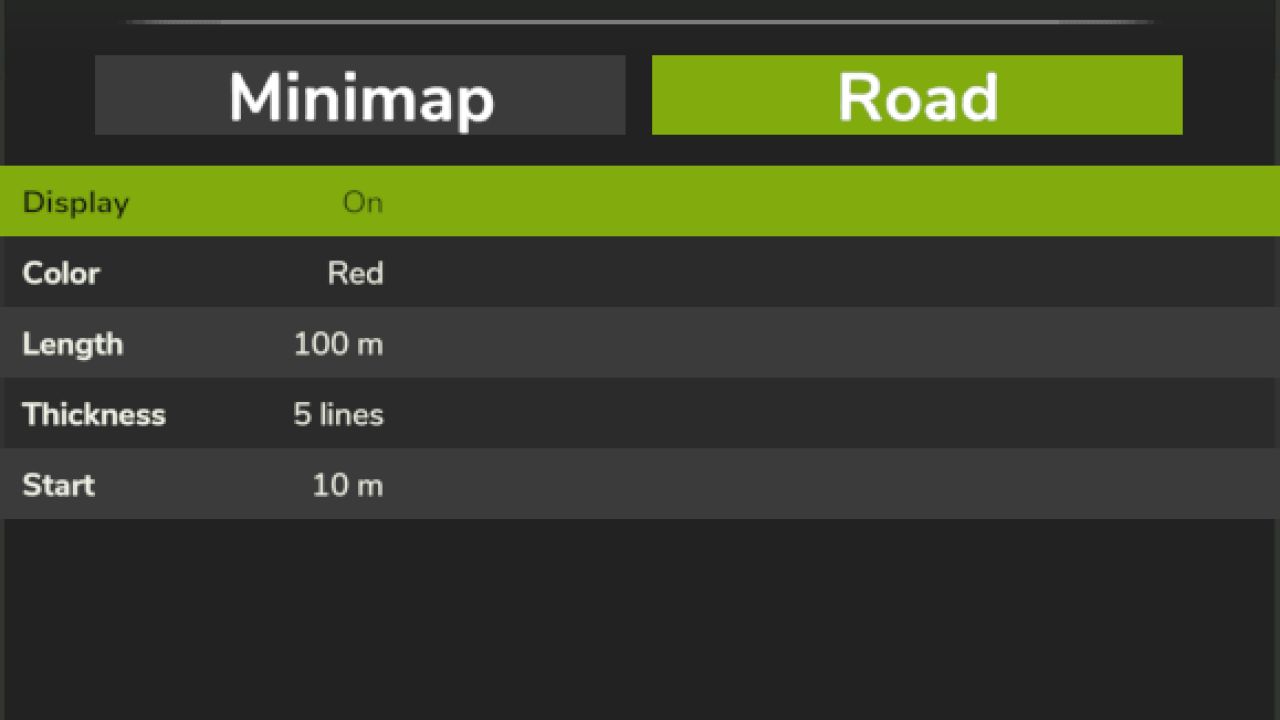
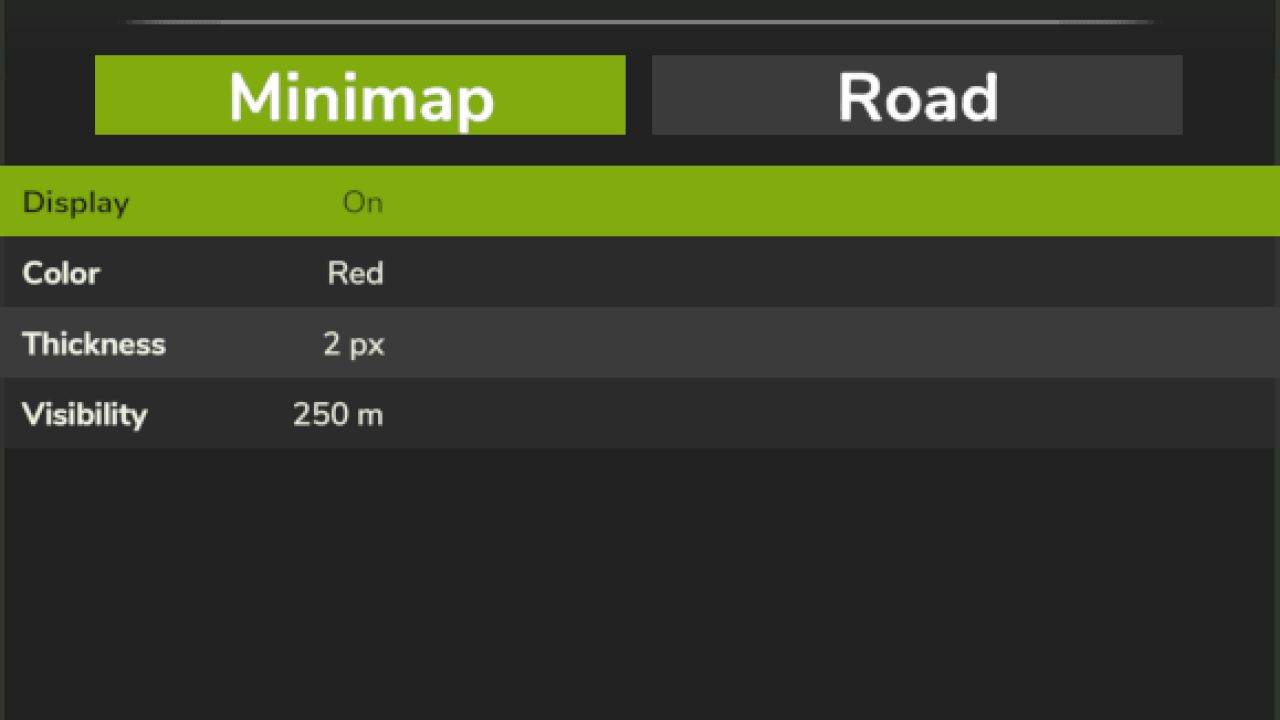
Press Ctrl+RightShift+N to open the settings. Here you have two tabs: Minimap and Road, which you can switch between using Q and E.
Use the up and down arrow keys to select an entry in the menu (or simply click with the mouse), and use A and D or the left and right arrow keys to cycle through the options.
The settings are as follows:
Minimap
Display: If you only want to see the lines on the road, you can disable them for the minimap here.
Color: Change the color of the displayed line.
Thickness: Change the thickness of the displayed line.
Visibility: Choose how long the line should be displayed on the minimap. The entire route is always displayed on the large minimap. Note that if the line is too long, it will be “stacked” at the edge of the minimap.
Show Road
If you only want to see the lines on the minimap, you can disable them for roads here.
Color: Change the color of the displayed lines.
Length: Adjust the length of the lines displayed in front of you.
Thickness: The thickness is defined by the number of thin lines displayed.
Start: Here you can select how far in front of you the displayed lines should begin.
This mod may be freely modified and redistributed.
It was tested with AutoDrive version 3.0.1.2 on the Riverbend Springs map.
AutoDrive is required for obvious reasons. But you probably already use it, like every Farming Simulator player.
Transparency notice: This mod was created with AI.