Czech Radio Stations V1.0.0.0
Czech Radio Stations V1.0.0.0
Bring the sound of Czechia into your Farming Simulator 25 experience with this custom Czech radio pack. This package adds a practical selection of Czech internet radio stations that you can use in FS25, including public broadcasters and popular commercial stations.
Included stations
– ČRo Radiožurnál
– Český rozhlas Dvojka
– ČRo Plus
– ČRo Vltava
– ČRo Radio Wave
– Radio Impuls
– Český Impuls
– Frekvence 1
– Evropa 2
– Kiss Radio
– Rock Radio
– Radio Beat
– Rádio Blaník
– Fajn Rádio
– Radio 1
– Country Radio
– Radio Bonton
– Rádio Krokodýl
What is included
1. streamingInternetRadios.xml
The FS25 radio station file.
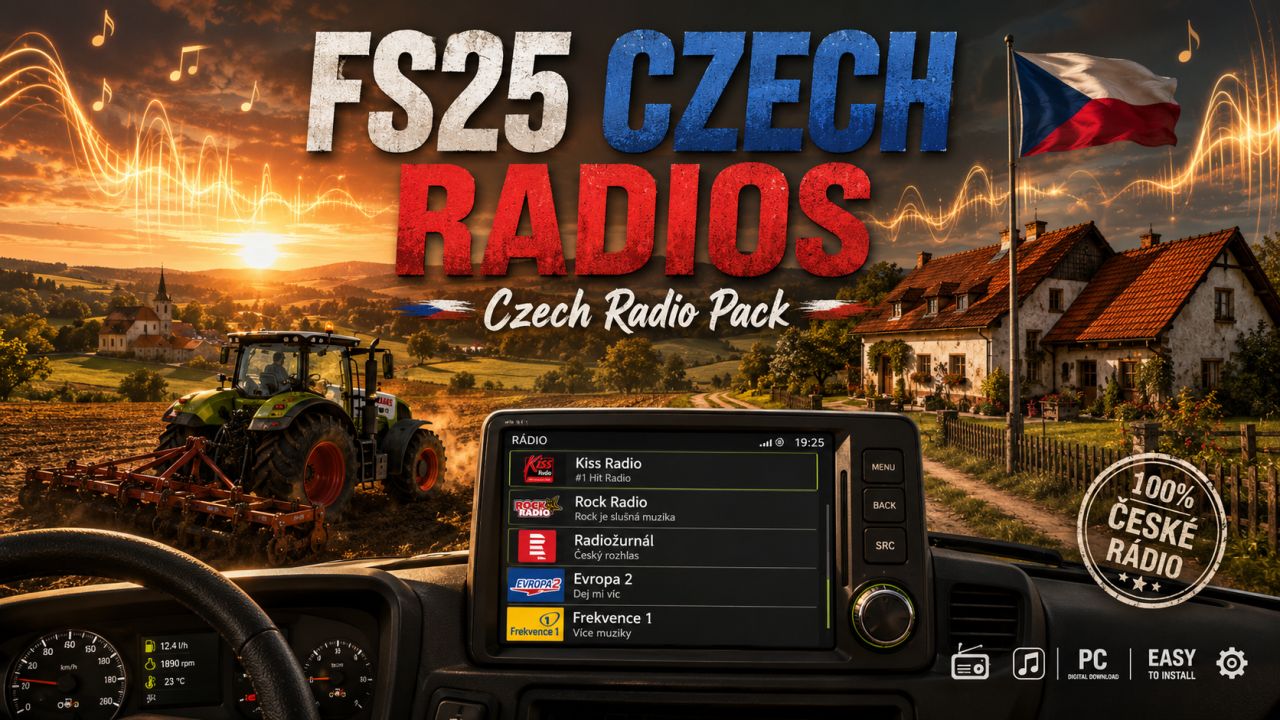
2. czech_radios_illustration.png
A custom illustration themed around Czech radios in Farming Simulator 25.
3. README_CZ_Radios_EN.txt
This English description and installation guide.
Installation
1. Close Farming Simulator 25.
2. Copy the file “streamingInternetRadios.xml” into:
Documents/My Games/FarmingSimulator2025/music
3. If a file with the same name already exists, back it up first.
4. Start the game and switch through the in-game radio stations.
Notes
– Internet radio stations can occasionally change or go offline.
– If one station stops working later, it may need an updated stream URL.
– This pack was prepared as a ready-to-use custom selection for FS25 players who want Czech radio stations, especially including Kiss Radio and Rock Radio.
Enjoy farming with the sound of Czechia!