Realistic camera in the cabin V1.2.0.1
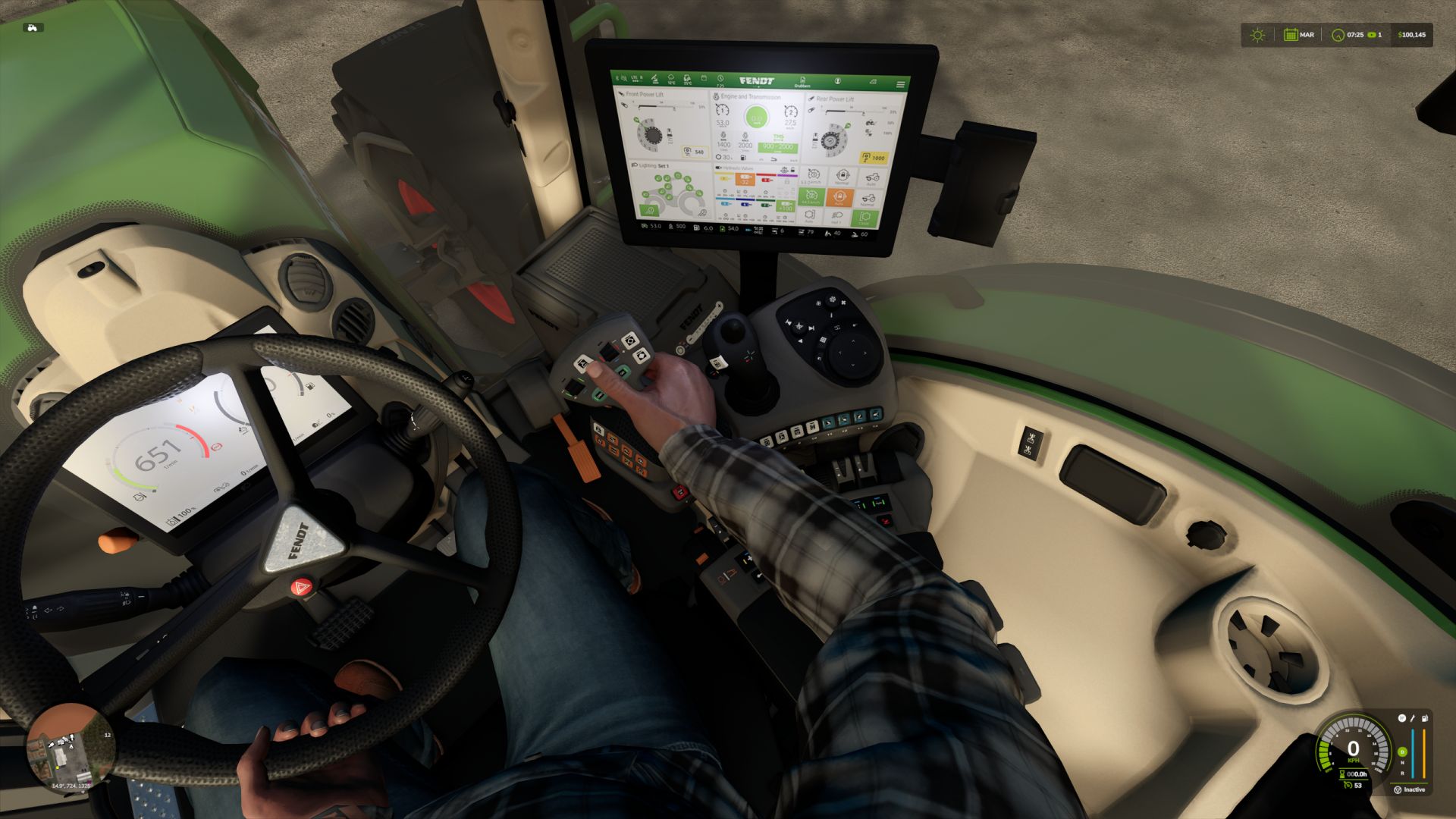
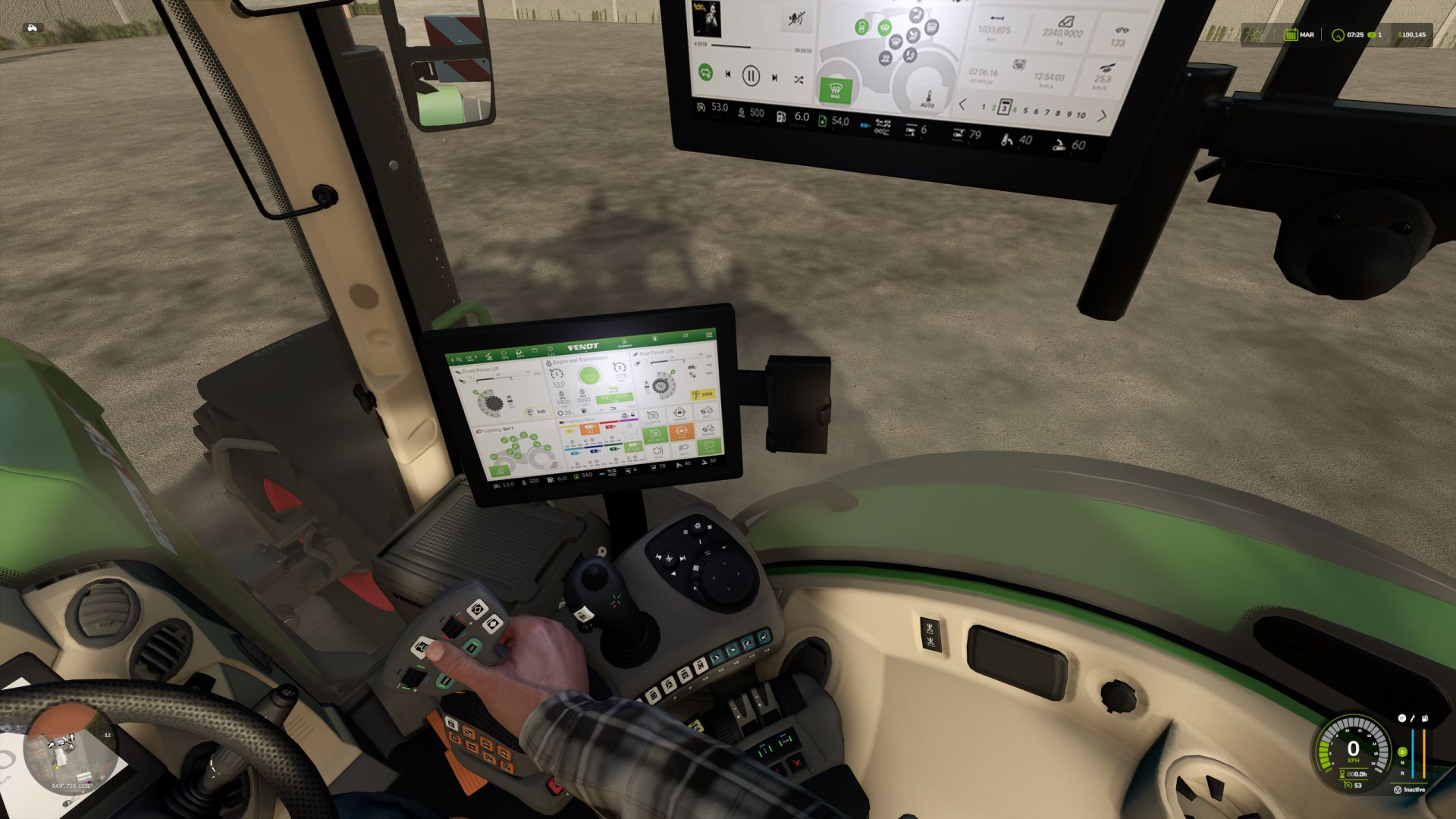
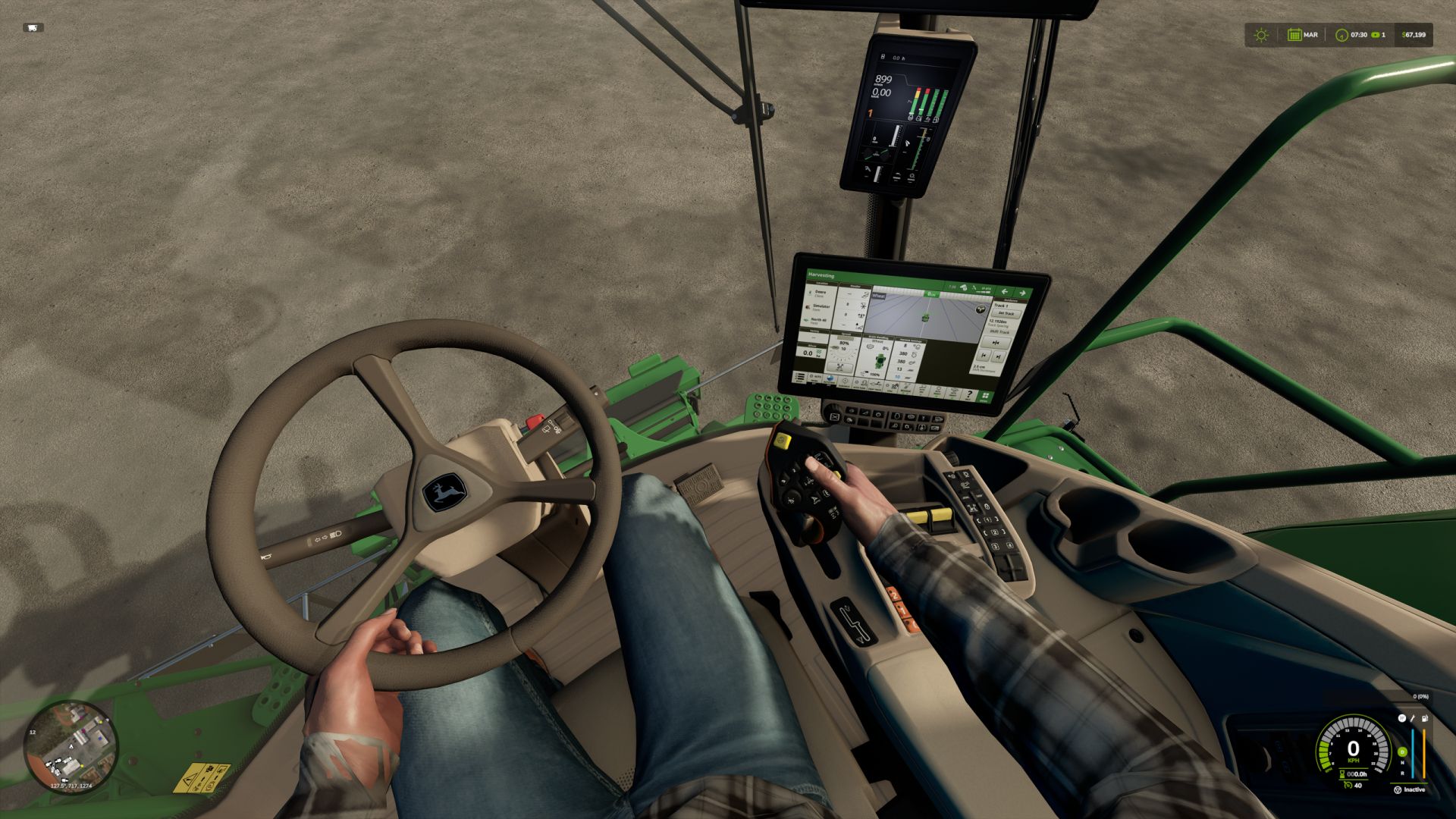
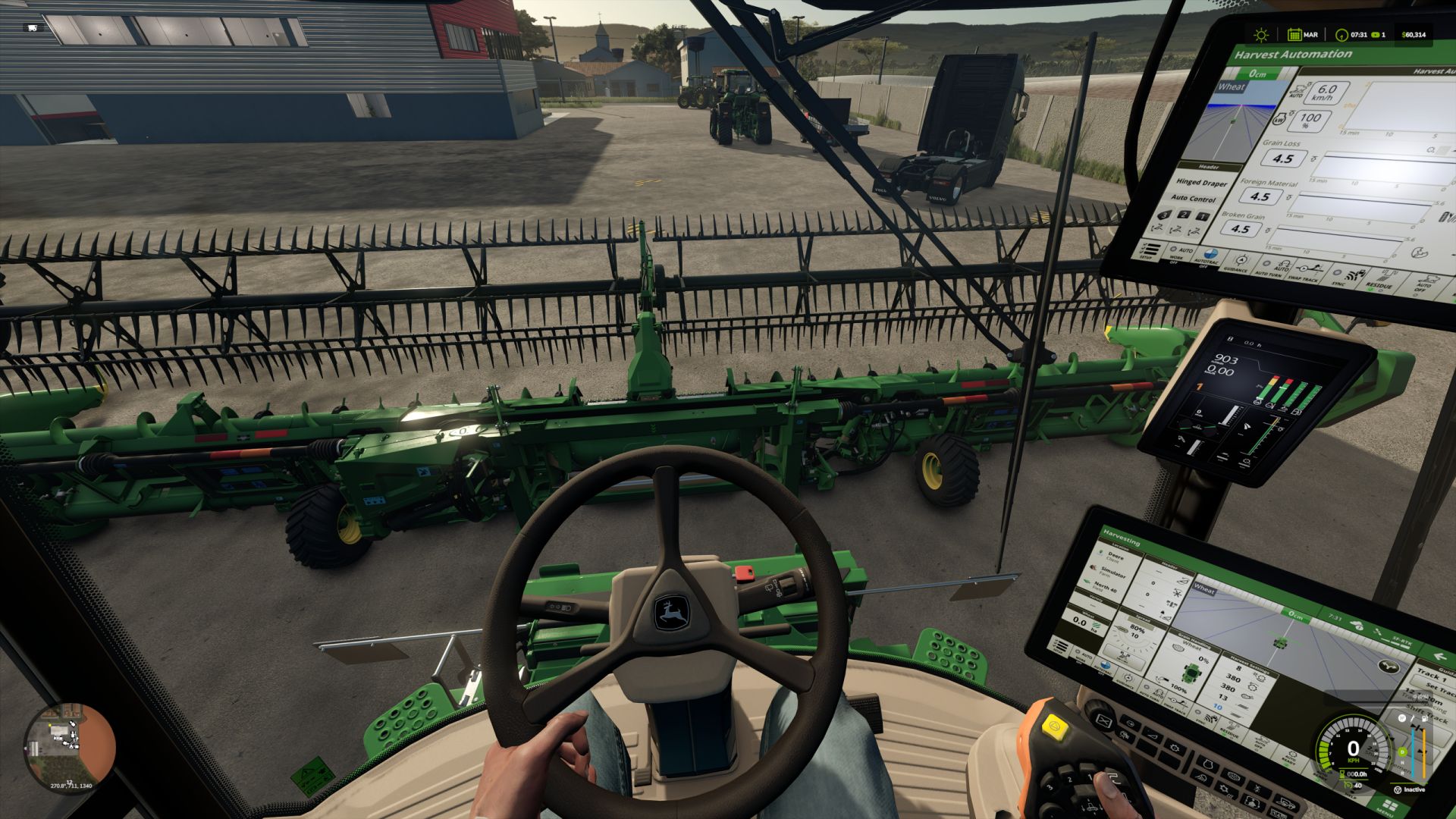
Realistic camera in the cabin V1.2.0.1
Mods with more realism in the cabin with your hands on the steering wheel and more realistic camera angle.
Installation:
extract the zip file and copy the FS25_CabView mods to your game’s mods folder
and data folder to where your game is installed and replace the original.
remembering first, make a copy of the folder that will replace your game
If you have any camera mods in the game, remove them so that they work correctly ok
V1.2.0.1
The camera error that was disappearing part of the character was updated
bug fixed
self.transX, self.transY, self.transZ = self.transDirX*self.zoom, self.transDirY*self.zoom, self.transDirZ*self.zoom
if self.isInside then
spec.isInsideCamera = true
local limit = 0.33
local totalSide = 0.33
totalForward location = 0.33
— shift camera direction angle to range from -pi to +pi (instead of 0 to 2pi)
local angle = clamp(self.rotY-(math.pi+spec.rotationOffset), -math.pi, math.pi)