Move owned placeables V1.0.1.0
Move owned placeables V1.0.1.0
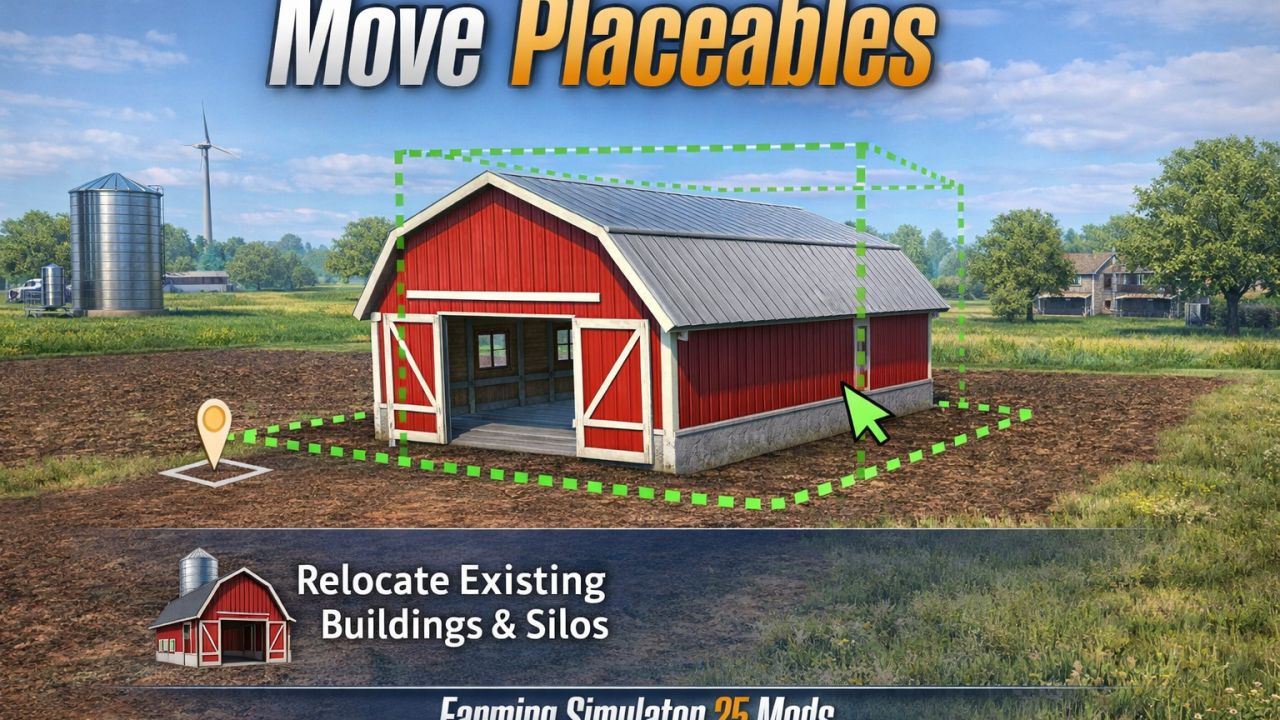
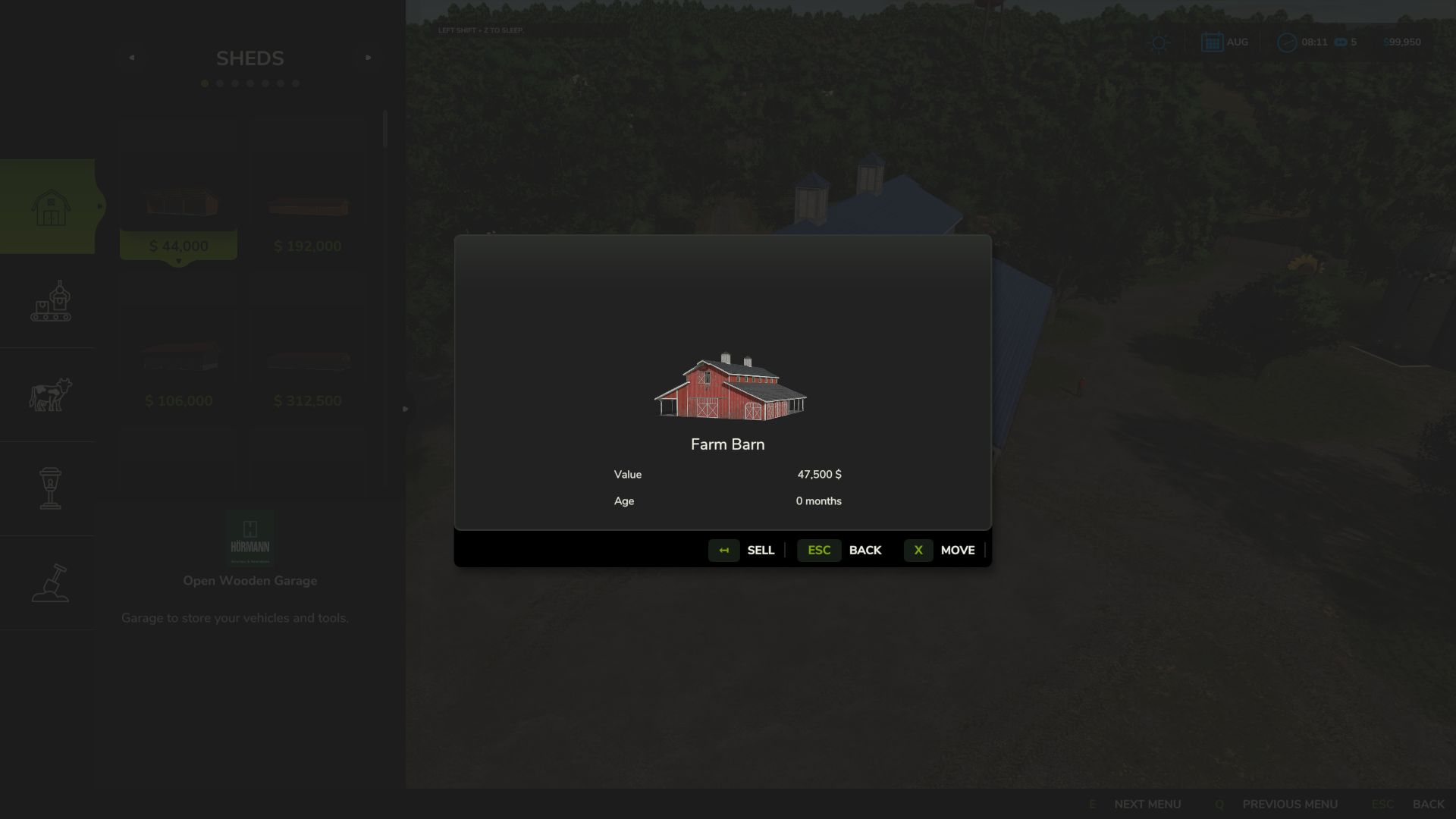
Move owned placeables directly in construction mode instead of selling and replacing them.
Features:
Move button in the placeable info dialog
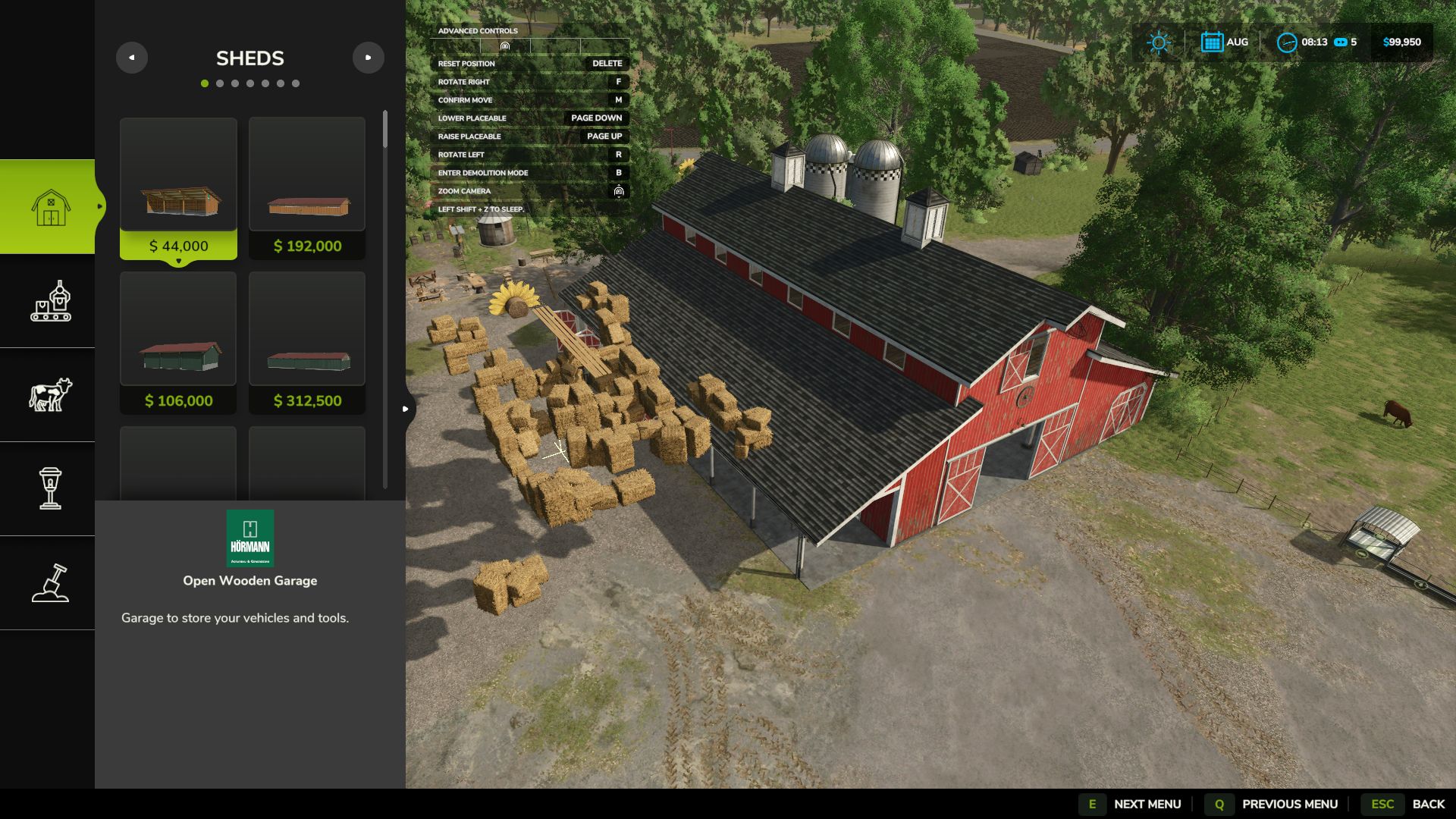
Left-drag movement with height and rotation controls
Controls shown in the built-in top-left controls menu
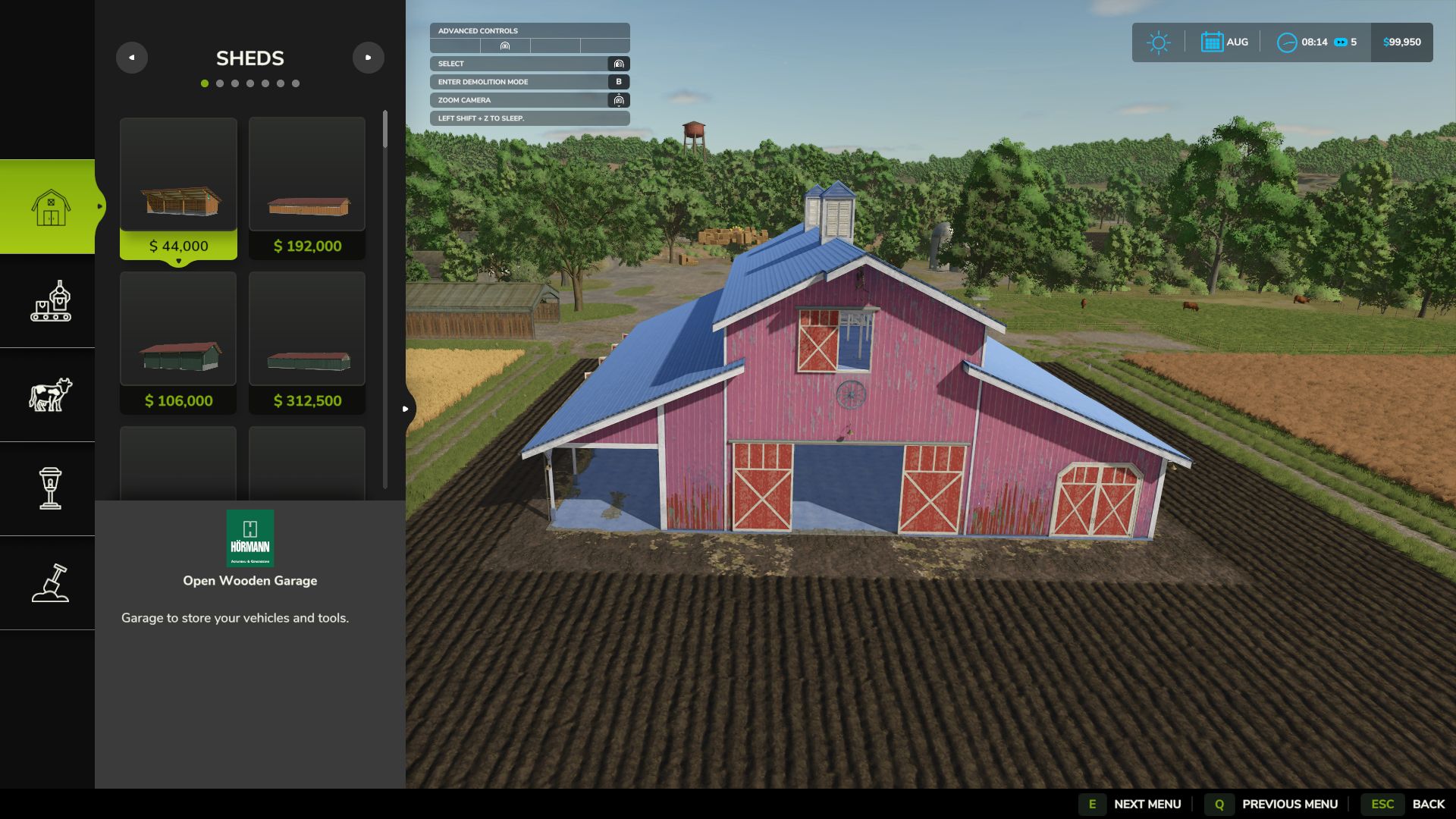
Ground refresh at the new location after confirming
Best-effort restore of the old ground to reduce leftover muddy patches
Controls:
Left mouse drag: move
Page Up / Page Down: height
R / F: rotate
Delete: reset
M: confirm
Esc / Back: cancel
Limitations:
Animal pens are blocked for now because their fence networks do not move safely with the pen
Please keep a backup of your savegame before moving complex productions, fences, or other advanced placeables.
If you find an issue or have a suggestion, please post it in the comments.
V1.0.1.0
Added a live coordinate overlay while moving placeables
Shows original position, current position, and movement difference
Added support for moving map hotspots with the placeable
Added support for updating teleport points after moving
Added collision-map refresh around the old and new locations