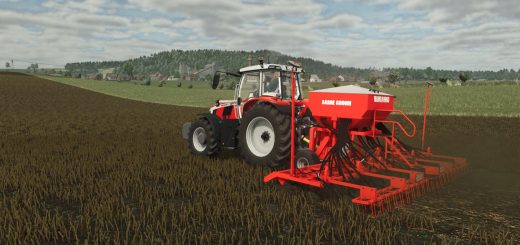
Imperial System Conversion Settings V1.0.0.0

Imperial System Conversion Settings V1.0.0.0
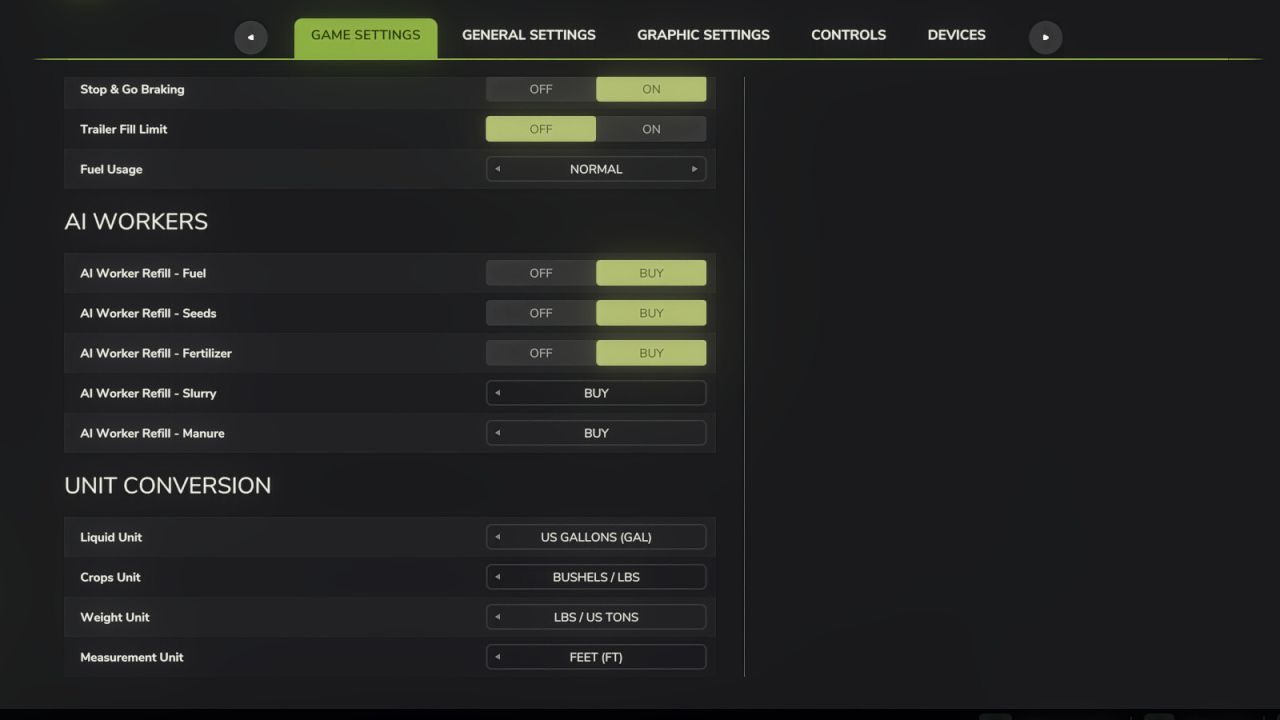
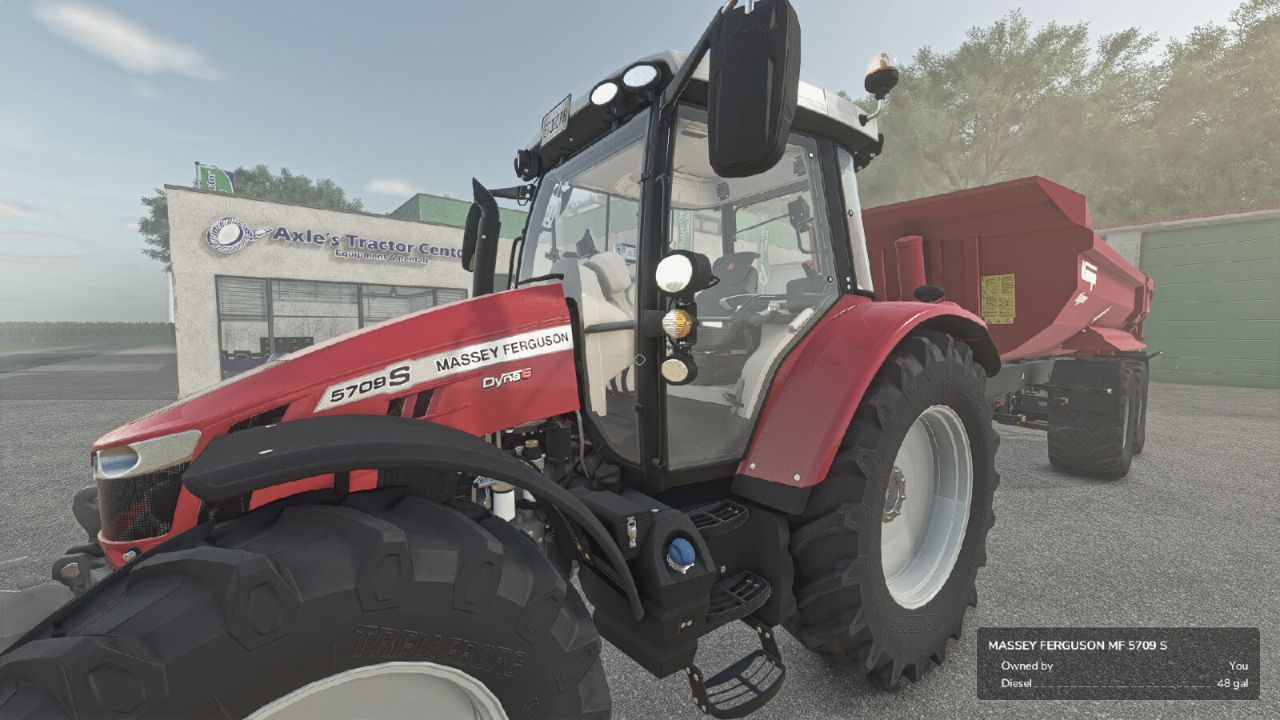
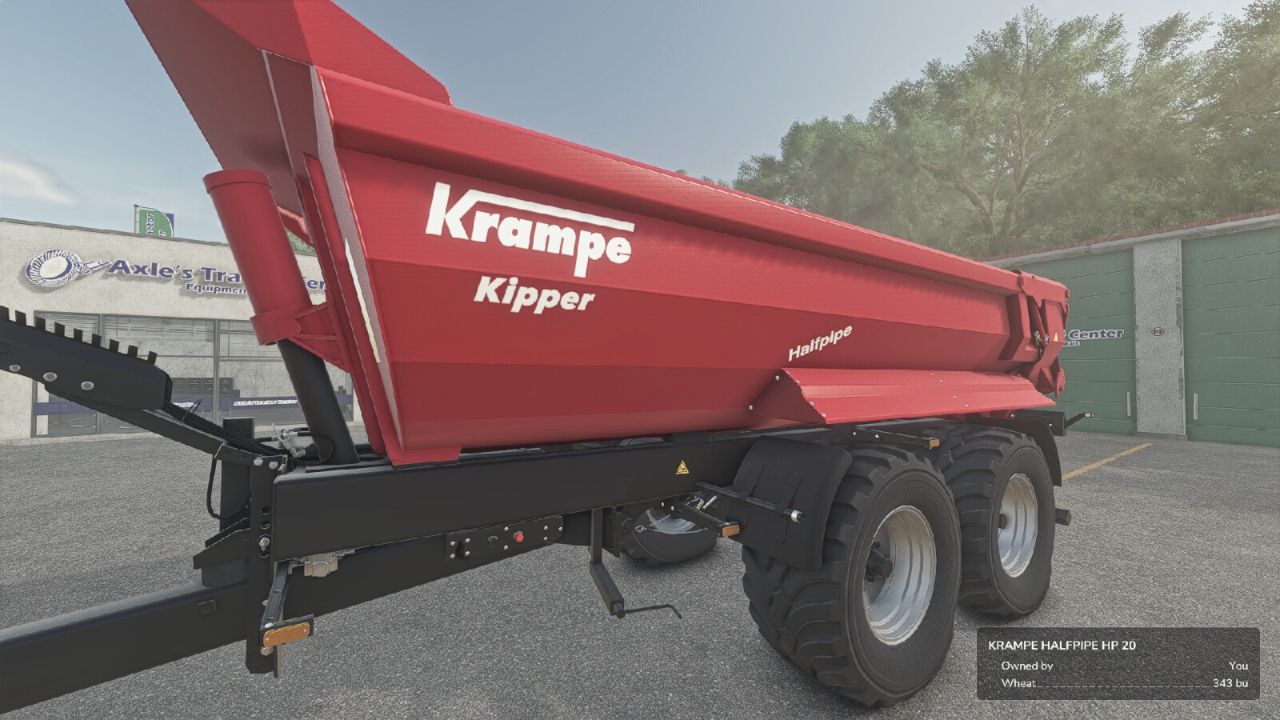
Adds a “Unit Conversion” section to the Game Settings tab in the pause menu.

Choose your preferred units for:
– Liquid: Liters or US Gallons
– Crops: Liters, Bushels (grains) or Lbs (root crops / other solids)
– Weight: Kg / Tonnes or Lbs / US Tons
– Measurement: Meters / Centimeters or Feet

Converts the shop list, vehicle configuration screen (capacity, fuel, methane, working width, bale sizes), in-game HUD fill levels, prices menu storage, and info boxes. Fill types are classified individually: grains show bushels, liquids gallons, dry bulk lbs / US tons, and bales or pallets keep their piece counts.

Settings are saved per-profile and persist between game sessions.
Does not affect in-game prices or game mechanics — display only.

Author: FastFarm Dad


About FS25 mods:

If you play Farming Simulator 25, it's time to understand how mods work with the game. Farming Simulator 25 Mods is an extra file or content to change your basic game version. If you want more tractors and harvesters or need any farming tools in the game, FS25 mods are the best choice. So, mods allow you to change gameplay and customize the Farming Simulator 25 game. There are many different types of Farming Simulator 25 mods that will make your gameplay easier or increase your income to grow and build your farm, and you decide what kind of FS25 Mod to install. Read the mod installation instructions and description above before use. We are the largest FS25 mods community to share mods for the PC.


You may also like...

Leave a Reply

Your email address will not be published. Required fields are marked *