Texture Pipette v2.1.0.0
Texture Pipette v2.1.0.0
Changelog 2.1.0.0:
– New “Search” tab in the Build Menu: searches all categories for keywords, regardless of order, sorted by relevance.
– First related object groups recognized for search: Trees and animal enclosures are now found even without a direct name match.
– Store Items from new prefab/map templates are now reliably found, even if paths differ in spelling.
– Trees without a clear association to a Build Menu entry are no longer incorrectly displayed as tiles, but only as informational text.
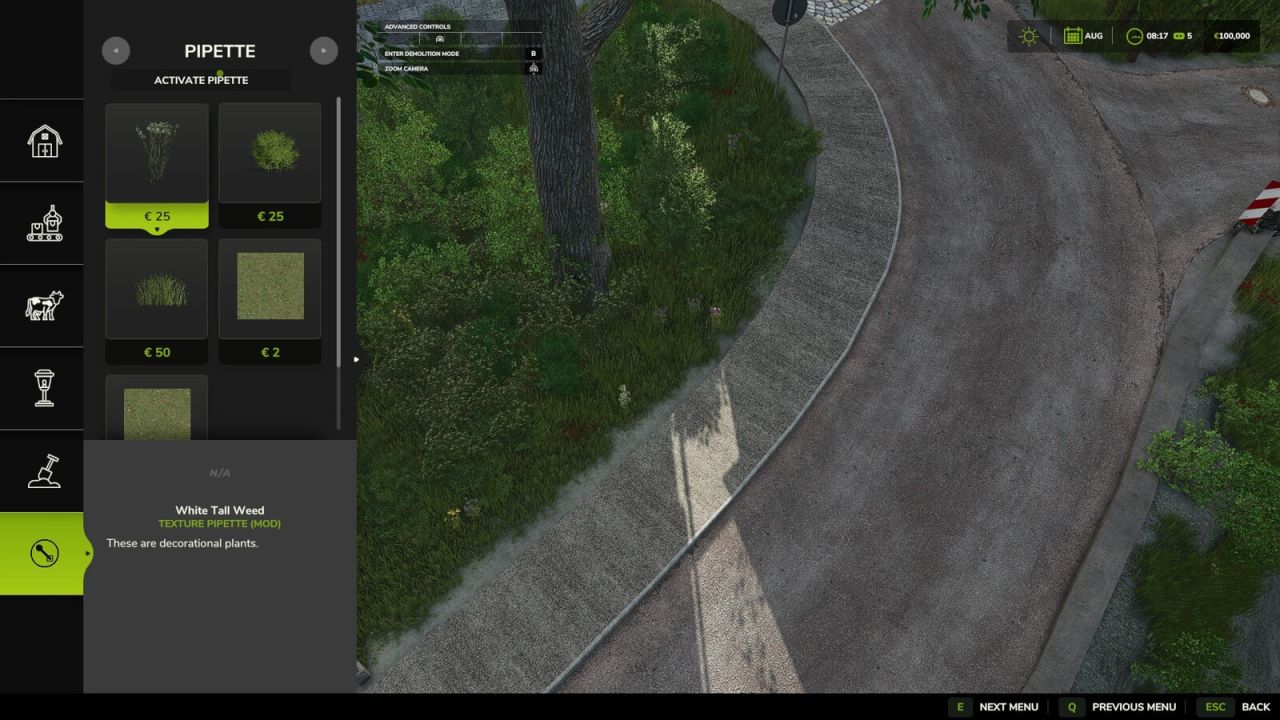
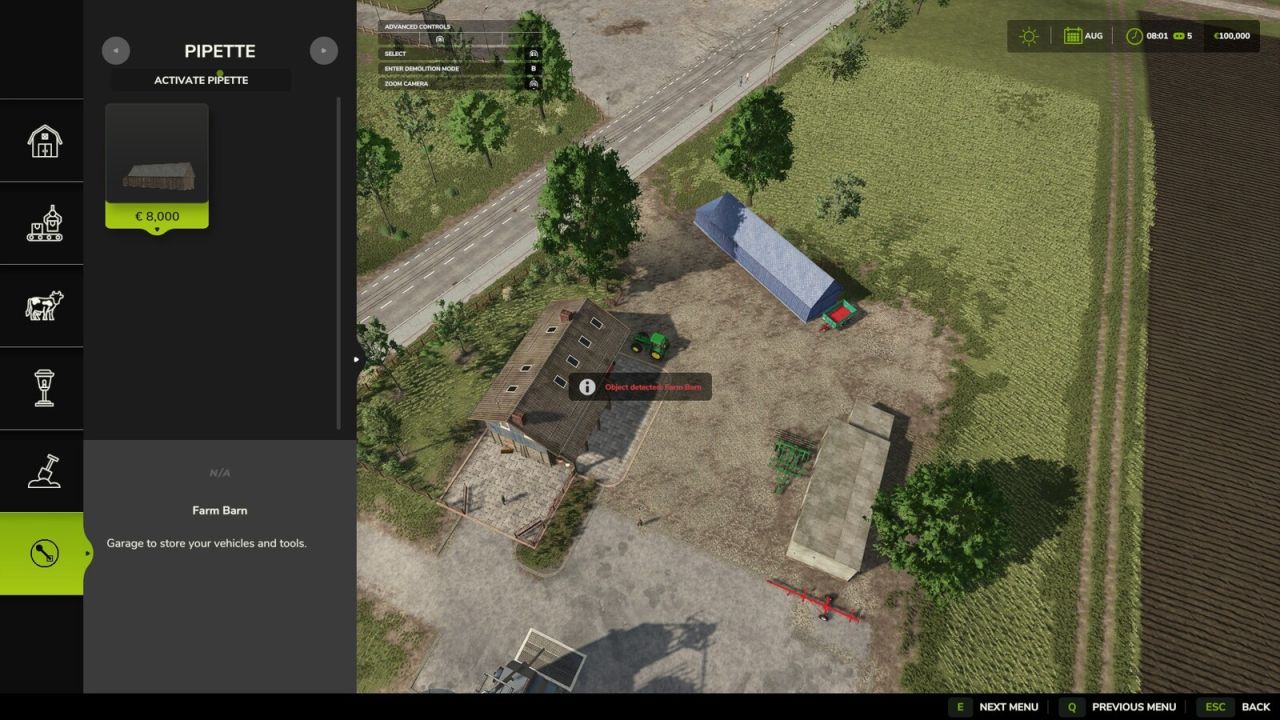
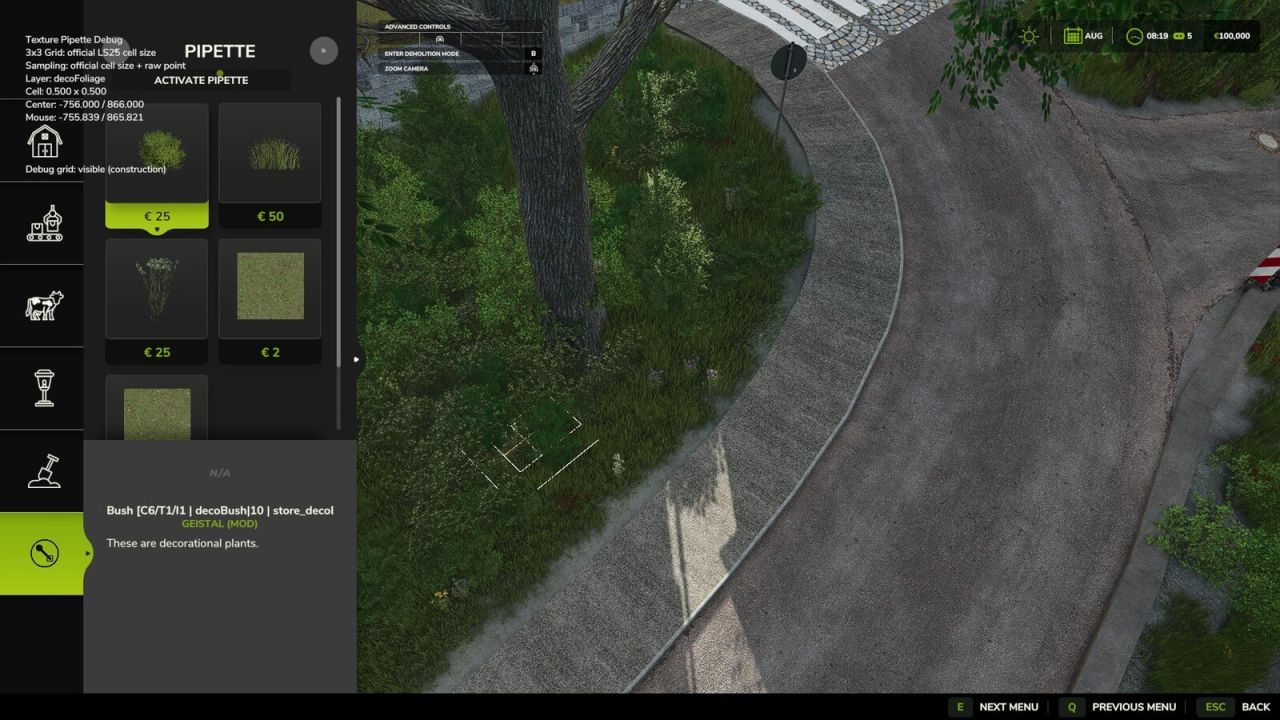
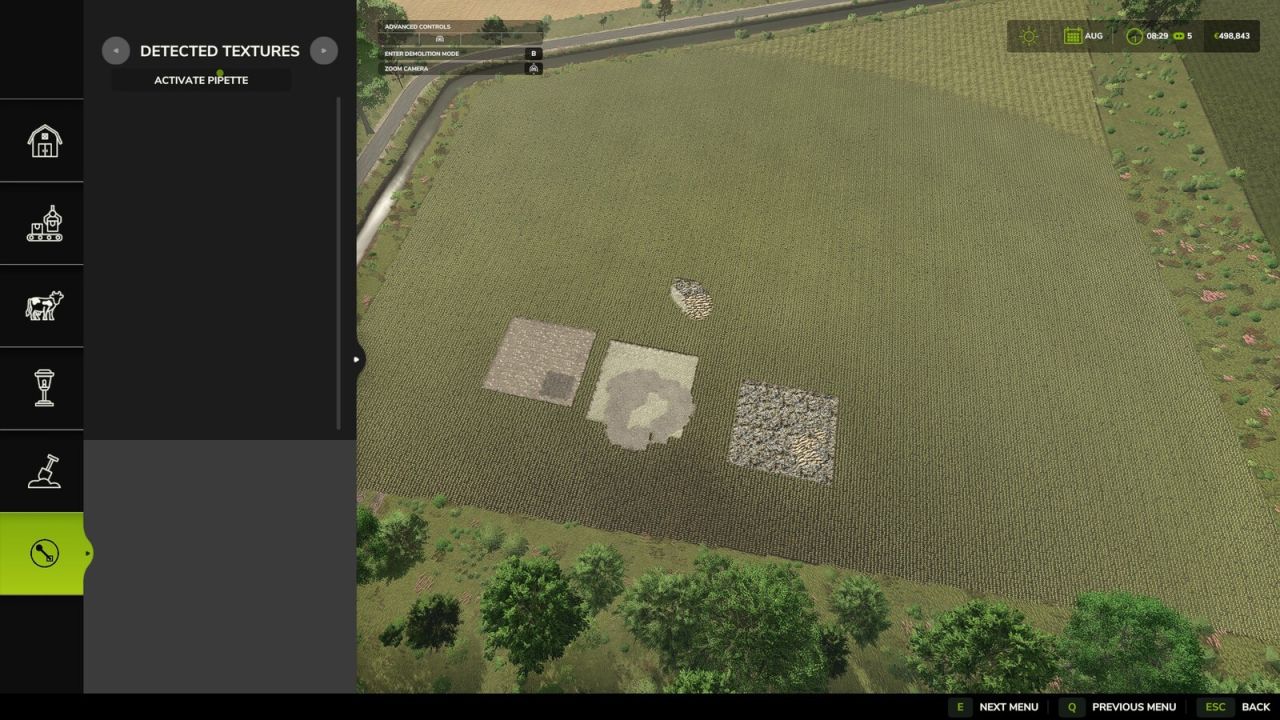
The Texture Eyedropper extends the Build Menu with an eyedropper function for ground textures, foliage, placeable trees, and supported placeable objects.
With it, previously used paint textures, visible foliage such as grasses, flowers, and bushes, placeable trees,
and supported objects can be directly sampled on the map and found again in the Build Menu.
For mixed areas, multiple matching matches can be displayed.
How to Use:
1. Open the “Eyedropper” tab in the build menu.
2. Click the “Activate Eyedropper” button.
3. Click on a ground texture, foliage, tree, or supported object.
4. Confirm the desired selection in the build menu.
5. Paint or build as usual.
After painting, cancel the process with ESC to prevent unintentional further painting.
The eyedropper can be reactivated if needed.
The mod also takes into account available ground textures and suitable foliage on the respective map.
Map foliage is made available as a paintable entry in the build menu, if possible.
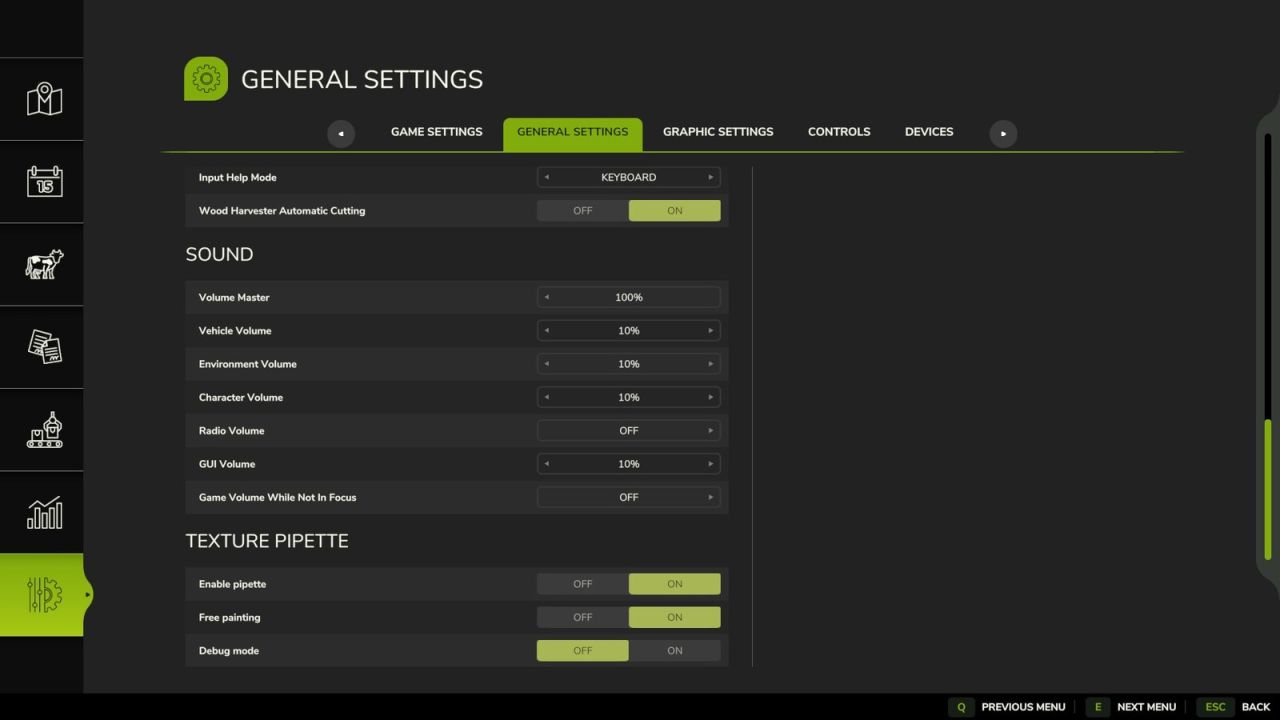
Debug mode is optional and disabled by default.
It is only for troubleshooting.