Direct Silo Sell V1.0.0.0
Direct Silo Sell V1.0.0.0
Direct Silo Sales for Farming Simulator 25 (PC, single-player)
Install:
Copy FS25_DirectSiloSales.zip into Documents/My Games/FarmingSimulator2025/mods.
Enable the mod for your save. Press Left Shift + S to open the sale menu (or rebind in game).
You must be on foot for this keyboard shortcut. You can also use dssMenu in the developer console.
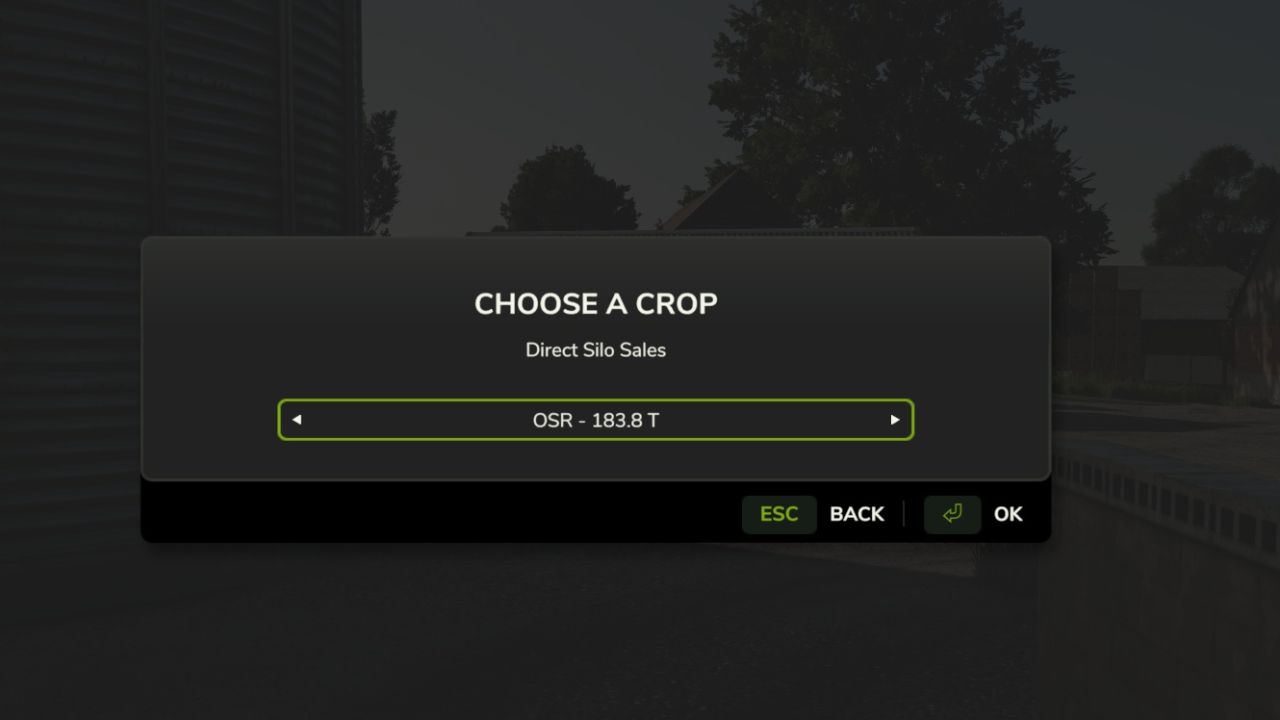
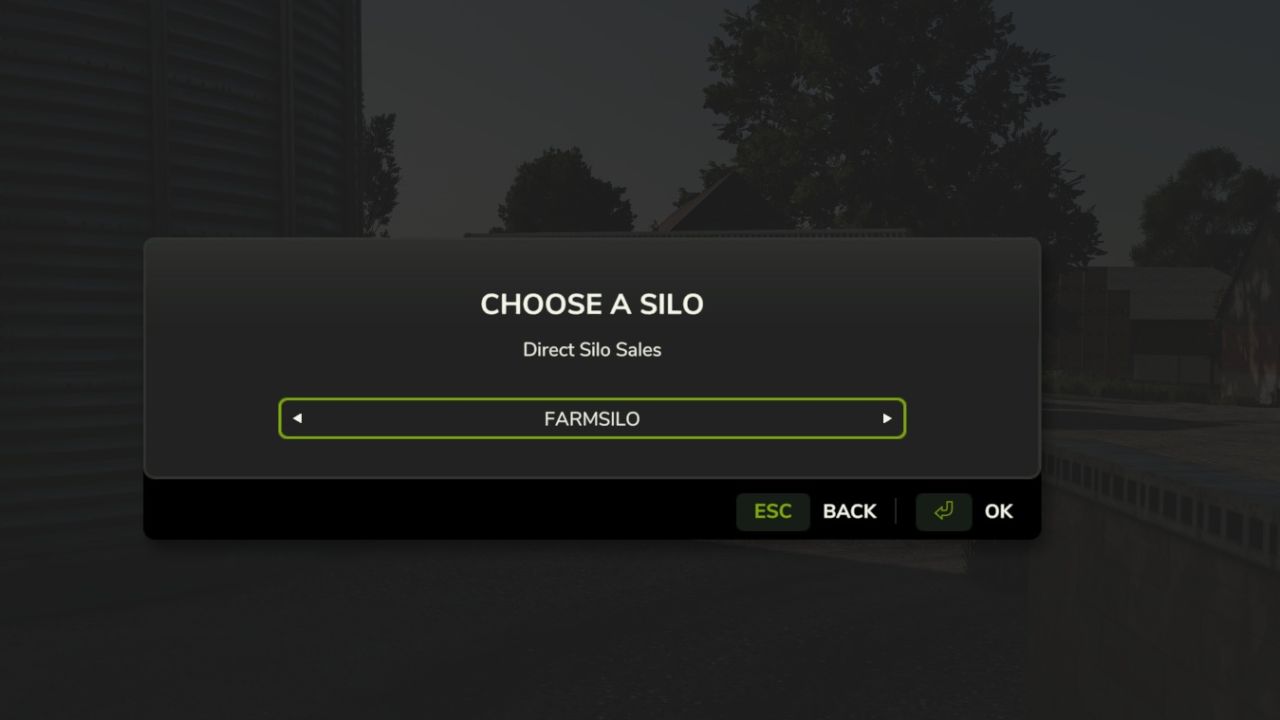
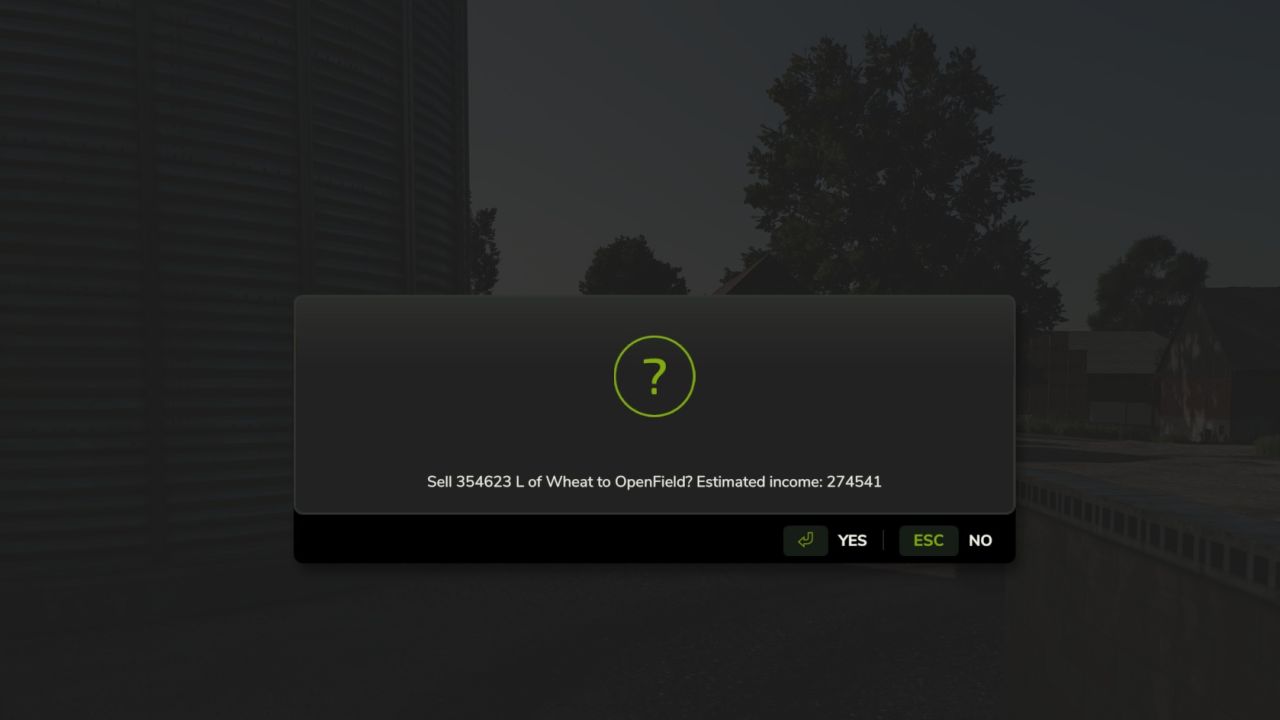
Choose a silo, crop, selling point, and 25%, 50%, or all of the stored crop.
The menu shows each selling point’s current price per 1,000 L and asks for confirmation.
The developer console commands remain available as an alternative:
Commands:
dssList
Lists your owned silos, stored crops, and all selling points.
dssSell <silo number> <CROP> <sell point number> [liters]
Sells the entire stored amount if liters is omitted.
Example: dssSell 1 WHEAT 3 10000
Fully compatible with Market Dynamics. Adds realism by selling grain forward for better price. Good for large scale farming.