Store Deliveries V1.0.7.0
Store Deliveries V1.0.7.0
Get the store to deliver your purchases for a fee.
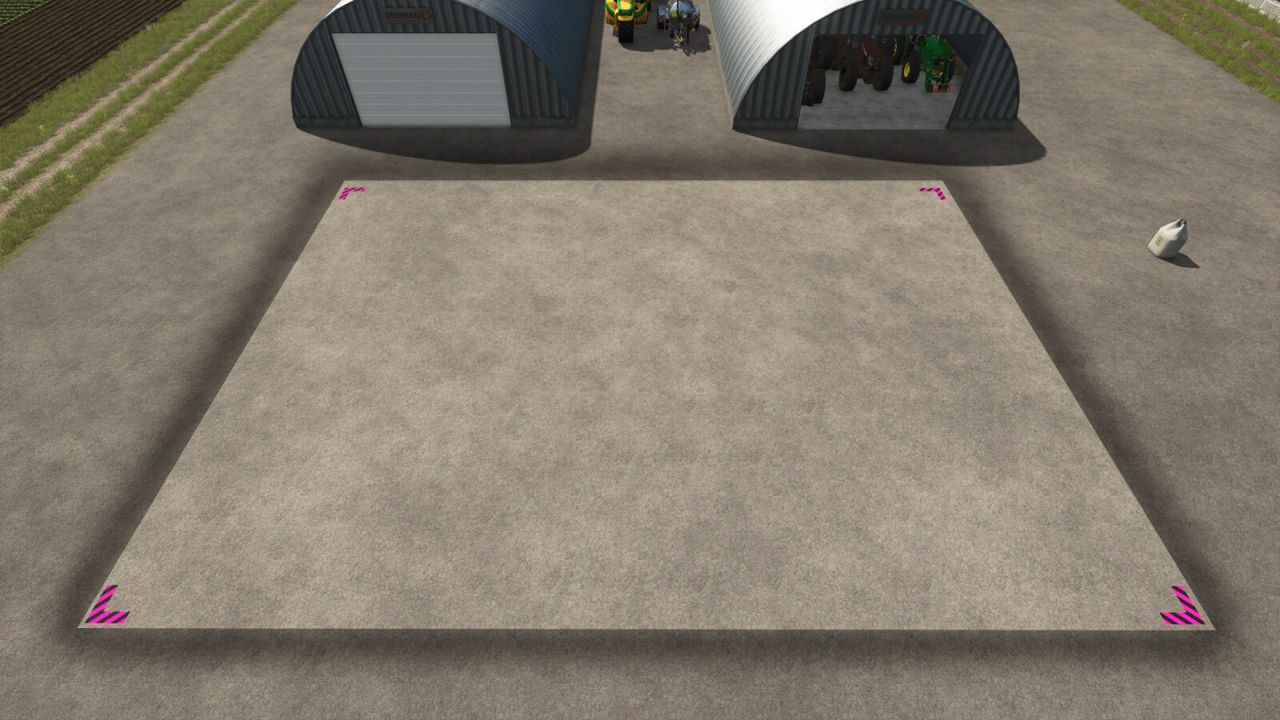
Location is set based on the player’s position.
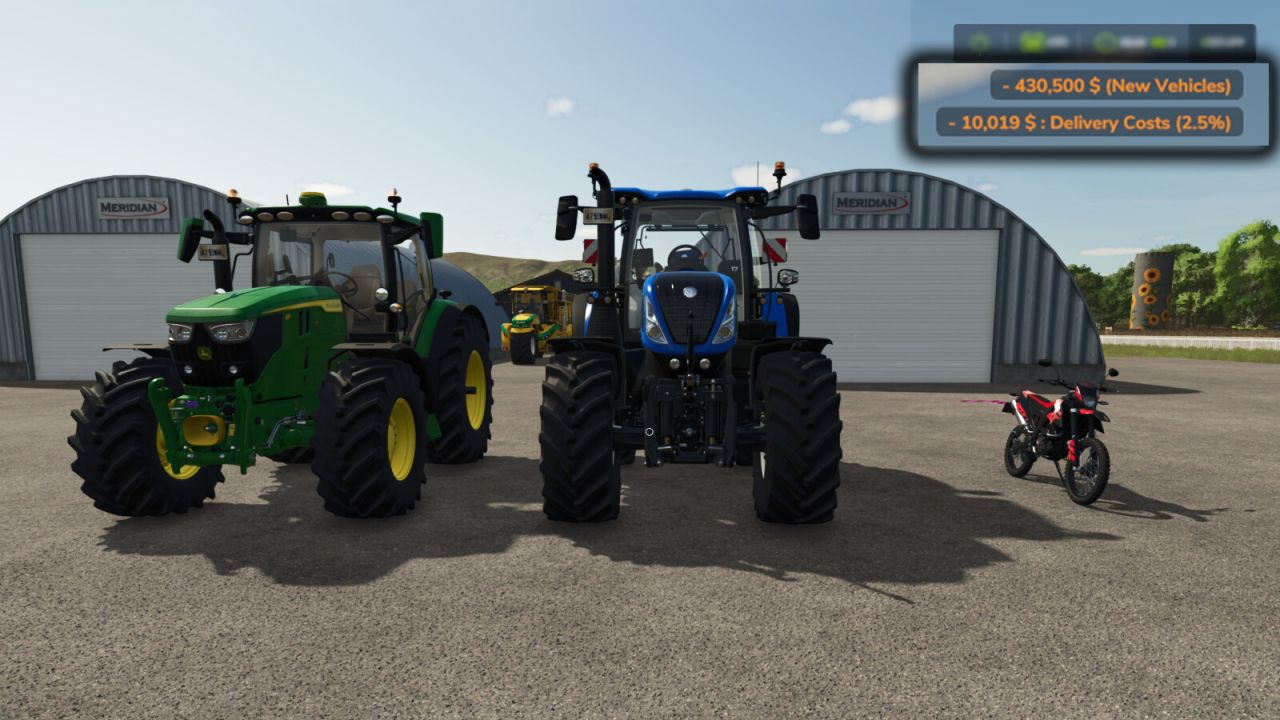
A delivery charge of 2.5% per item cost is applied to your purchases when using delivery.
All deliveries are confirmed by a special sound at the time of purchase.
Also acts as the reset location for vehicles in most cases. *
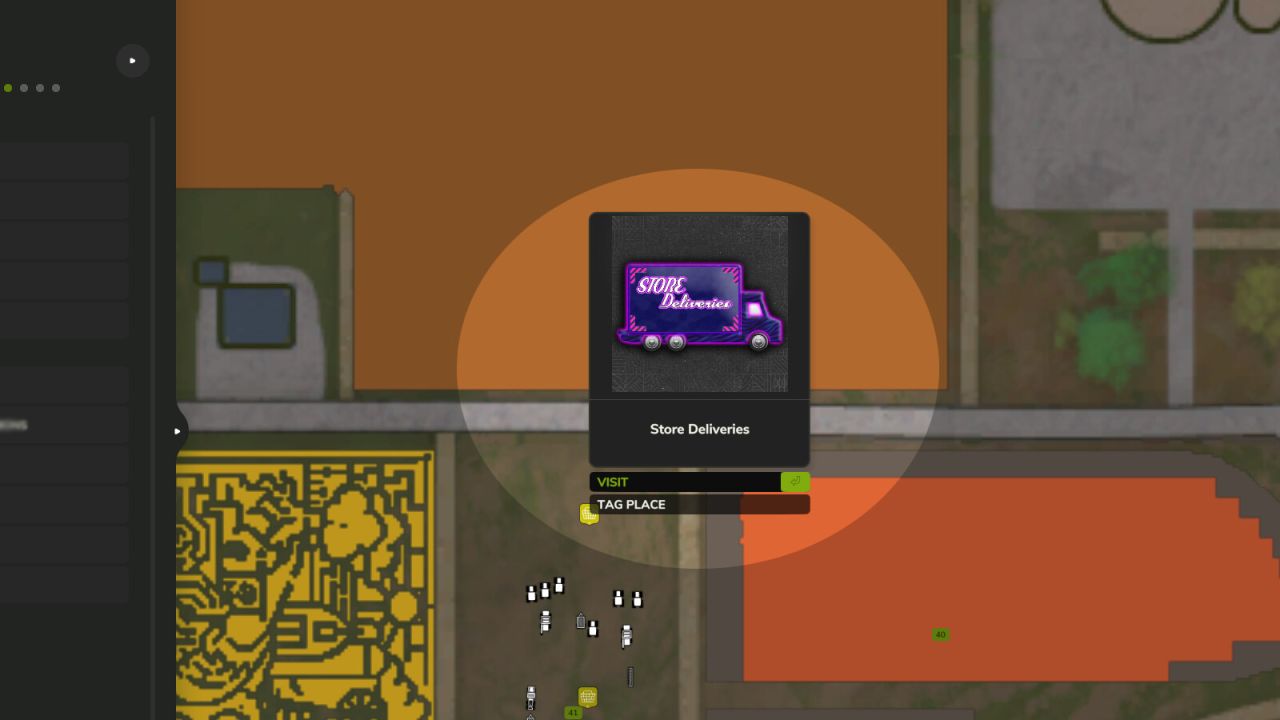
*if your delivery spot is full or blocked, the item will end up at the old store location, if it is a vehicle you can clear the delivery spot and reset the vehicle from the map.
Controls:
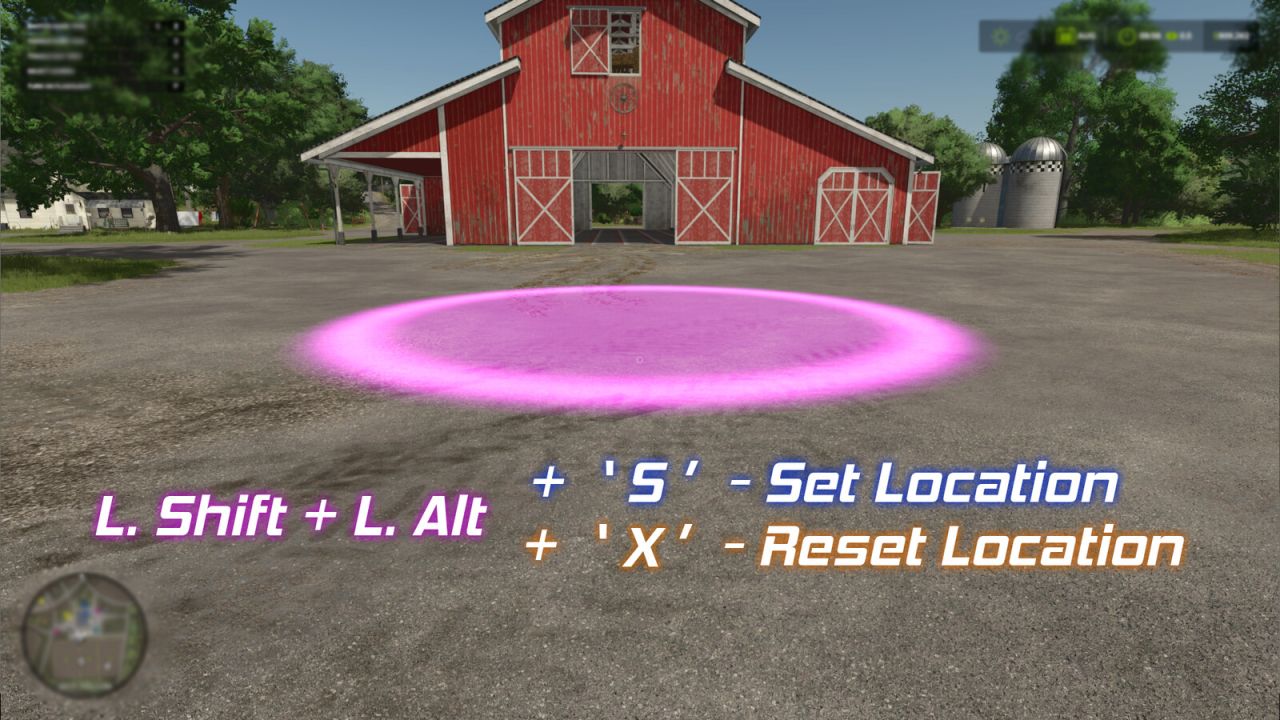
Hold “Left Shift” + “Left Alt” to view the marker on the ground which represents the location.
Hold “Left Shift” + “Left Alt” and press “S” to set the location. (A sound will play and the marker will flash once.)
Hold “Left Shift” + “Left Alt” and press “X” to reset the location back to default (the store).
V1.0.7.0
The set location is now at the far left of the delivery area. The spot marker has been changed/updated to reflect the positioning.
The ability to click on the map icon has been restored.
Controls input corrected to work only when not in a vehicle.
Other bug fixes.