Multi Road Builder V1.0.0.1
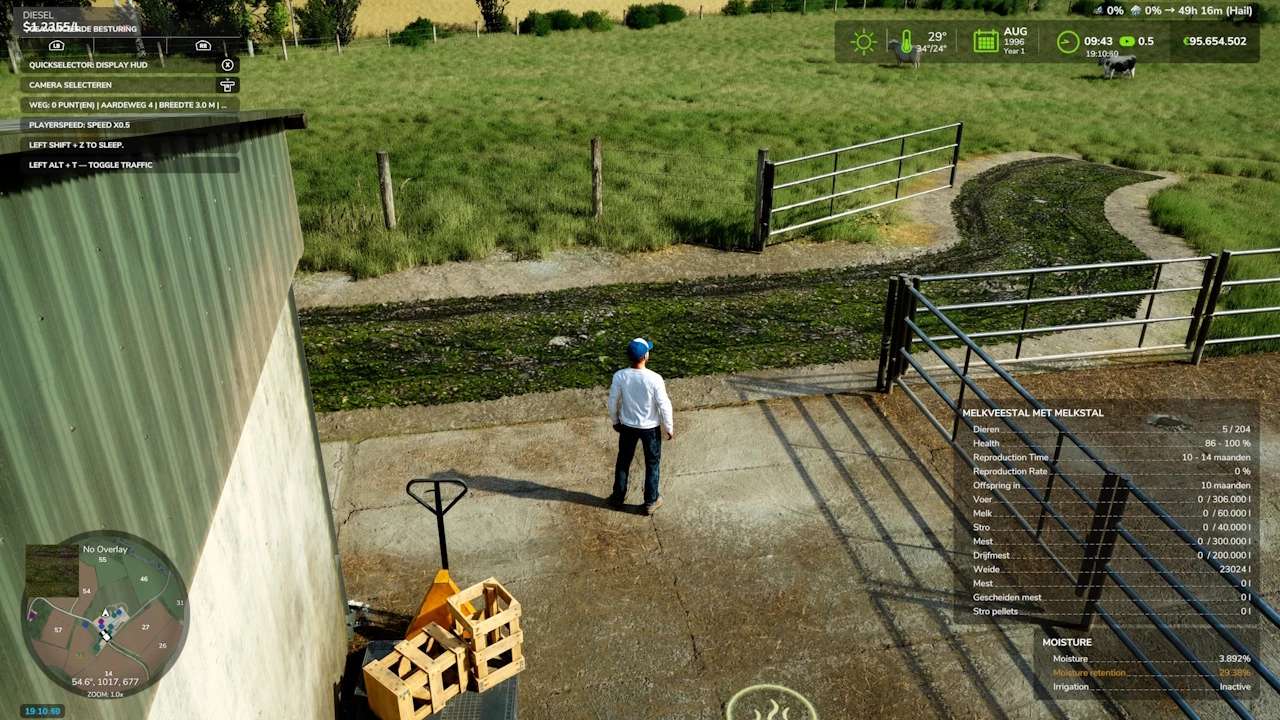
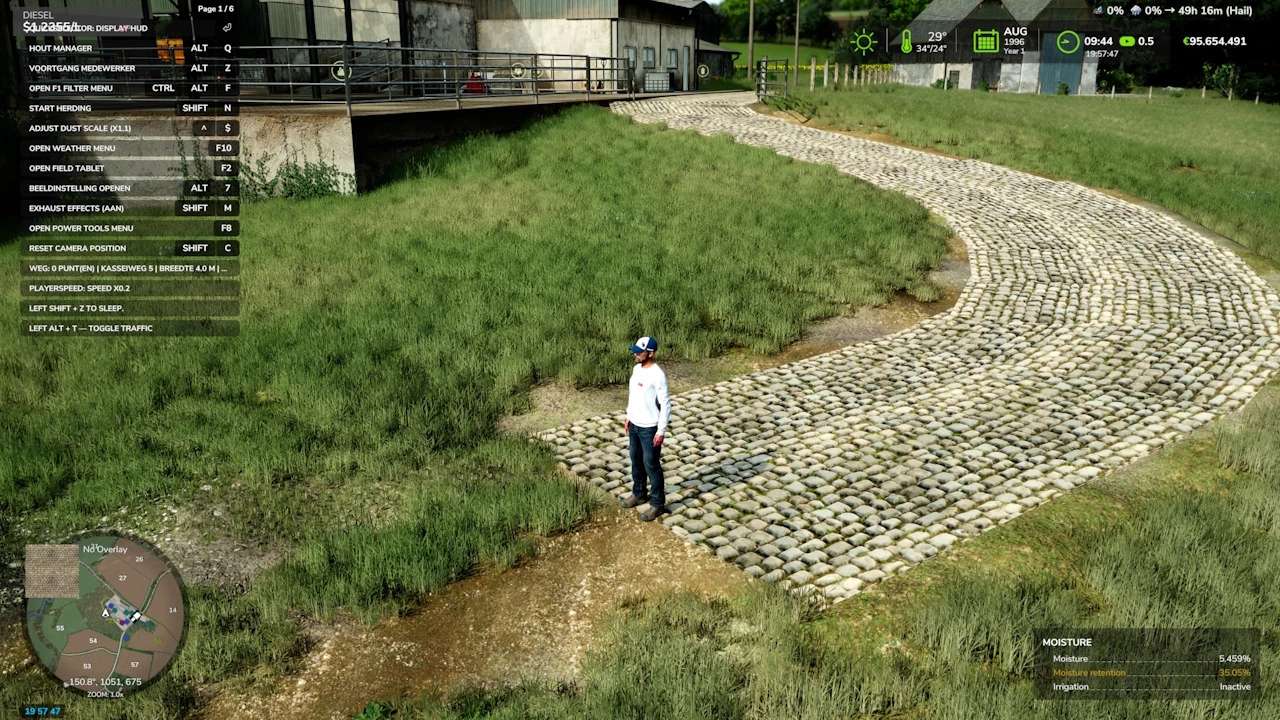
Multi Road Builder V1.0.0.1
Update V1.0.0.1
Changed the HUD position to the center.
Because I was not satisfied with the short turns, which kinked too much and were too angular, I created new planes (4 for the longitudinal direction, combined with 8 for the transverse direction), along with a new script for nice, smooth short and right-angle turns.
Adjusted step size from 2 m to 1 m.
Reduced blocking of other objects so that the road builds more smoothly past buildings; minimal deformation allowed on the ground and objects.
Unfortunately, you will have to rebuild your previous roads because the i3D structure has changed, as well as the modified script.
Buiding on the work of XPModder and Flouner
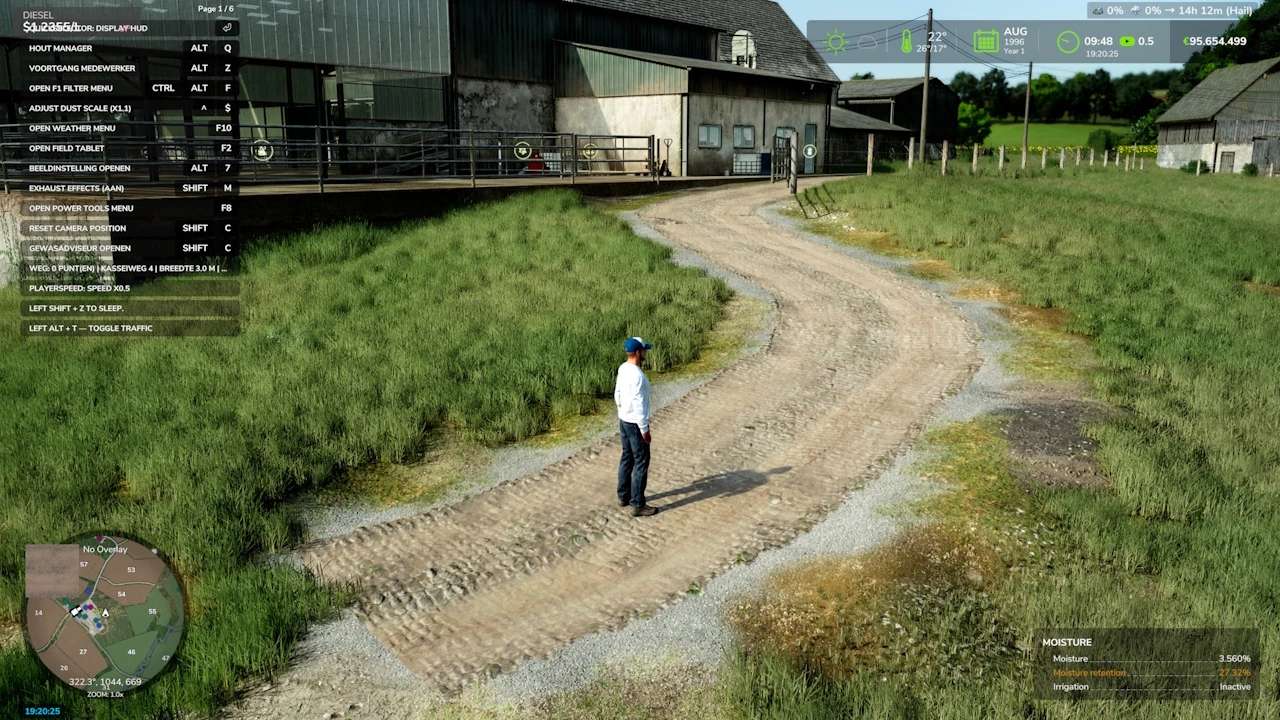
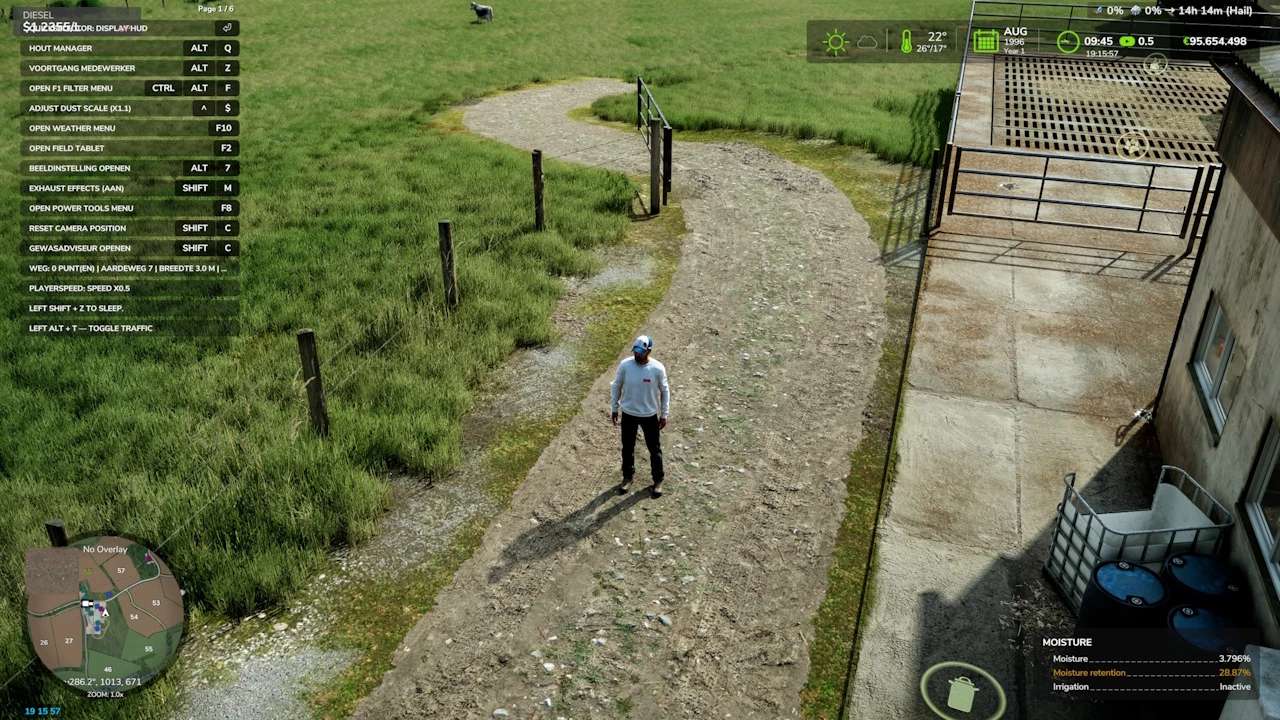
Road follows the natural terrain with minimal earthwork
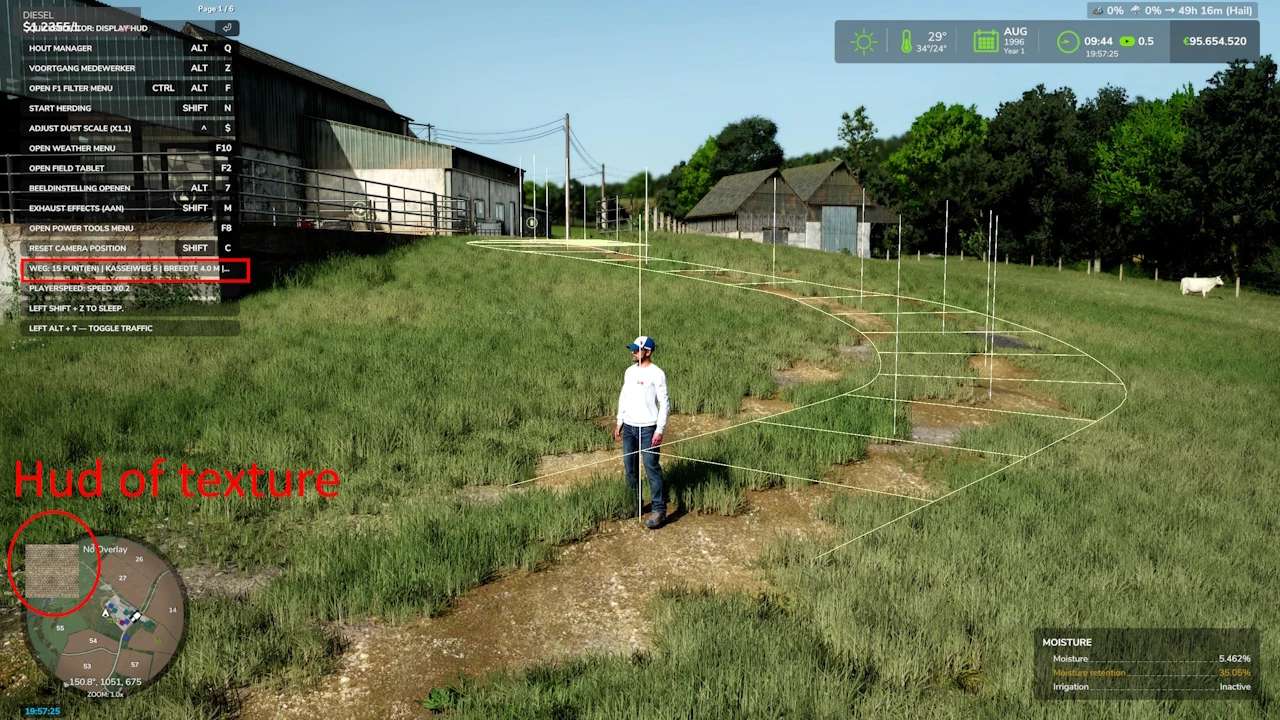
Flat turns, without circuit-style banking.
Optimized so that the texture blends as seamlessly as possible with the terrain.
Adjustable width from 1 to 8 m
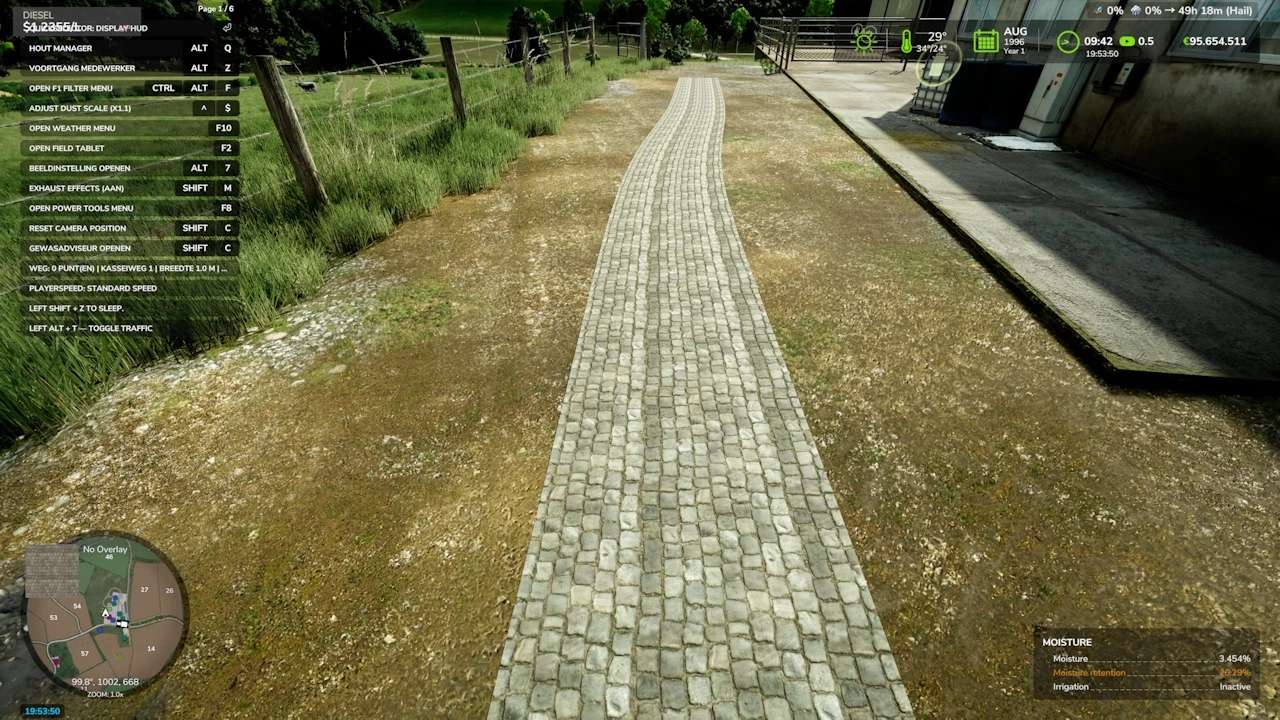
33 different type of surfaces from cobblestone, asphalt, dirt and gravel roads
Grass, stones and fields are automatically removed beneath the road the original surfaces remains.
Realistic cost: €0,5 per metre
Can be removed with 100% refunded.
Roads are saved with the game
Multiplayer compatible (landscaping rights required)
Controls (in road mode)
rShift+R: activate / exit road mode
rShift+E: place a point
rShift+X: remove the last point
rShift+Z: change the width
rShift+B: build
rShift+G: change texture group
rShift+V: change the texture
rShift+Delete (press twice): delete the nearby road
Good to know
The textures are divided into groups (cobblestones, dirt roads 1 and 2, asphalt 1 and 2, gravel) so that you do not have to browse through the different textures as often.
You also see a preview of the surface in the HUD so you know which texture you are creating.
When a road is deleted, the terrain remains levelled.
It is not possible to build through a building.
The road geometry is inspired by XPModder’s SplineToRoad script (Spline-Road-Toolkit). Many thanks to him for sharing his work with the community: without him, this mod would not exist and Flouner to continu on his work (with premission)
Have fun everyone, and feel free to leave your feedback and screenshots of your finest roads.
Have a good game.