Tornado Physics V4.0.0.0
Tornado Physics V4.0.0.0
KNOWN DEVELOPER TOOL LIMITATIONS
1. If you use external developer tools (like EasyDevControls) to fast-forward the game clock by several months in a single frame while a tornado is active, lingering vehicle smoke and fire visual effects may freeze on affected vehicles.
2. Under the same extreme fast-forward conditions, the 24-hour automatic damage repair countdown will pause. To resume and trigger the repair sequence normally, simply fast-forward time through a standard game mechanic, such as utilizing the in-game sleep timer.
3. PERFORMANCE NOTICE: If a large number of vehicles are grouped closely together (such as when utilizing vehicle-stacking mods like Used Equipment Yard) and are hit simultaneously by a tornado, you may experience brief periodic screen freezes/stutters while the storm traverses the area due to heavy engine-level structural calculations.
Note: High-speed time acceleration and baseline simulation gameplay function flawlessly under normal conditions.
Note: These behaviors only occur when utilizing external developer tool command overrides; normal high-speed time acceleration and baseline simulation gameplay function flawlessly.
Experience a true destructive weather event!
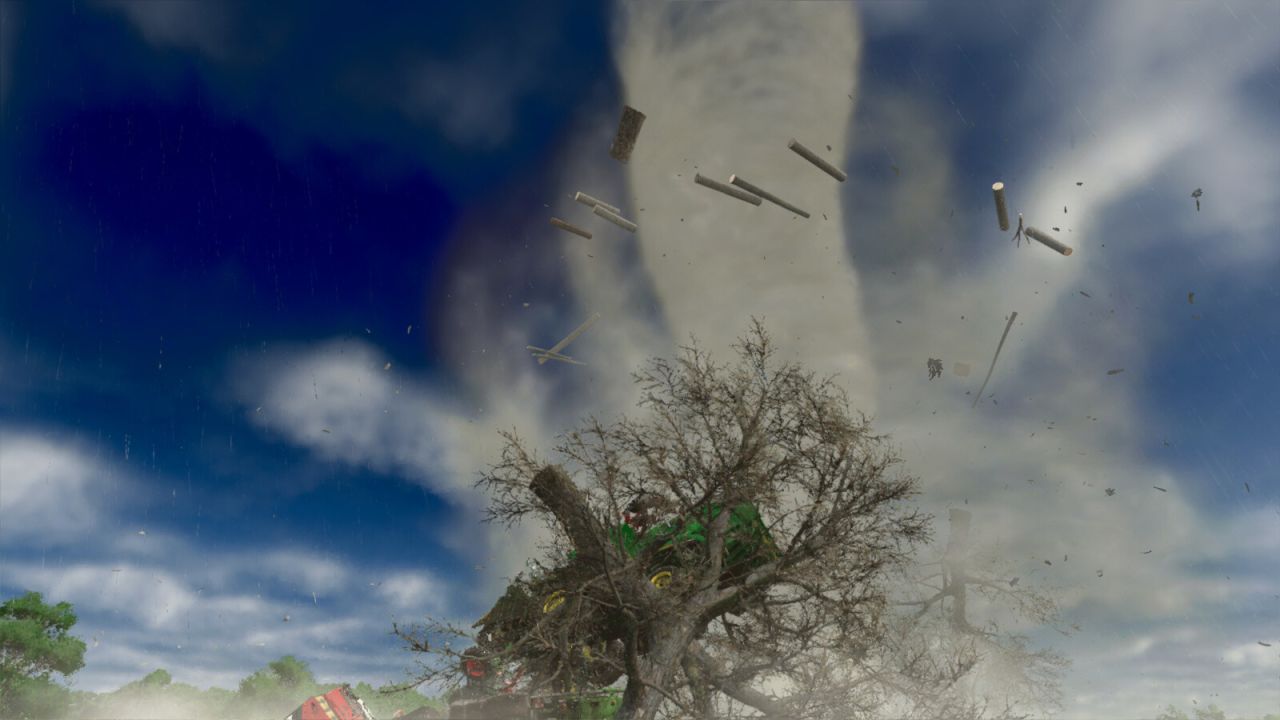
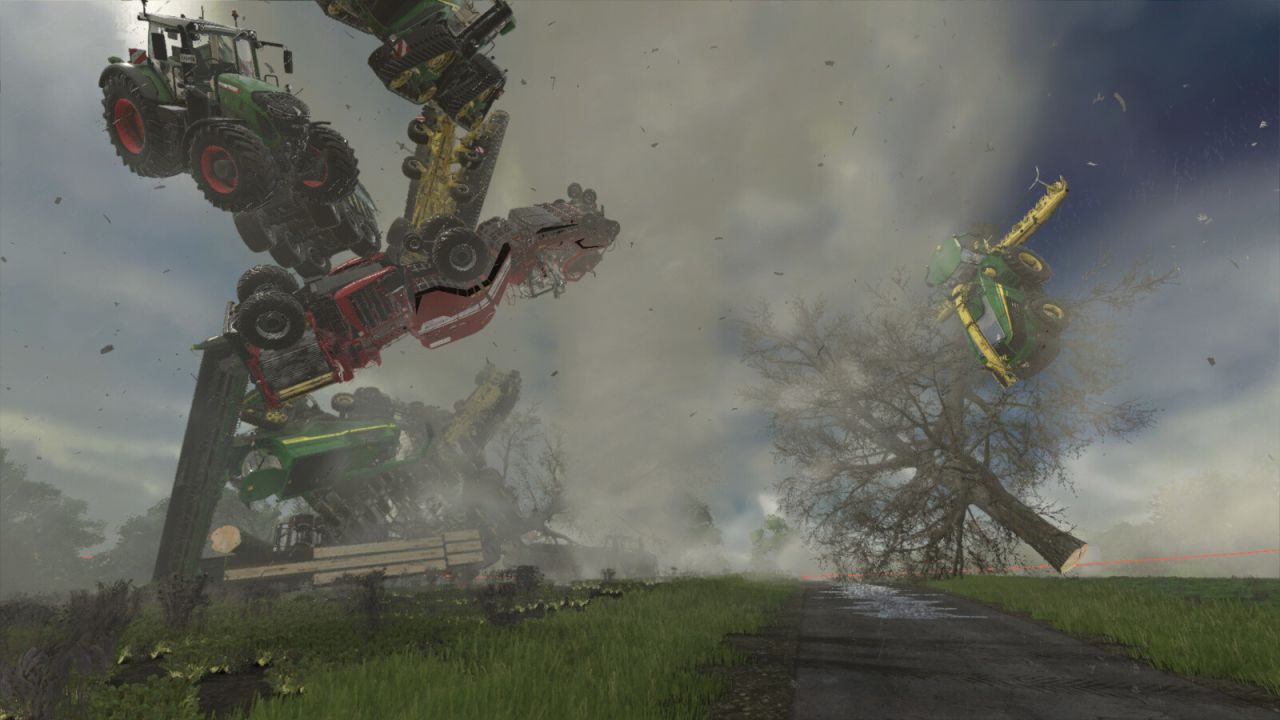
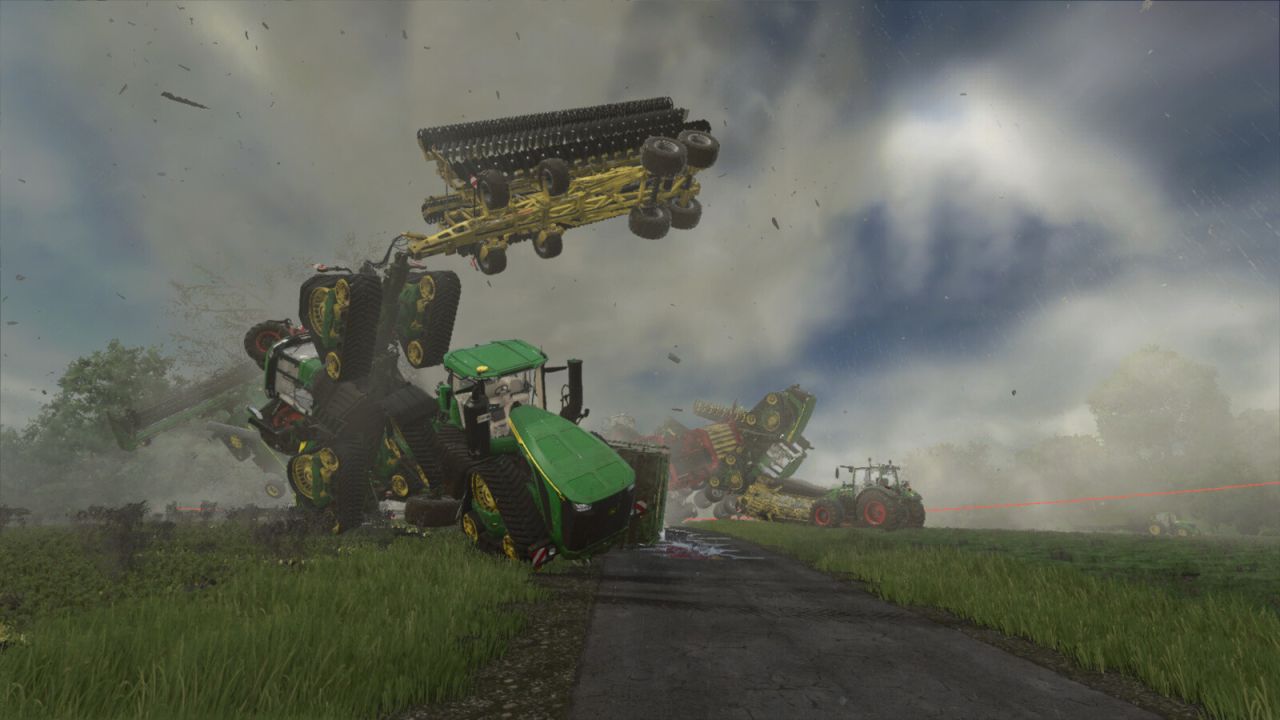
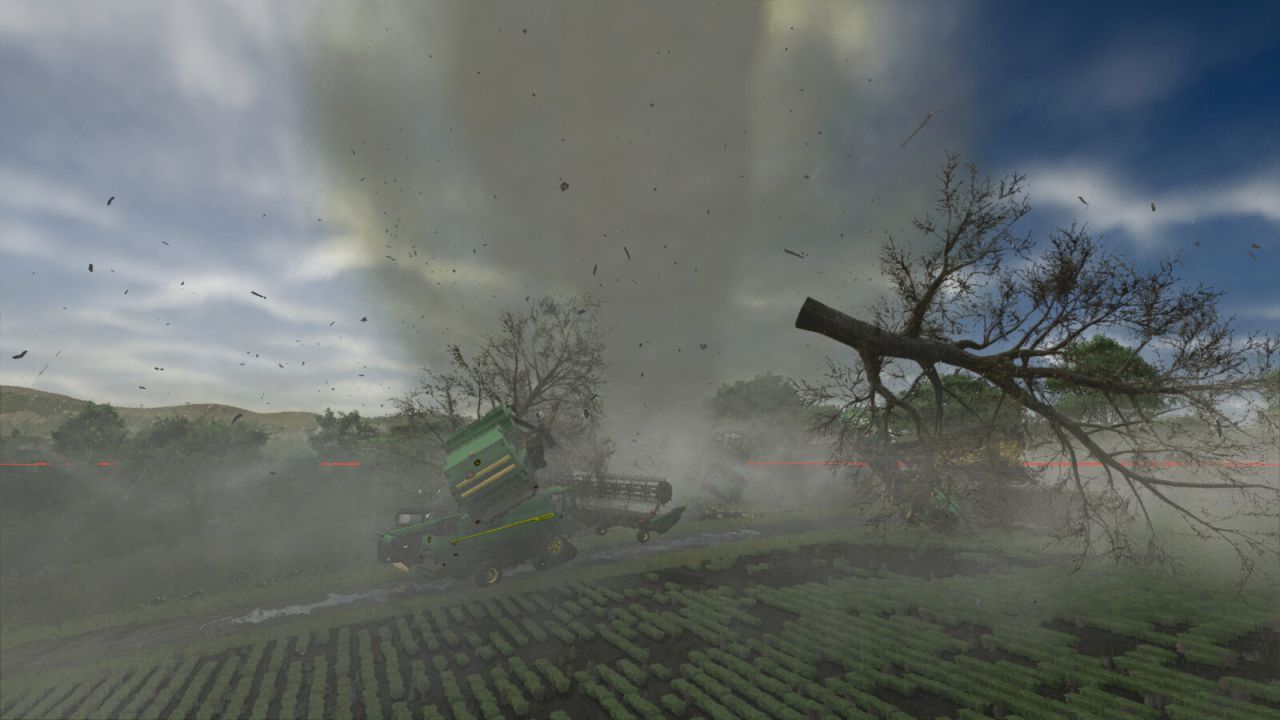
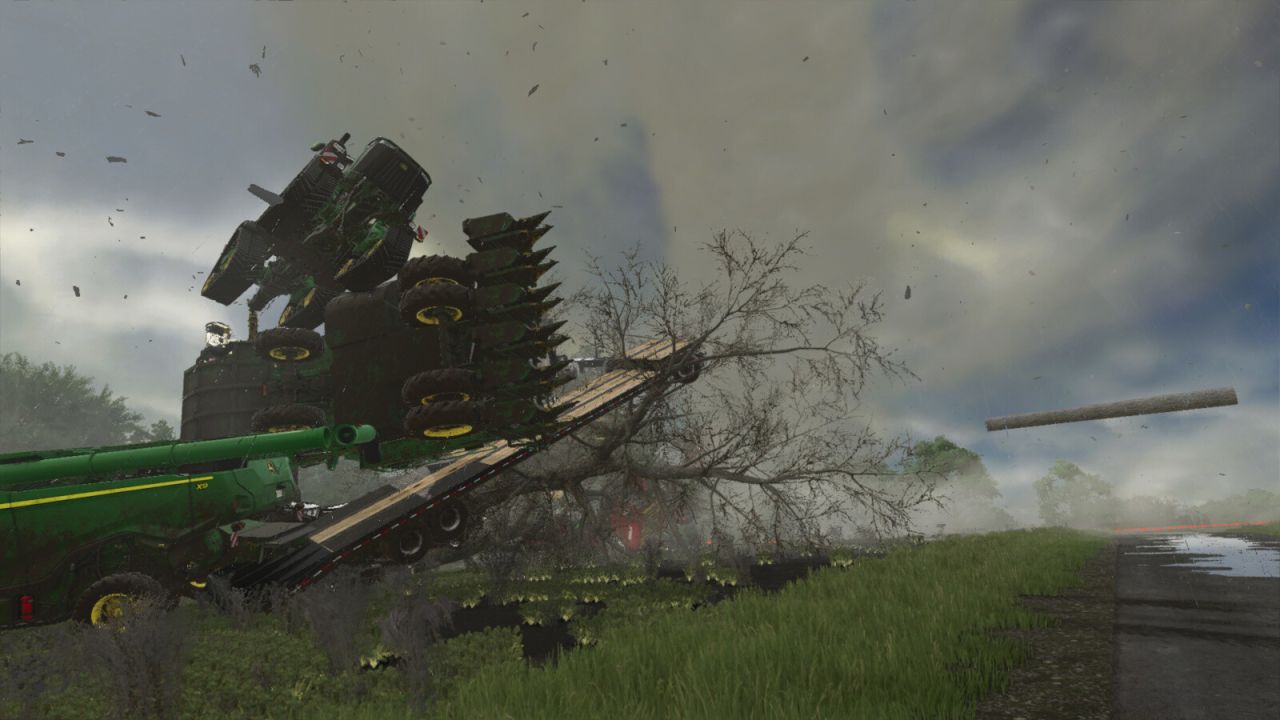
This mod adds a high-performance tornado capable of interacting with the game’s physics engine based on mass.
FEATURES:
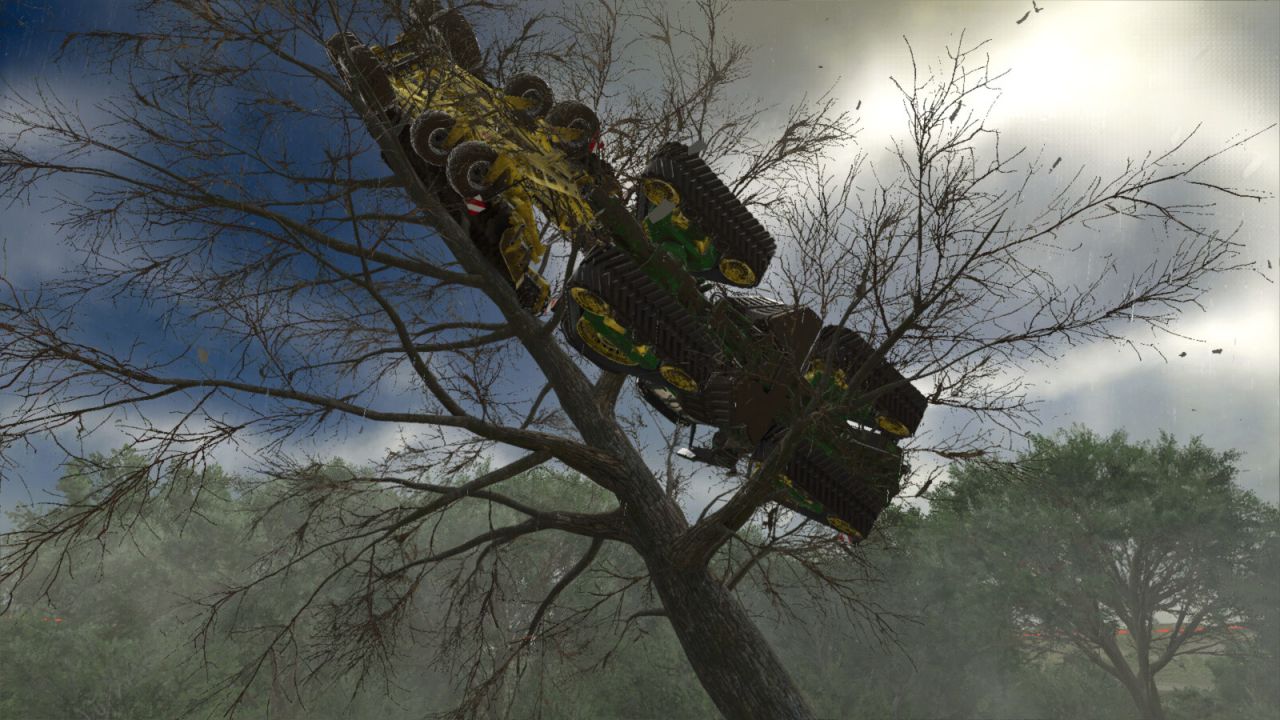
Powerful Lift: Capable of lifting heavy tractors and fully loaded trailers
Livestock Danger: Tornadoes can kill animals in pastures (Configurable)
Geo-Fencing: Prevents vehicles from being thrown off the map
Map Support: Auto-scales radius for 4x, 16x, and 64x maps
Safety: Player ejection system and indoor safe zones (Barns)
Custom Particle Effects & Audio
For bug reports and updates, visit: https://github.com/whitevamp/FS25_TornadoPhysics
ADVANCED TUNING (NEW CONSOLE SYSTEM)
For power users who want a specific experience, you can override the auto-settings using the console (~).
Settings are automatically saved to: “modSettings/TornadoPhysics_Config.xml”
MASTER COMMANDS:
This update introduces a centralized command system. You no longer need to remember 20 different commands! Use ‘t_help [command]’ in-game for full details on sub-commands.
1. PHYSICS CONTROL (t_physics)
t_physics radius [x] : Manually override storm size (Default: 35)
t_physics power [x] : Change ejection strength (Default: 20)
t_physics heavy [x] : Set mass threshold for heavy vehicles
t_physics fence [x] : Set distance from map edge where physics stop
t_physics lift_bales : Toggle handling of bales/pallets
t_physics lift_logs : Toggle handling of logs
t_physics indoor_damage: Toggle damage to vehicles inside sheds
t_physics randomize : Force a new random Tornado size and EF rating
2. MODULE SETTINGS (t_set)
t_set save : Save your current configuration to XML
t_set cargo : Toggle Cargo Spilling System (Default: OFF)
t_set husbandry : Toggle Animal Lethality (Default: OFF)
t_set destruction : Toggle persistent vehicle destruction (Default: OFF)
t_set recovery : Toggle the hardcore Emergency Tow bill when resetting to the shop (Default: OFF)
t_set mapui : Toggle the Map UI overlay ON/OFF (Default: OFF)
3. VISUALS & AUDIO (t_sfx)
t_sfx sound : Toggle Siren Audio ON/OFF
t_sfx ring : Toggle Debug Ring (Visual Safety Zone) (Default: OFF)
t_sfx fire_random : Toggle random fire ignition for vehicles
4. HARDCORE TUNING (t_tune)
Fine-tune the simulation constants live.
Commands: suction, lift, chaos, bale_orbit, hover, max_speed, purge_time
Example: “t_tune chaos 20” (Makes the tornado incredibly violent)
5. MASTER RESET (t_reset)
Factory reset your settings if things get out of hand.
Commands: all, physics, tuning, cargo, husbandry
Example: “t_reset all”
6. DEVELOPER TOOLS (t_dev)
t_dev hud : Toggles the on-screen Physics Telemetry UI over nodes
t_dev verbose all : Enables master logging
t_dev pos : Toggles real-time coordinate tracking for the tornado node
V4.0.0.0
[SYSTEM] Complete Code Rewrite: Moved to a modular architecture for better stability, save-game safety, and performance.
[SYSTEM] Added API: Allows other mod authors to tie into different aspects of the mod (see the README in the API directory).
[CONSOLE] New Master Command System: Replaced fragmented commands with t_help, t_physics, t_set, t_sfx, t_tune, and t_reset.
[GAMEPLAY] Added Cargo Spilling: Trailers caught in the storm will now dump their contents (Uncovered: 100% loss; Covered: chance to leak/pop open). (Default: OFF)
[GAMEPLAY] Added Vehicle Destruction: Vehicles, trailers, and implements caught in the storm will now physically lose parts, featuring an in-game 24-hour auto-repair function perfectly synced to your save game. (Default: OFF)
[GAMEPLAY] Added Hardcore Recovery: A dynamic vehicle billing system. If you reset a tornado-damaged vehicle to the shop, you will be charged an itemized tow and repair bill based on exactly how much damage the vehicle sustained! (Default: OFF)
[GAMEPLAY] Added ADS Support: Integration with the “Advanced Damage System” by id577 (Minor damage at 15s, Moderate at 30s, Total Destruction at 50s).
[GAMEPLAY] Added Siren Warning: A tornado siren will now loop for 3 minutes when a storm spawns. (Default: ON)
[GAMEPLAY] Readjusted Husbandry: If enabled, the tornado will detect if a barn has an outdoor pasture. Animals are only safe if the barn is strictly indoors; if an outdoor pasture is detected, they will not be safe. Note: Modded buildings that do not use standard GIANTS meshes may not be detected correctly.
[GAMEPLAY] Added Cross-Mod Support: Integration with CompassHeading by RocklandUSA Gaming. If you have the mod and a tornado spawns, it will show up on the compass along with the tornado rating.
[GAMEPLAY] Added Dynamic Weather: When a tornado spawns, the rain and/or hail intensity will now be completely randomized to better reflect real-life tornadoes. The 3 profiles are: 1 = Low-Precipitation (LP) Supercell, 2 = Classic Supercell, 3 = High-Precipitation (HP) Supercell.
[VISUALS] Added Smoke & Fire Effects: Motorized vehicles can now catch fire and emit smoke when critically damaged by the storm.
[VISUALS] Added Shader Mesh Support: Natively supports “smokeTrailSubUV” for advanced volumetric effects.
[VISUALS] Improved Debug Ring: Added a secondary ring for better visibility in valleys.
[VISUALS] Enhanced Tornado Ground Debris: The base of the tornado now dynamically multiplies native dirt and debris particles to create a massive, churning wedge.
[UI/UX] Added Map Hotspot & UI: You can now teleport to or visit the tornado from the ESC map. A new UI widget in the upper right corner of the map menu displays real-time tornado stats (EF Rating, Wind Speed, Radius).