
Sell everything all at once! V1.3.1.0
Sell everything all at once! V1.3.1.0
Sell Everything – Your Entire Fleet, All at Once!
One click, a tidy farmyard, and suddenly plenty of space in the machine shed!
Has your fleet grown too large? Are your machines getting in each other’s way? Or perhaps you simply want a fresh start—without having to sell every single vehicle individually through the shop?
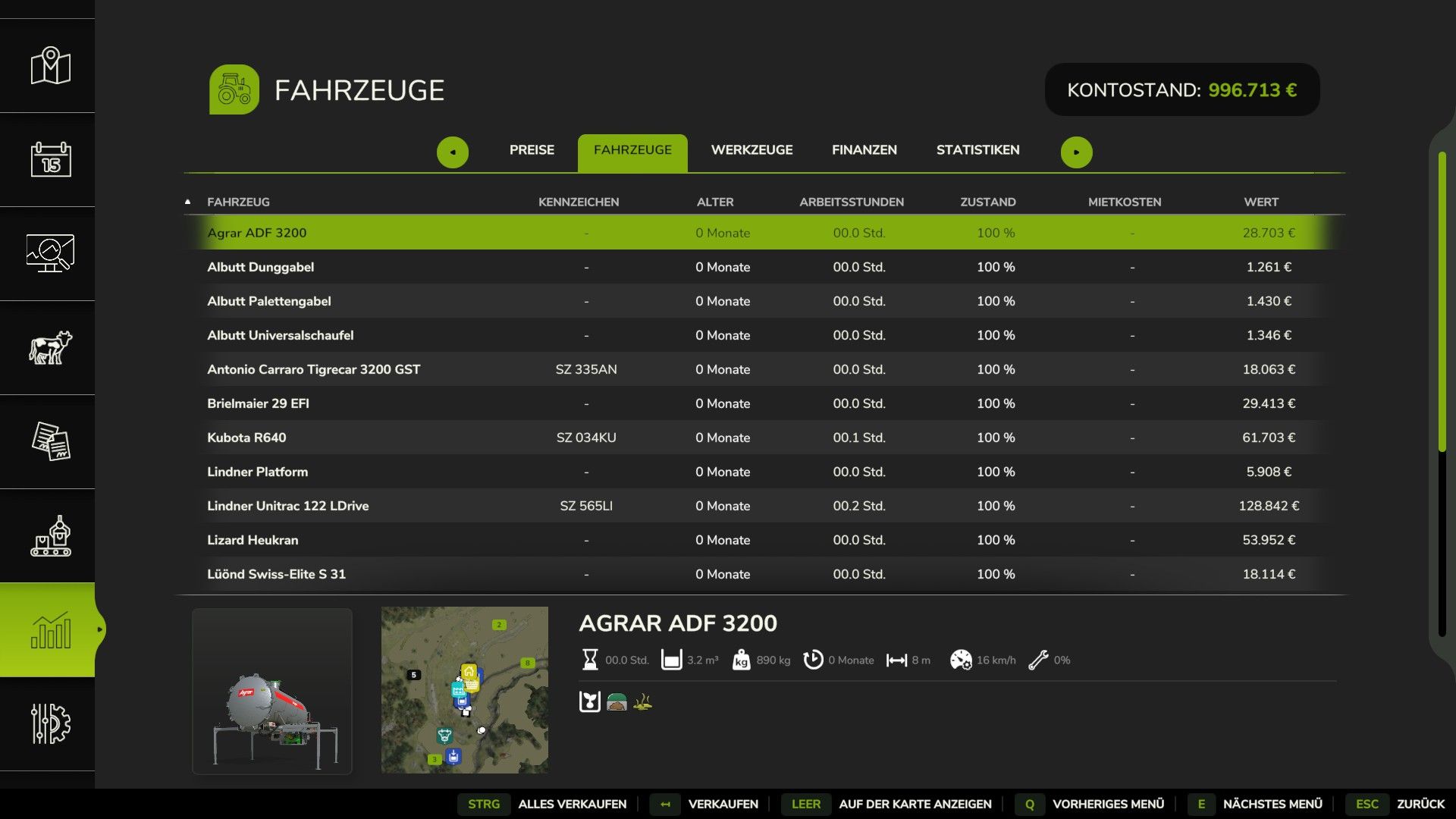
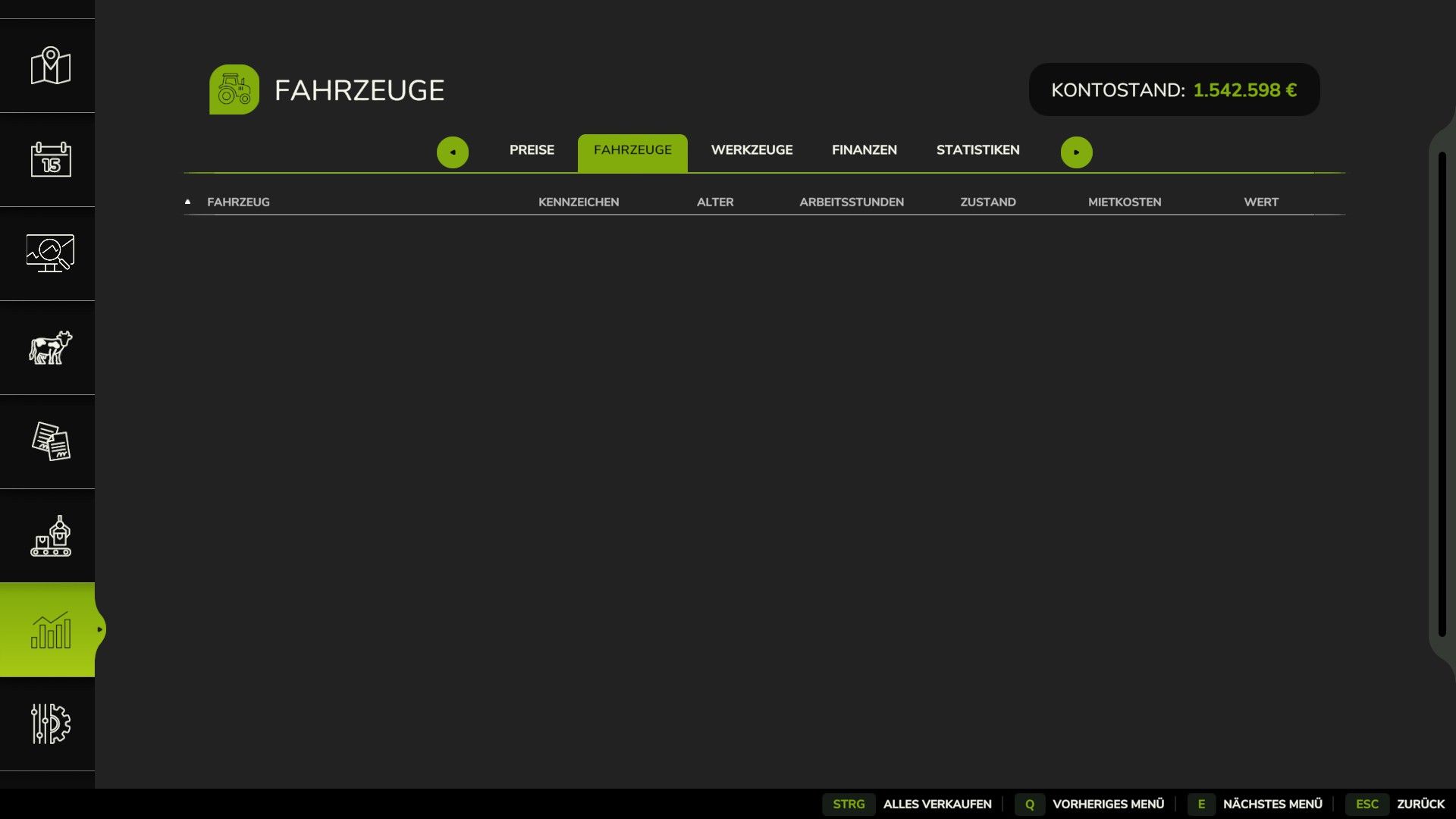
With this mod, you can sell all the vehicles and equipment owned by your farm in one go—conveniently via the game’s statistics menu.
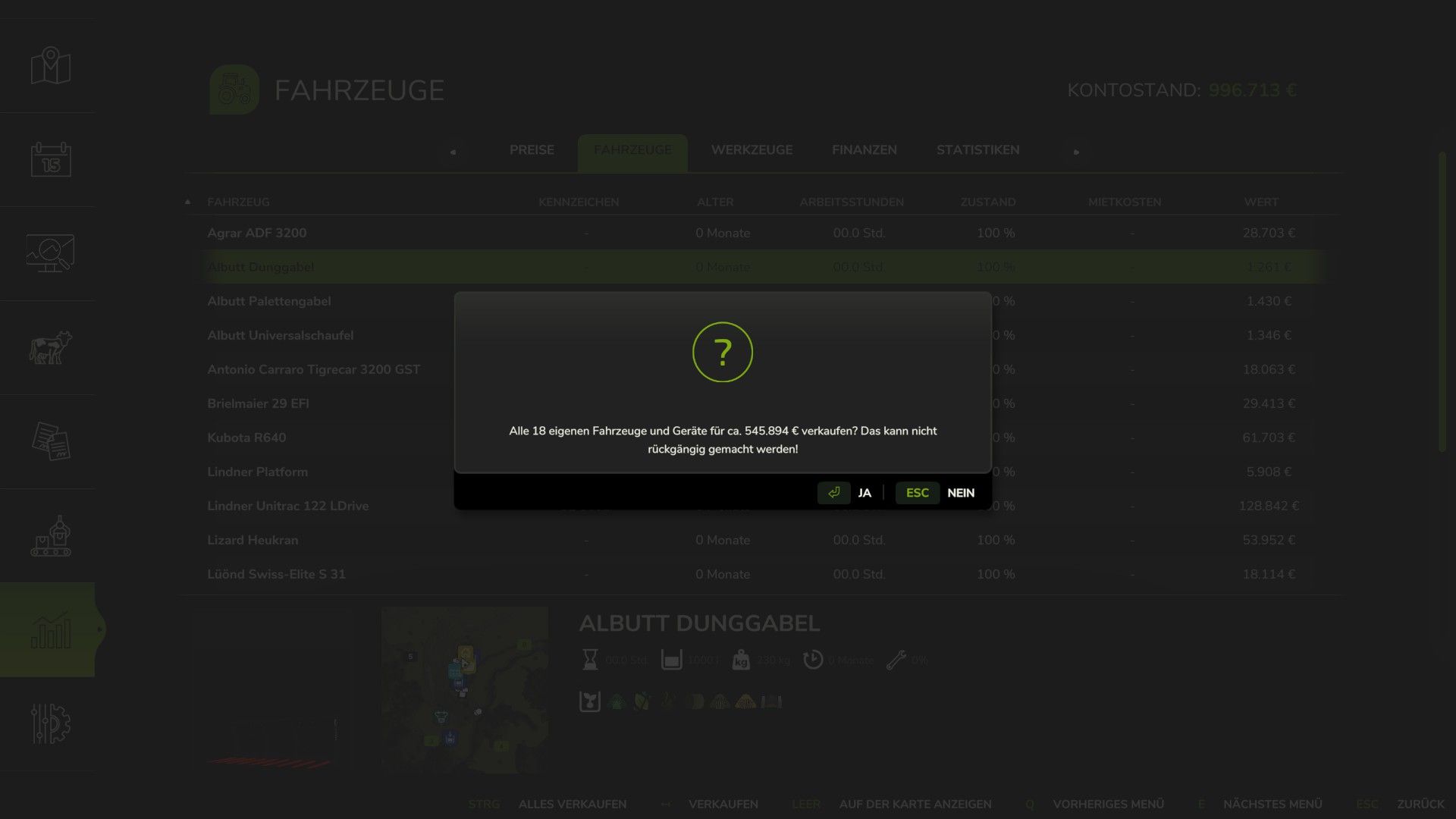
You remain in full control, of course: before the sale, the mod displays the number of affected vehicles and the estimated total proceeds. The sale only proceeds once you explicitly confirm it.
After all, we like to be spontaneous—but not reckless!
Features at a Glance
Sell Your Entire Fleet
Sell all vehicles and equipment owned by the selected farm.
No more tedious, individual sales.
The number of affected items and the estimated total value are displayed beforehand.
Confirmation prompt before every sale: nothing happens without your explicit approval.
The process utilizes the game’s standard, built-in sales system.
What Won’t Be Sold
Leased vehicles remain untouched.
Mission-related vehicles are excluded.
Pallets are not sold.
Vehicles currently in use are skipped.
Vehicles being operated by an AI worker (helper) are also left alone.
The mod respects the specific permissions of each farm.
In short: no one will have their tractor sold out from under them while driving, and AI workers are allowed to finish their tasks!
Multiplayer Support
Fully compatible with multiplayer.
Respects farm-specific permissions.
Sales are restricted to what your current permissions allow.
How It Works
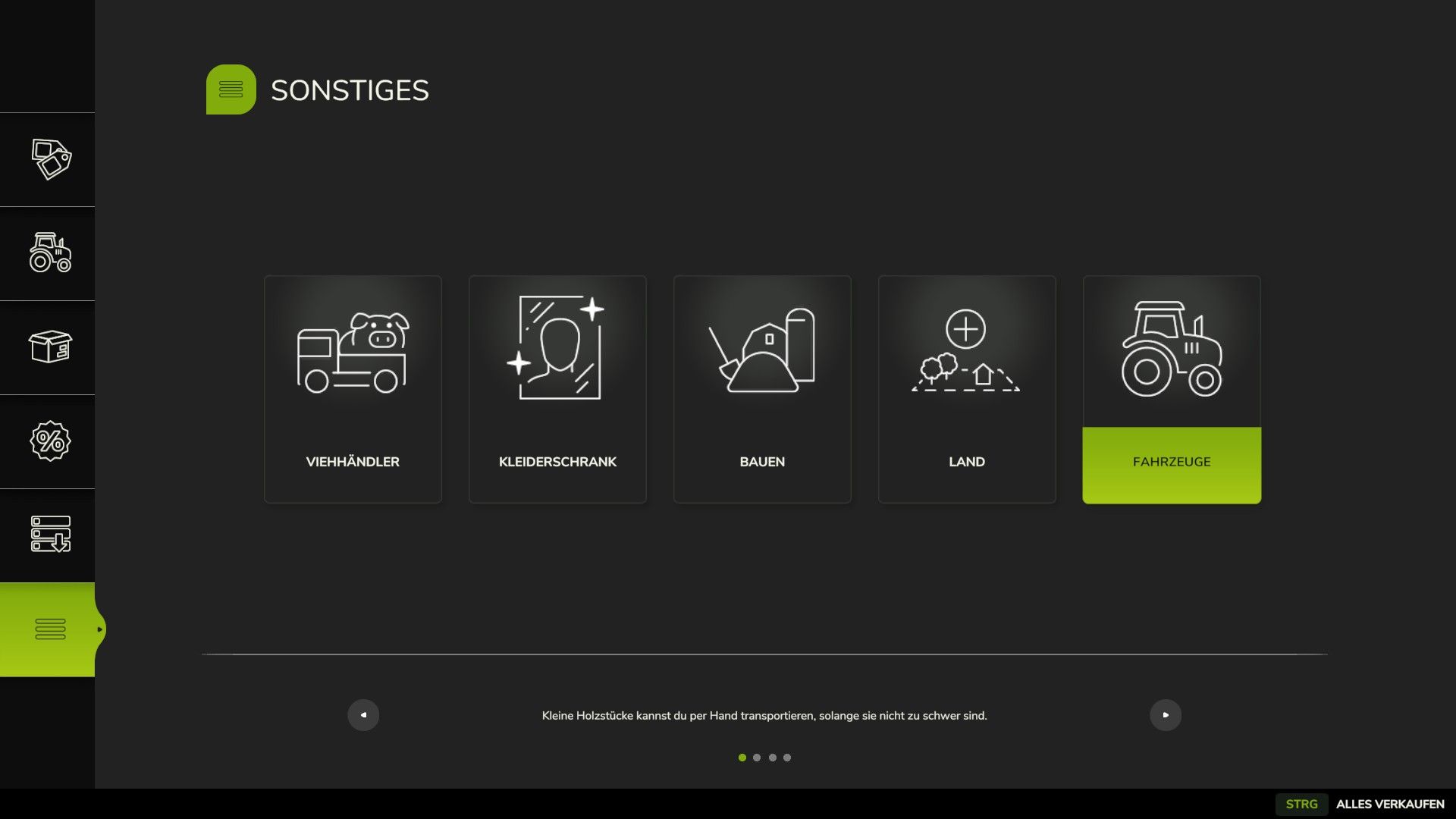
Open the shop menu or the pause menu.
Navigate to Statistics → Vehicles. Select “Sell All” or use the corresponding keyboard shortcut.
Review the number of vehicles displayed and the estimated proceeds from the sale.
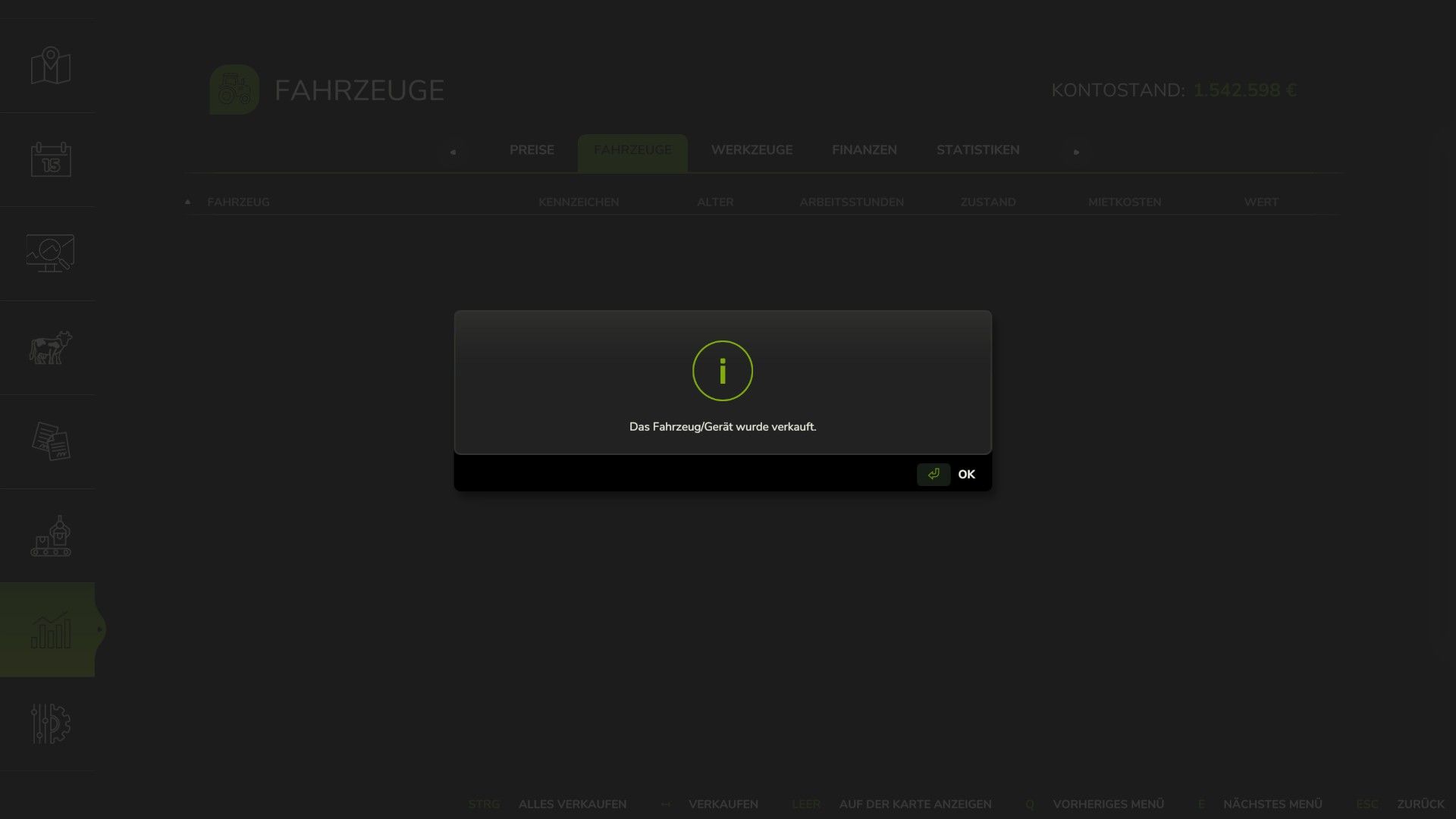
Confirm the sale – and you’re done!
Controls – Default Keybindings
Device Shortcut
Keyboard Ctrl + Shift + V
Controller Share/View button (BUTTON_7)
All keybindings can be customized at any time in the controls menu.
Changelog 1.3.0.0
FIX: Resolved an issue where “Sell All” failed to sell any vehicles. The cause was an incorrect price multiplier being passed to the game (SellVehicleEvent error).
Vehicles currently in use by an AI worker are now reliably skipped.
The sale results are displayed immediately after all sales are completed—no more unnecessary, fixed waiting periods.
Tested with game version 1.25.
modDesc updated to version 115.
Important Note
Sales are final! There is no “undo” button and no automatic recovery option.
Therefore, please double-check before confirming that you truly intend to sell your entire fleet.
A tip from the farm accountant: Think before you click confirm. After all, new machinery costs money—and your bank balance might get an even bigger shock from this action than you do!
From the Mr.Hunter mod workshop
Less administrative work, fewer unnecessary clicks, and more time for what really matters: farming!
Whether you’re starting a fresh save, swapping out your fleet, or simply doing a thorough spring cleaning of your machinery, this mod lets you sell all your vehicles and equipment conveniently in one go.
Happy tidying—and may your sale proceeds exceed the total of your repair bills!
Yours, MrHunter0815
V1.3.1.0
Log error fixed, I forgot the test runner yesterday evening. Everything is clean again now. SORRY.


