
Manual Machine Hydraulics Control V1.0.0.1
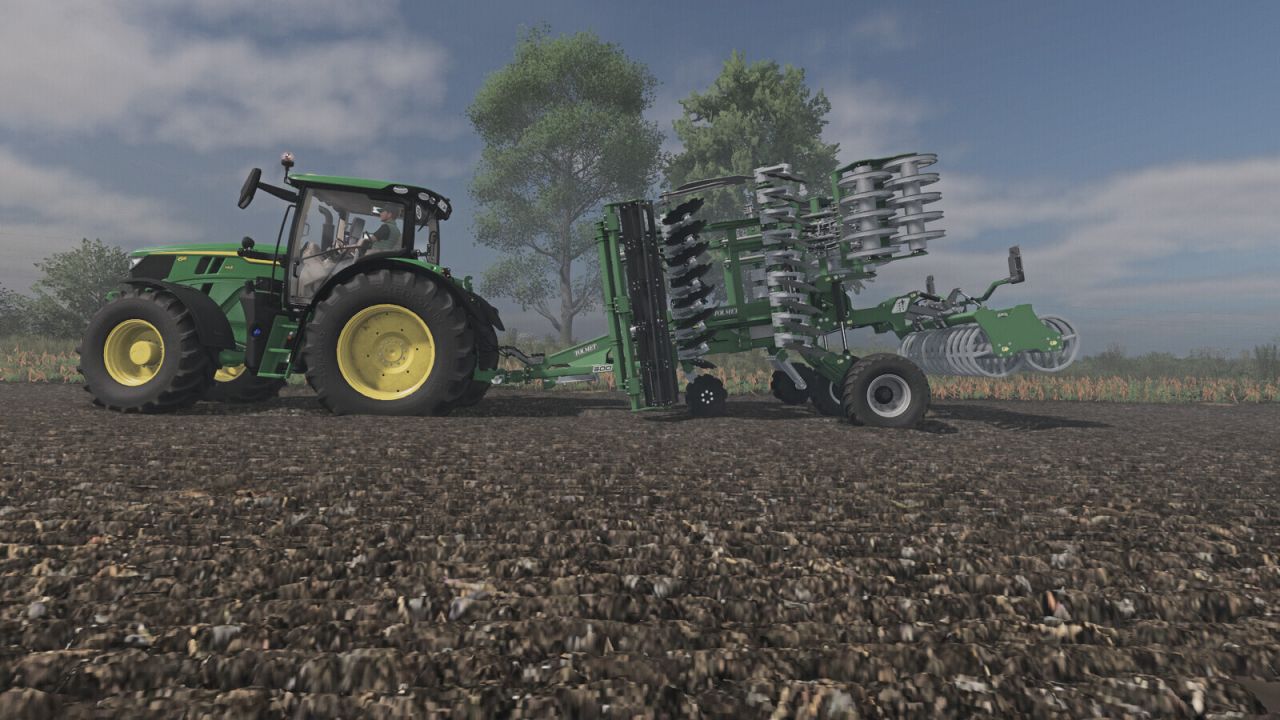
Manual Machine Hydraulics Control V1.0.0.1
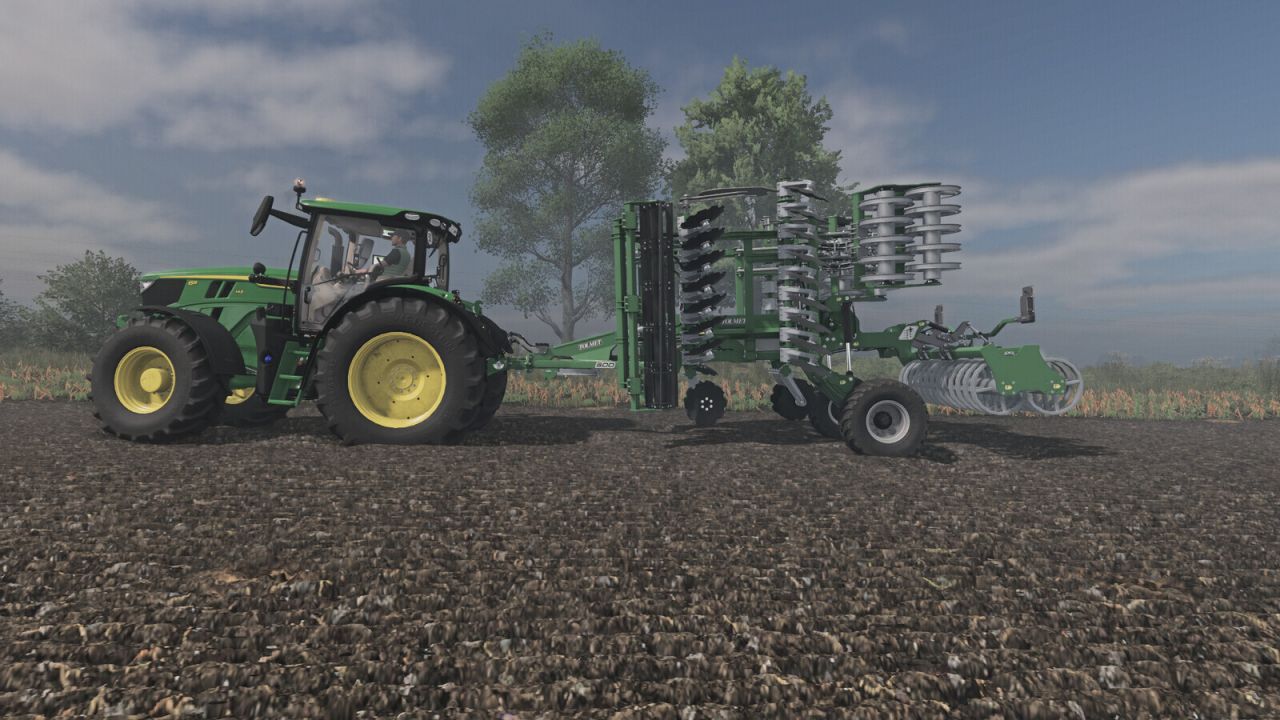
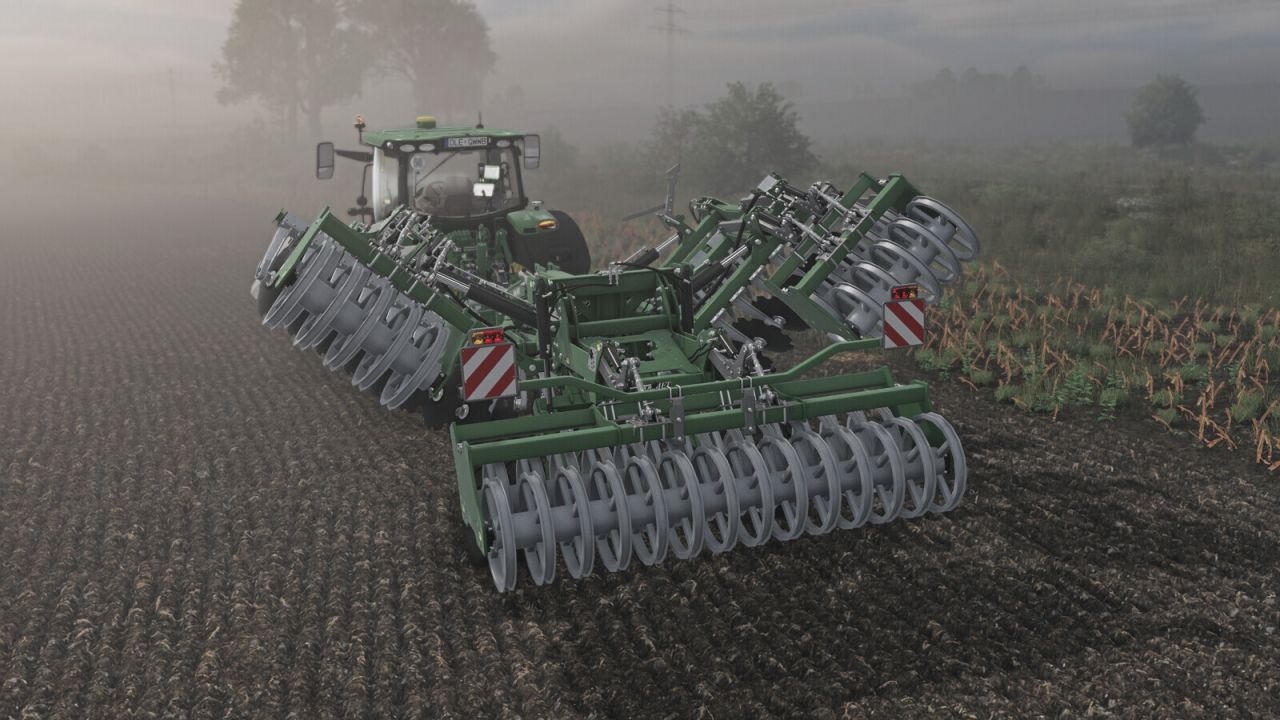
Manual, stepless linkage and implement folding control.
Shift + Up Arrow: raise | Shift + Down Arrow: lower
Shift + Right Arrow: unfold | Shift + Left Arrow: fold
Manual linkage and folding can be enabled independently in the game settings.
With manual linkage enabled, an attached implement stays at its current height.
Controls require a running engine.
PLEASE NOTE
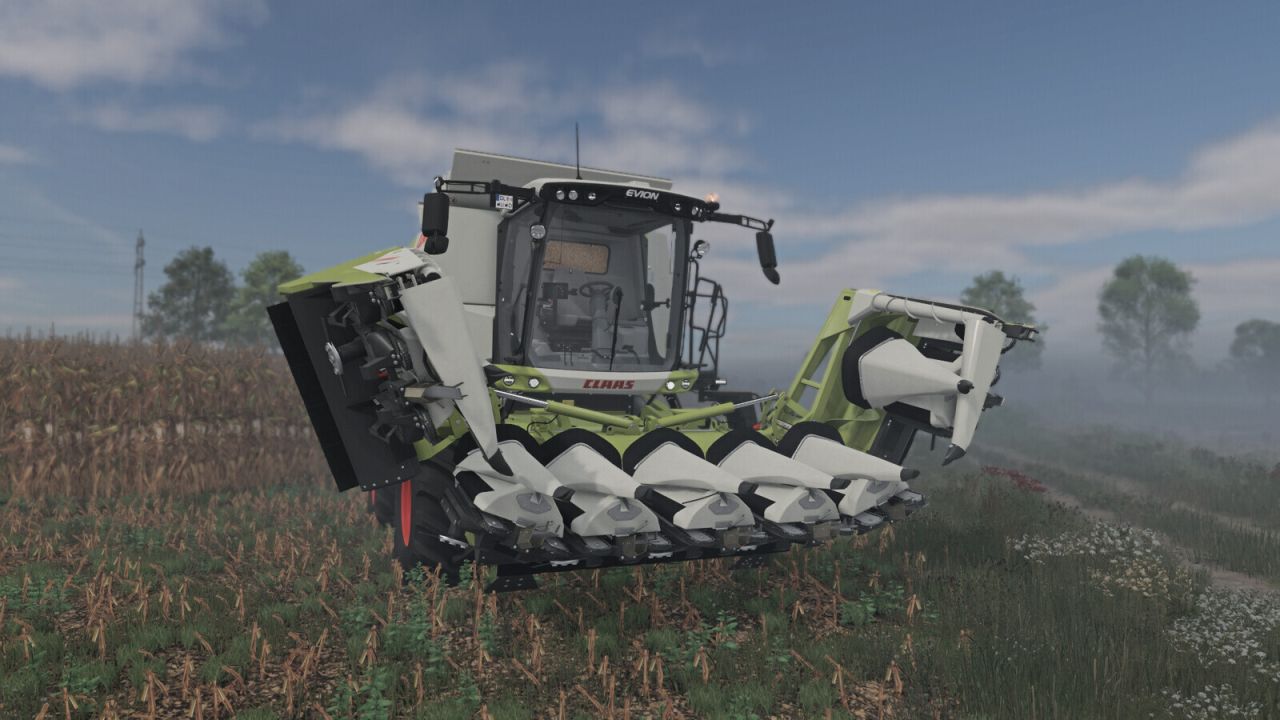
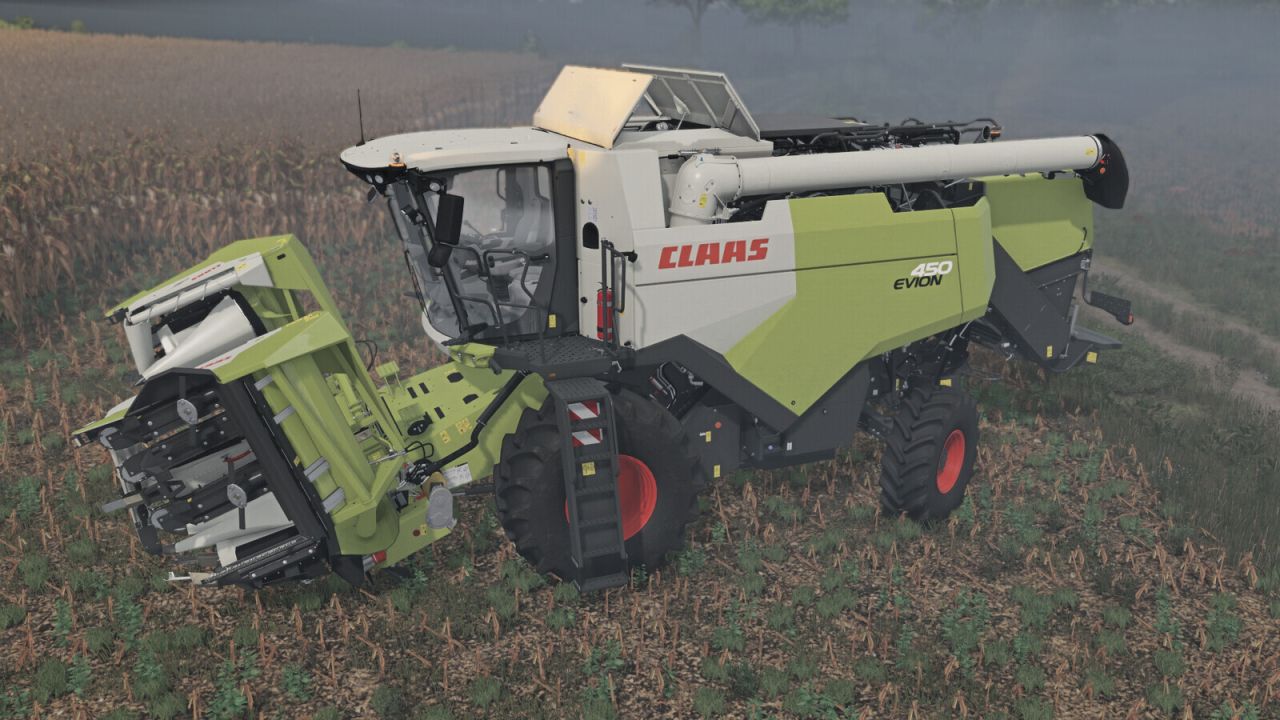
When using semi-mounted machines and combine harvesters with headers, it is advisable to also use the default V button,
so that the machine can adapt to the ground.
For tractors with manual gear changes, the Numpad + and Numpad – keys can be assigned simultaneously to change gears.
If manual lifting or lowering does not work, change the modifier or gearbox function assignments in the game’s control settings.
V1.0.0.1
The default key bindings have been changed (Left Shift + arrow keys)
IMPORTANT: Players who have already downloaded the mod may find that the new settings do not take effect automatically. In this case, you will need to apply them manually.


