
Extended HUD V1.0.0.0

Extended HUD V1.0.0.0
More overview in Farming Simulator 25!
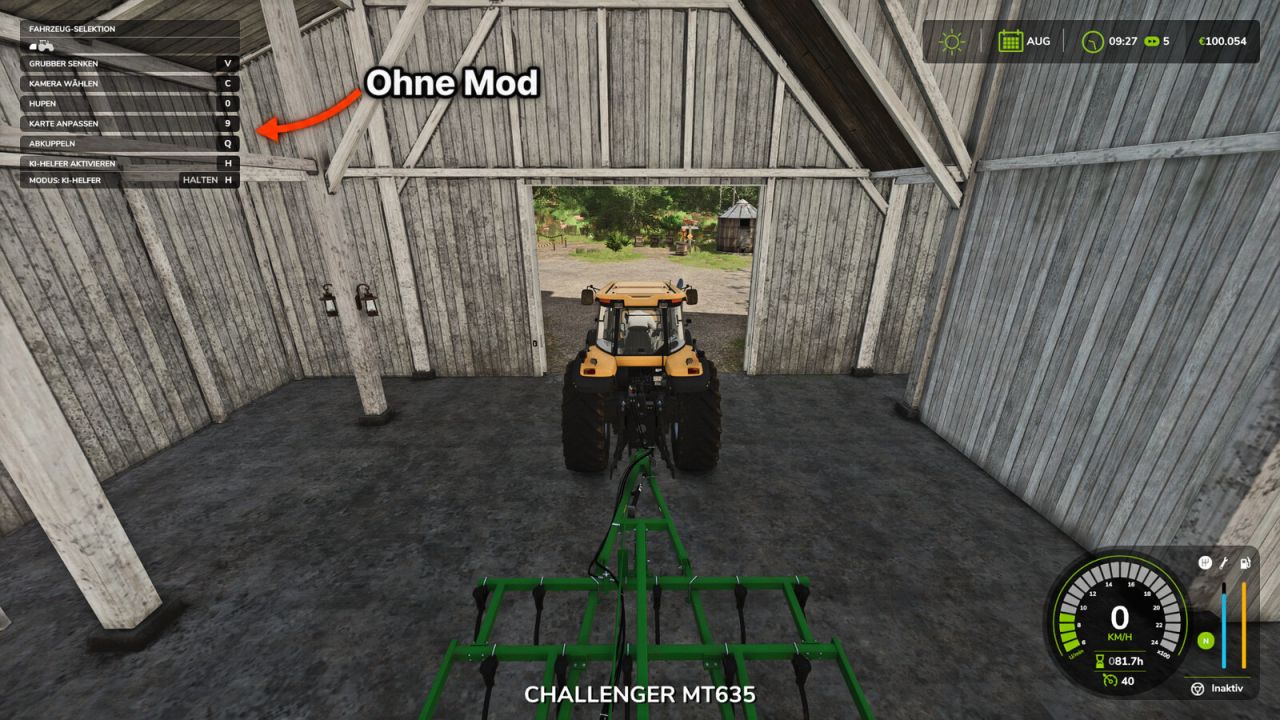
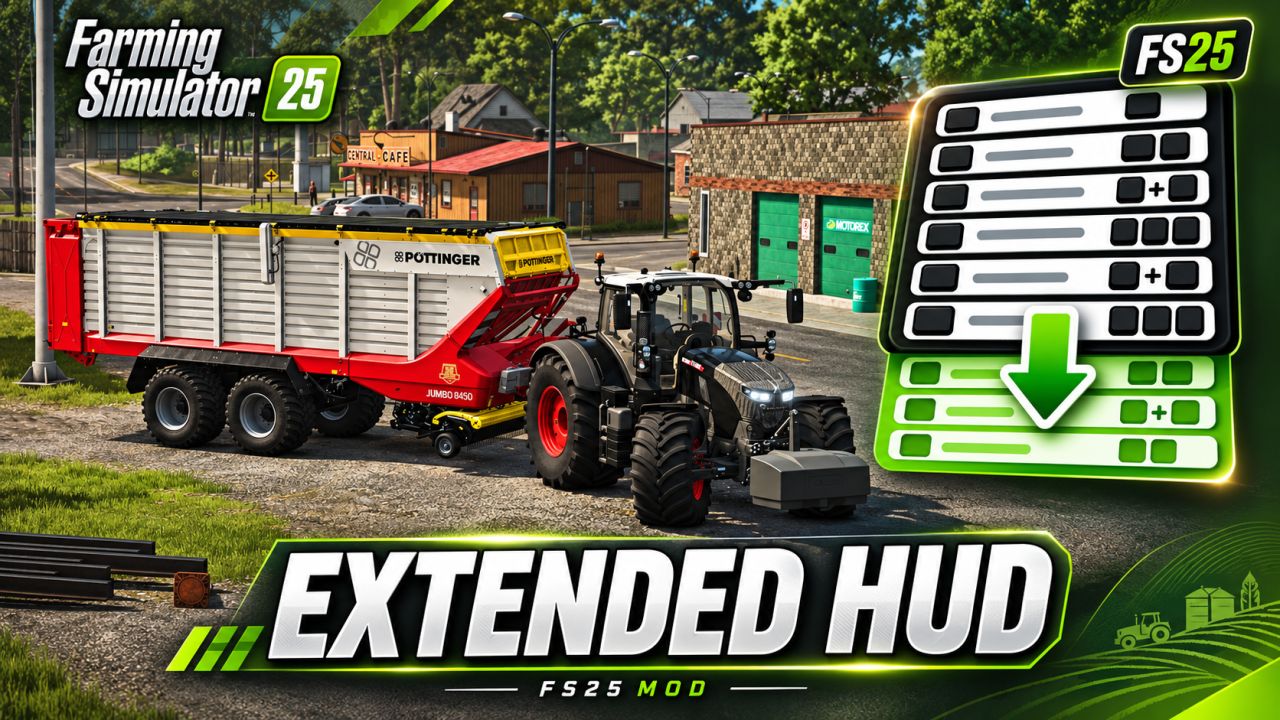
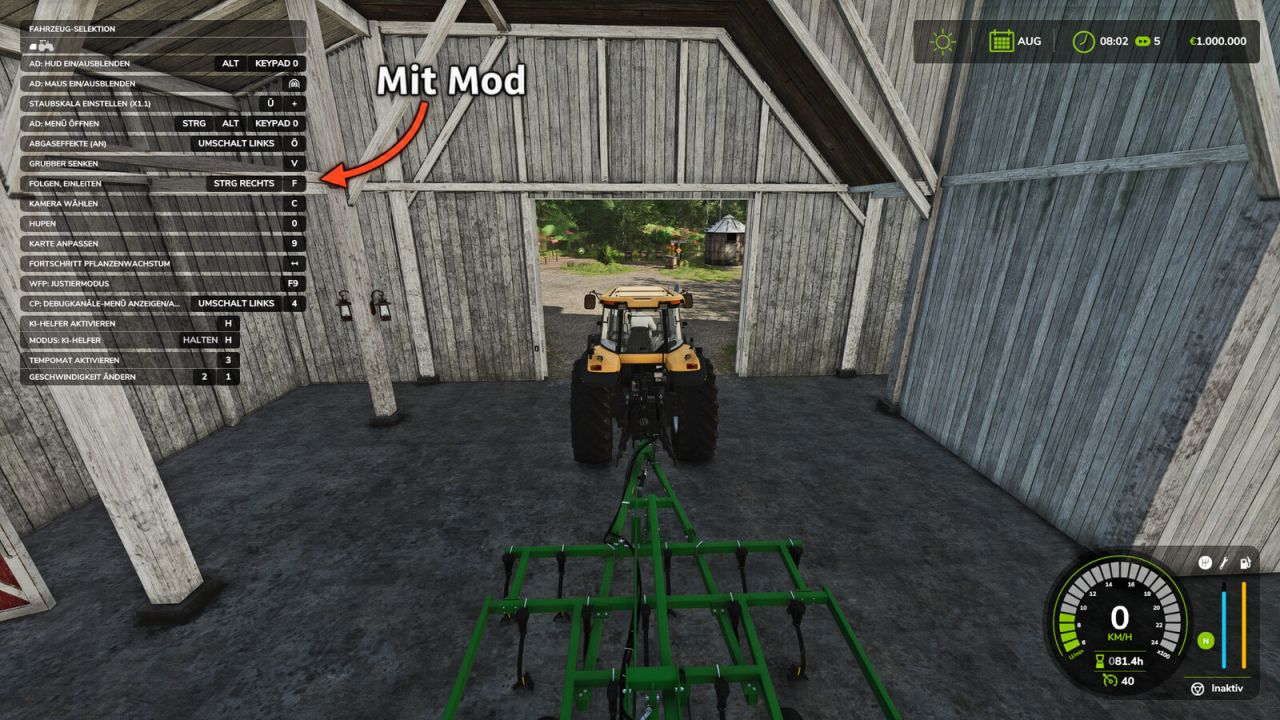
In the standard game, the F1 help window only shows a small selection of the available actions. Extended HUD expands this display so you can see all key bindings for the current vehicle and implement directly, including those from other mods such as AutoDrive or Courseplay.

Features:
Displays significantly more entries in the F1 help window
Key bindings from other mods are also displayed
No more lengthy searches in the control settings
Ideal when using many mods and new vehicles

Controls:
F1 – Show/hide the help window (as usual)

Multiplayer:
Works in single-player and on servers.
Version 1.0.0.0 – Initial release

Author: MrMorty92


About FS25 mods:

If you play Farming Simulator 25, it's time to understand how mods work with the game. Farming Simulator 25 Mods is an extra file or content to change your basic game version. If you want more tractors and harvesters or need any farming tools in the game, FS25 mods are the best choice. So, mods allow you to change gameplay and customize the Farming Simulator 25 game. There are many different types of Farming Simulator 25 mods that will make your gameplay easier or increase your income to grow and build your farm, and you decide what kind of FS25 Mod to install. Read the mod installation instructions and description above before use. We are the largest FS25 mods community to share mods for the PC.


You may also like...

Leave a Reply

Your email address will not be published. Required fields are marked *