
HMT Headlamp – Lumen Master 3000 V1.0.0.0
HMT Headlamp – Lumen Master 3000 V1.0.0.0
It’s dark and you need light? The HMT headlamp will give you the visibility you need! Three brightness levels, head-guided light, and use in first- and third-person view. The basegame flashlight can now also be used in third-person view.
It’s dark and you need light? The HMT headlamp will give you clear vision!
The next night shift is upon us, the attachment disappears into the darkness, and unfortunately, the work isn’t going to do itself today either? With the LumenMaster 3000, the light is right at your head. Buy your headlamp in the shop, take it out of the box, add it to your player inventory, and light up the scene.
Headlamp and flashlight
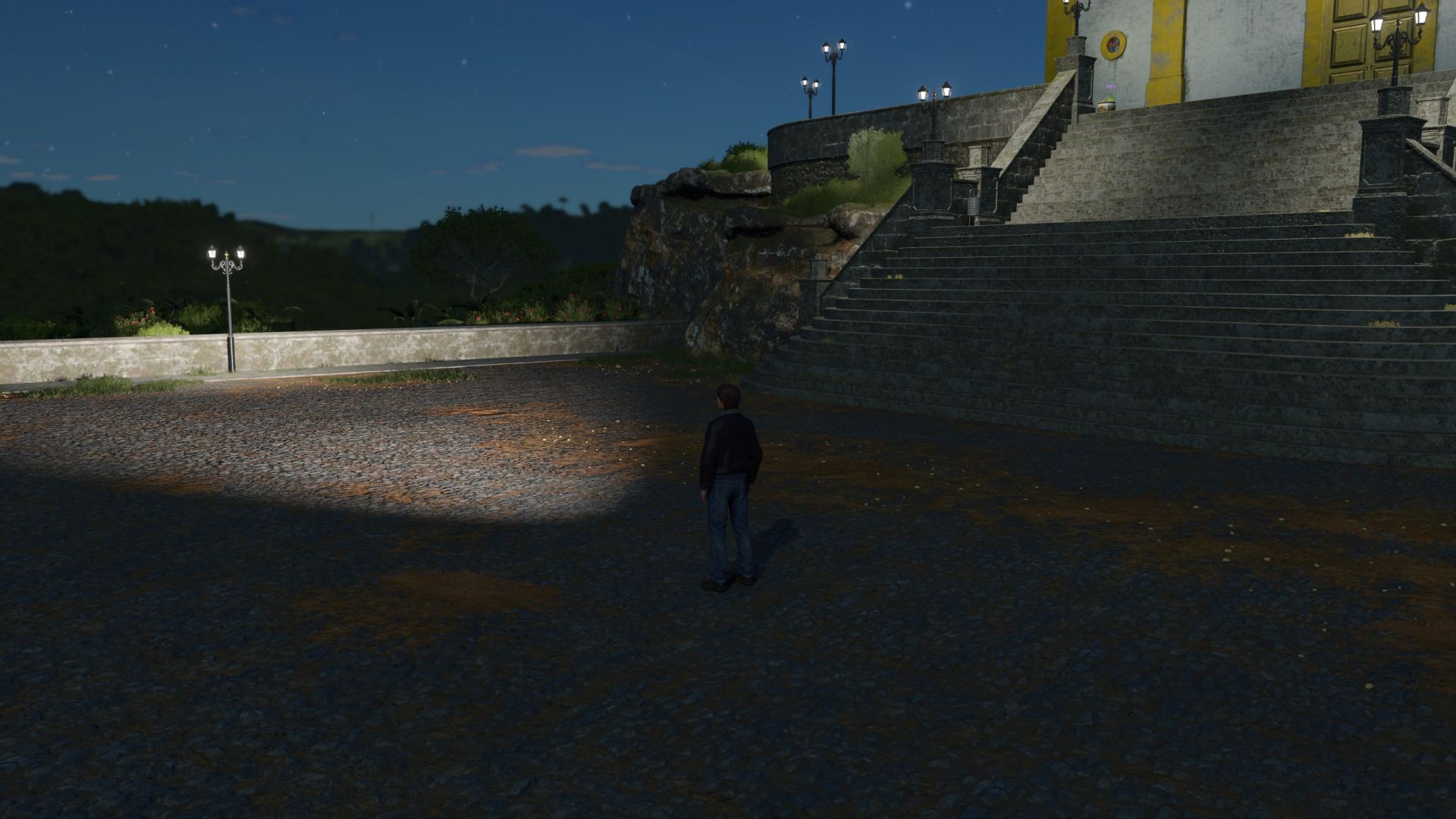
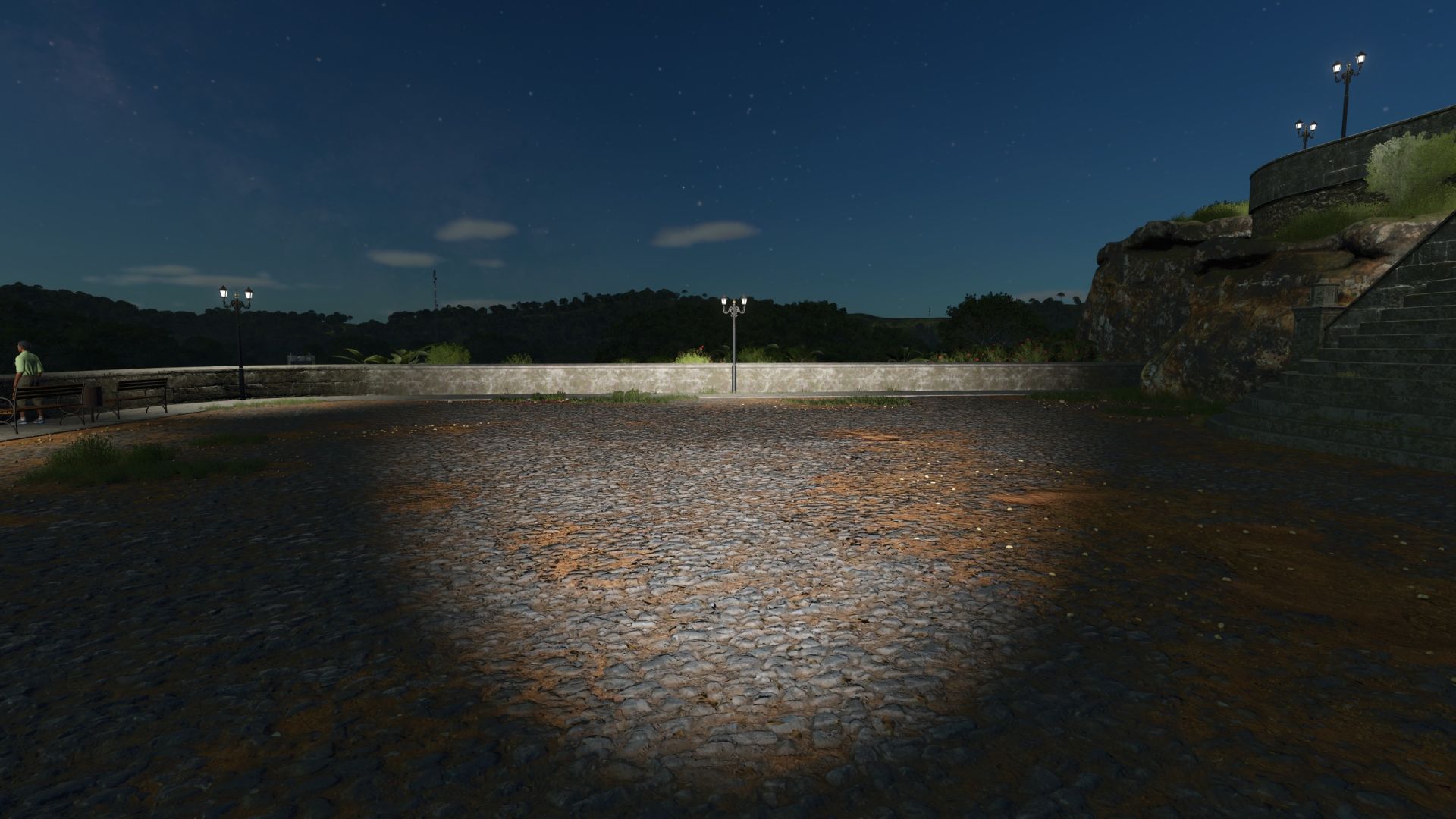
The HMT headlamp follows your head or camera movements. When you look around, the beam of light moves with your gaze. This works on foot in both first-person and third-person view.
The basegame flashlight can now also be used in third-person view. Its light follows your player’s body orientation.
Brightness and use
The headlamp offers three brightness levels. You can switch between 25%, 50%, 100% and off by pressing a button.
The headlamp is intended for use on foot. It is switched off when entering a vehicle.
Purchase, transport and inventory
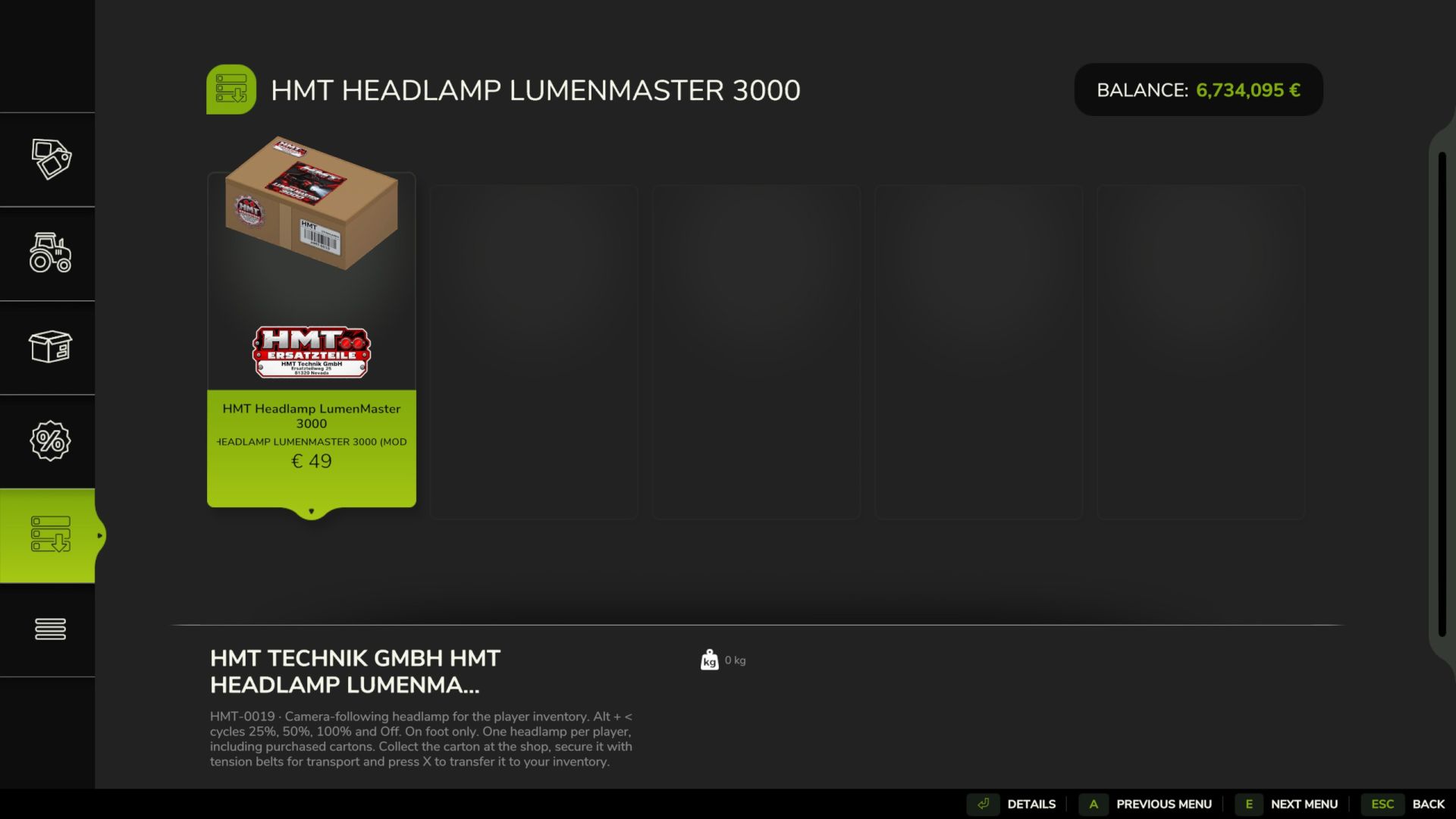
You can find the headlamp in the shop under Tools → Miscellaneous.
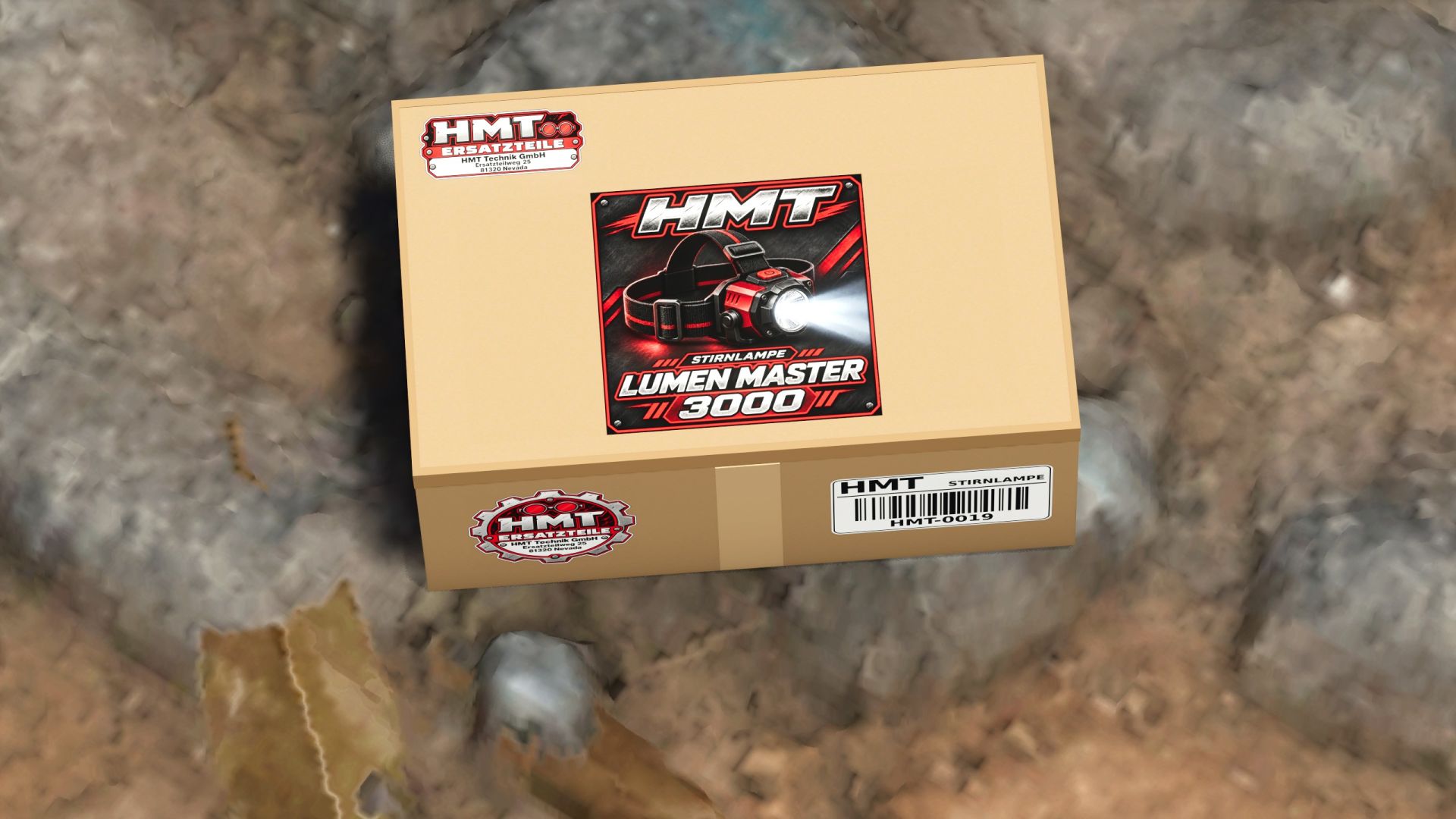
After purchase, you will receive a cardboard box that you can transport and secure with tension straps.
To add the lamp to your personal inventory, place your own box down, release any straps, and walk within 2.5 meters. Press X to add the lamp to your inventory. After the transfer is complete, the box will disappear.
Possessing the item in your inventory is sufficient to operate the lamp.


