Dashboard Live v2.0.0.0
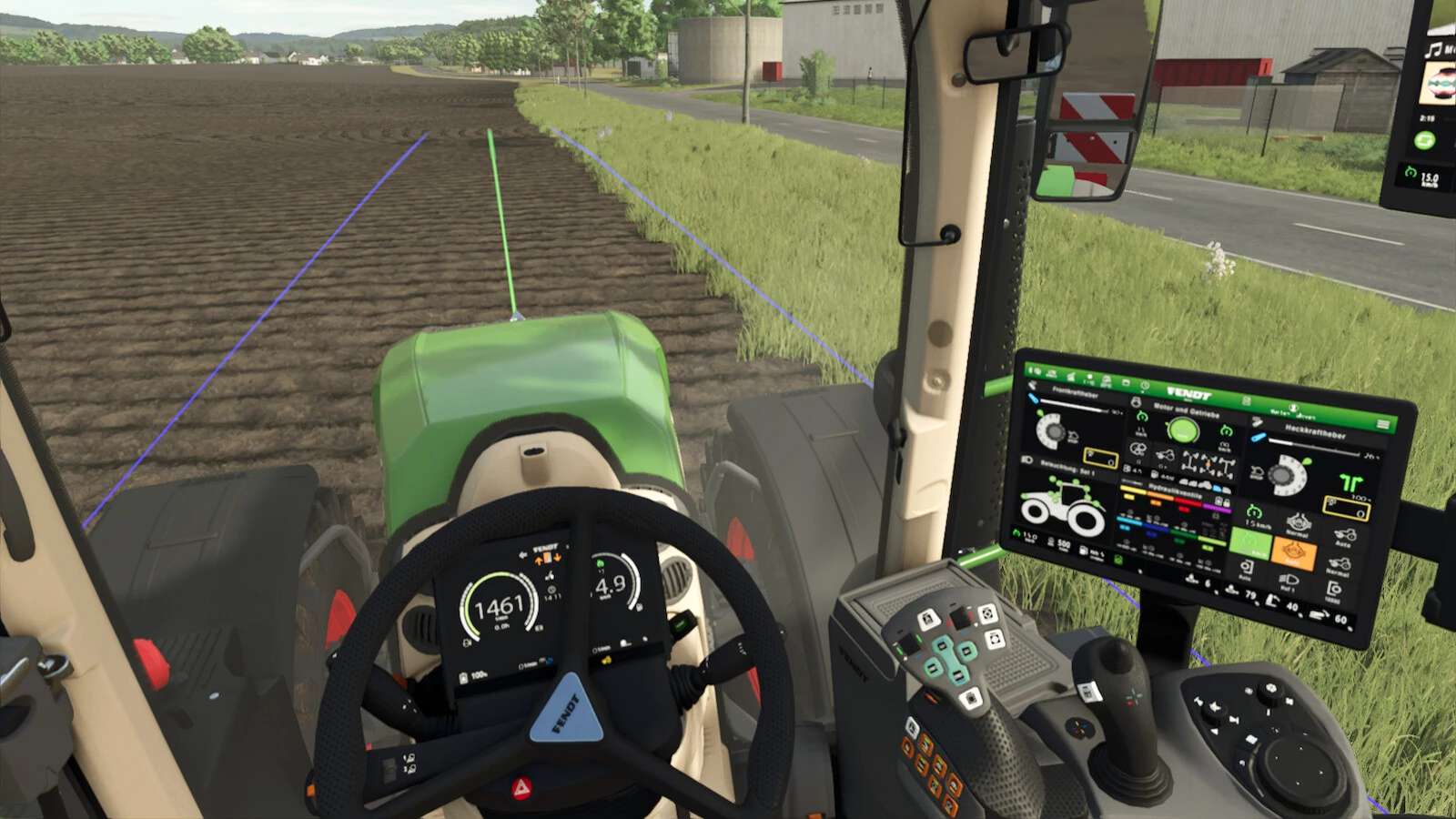
Dashboard Live v2.0.0.0
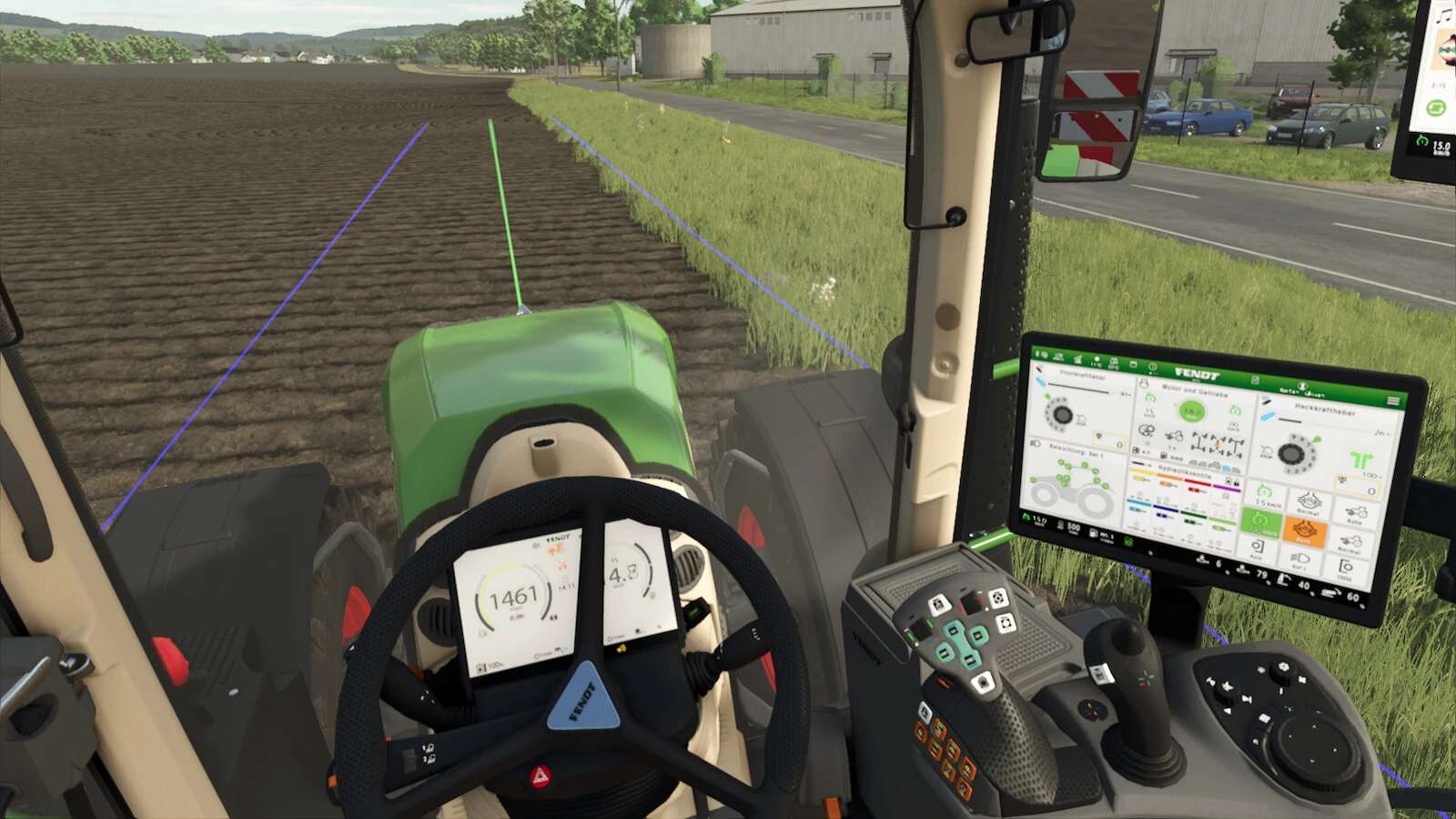
Dashboard Live (DBL for short) allows you to display all kinds of information in your board computers and/or dashboards in all kinds of tractors, regardless of brand.
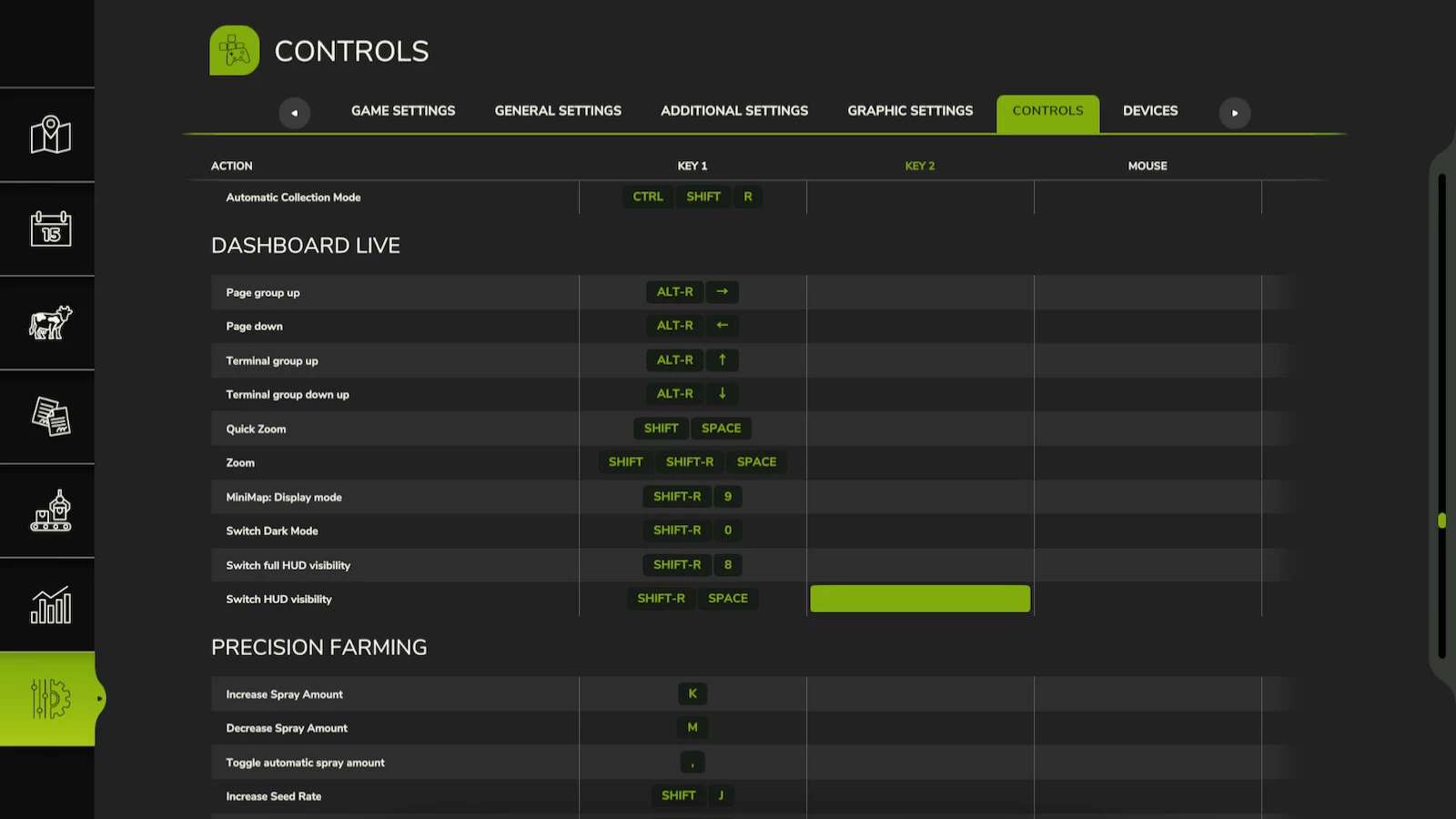
A zoom function is included to make it easier to view displays:
– Left Shift key – Space bar: Short zoom
– Both shift keys – space bar: Permanent zoom on/off
If supported in the vehicle, the right Alt key and left/right/up/down arrow can be used to scroll through displays.
In the MultiPlayer game, DBL synchronizes the engine temperature, fuel and air consumption from the server to the clients.
What can be displayed?
Basic game:
– Status of the front and rear linkage
– Status of attached devices and trailers
– Filling levels
– Compass heading
– PTOs
– Display of the currently active implement
– Status of the folding/unfolding process
– Tipping status
– Tipping side
– Course display (N/E/S/W, N/NE/E/SE/S/SW/SW/W/NE or degrees)
– Field number
– Weight of the loaded filling quantity
– Real-time clock
Minimap:
– Display of the surrounding map in the dashboard
Thresher:
– Filling indicator
– Status of straw chopper/swath delivery
– Cutting height
– Position of the transfer tube
– Overloading process active
Bale press / Bale wrapper:
– Bale size
– Bale counter
Front loader:
– Tool position
Further functions:
– Dark mode
– Acoustic signals
Supported mods (optional):
VehicleControlAddon:
– Status of the differential locks
– Status of the all-wheel drive
– Hold speed
– GPS status
– Slip of the drive wheels
Enhanced Vehicle:
– Status of the differential locks
– Status of the all-wheel drive
Headland Management:
– Status
– Field/pre-turn mode
CombineXP:
– Tonnes per hour
– Engine load
– Yield
– High moisture warning
CVTaddon:
– Speed steps
– Acceleration ramps
– Braking ramps
– Various warning states
Important: Vehicles must be prepared for DashboardLive in advance in order to be able to use the functions and displays.
An installation guide and documentation are included, and video tutorials are also available.
Further ideas or requests are welcome at GitHub: FS25_DashboardLive