Hand Plant Saplings V1.0.0.0
Hand Plant Saplings V1.0.0.0
Have you ever wanted to plant just one tree, or do you long to plant trees in random locations to replenish the forests?
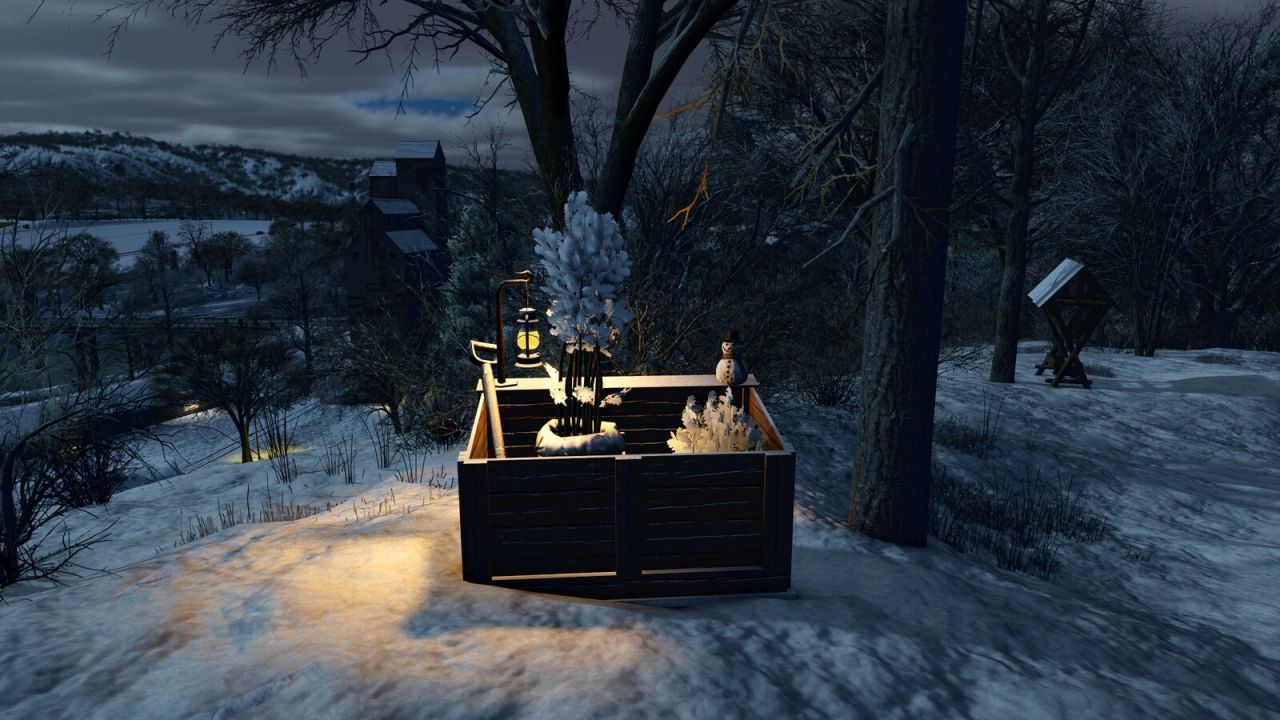
Well for a modest purchase price you will receive a shovel, backpack and a storage option that will allow you to plant individual saplings without requiring heavy machinery.
Usage:
– The shovel and backpack can be removed from storage or returned using the default ‘Use Object (R)’ key binding
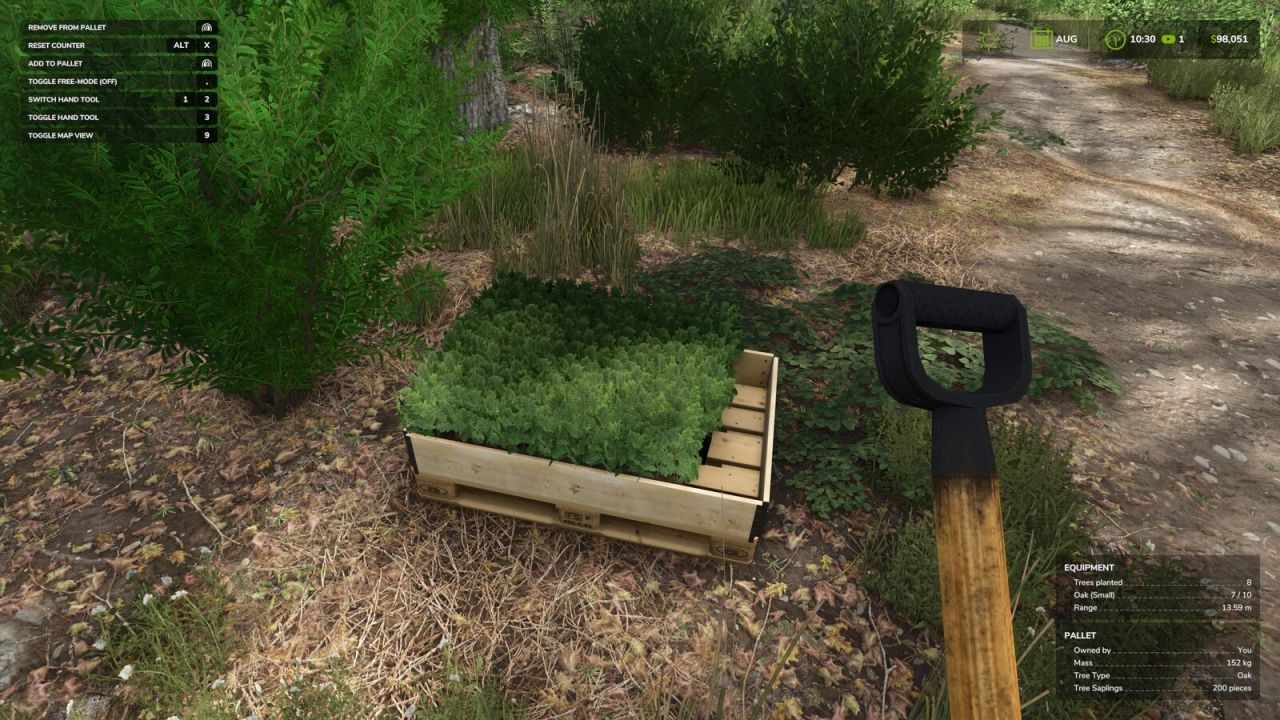
– To fill your backpack select the shovel from the players hand tools, look directly at a valid sapling pallet and press the ‘Remove from pallet’ key binding.
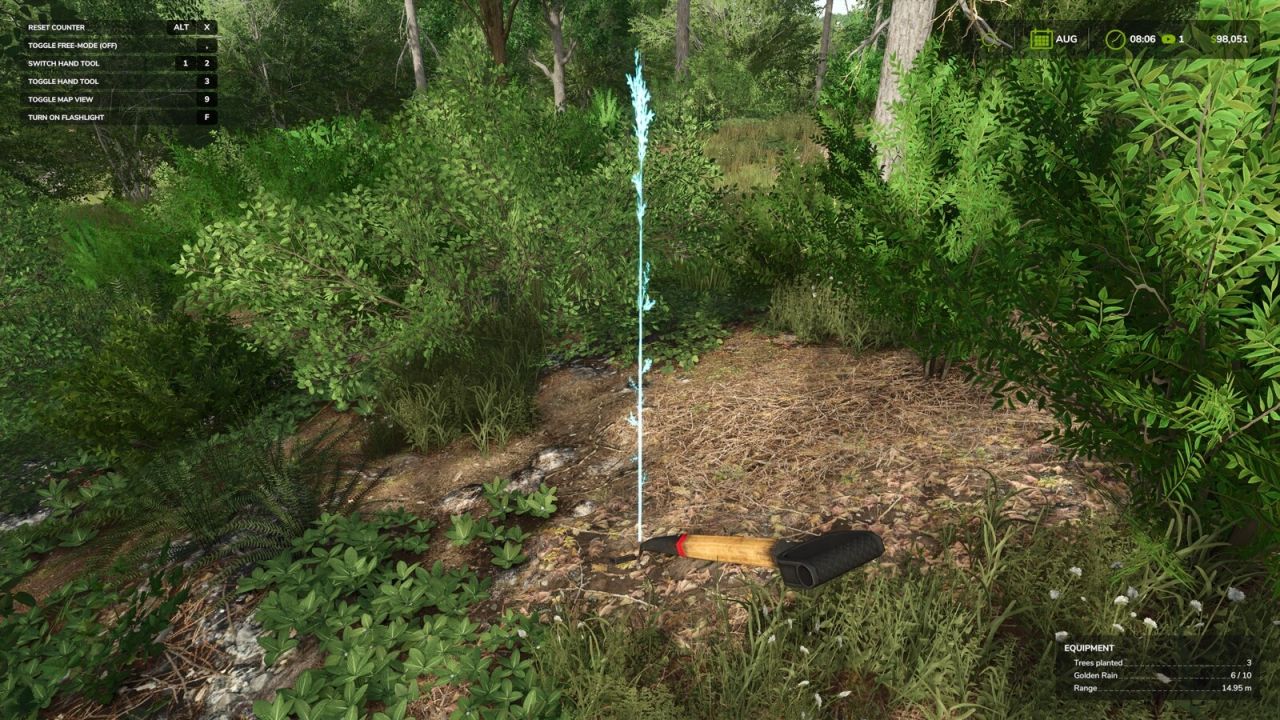
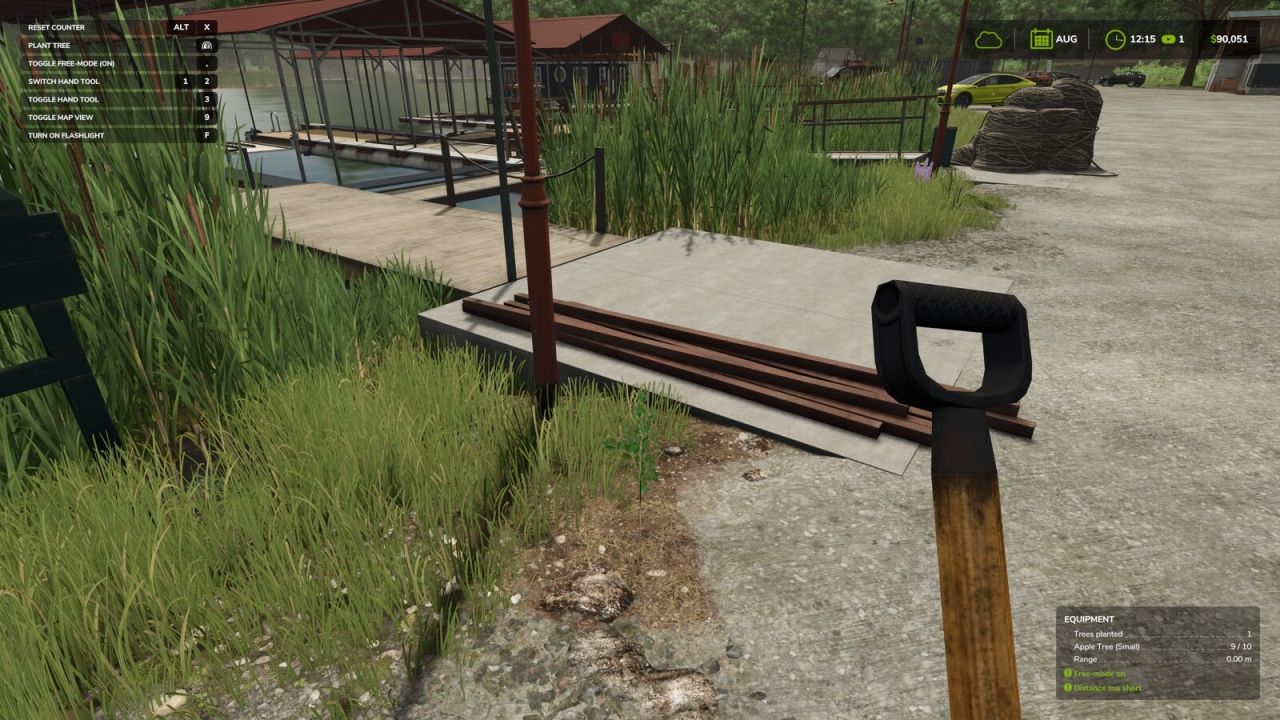
– To plant a sapling approach the required area and position the marker, pressing and holding the ‘Activate hand tool’ key binding will start the planting sequence.
– To store saplings in the storage box, select the shovel from the players hand tools and press the ‘Add to Storage’ key binding.
– To return saplings to a pallet of the same tree type, select the shovel from the players hand tools and press the ‘Add to Pallet’ key binding.
– To remove saplings from storage, select the shovel from the players hand tools and press the ‘Remove from storage’ key binding.
Hand Plant Saplings Box:
– Price: 1,950 $
– Storage Capacity: 20
– Backpack Capacity: 10
– Shovels: 1
– Category: Tools
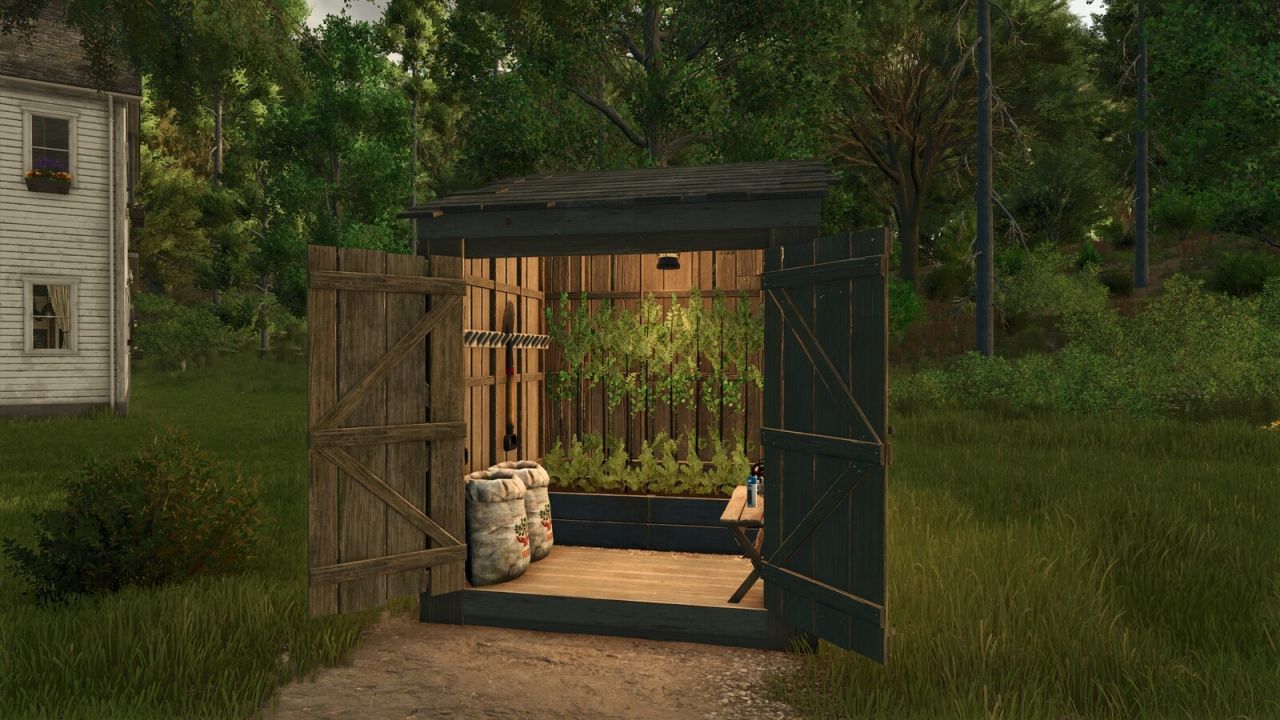
Hand Plant Saplings Shed
– Price: 3,150 $
– Storage Capacity: 40
– Backpack Capacity: 10
– Shovels: 2
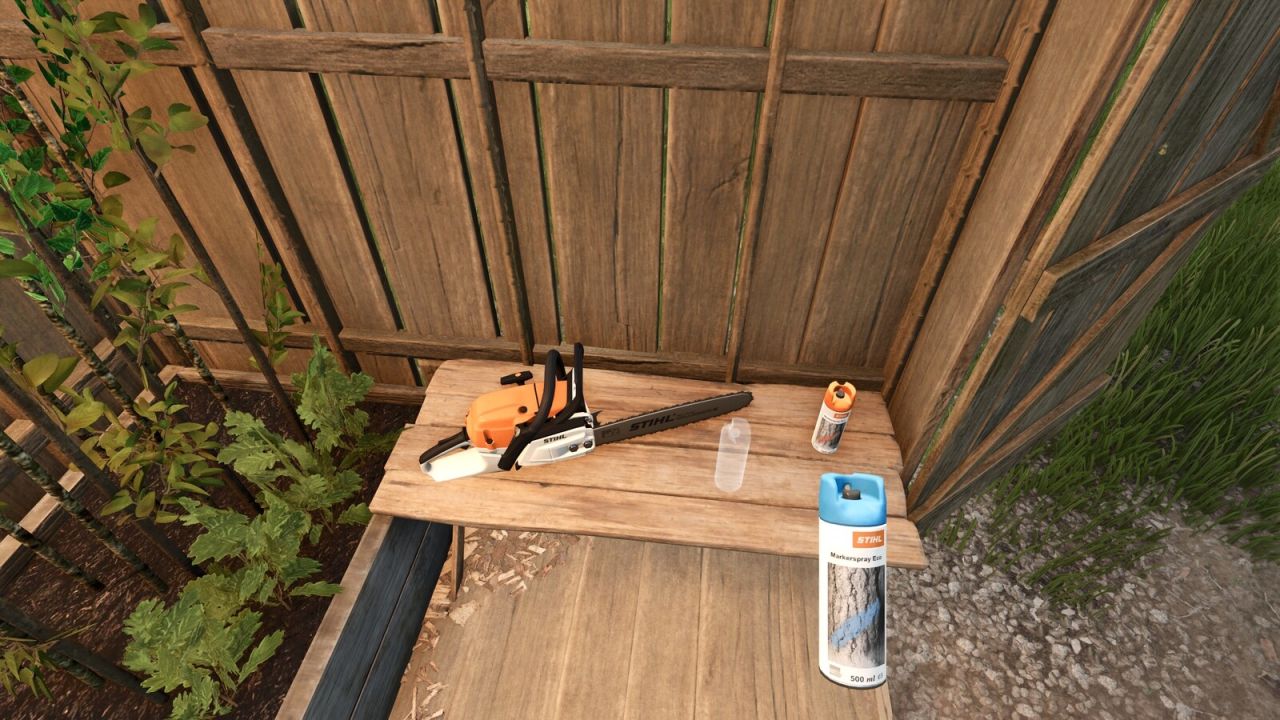
– Chainsaw Storage: 1
– Paint Can Storage: 2
– Category: Tools
Important:
– Once removed from the storage box, the shovel will be stored with the player as a standard hand tool.
– If the player who is carrying the shovel leaves a multiplayer server or closes a single player game, the shovel will be automatically returned to the storage box.
– It is possible for admin or single player users to activate ‘free-mode’ allowing saplings to be planted in most locations.
– Planting is only possible on suitable ground types.
– All key bindings are displayed in the Controls (F1) help drop down and all non standard key bindings can be configured if required.