John Deere 7810 FR12 V1.5.1.4
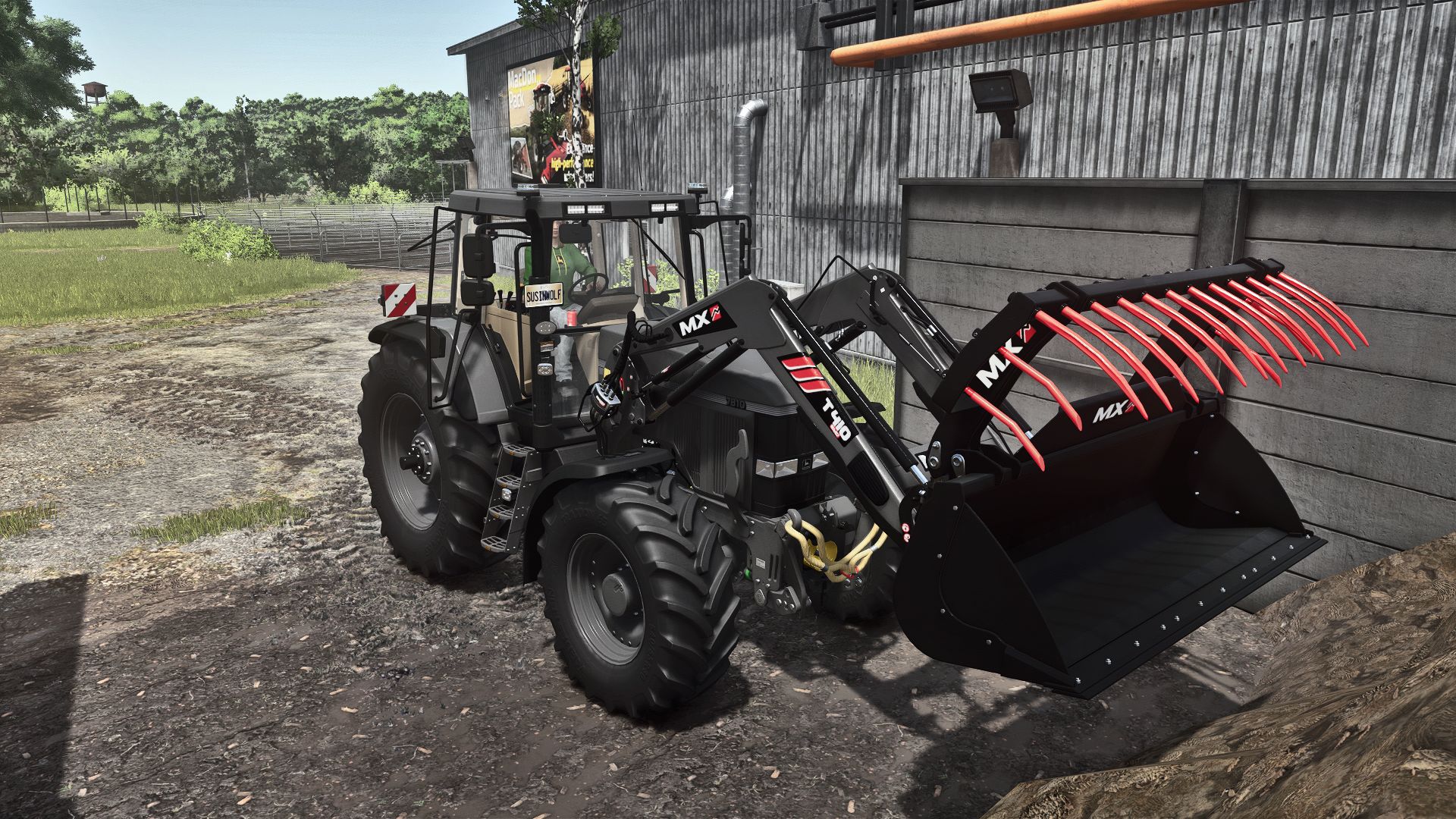
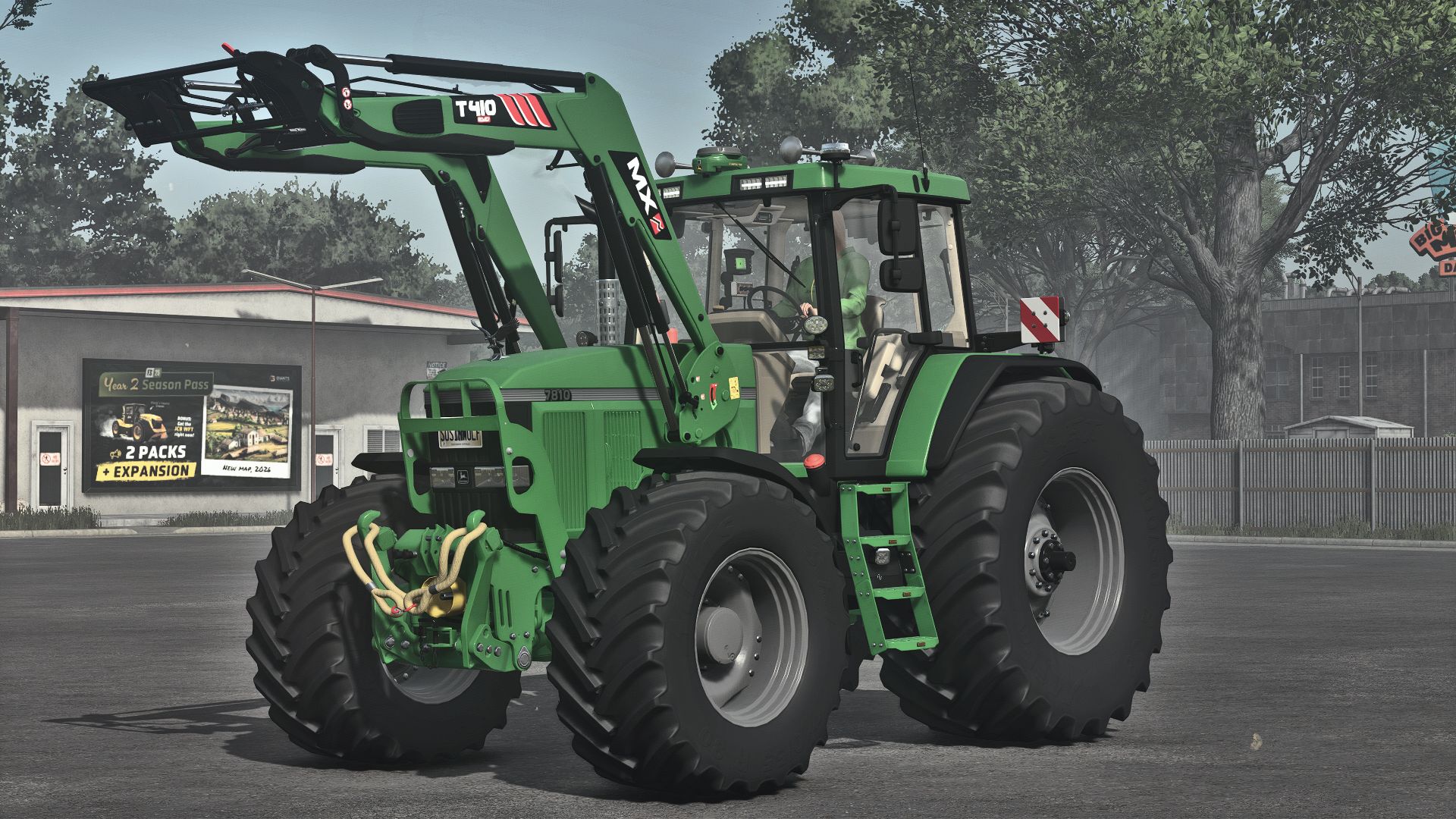
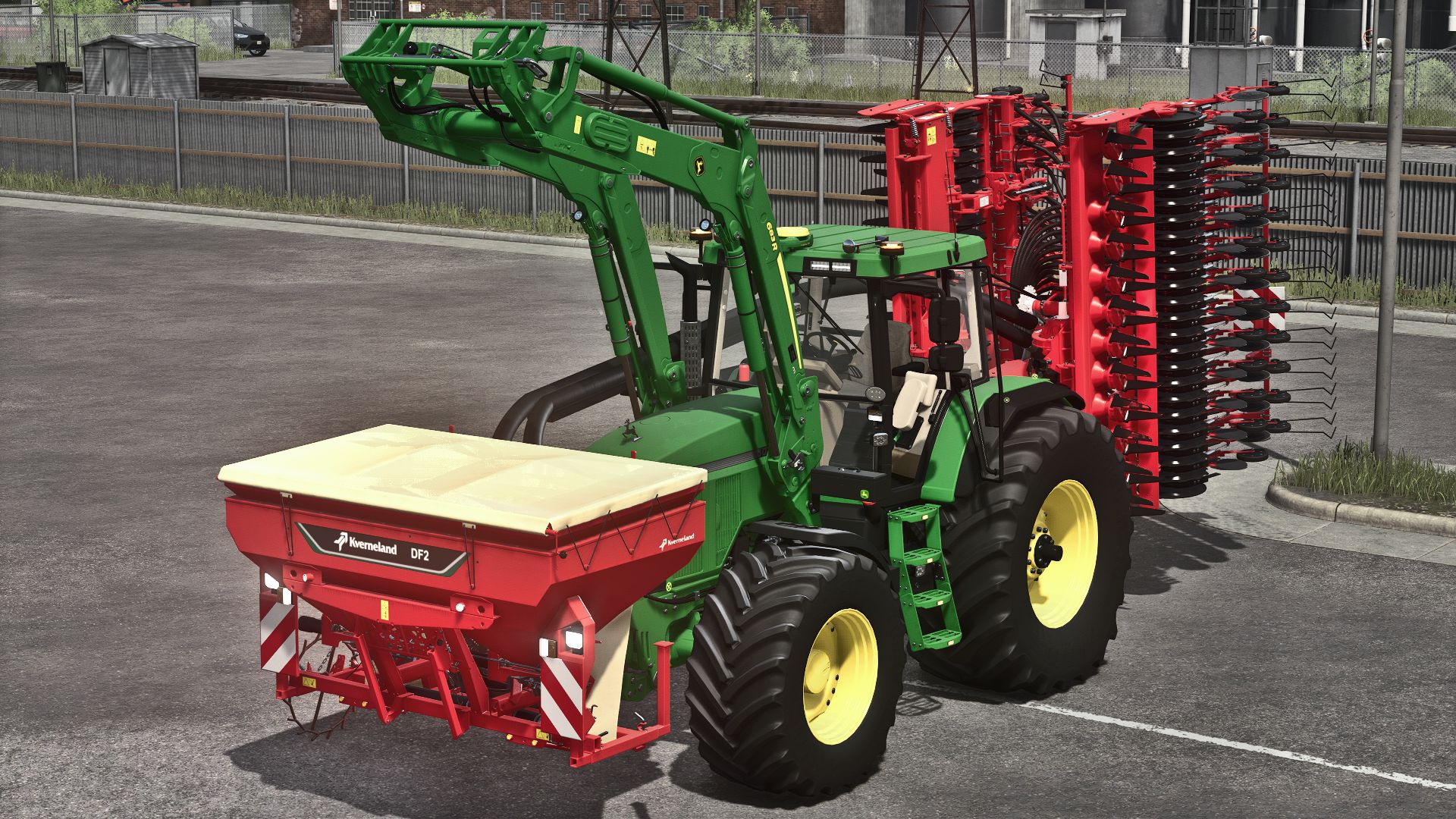
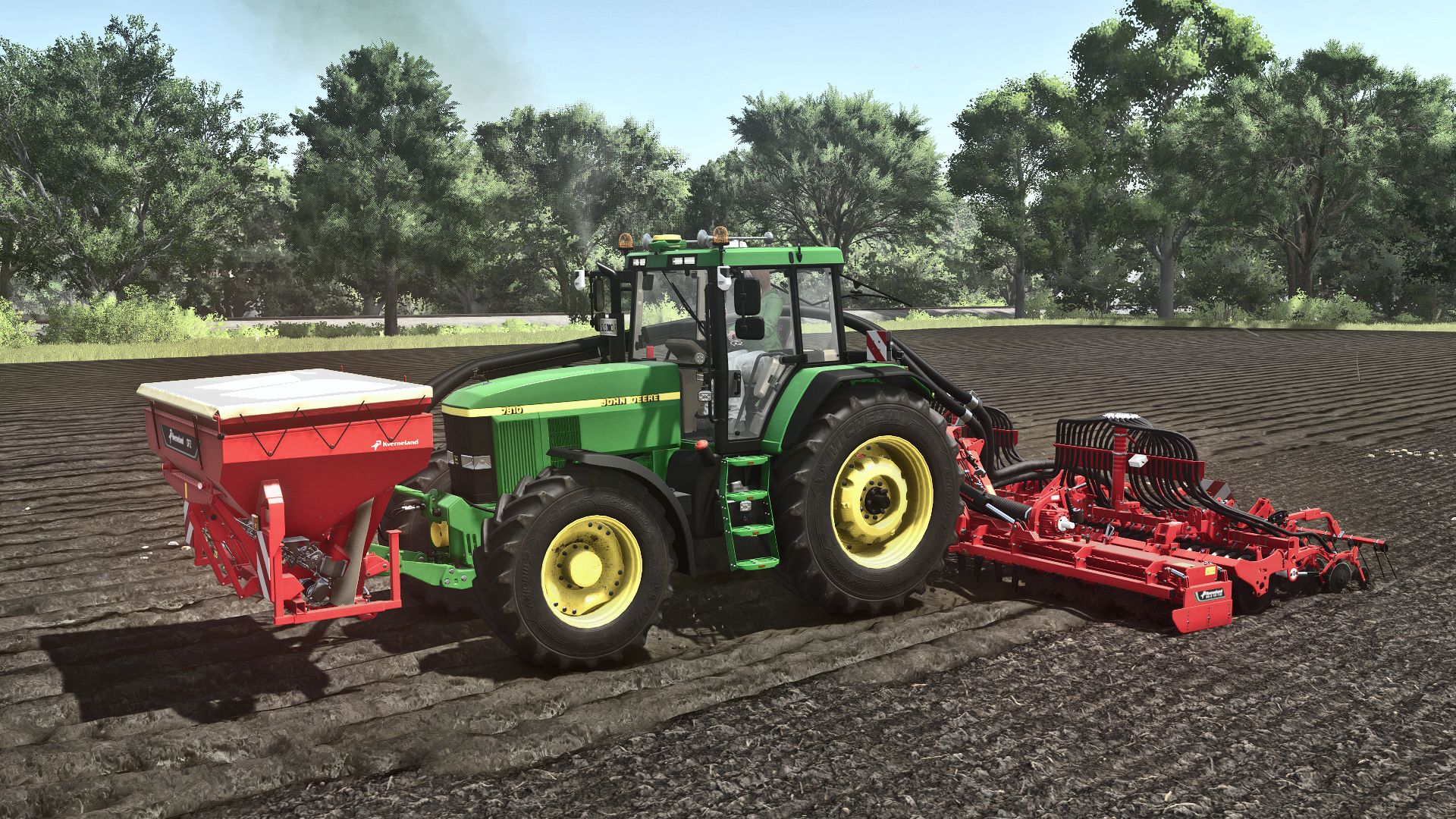
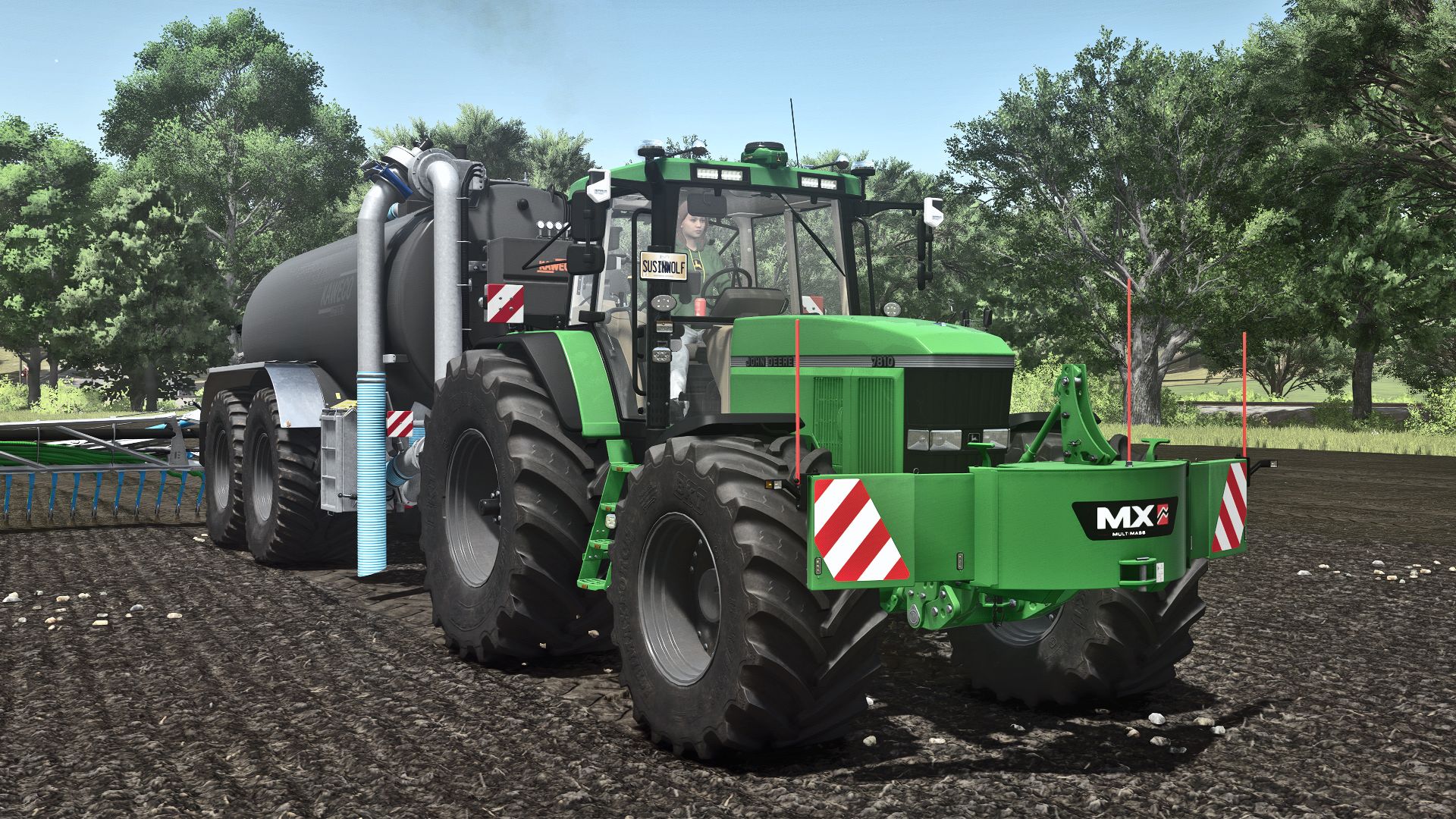
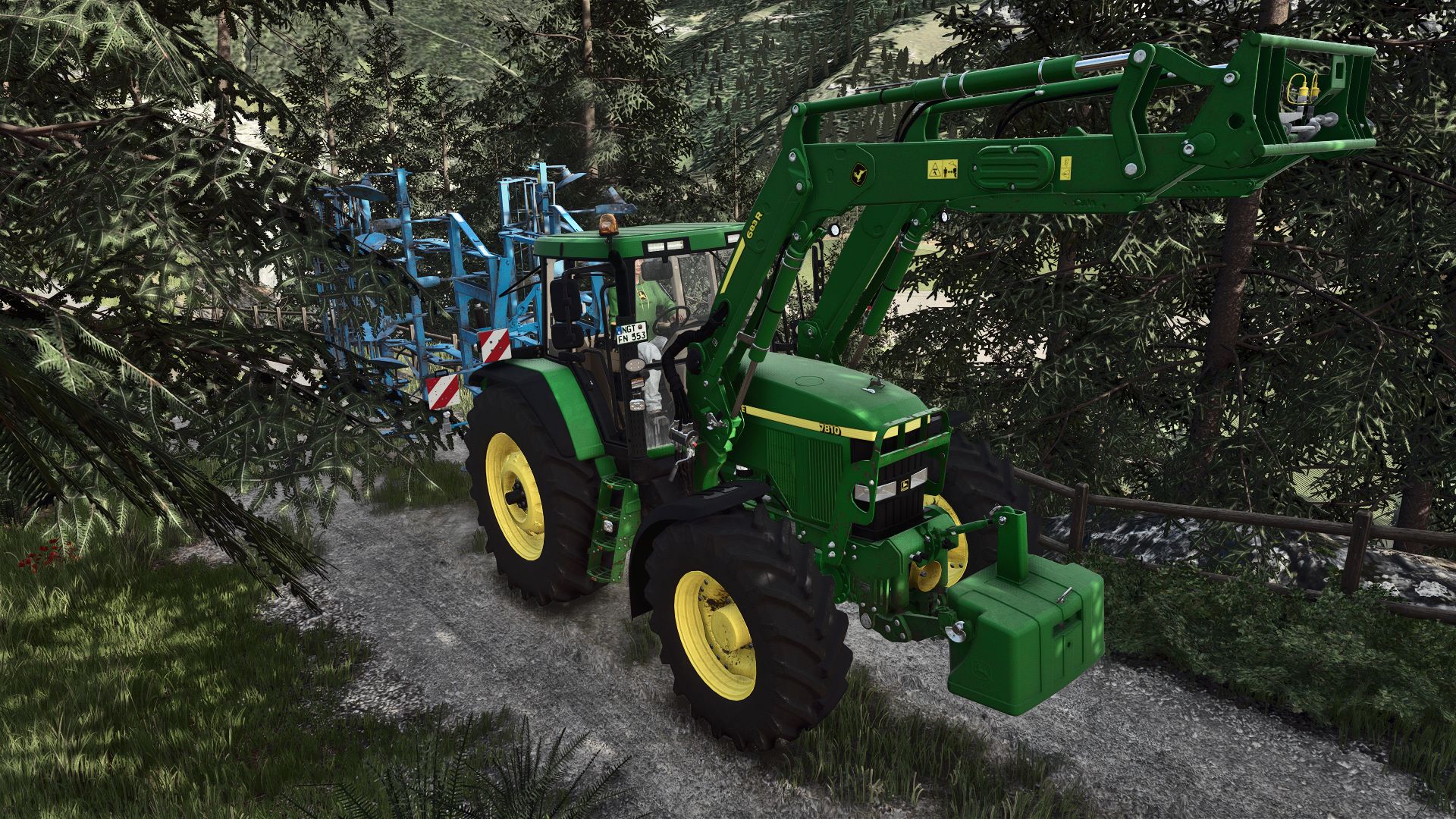
John Deere 7810 FR12 V1.5.1.4
Category: Medium Tractors
Brand: John Deere
Price: $68,000
Power: 160-485 HP
Max Speed: 40-45km/h
Features
– Interactive controls
– Precision agriculture
– Live dashboard
– Real-time GPS
– Redesigned headlights, hood and fenders
– New roof lights
– Kaweco Terminal
– Starfire 6000, 7000 and Matrix430
– Puszkap rust shader
Engine:
– Custom engine sound
– 7010 engine: 119 kW/160 HP
– 7810 engine: 130 kW/175 HP
– 1st generation chip tuning: 186 kW/250 HP
– 2nd generation chip tuning: 362 kW/485 HP
Wheels:
– Trelleborg
– Michelin
– Mitas
– Nokian
– Continental
– BKT
– Twin tires
– Narrow wheels (1.5 m)
– Extra wide wheels for Michelin, Continental, Mitas, BKT and Vredestein
Configurations:
– New mirrors
– New rear license plate holder
– Adjustable front license plate position
– Radiator ornament (deer, eagle)
– 2 different air horns
– Side warning signs
– Step lighting
– John Deere R6 front loader console
– MX front loader console
– Various rotating lights
– Exhaust material configuration
-GPS
This is my first mod that uses elements and inspiration from other mods.
Recommended mods:
Interactive control
Precision Farming
Dashboard Live or RealGPS
MX pack
V1.5.1.4
BETA version of 1.5.1.5, so errors and incomplete things will be lost
Changelog:
– 7710 127 kW/173 HP Gen1 chiptune added
– 7710 154 kW/210 HP Gen2 chip tune added
– Added 7810 143 kW/195 HP Gen1 chip tuning
– Added two wolf hood ornaments
– Fixed air horn textures and sound
– Many minor bugs fixed and changes made
– Fixed warning about duplicate l10n entry “configuration_mirrorsâ€.
– Description Revised
– Matrix 430 updated
– Chip tuning Gen1 for 7810 186 kW/250 HP changed to Gen2
– Chip tuning Gen2 for 7810 357 kW/485 HP changed to Gen2 chip and engine overhaul
– Prices of most engines changed
– John Deere front loader console and combination changed
– Mod name changed (ModHub requirement)
To avoid having to purchase the vehicle again and losing hours and miles in existing saves, do the following:
In your saved game’s vehicles.xml file, change:
– modName=”FS25_johnDeereSeries7810FR12″ to modName=”FS25_JohnDeere7810SeriesF12″
– change filename=”$moddir$FS25_johnDeereSeries7810FR12/series7810fr12.xml” to filename=”$moddir$FS25_JohnDeere7810SeriesF12/xml/7810SeriesF12.xml”.
and change the following in the careerSavegame.xml file:
– Change modName=”FS25_johnDeereSeries7810FR12″ to modName=”FS25_JohnDeere7810SeriesF12″.
– Change title=”John Deere 7810 FR12″ to title=”John Deere 7810 Series”.