Rennebu 25 v1.0.0.2
Rennebu 25 v1.0.0.2
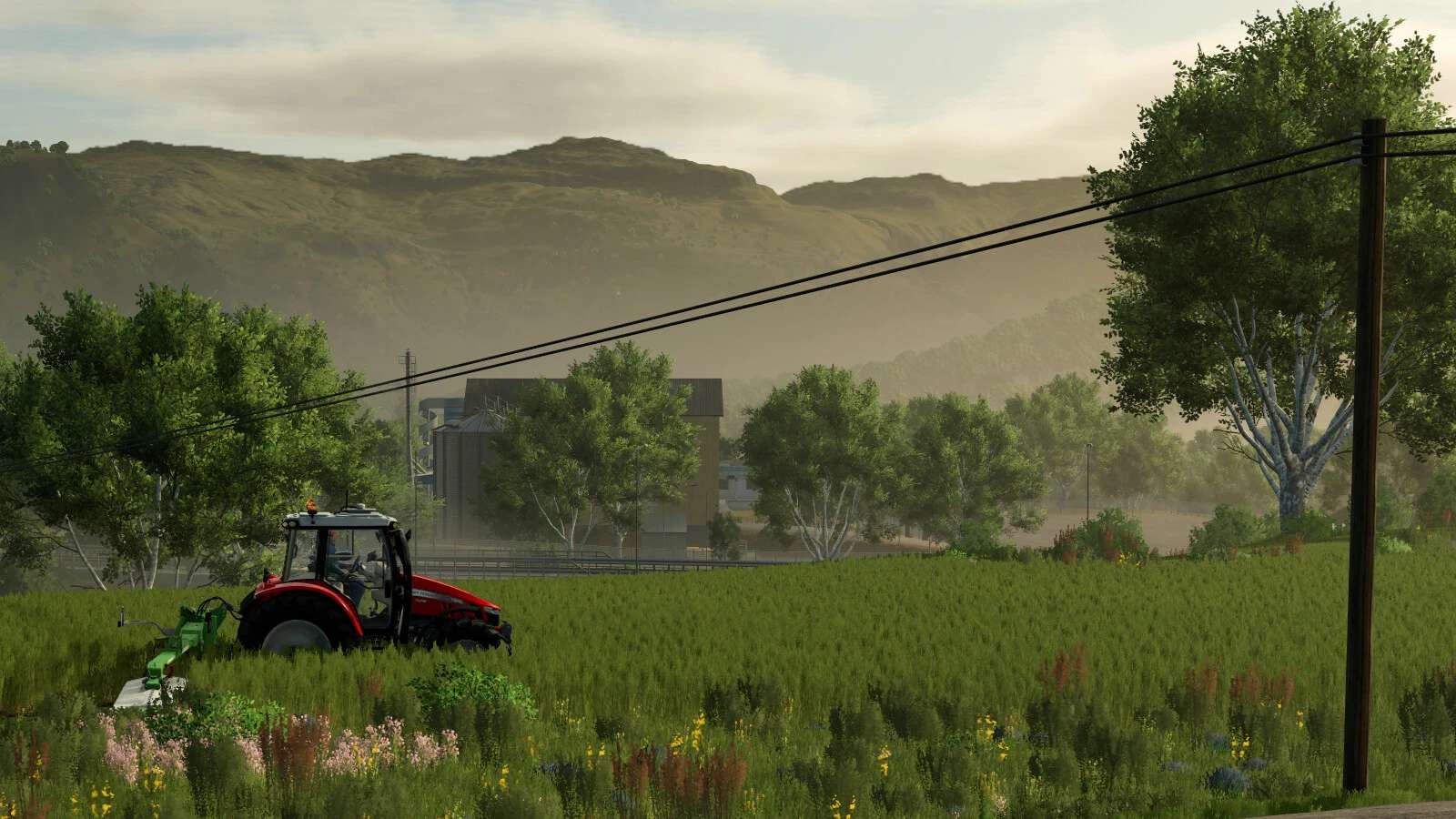
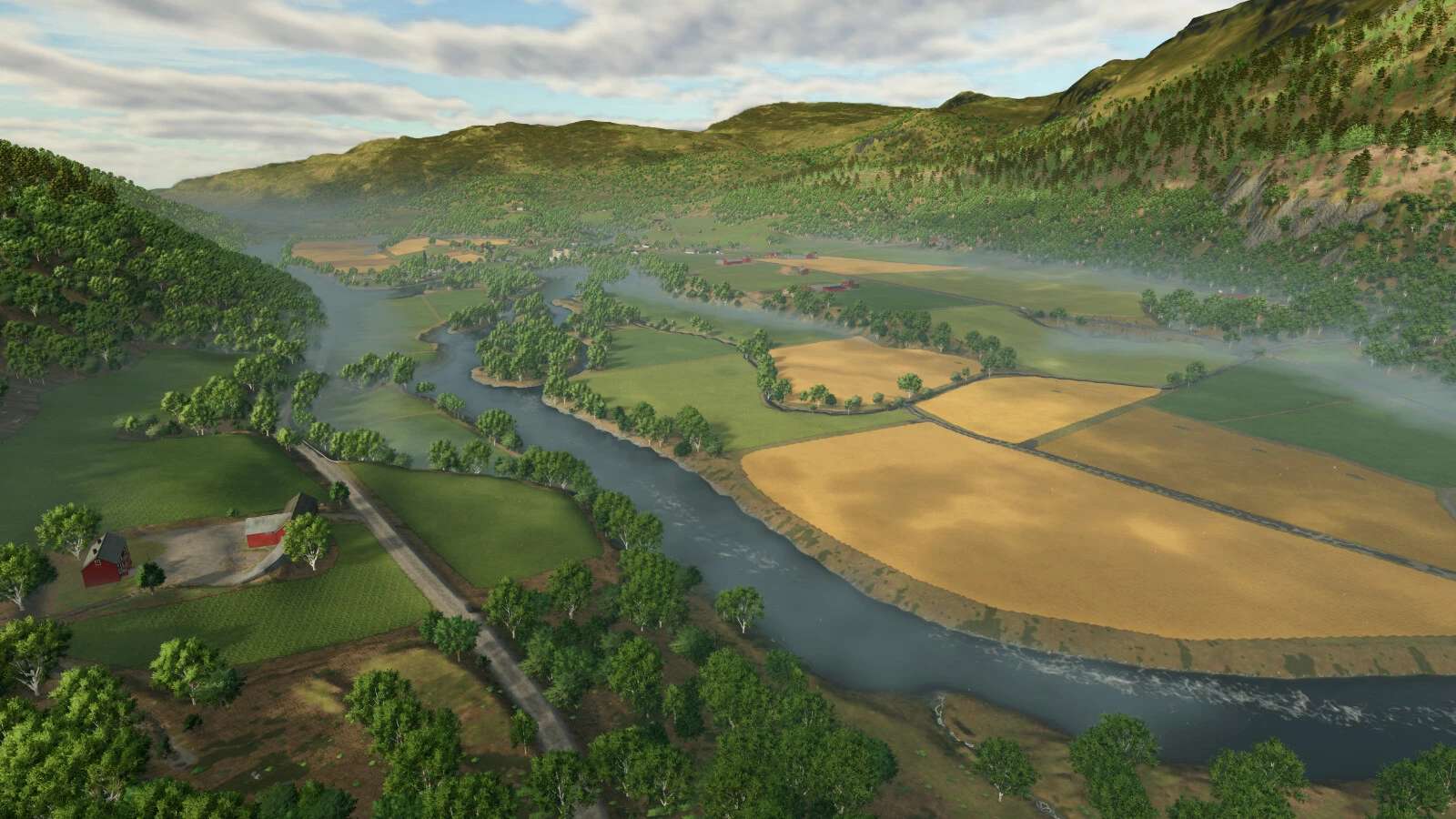
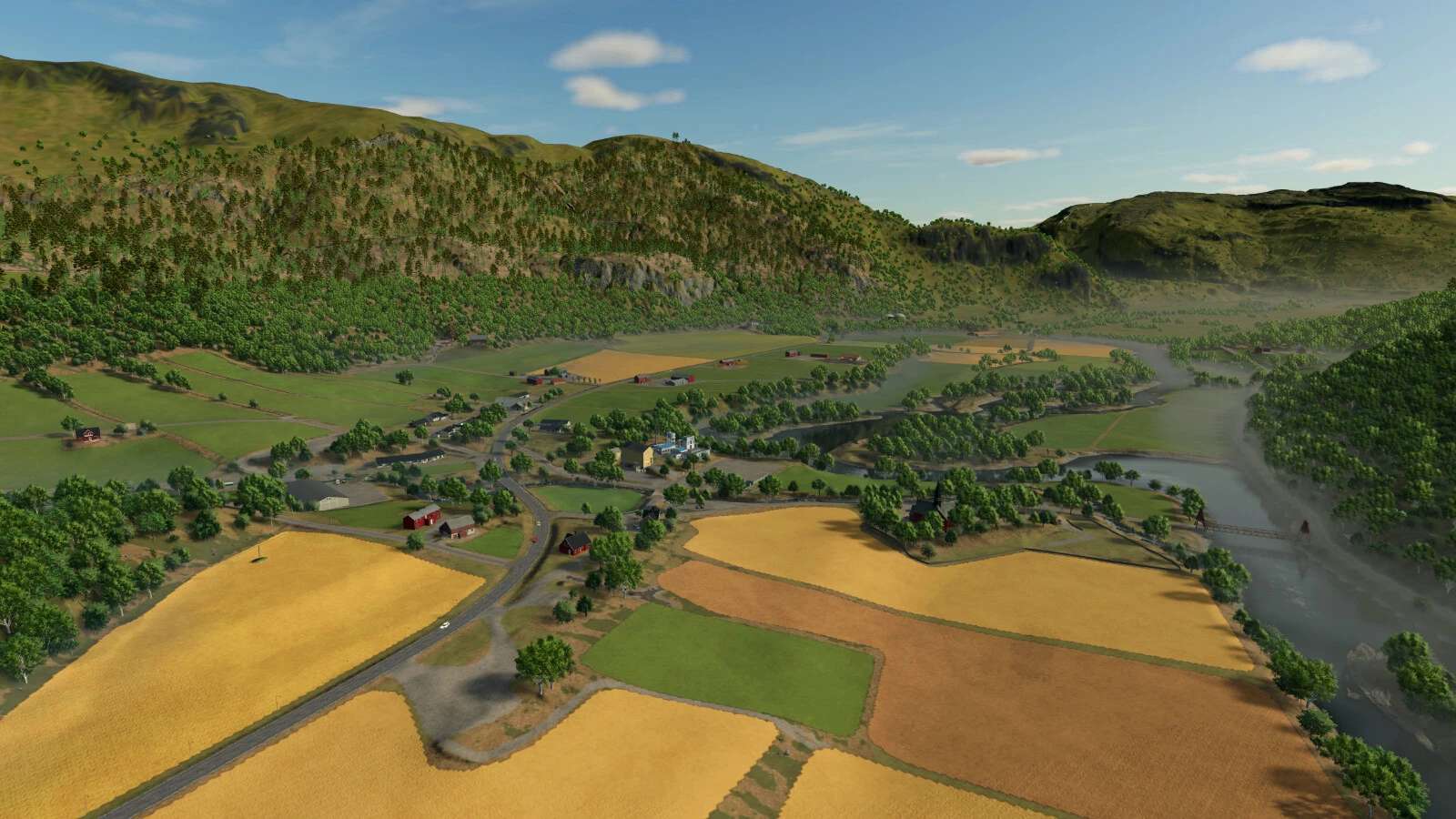
Rennebu is a narrow valley in Norway. Surrounded by mountains, divided by the river Orkla.
Changelog: 1.0.0.2
– Fixed an issue where “bought with farmland overwrite” was set wrong, which disabled the BGA and spinnery.
– Added a selling point at the animal dealer.
– The BGA area has been rearranged, with an addition of a bunker silo and lighting.
– Moved the warning sign on the main road in the south.
– Fixed an issue with traffic congestions. This also lowers the traffic density a bit.
– Fixed a shader issue with the barbed wire fence.
– Added Norwegian license paltes for AI traffic.
– Removed some redundant rocks.
– Fixed a few floating trees.
– Fixed an error with deadwood mission being out of bounds.
– Added a few more transport mission locations.
All of the changes regarding placeables require a new savegame, or that you manually edit placeables.xml in existing savegames.
Instructions are available in the modDesc.xml file.
In order to add the new sellpoint at the animal dealer, add the code below:
To edit the BGA area, the easiest way is to search for “bga250kw”, and change the following attributes:
1. Change the position and rotation attributes with the following values: position=”179.250 28.804 909.309″ rotation=”-180.00 -38.63 -180.00″
2. On the line for the placeable, find “boughtWithFarmlandOverwrite=”true” and change it from “true” to “false”. (if the attribute is not present, add it with the value “false”)
3. On the line for the placeable, find the “farmID” attribute and change it to 0
4. Find the “storage farmID” attribute and change it to 0
Repeat steps 2 to 4 for the spinnery as well by searching for “spinnery”.
To add the bunker and lighting at the BGA, add the code below:
Changelog: 1.0.0.1
– Added a new pre-built farm on farmland 78.
– Removed a hidden fence causing trouble near the starting farm.
– Fixed a missing collision flag on concrete slab bridge between fields.
– Removed rocks in a field and on a road.
– Fixed a parked car clipping into a nearby building.
– Fixed terrain too low below various houses, making them appear as floating.
– Added more color variation to pre-placed farmhouses.
– Extended farmlands.
– Added a few more farmlands, inclduing the BGA area.
– Moved a few trees to get a cleaner view.
– Removed foliage clutter.
– Added bunker silo at the BGA
– Rearranged the BGA area for better functionality.
– Added gravestones to the church yard.
– Removed over 1500 stones in the hills around farmland 91 to let players build cabins and more, as requested
Even though the map is smaller, you should still feel at home, if you played the map in FS22.
The biggest changes from FS22 to FS25 are:
– The vehicle shop, dairy and grainmill have been relocated to the center of the map.
– BGA has been added.
– Animal dealer has been relocated.
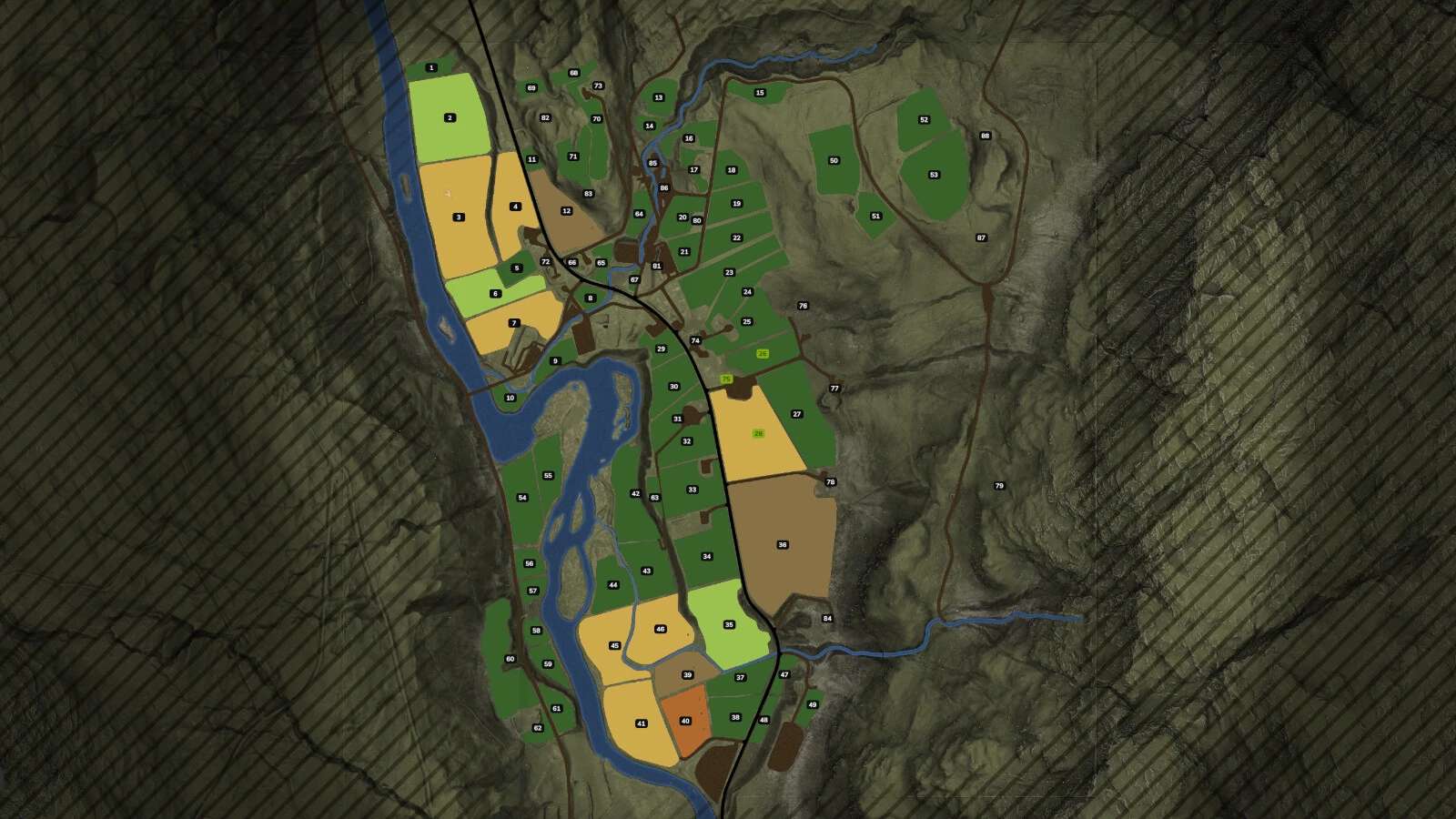
– 71 fields – more accurate size and shape.
– The bridge next to the church has been widened. Can now transport small and medium vehicles.