BetterEye V1.0.0.0

BetterEye V1.0.0.0


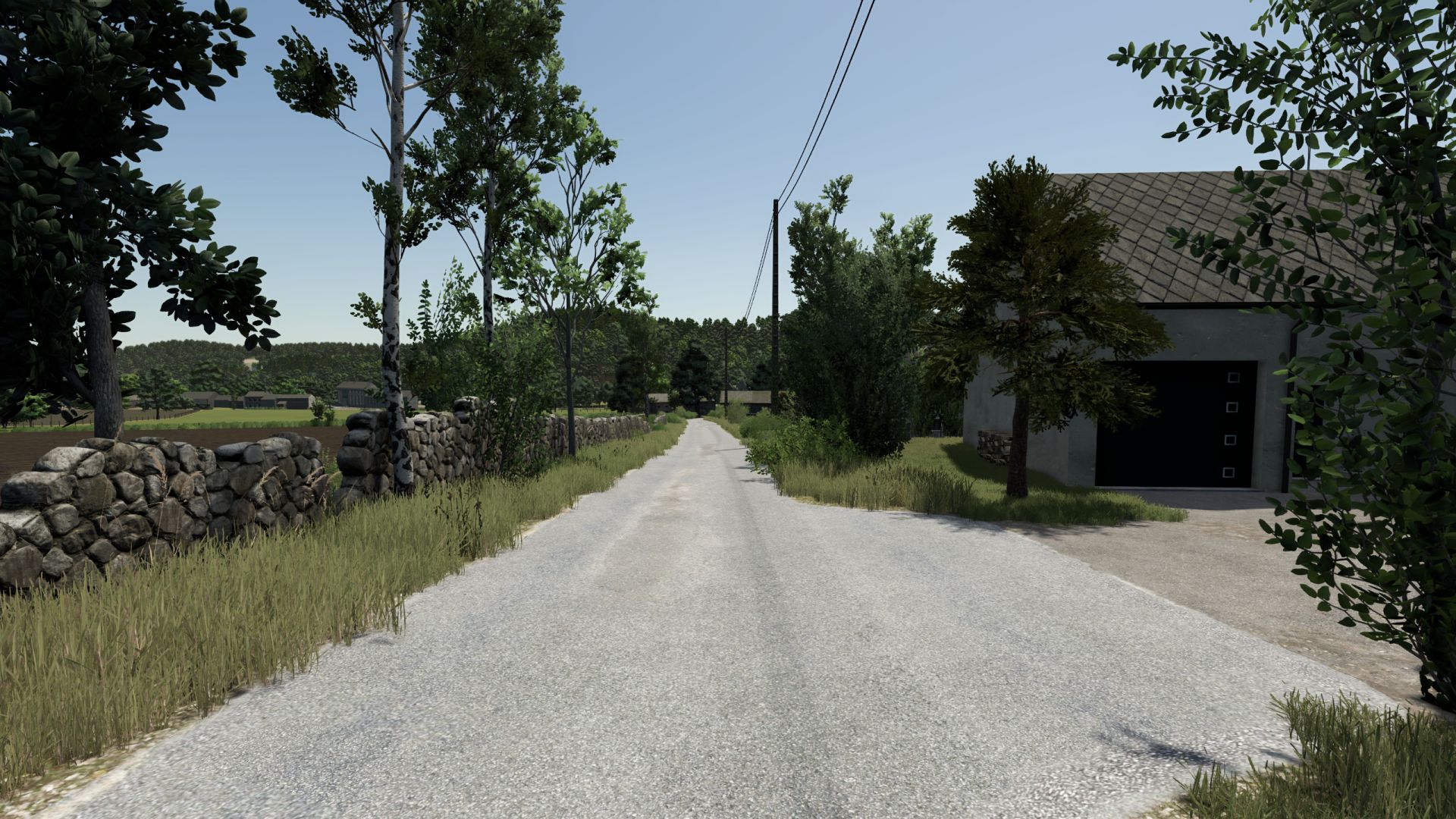
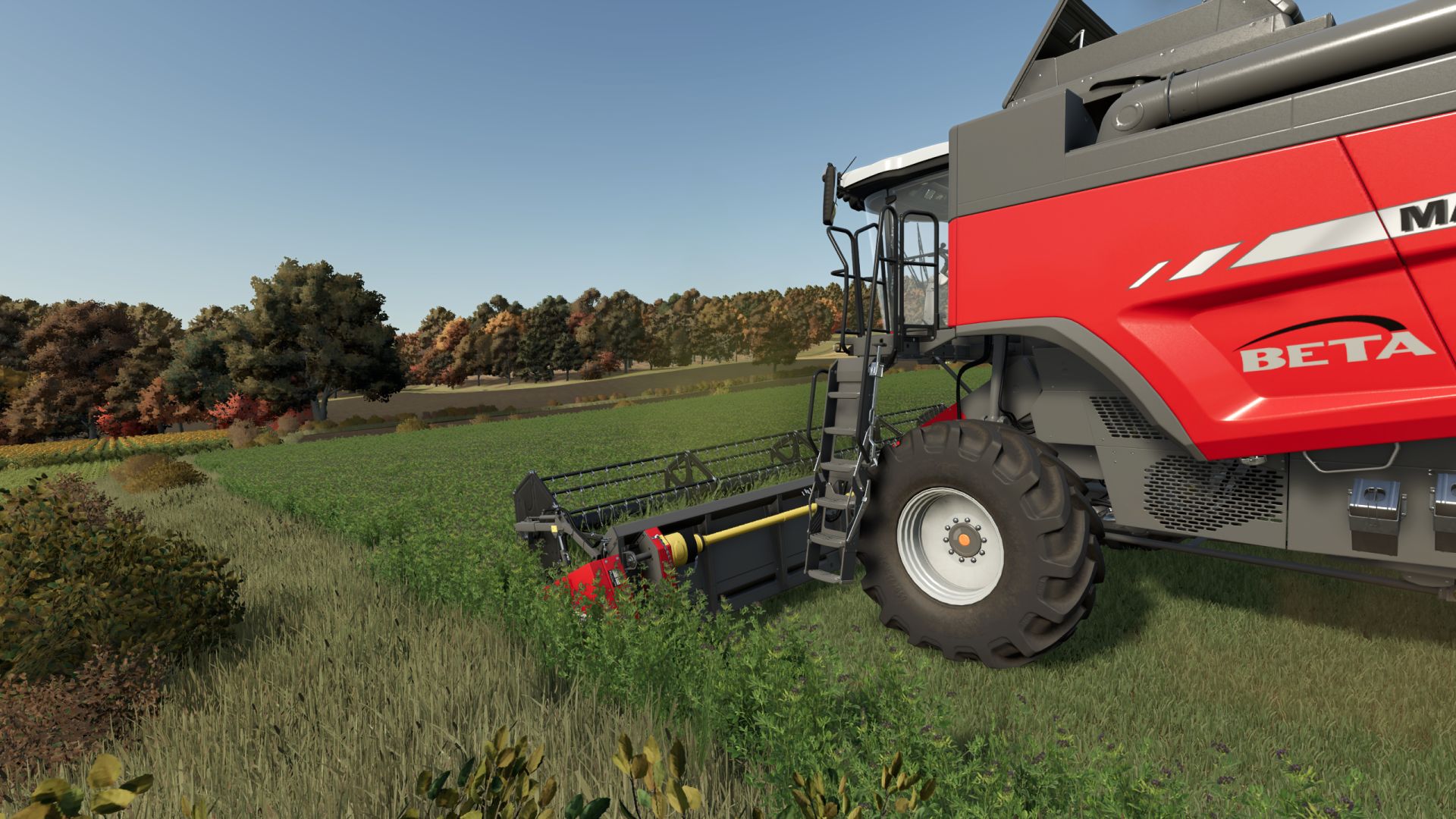
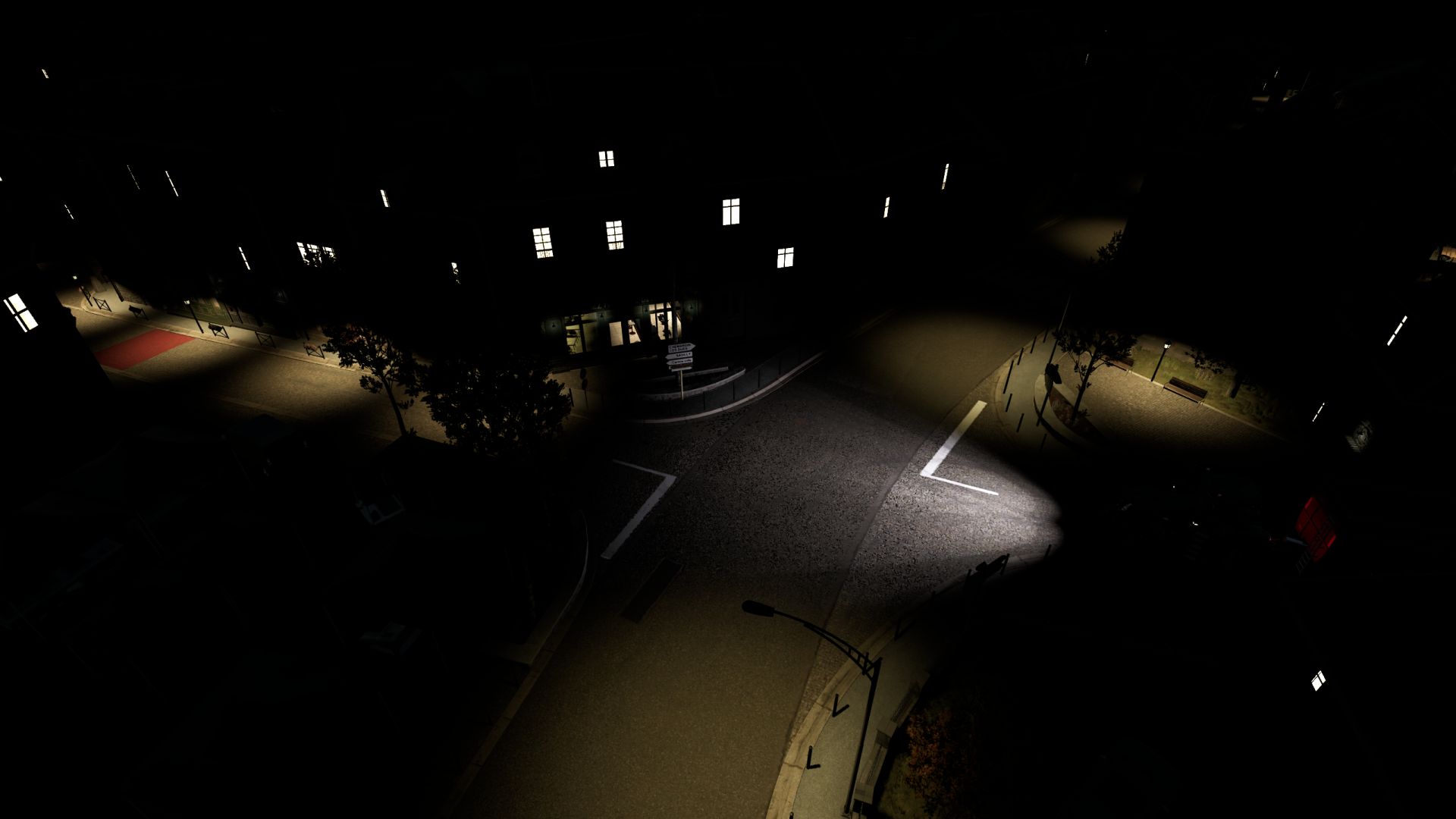
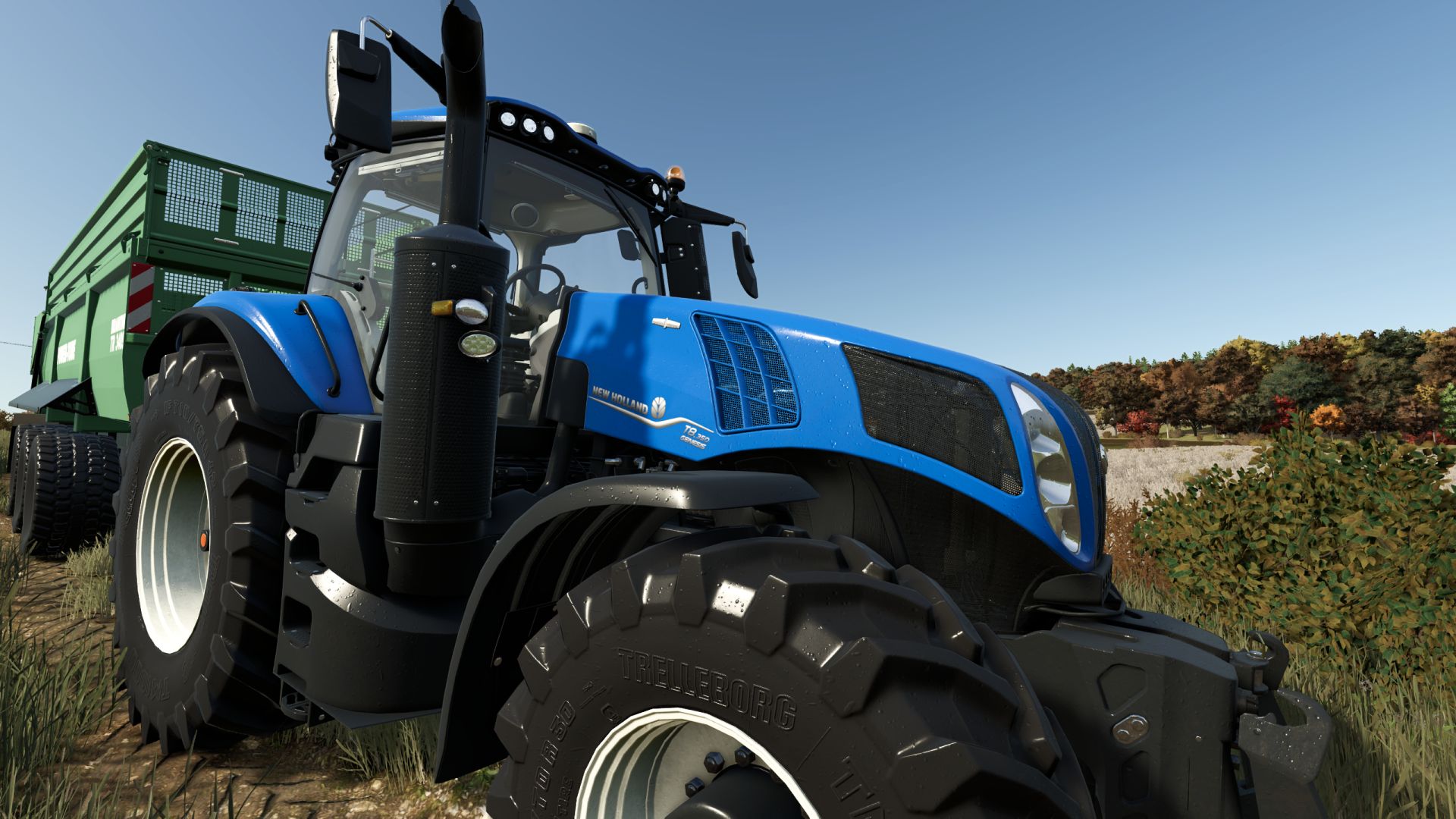
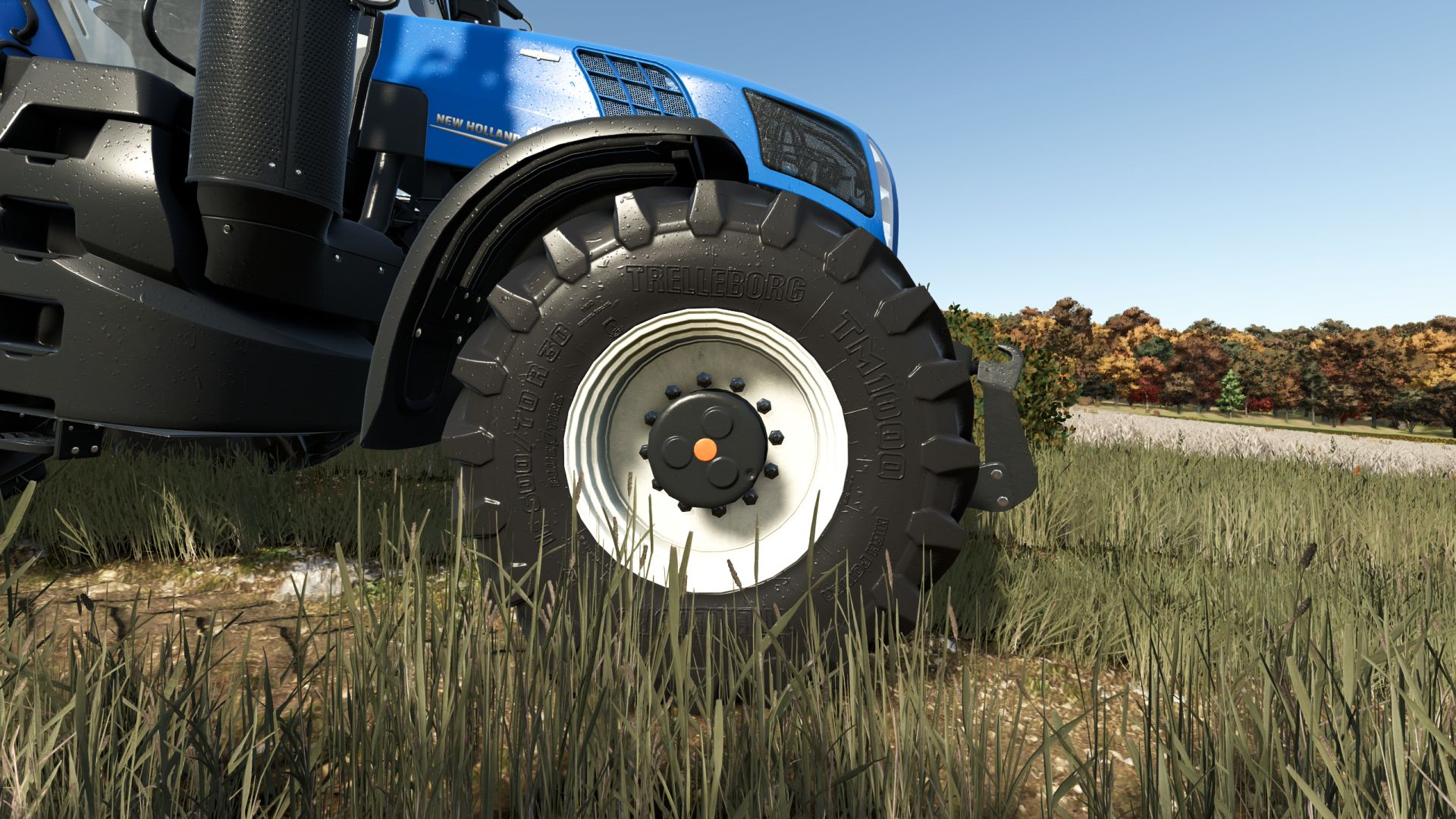
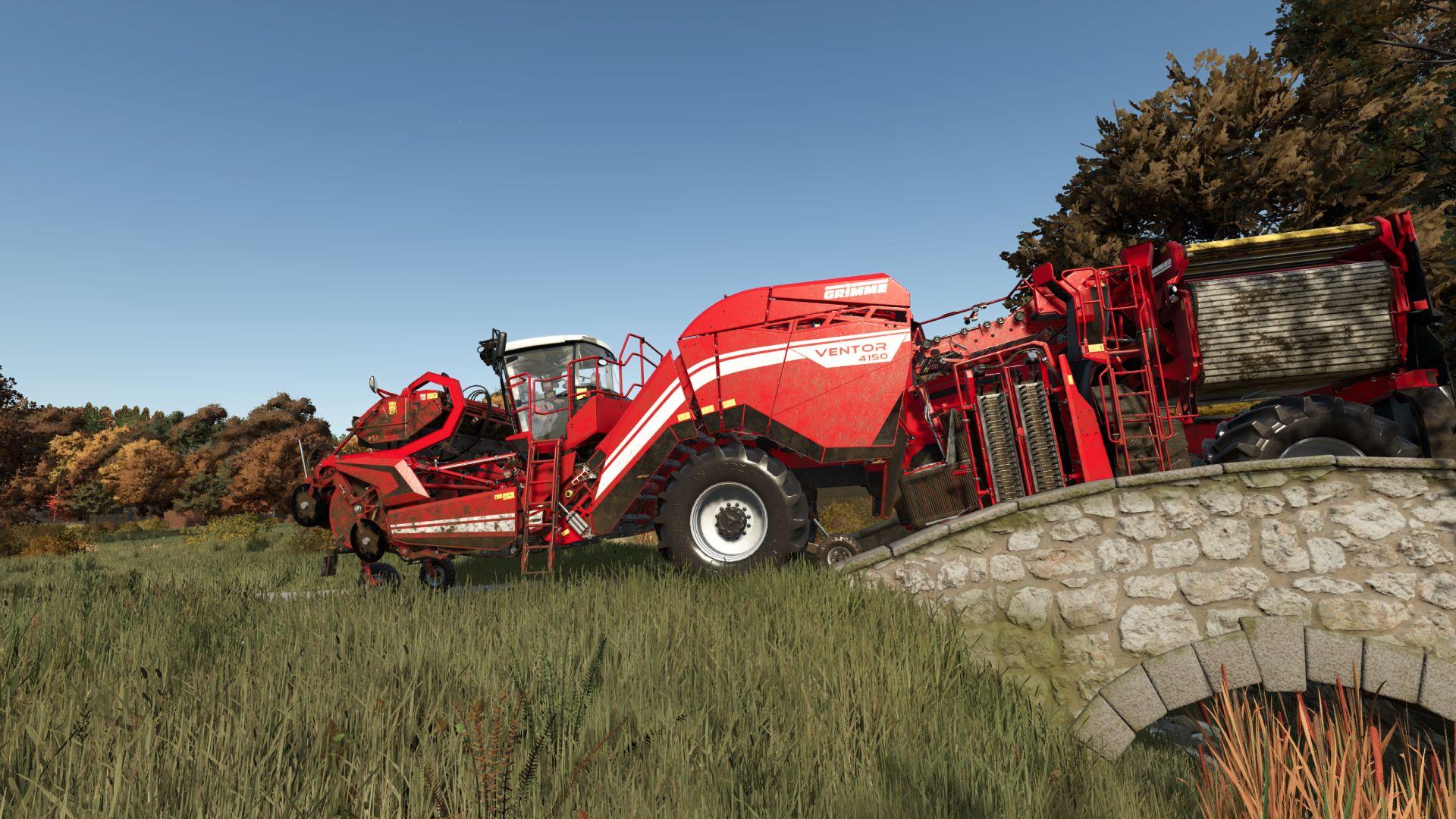
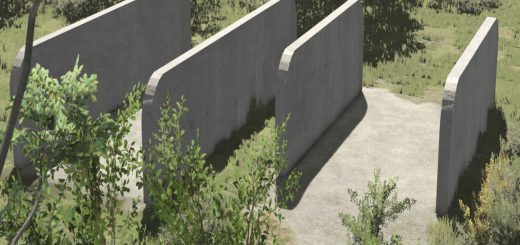
A bit colder palette, more sharpness, little bloom here and there, darker shadows, and a bit more contrast in general

Installation:
1) Unzip the archive
2) Depending on whether or not you have Reshade installed already
3) Copy the contents of the respective folder into …/Farming Simulator 25/x64 folder
4) In the game press HOME to open Reshade menu
5) Select BetterEye preset at the top – drop down menu
OPTIONAL 6) Modify to fit your style/preference

P.S. bundled Reshade version is 6.8.0
Author: DotFX


About FS25 mods:

If you play Farming Simulator 25, it's time to understand how mods work with the game. Farming Simulator 25 Mods is an extra file or content to change your basic game version. If you want more tractors and harvesters or need any farming tools in the game, FS25 mods are the best choice. So, mods allow you to change gameplay and customize the Farming Simulator 25 game. There are many different types of Farming Simulator 25 mods that will make your gameplay easier or increase your income to grow and build your farm, and you decide what kind of FS25 Mod to install. Read the mod installation instructions and description above before use. We are the largest FS25 mods community to share mods for the PC.


You may also like...

Leave a Reply

Your email address will not be published. Required fields are marked *