BXR Mod Manager V1.0.0.0
BXR Mod Manager V1.0.0.0
For a long time, one question kept bothering me: why should we have to adapt to Farming Simulator’s mods folder? Why should hundreds, or even thousands, of mods have to live in a single directory, constantly being moved around by hand for different maps and savegames, while we keep track of dependencies and hope that only the right mods are active for the game we’re about to play?
So I decided to approach it differently.
And now… I am proud to present to the world… wait… wait… let me savor that for a moment… the world’s first truly functional Farming Simulator Mod Manager.
This isn’t another application that simply lists the contents of your mods folder, nor is it just a prettier interface wrapped around a handful of file operations. The idea behind BXR Mod Manager is fundamentally different: your game’s mods folder should no longer dictate how and where you store and use your mods.
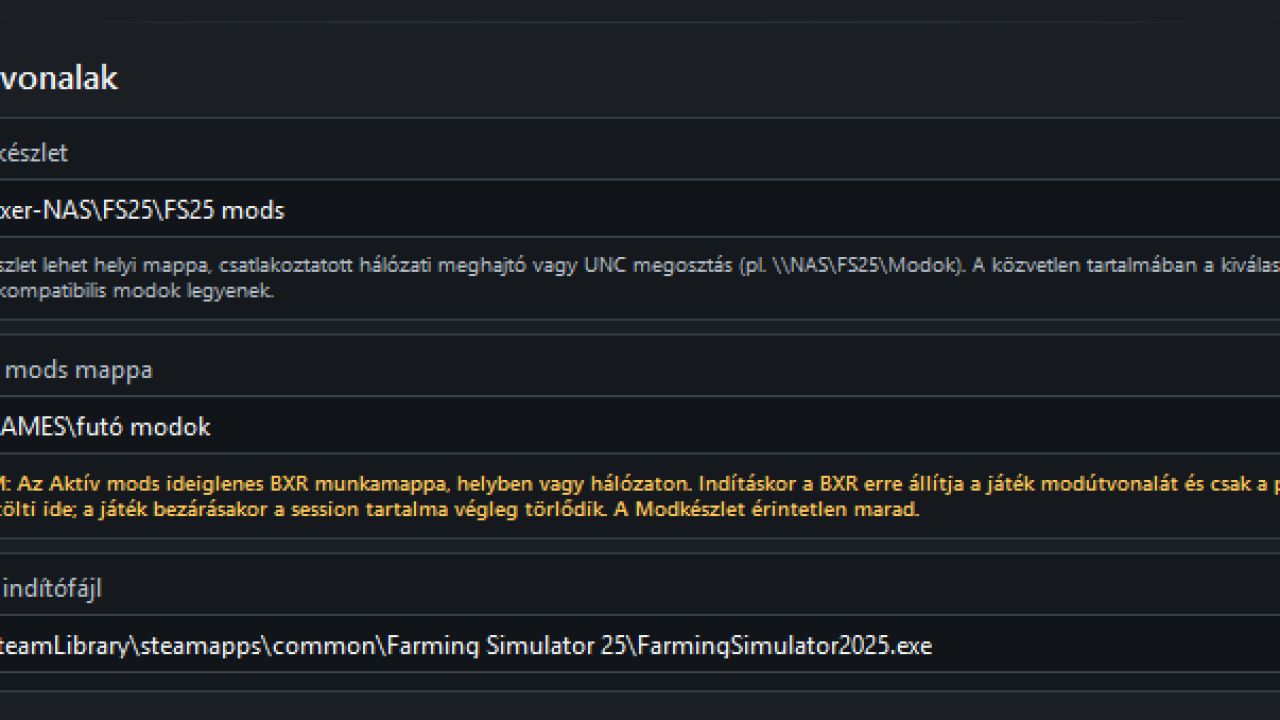
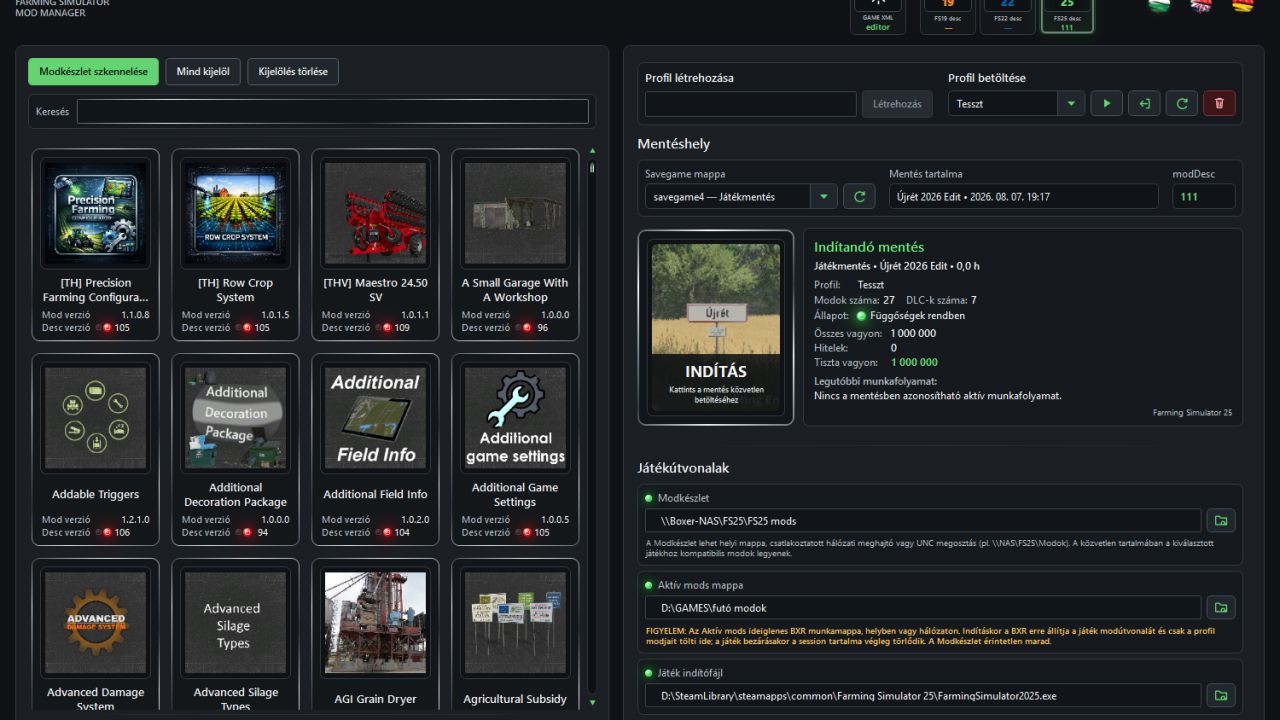
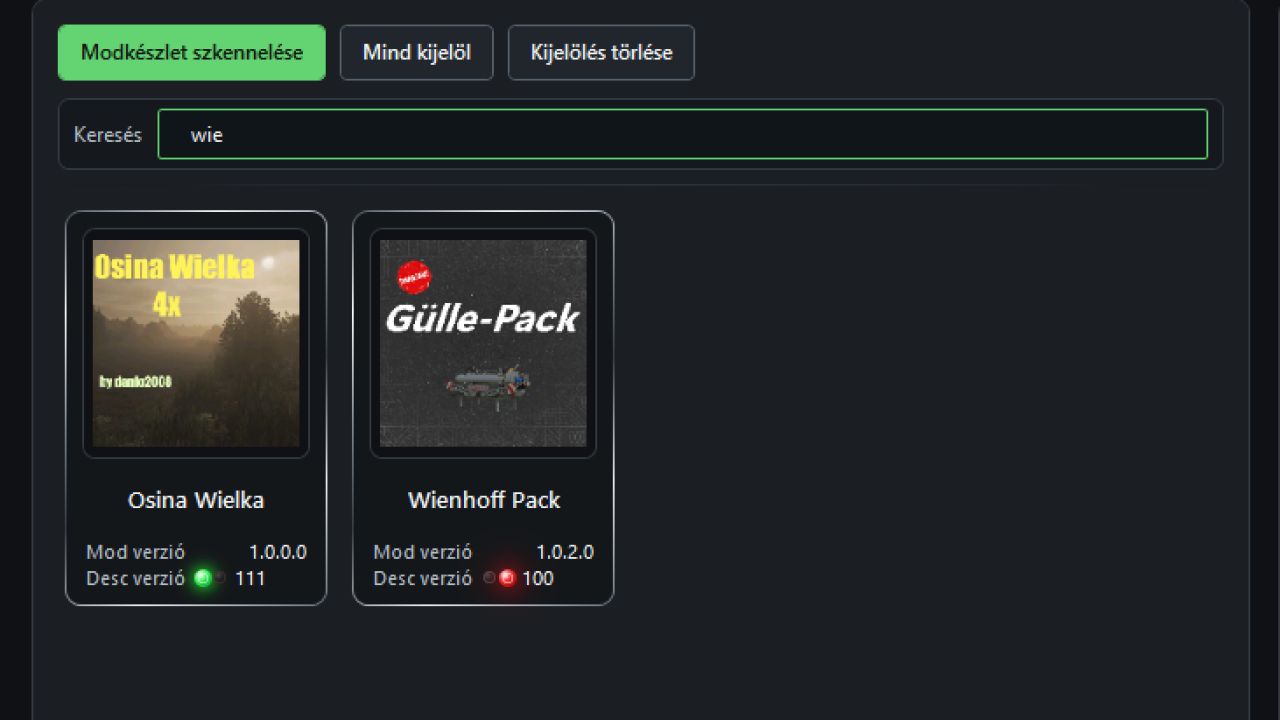
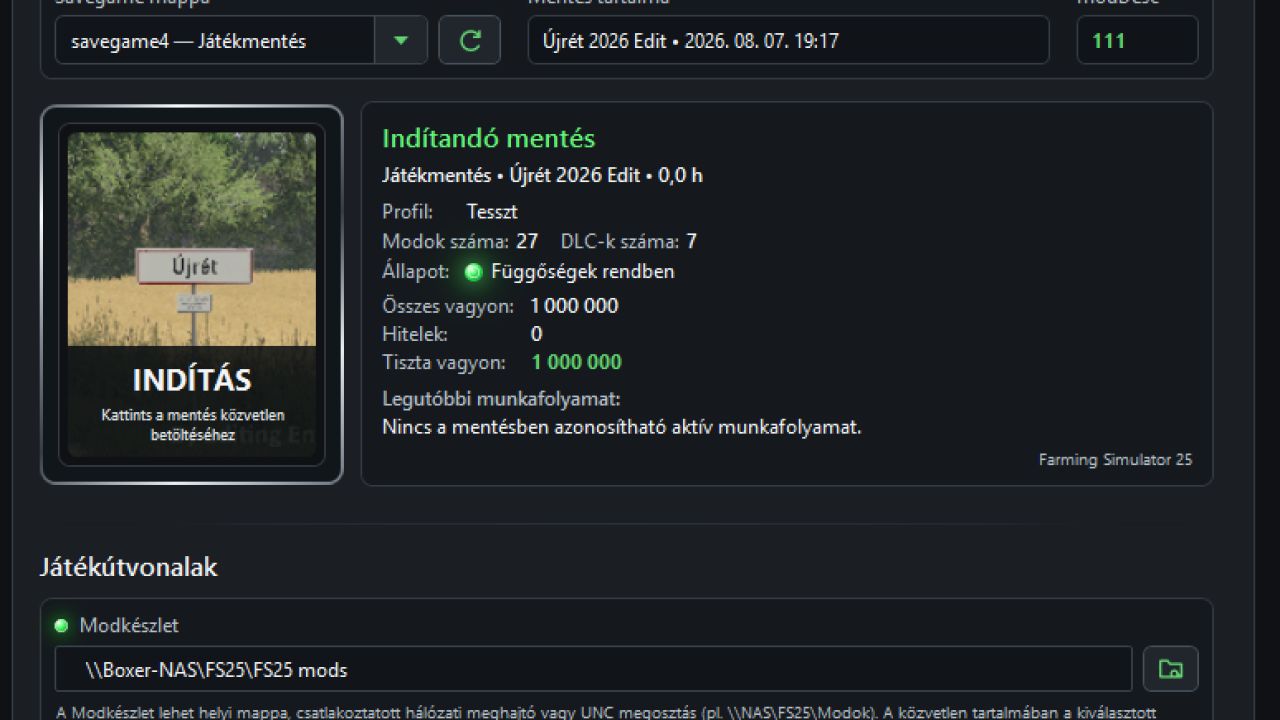
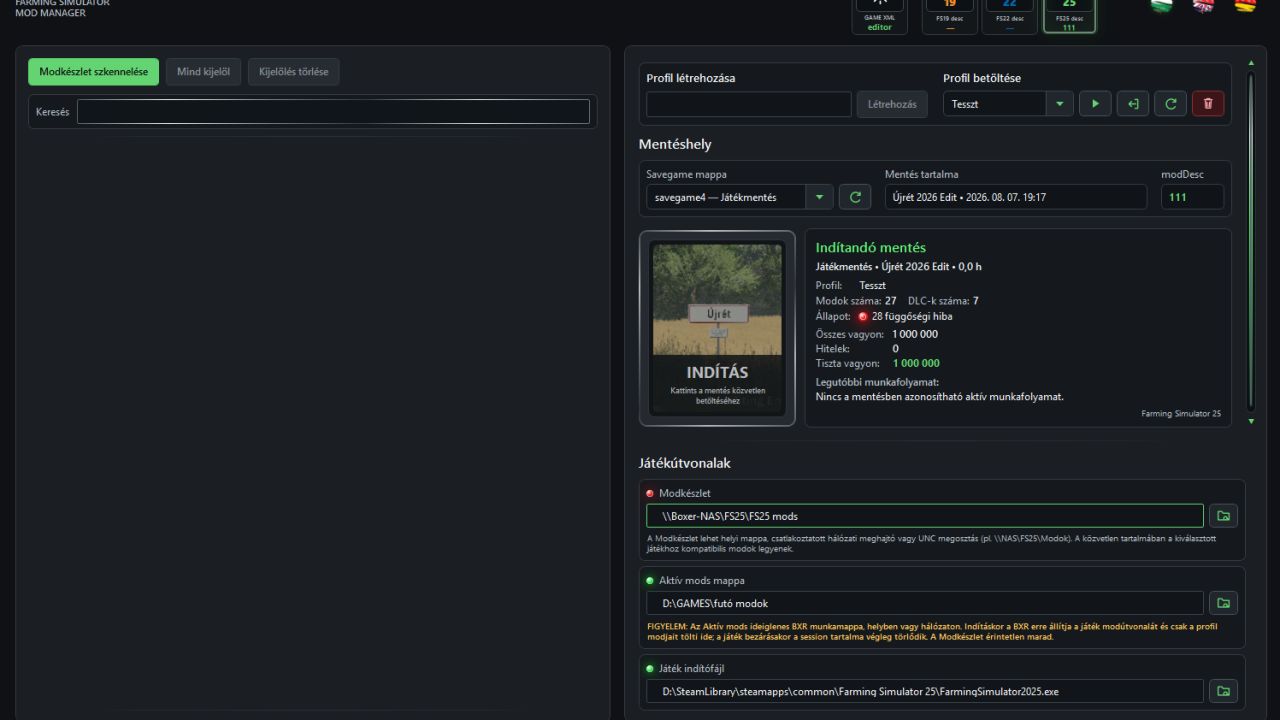
Your entire mod collection can be stored wherever it makes sense for you: in another folder, on another drive, on a network drive, or even on a NAS. BXR works from this central Mod Collection. You decide which mods belong to a particular map, save that setup as a profile, assign the appropriate savegame, and from that point on the Manager makes sure that the environment required by that profile is ready when the game starts.
But it doesn’t stop at moving files. It checks mod dependencies and their transitive dependencies, recognizes official DLC/pDLC content, handles the map mod separately, manages profiles and savegames, prepares the BXR session and launches the game. And just as importantly, it doesn’t assume the game has ended simply because a launcher process disappeared. It waits until Farming Simulator has actually closed, and only then cleans up the temporary session.
The result is exactly what I wanted from the beginning: I no longer serve the mods folder — the Mod Manager serves the game.
One map, one profile, its corresponding mods and the correct savegame. Another map? Another profile. A different setup? Just a few clicks. Meanwhile, your massive mod collection doesn’t need to sit inside the active mods directory, unnecessarily slowing down the game’s startup.
There’s even a GAME XML Editor, allowing important game configuration files such as game.xml, gameSettings.xml and inputBinding.xml to be managed from the same environment, complete with XML validation and backup support.
Farming Simulator 25 is currently the primary target platform, while support for FS22 and FS19 is also part of the system.
It wasn’t created just so there could be another Mod Manager.
It was created because it was finally time for one that actually works.