
Cinematic Camera v1.0.0.0
Cinematic Camera v1.0.0.0
Make proper cinematic shots inside Farming Simulator 25, with no editing tricks.
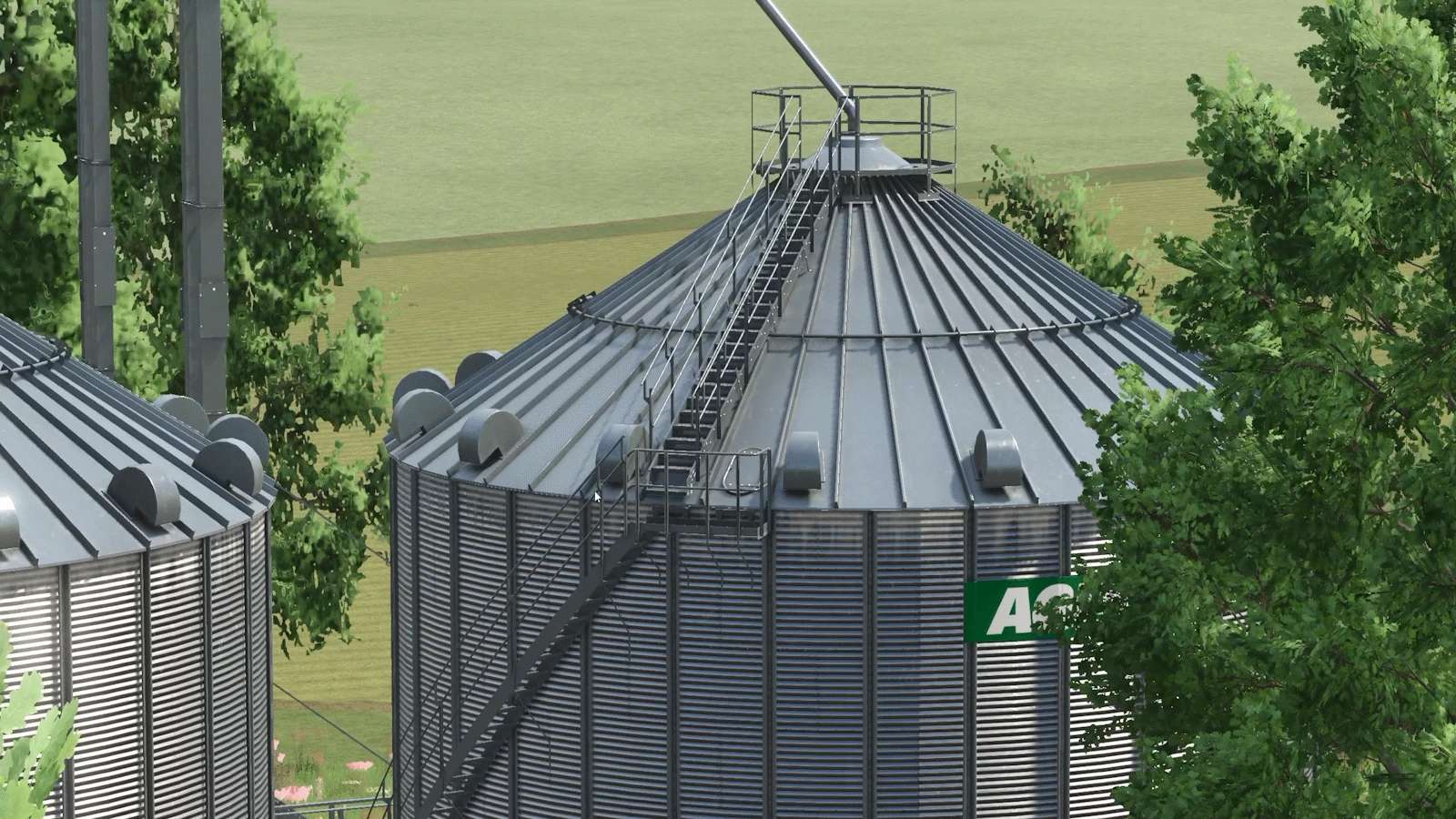
Cinematic Camera lets you place keyframes around the map and have the camera glide through them on a smooth curve. It blends position, angle and lens, so every take comes out like a real camera operator filmed it, and you can repeat it as many times as you need.
Features
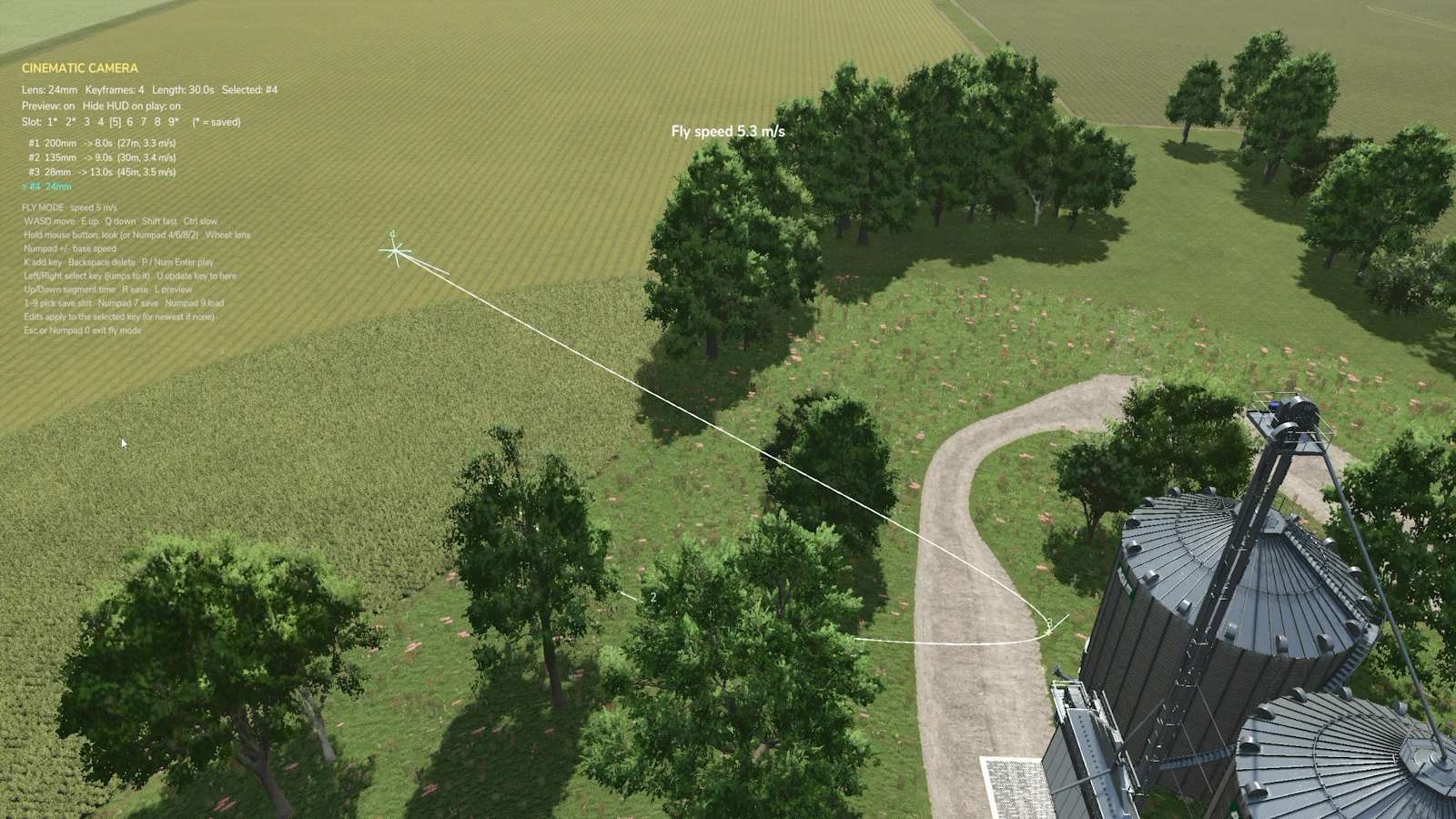
Keyframe paths: add keyframes on foot or in the air, and the camera follows a smooth spline through them.
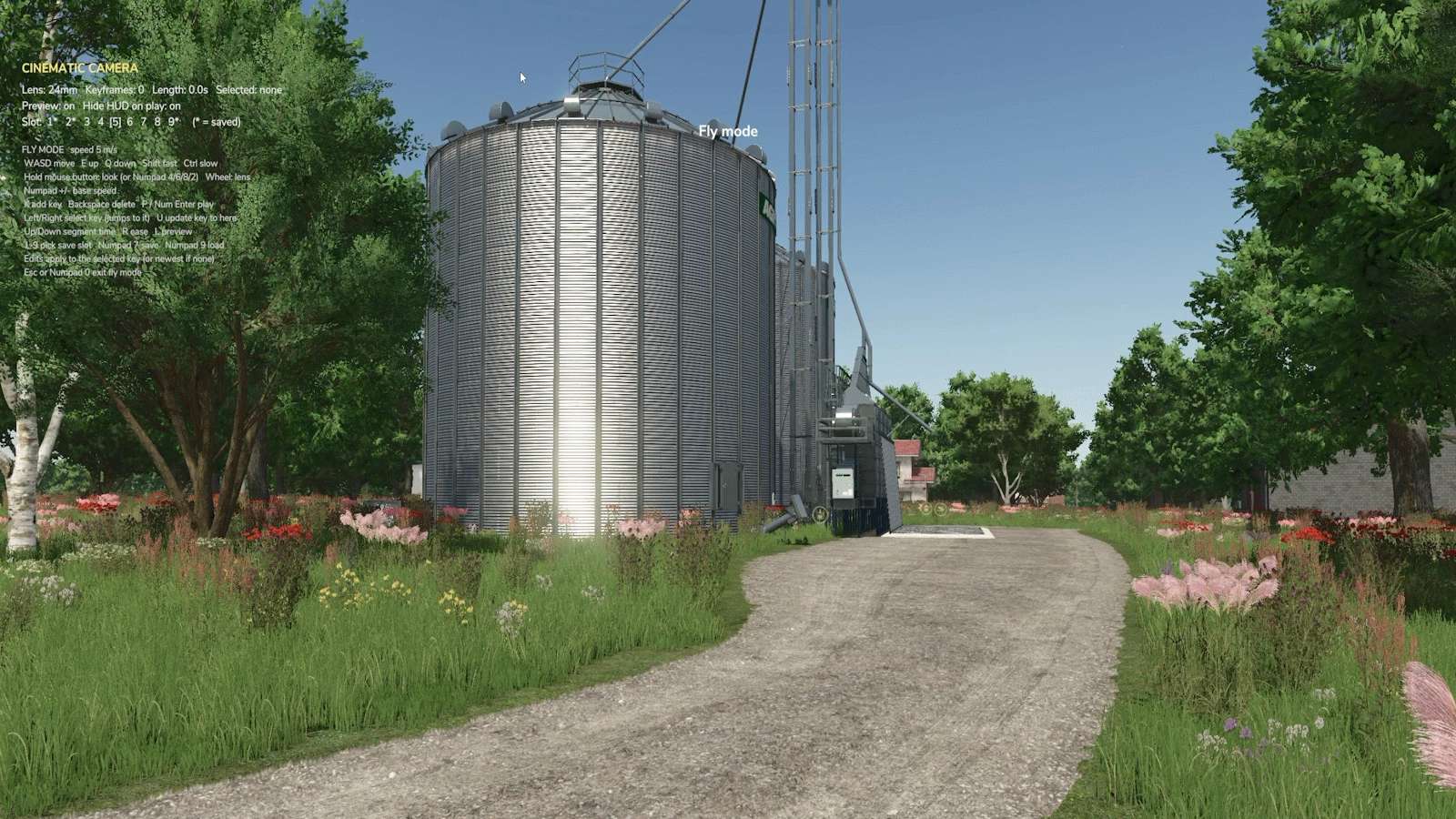
Fly mode: free drone-style camera with smooth acceleration, fast and slow modes, and unlimited mouse look.
Real lenses: 14mm to 200mm per keyframe, zooming smoothly between them.
Timing and ease: set the time for every segment (with live m/s readout) and ease in or out for gentle starts and stops.
Edit any keyframe: step through them, jump the camera to one, update its position, insert or delete.
Path preview: see the route, keyframes and look directions in the world before you shoot.
Clean playback: the HUD hides automatically, ready to record with OBS or similar.
9 save slots per map, with overwrite protection.
Fully rebindable in Options → Controls.


