Direct Silo Buying V1.0.0.0

Direct Silo Buying V1.0.0.0
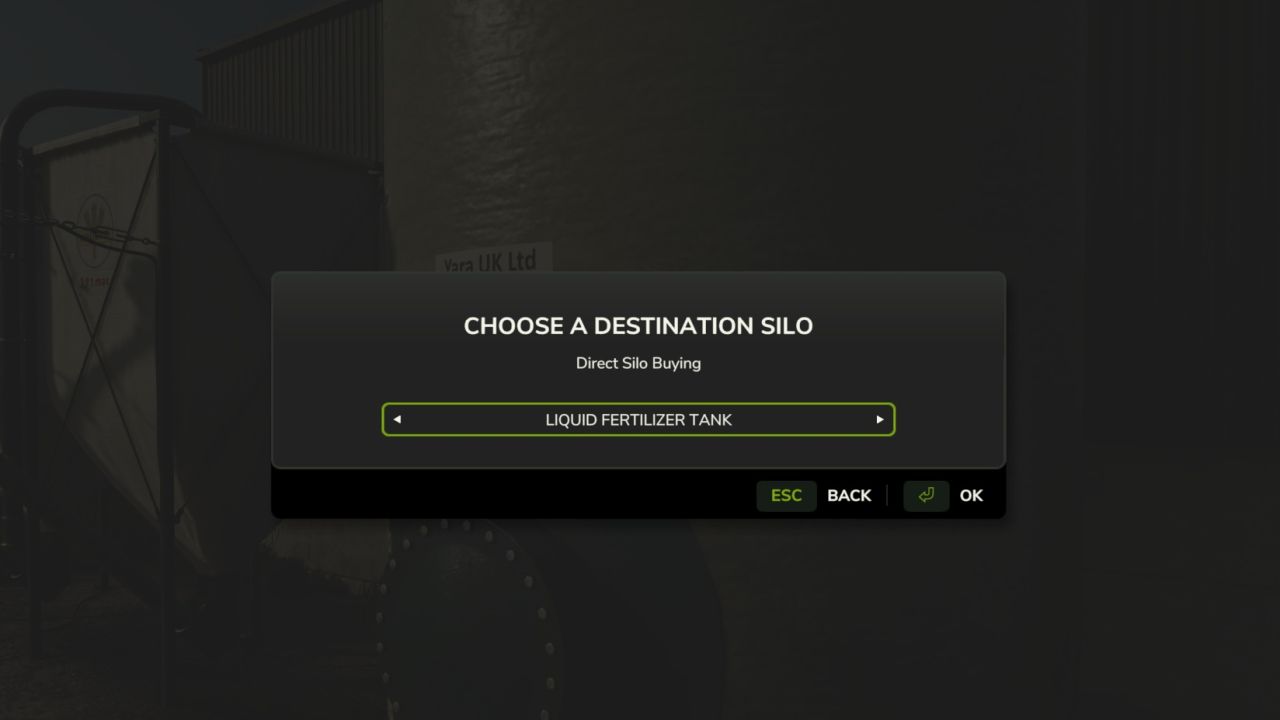
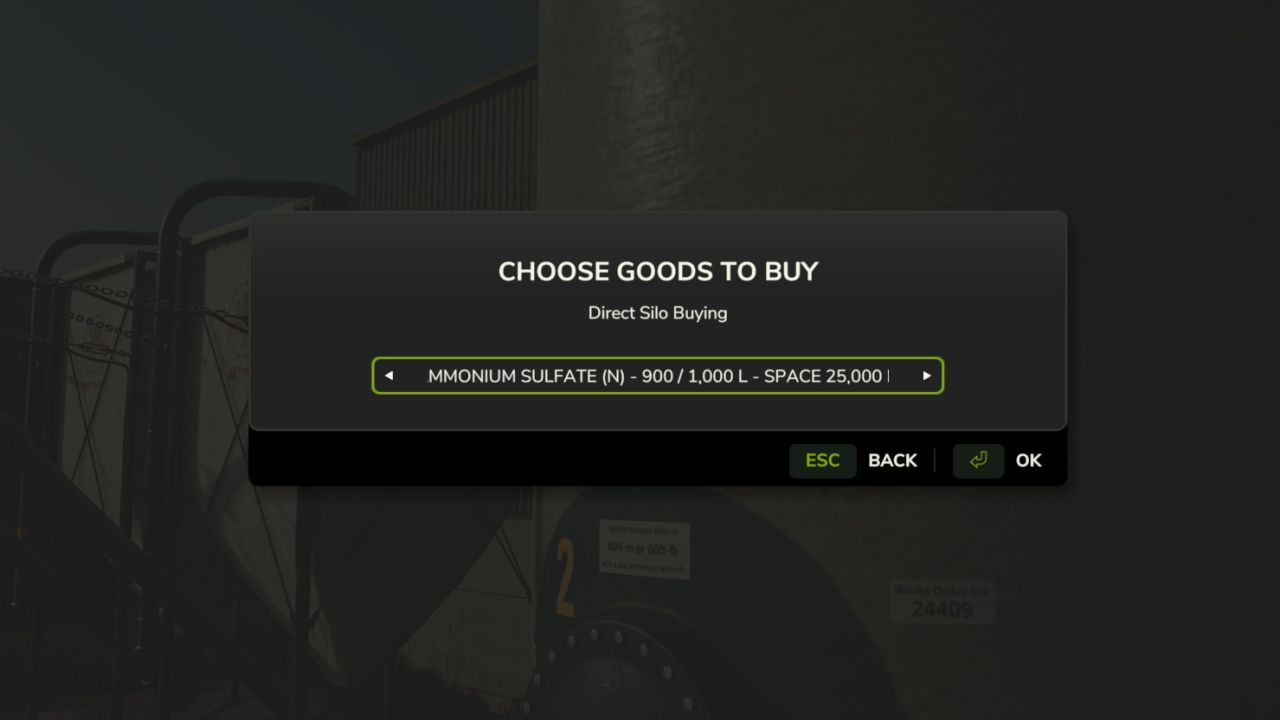
Direct Silo Buying for Farming Simulator 25 (PC, single-player)

Install:
Copy FS25_DirectSiloBuying.zip into Documents/My Games/FarmingSimulator2025/mods.
Enable the mod for your save.

Use:
1. Press Left Shift + B while on foot.
2. Choose an owned destination silo.
3. Choose any goods supported by that silo.
4. Choose 25%, 50%, all free capacity, or type an exact amount.
5. Typed amounts accept litres or tonnes: 12500 L or 12.5 t.
6. Confirm the cost and purchase.

The price comes from FS25’s current economy price for the selected goods.
The purchase is charged to the active farm and added directly to the silo.
The mod respects silo fill-type support and free capacity.

Developer console alternative:
dsbMenu
Author: Melrose


About FS25 mods:

If you play Farming Simulator 25, it's time to understand how mods work with the game. Farming Simulator 25 Mods is an extra file or content to change your basic game version. If you want more tractors and harvesters or need any farming tools in the game, FS25 mods are the best choice. So, mods allow you to change gameplay and customize the Farming Simulator 25 game. There are many different types of Farming Simulator 25 mods that will make your gameplay easier or increase your income to grow and build your farm, and you decide what kind of FS25 Mod to install. Read the mod installation instructions and description above before use. We are the largest FS25 mods community to share mods for the PC.


You may also like...

Leave a Reply

Your email address will not be published. Required fields are marked *