Enhanced Filling V1.0.0.0
Enhanced Filling V1.0.0.0
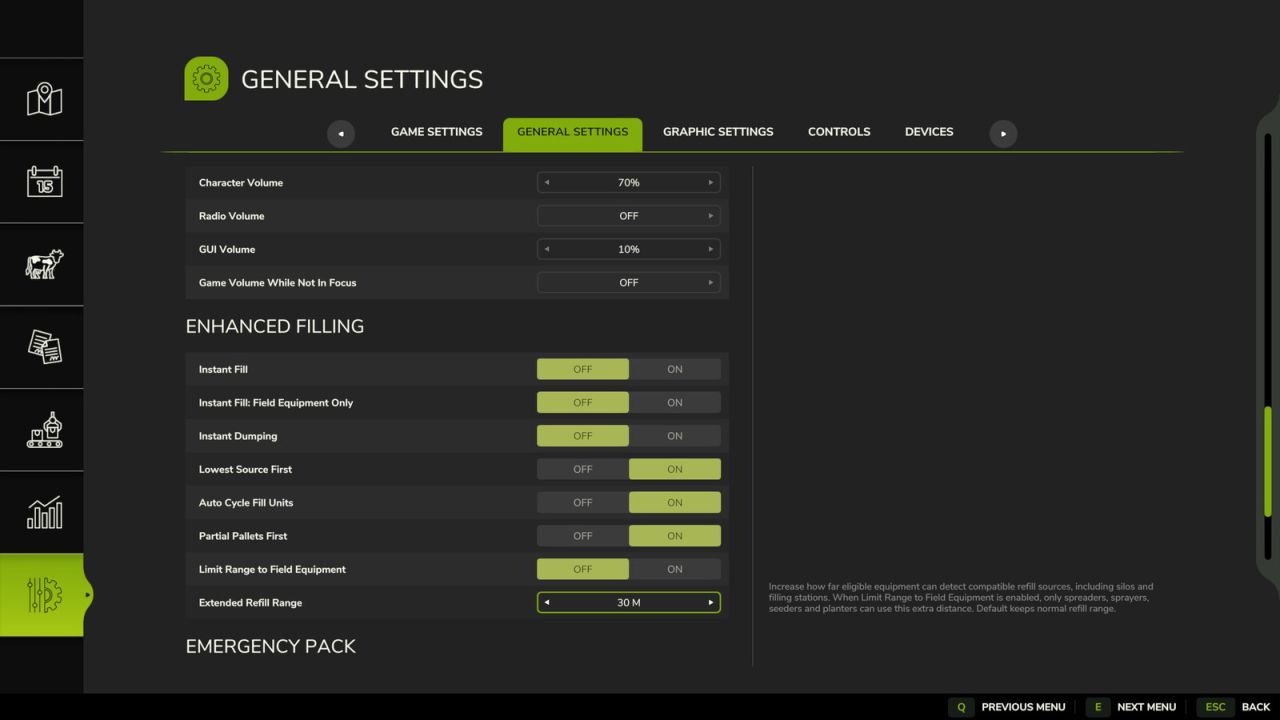
Enhanced Filling improves filling and pallet unloading while keeping the normal Farming Simulator fill system.
Continuous Fill automatically continues to another compatible nearby source when the current bag, pallet, tank, or other source becomes empty.
Instant Fill is optional and makes compatible sources transfer material almost instantly. Instant Fill: Field Equipment Only can limit that speed boost to spreaders, sprayers, seeders, and planters using field-input materials.
Instant Dumping is optional and makes trailers, tanks, and other dischargeable equipment unload almost instantly while preserving normal discharge targets and storage/selling rules.
Lowest Source First prioritizes the compatible source with the least material remaining, helping clear partially used bags and pallets before full ones.
Auto Cycle Fill Units automatically continues through compatible fill units on the same vehicle or implement as each one becomes full.
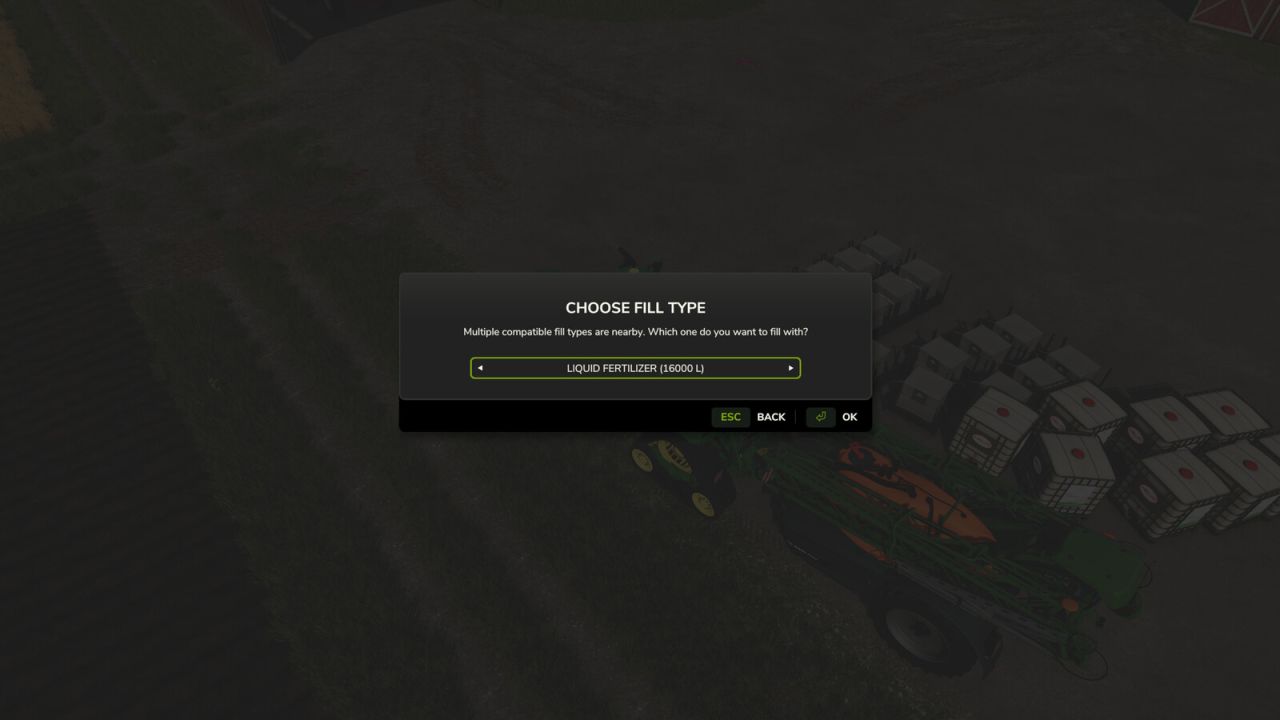
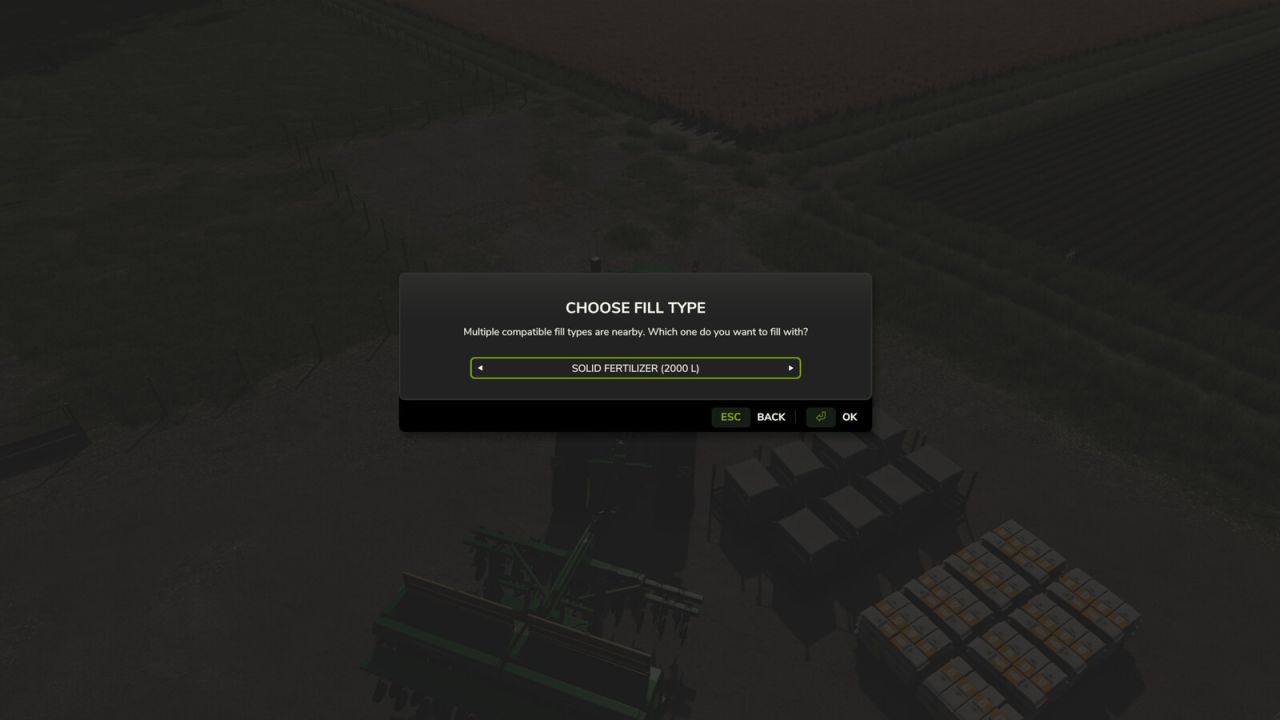
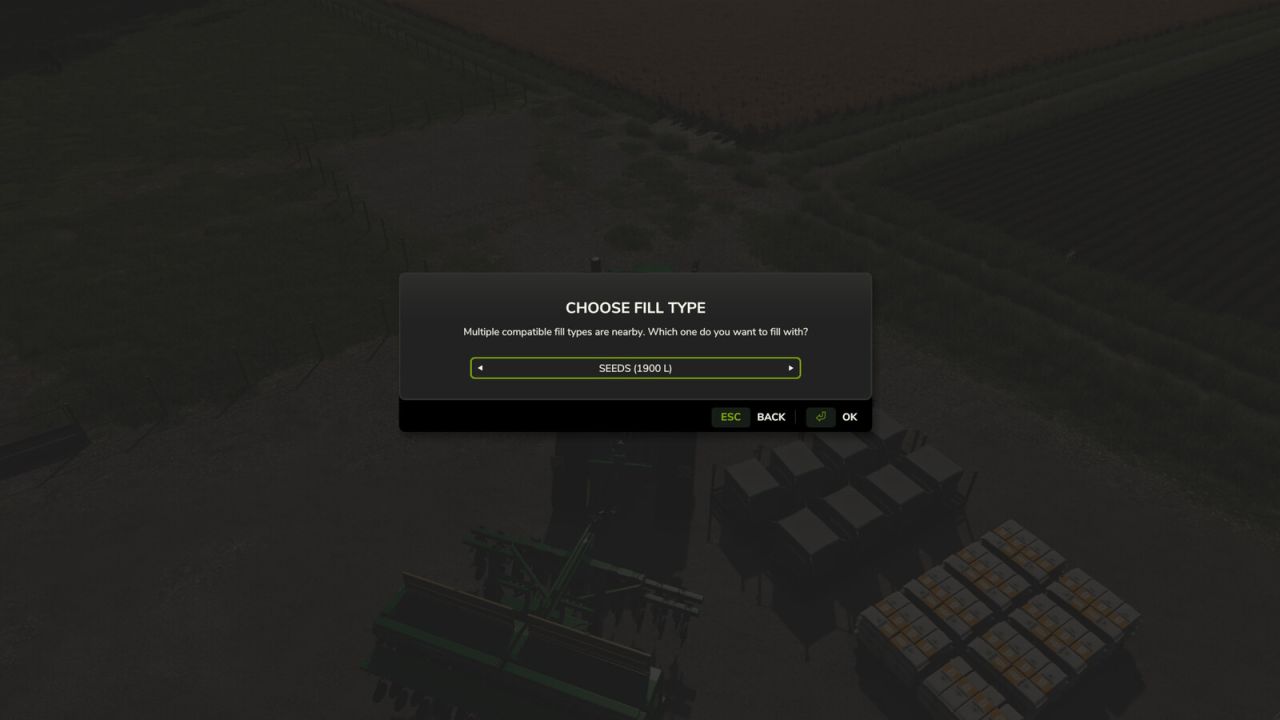
Fill Type Choice automatically asks which compatible material you want when more than one fill type is available nearby. Left Alt + R can still be used to cycle the preferred type manually.
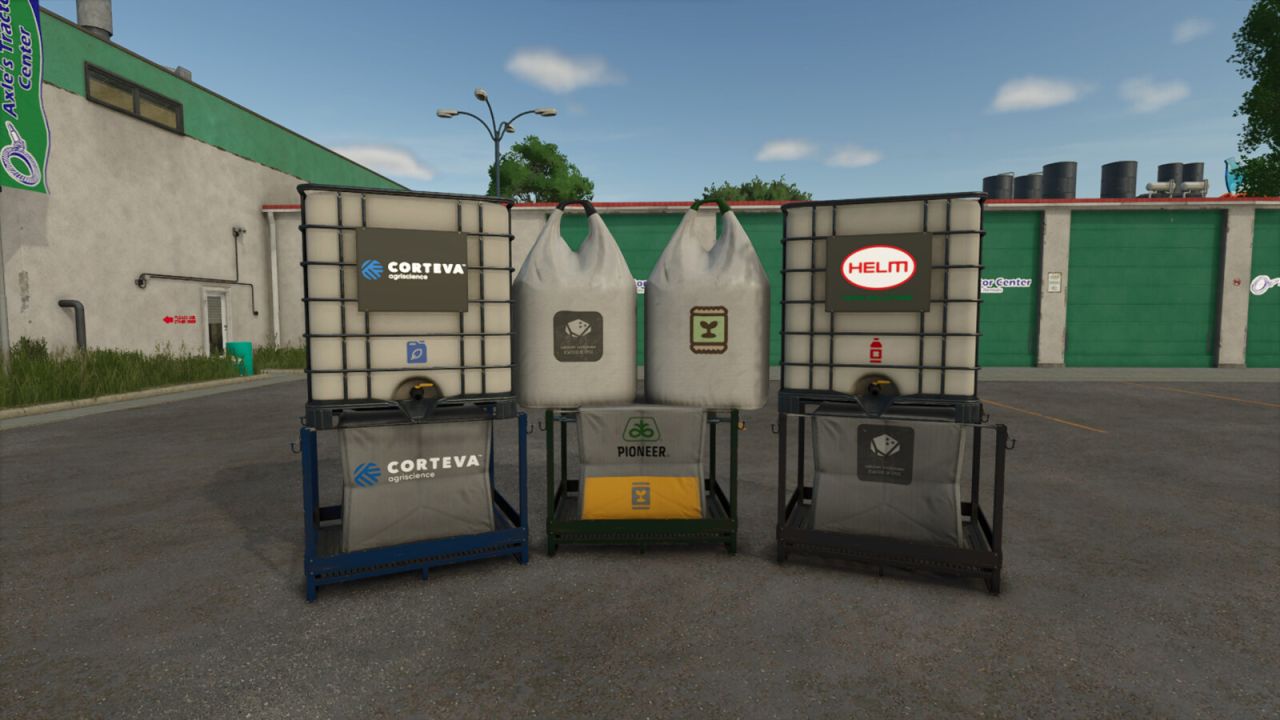
Partial Pallets First improves the unload-pallet function. Nearby compatible partially filled pallets, crates, boxes, or big bags are topped up before a new container is created.
Extended Refill Range can increase compatible refill-source detection to 10, 20, 30, or 50 meters, including compatible silos and filling/loading stations. Limit Range to Field Equipment restricts this extra distance to spreaders, sprayers, seeders, and planters using field-input materials. Instant Fill remains independent of the range restriction.
Compatibility: If Bulk Fill is loaded, Bulk Fill continues to handle continuous source switching while Enhanced Filling can still ask which material to use. Instant Fill, Auto Cycle Fill Units, and Partial Pallets First remain available.
Hotkeys: Left Alt + R – Cycle Preferred Fill Type. The action can be changed in the Controls menu.