Equipment Compare V1.0.2.9
Equipment Compare V1.0.2.9
Adds a compact comparison tool to the hardware store.
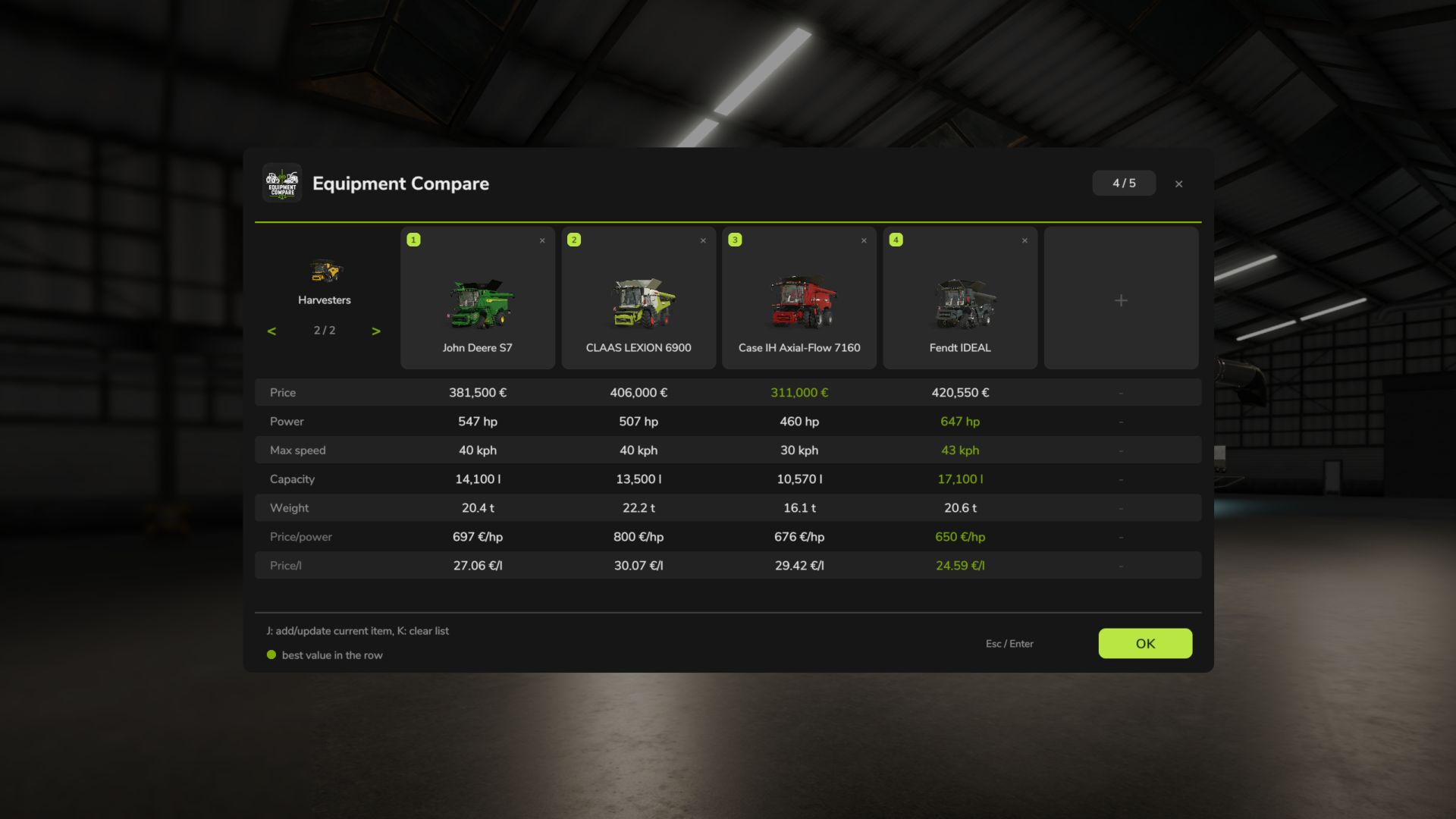
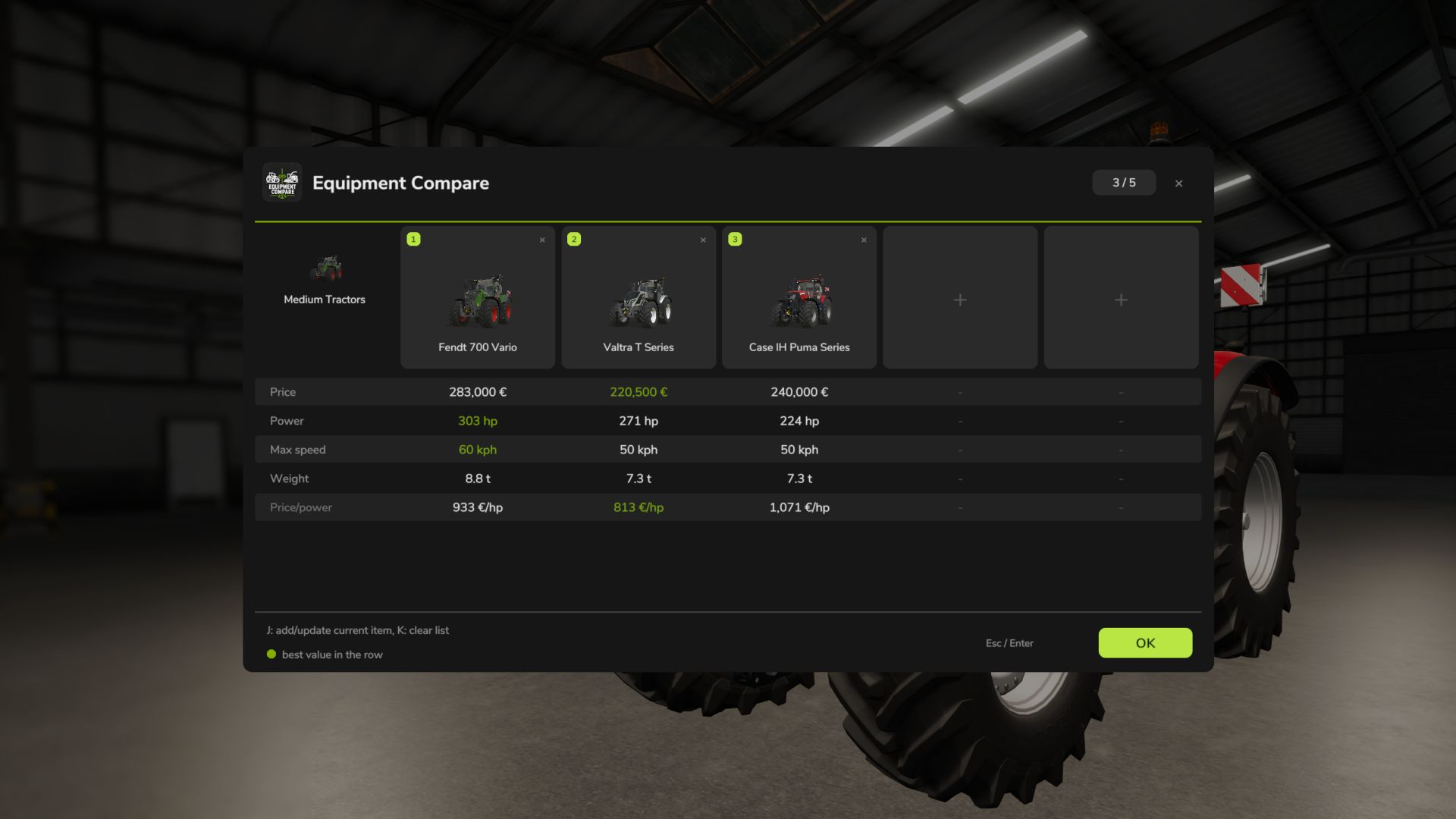
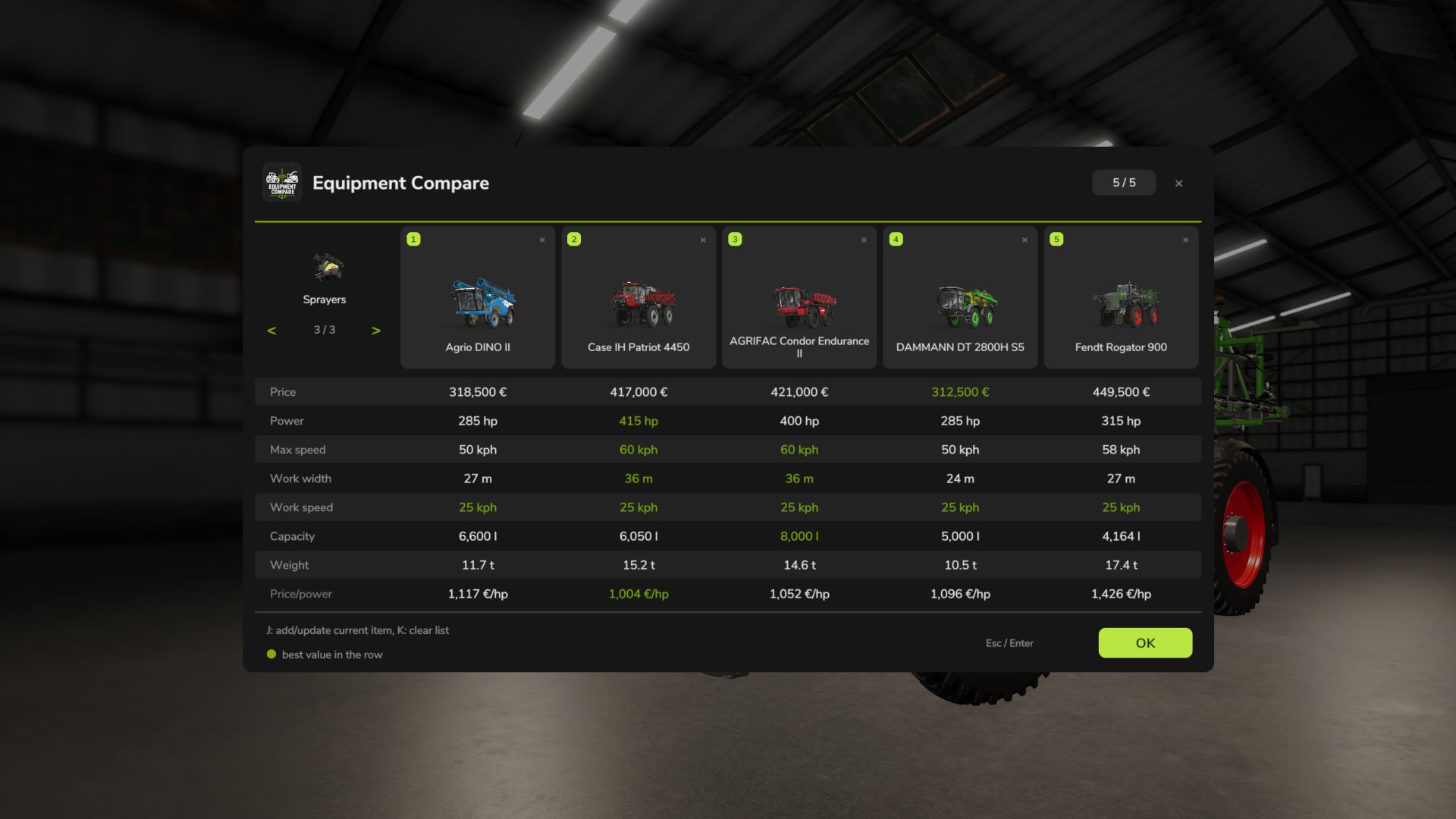
Open the equipment on the store configuration screen and click the “Compare” button (J by default) – it will be added to the comparison list along with the selected configuration. The comparison window opens automatically and shows all saved positions side by side.
Features:
Up to 5 positions per store category, each category on a separate page
Compare price, power, max. speed, working width, working speed, volume, power required, weight, daily maintenance and specific figures (price per hp / meter / liter)
The selected configuration is taken into account (engine, working width, volume, weight, price)
The best value in each line is highlighted in green
Positions can be deleted one at a time; when adding a sixth position, the oldest one is replaced
Characteristics that the vehicle does not have are displayed as “n/a”
Controls: J – add/update current equipment (store configuration screen), K – clear the list. In the comparison window: mouse wheel or up/down arrows – scroll, left/right arrows – switch category pages.
The comparison list is temporary and exists only in the current game session. It does not persist and does not affect purchases, leasing, prices or multiplayer rights. Multiplayer supported.
V1.0.2.9
Updated for Farming Simulator 25: reworked shop comparison and UI integration.
Compare up to 5 items per shop category side by side (price, power, max speed, working width/speed, capacity, required power, weight, upkeep, and price per power/meter/liter).
Add or update the current item with the Compare button or J; clear with K.
Best value in each row is highlighted. List is session-local and does not affect purchases, prices or multiplayer permissions.
Internal code cleanup for readability and maintainability