Farmtech DDK 2400 Mega-Pack V1.0.0.0
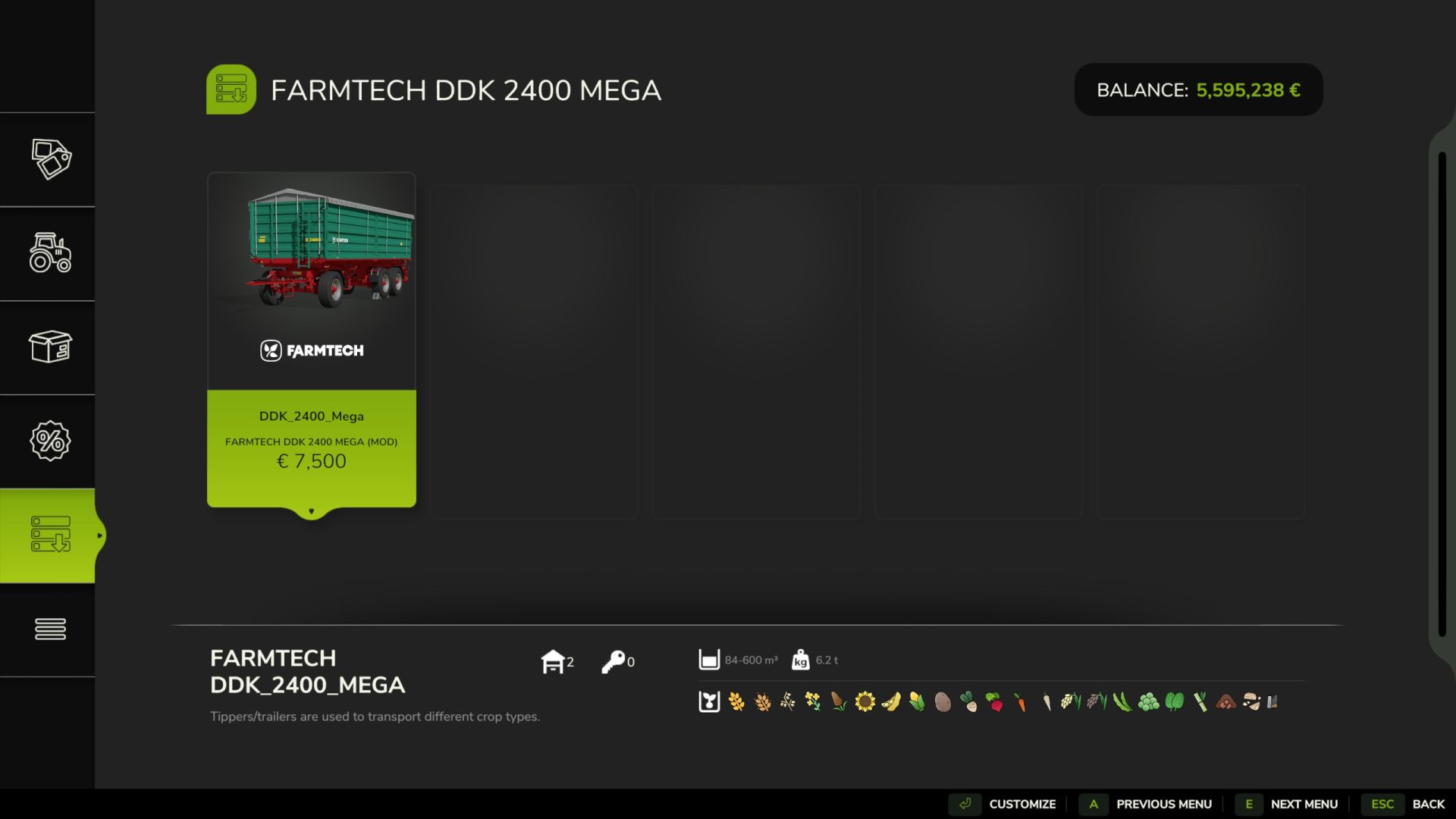
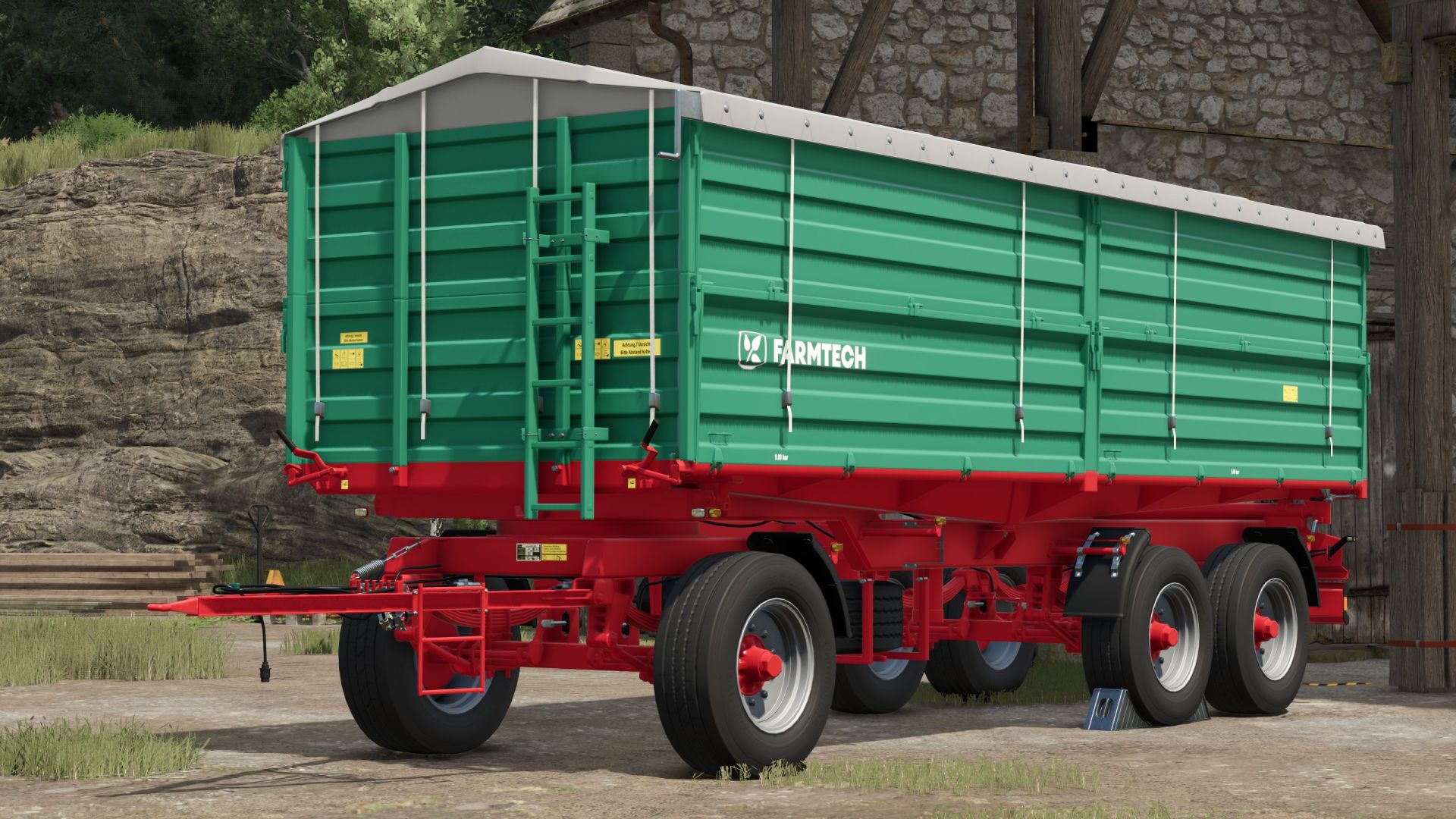
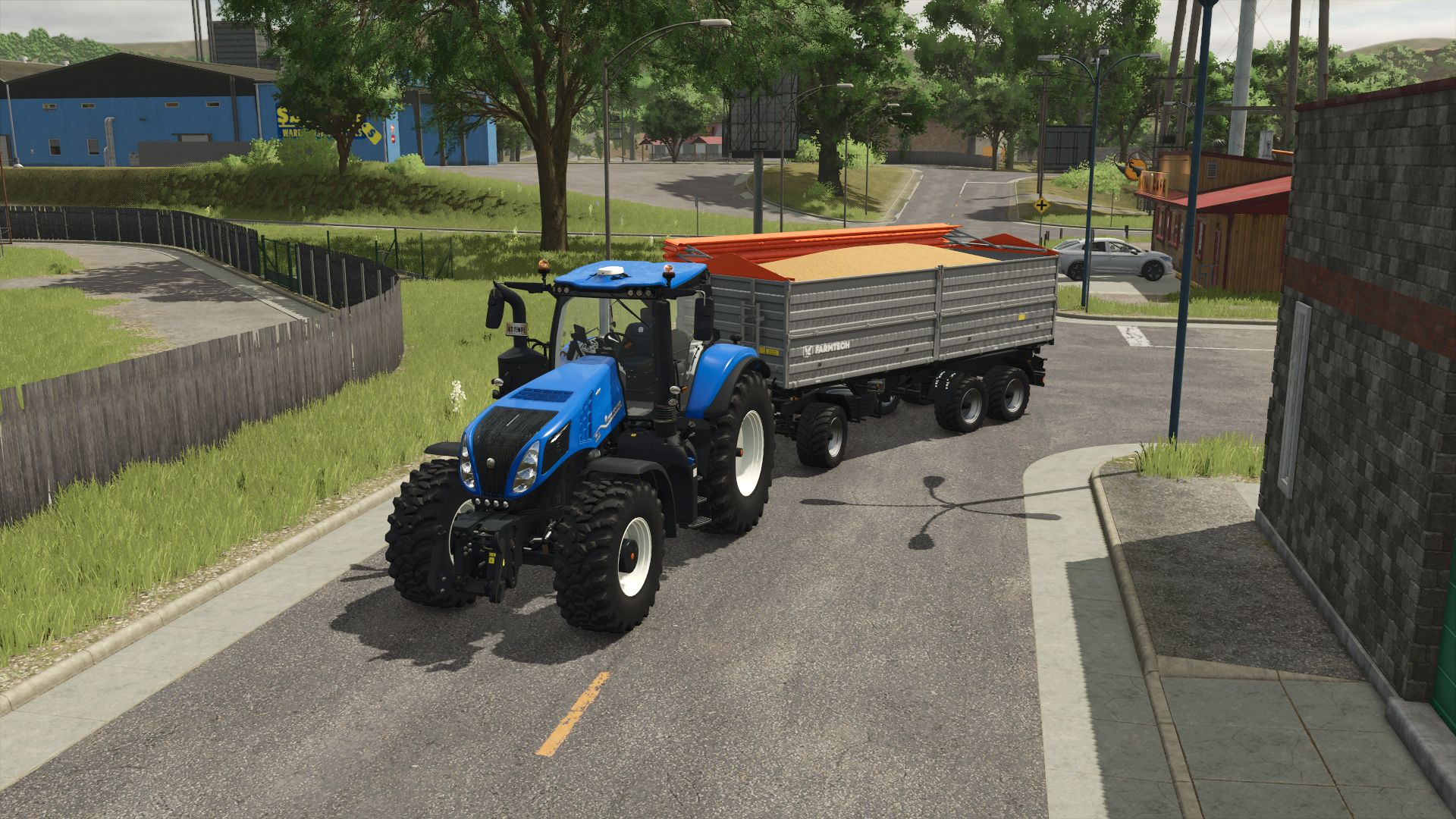
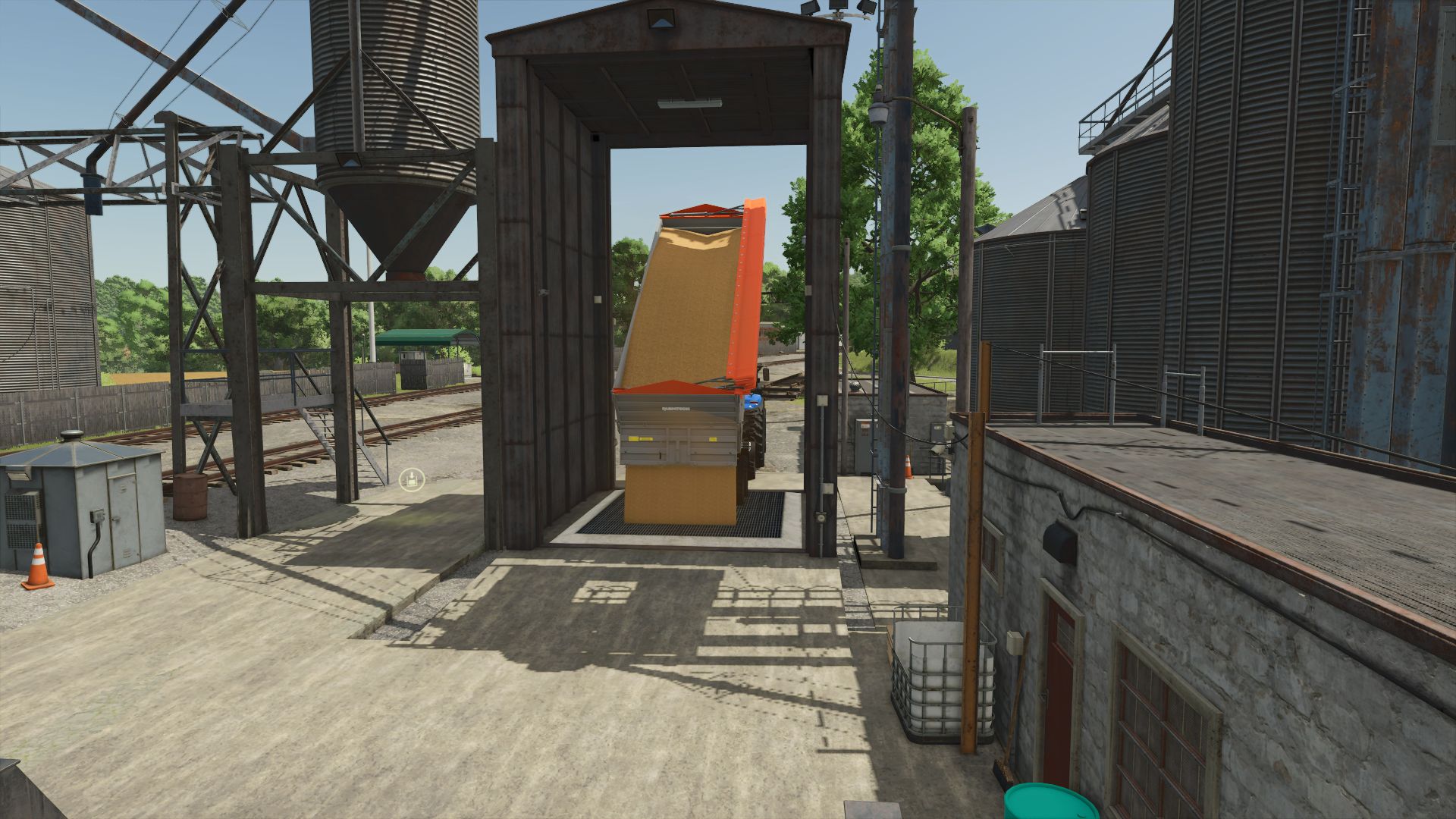
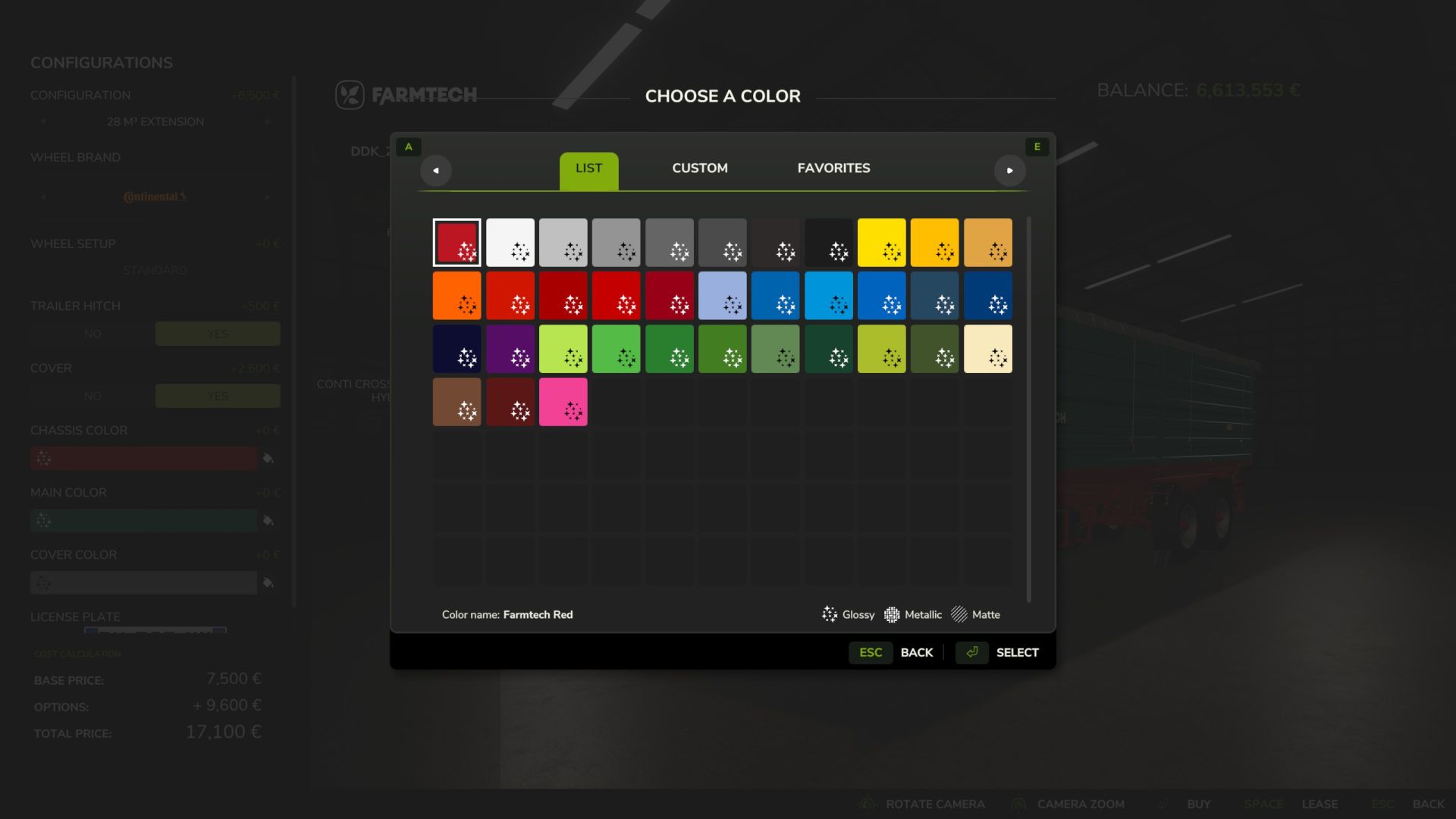
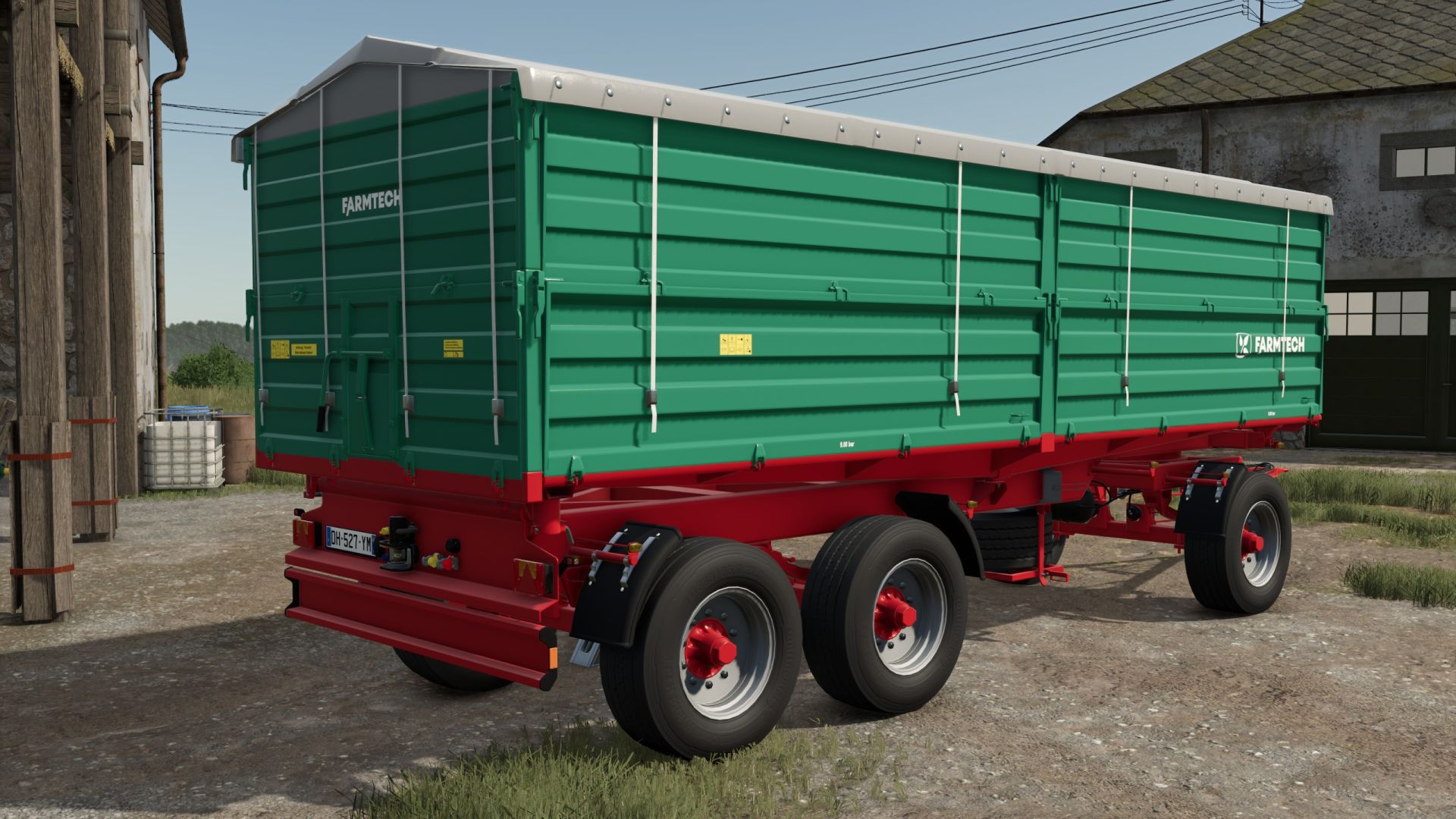
Farmtech DDK 2400 Mega-Pack V1.0.0.0
What all has been done? (Changelog & Features) Gigantic capacity upgrade:
The trailer comes with three purchasable body configurations in the shop:
Standard: Original volume Bulk cargo body
Small: 84,000 liter body Large (Mega): 600,000 liter
GIANTS physics tricked (weight fix): With a full 600k load capacity, the load actually weighs over 500 tons. To prevent the model from sinking into the ground and the tractor from being lifted off its feet, the load weight was completely fixed to zero using special XML attributes ( massMultiplier=”0.0″& updateMass=”false”). The trailer remains feather-light when fully fueled and can be towed by any tractor!
Mass values corrected: The erroneous <objectChange>weight entries of the axles and components when purchasing the large assembly stages were mathematically stabilized, so that the drawbar engages perfectly straight in the tractor’s coupling.
High-speed unloading: The unloading speed emptySpeedhas been massively increased. The 600,000 liters fly out of the trailer in seconds like a cannon shot!
Shop & in-game display fixed: The in-game name has been completely standardized. When attaching to the tractor and in the F1 help menu, the proud name “Farmtech DDK 2400 Mega” now appears flawlessly everywhere .
100% ModHub & TestRunner Ready: The mod has successfully passed the official GIANTS test tool and achieved a perfect 14 out of 14modDesc.xml ! It uses clean CDATA environments, all textures have flawless mipmaps, and the estimated slot usage is an outrageous 5 slots !
Technical specifications:
Brand: Farmtech
Type: DDK 2400 turntable
Number of slots required: 5
Log Status: 100% clean / No errors / No warnings [ 1 ]
Testrunner v0.9.18 checked
V1.0.0.0
UPDATE LOG / CHANGELOG
Mod: Farmtech DDK 2400 Mega V1.1.0.0
Status: In-game display fixed, log errors resolved, and the test runner is in the green!
Bug fixes
Shop display & preferences corrected: The stuck text “28 m³ Aufbau” in the left-hand selection list has been fixed. The configurationSets labels have been updated and now generate the correct cubic-metre displays in-game.
Brand name corrected: Invalid spaces and lowercase characters in the XML tag have been removed. The brand name now conforms to the official LS25 guidelines (FARMTECH).
Physics mass error corrected: The missing mass for the drawbar component has been added. The trailer now behaves with absolute directional stability when driving and braking.
Store icon texture header fixed: The shop image has been re-exported in the correct DDS format. The warning about an undefined channel count has completely disappeared.
New Features & Changes
600 m MEGA configuration added: A new, gigantic structure with a loading capacity of 600,000 litres is now available as a standard preset in the shop.
84 m configuration adjusted: The middle construction stage was also properly calibrated and increased to 84,000 litres.
Weight is no longer a factor: The parameters for the extremely large superstructures were set to updateMass=”false” and massMultiplier=”0.0″. The tipper retains its light weight even when fully loaded. Tractors no longer get stuck or sink into the ground.
Clean shop labeling: All configurations now have error-free German names in the purchase menu.
Testrunner v0.9.18 result (Test run result: PASSED)
Data collection results (Result: PASSED, Total: 6, Failed: 0, Successful: 6)
Module results (Result: PASSED, Total: 14, Failed: 0, Passed: 14)