Global Combine Automation V1.0.0.0
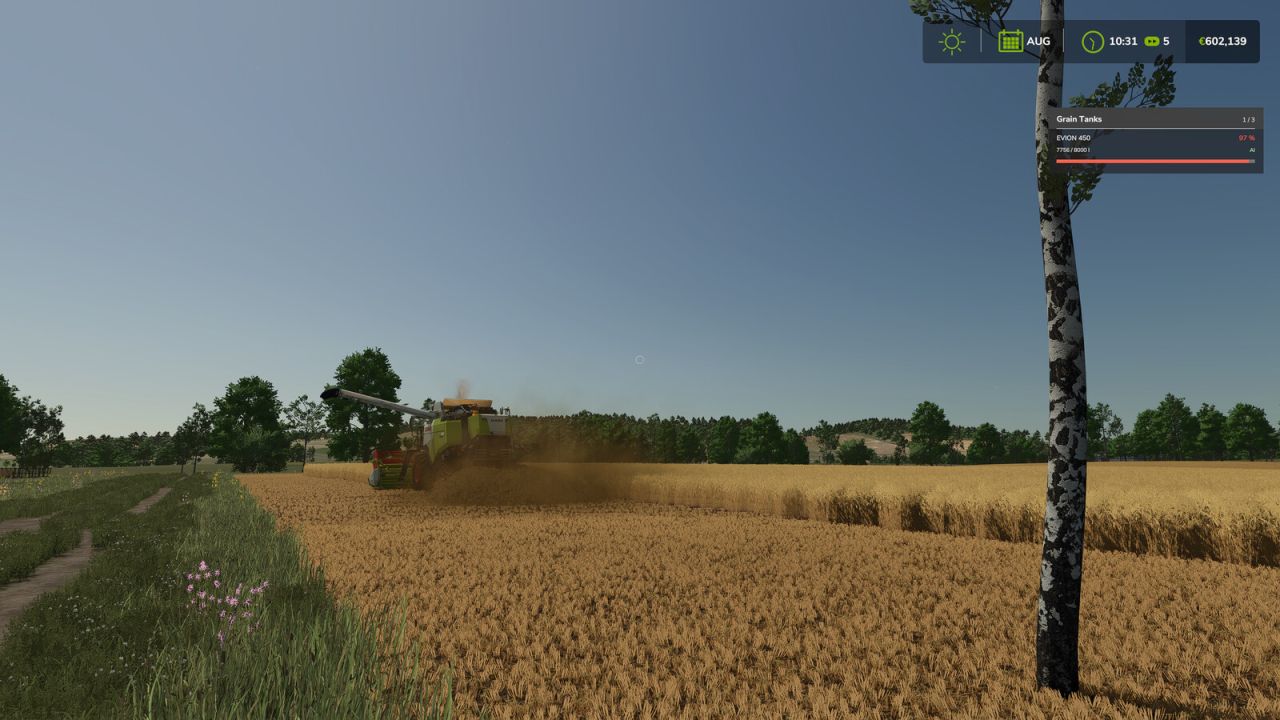
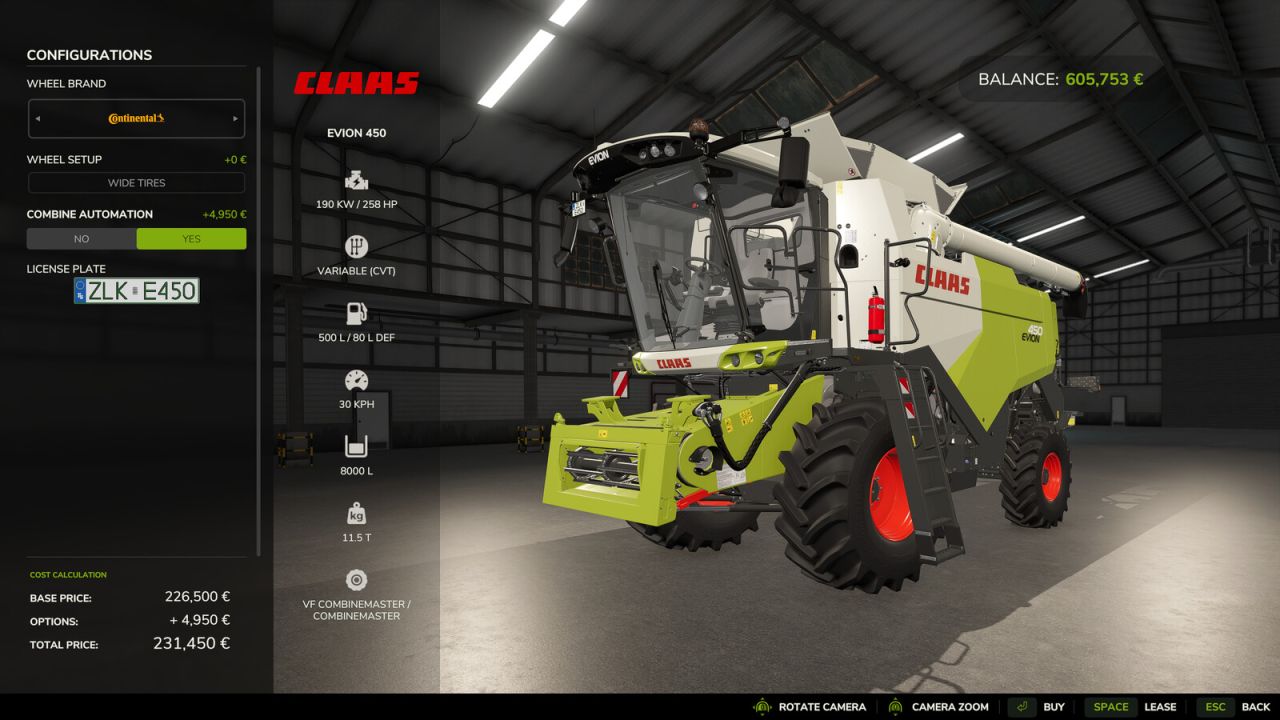
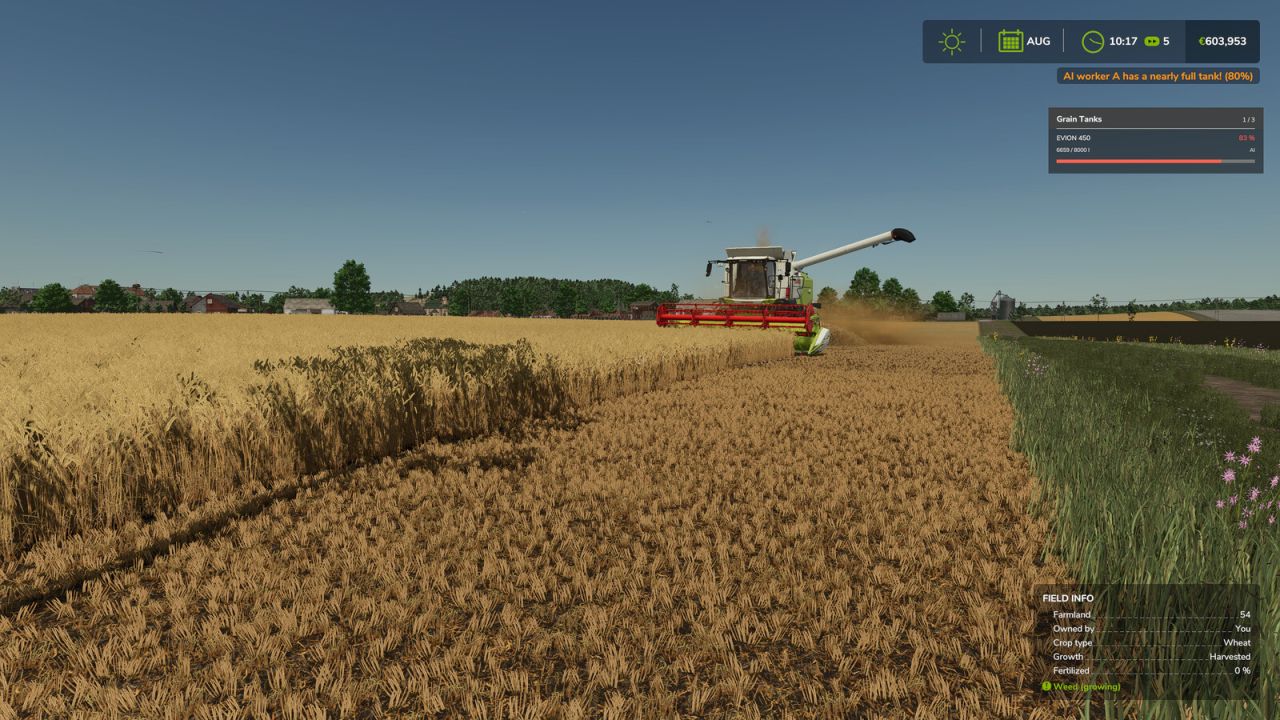
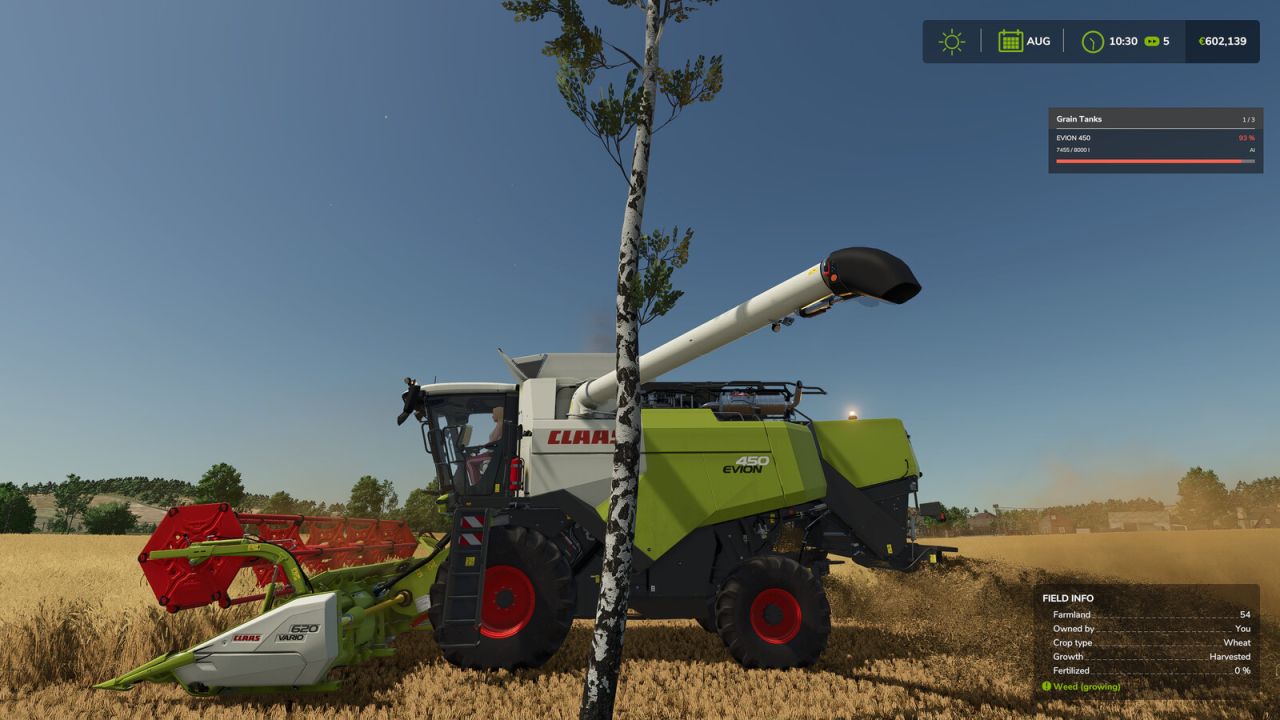
Global Combine Automation V1.0.0.0
Global automation for combine harvesters
IMPORTANT: This feature is optional. You must purchase and enable the “Combine automation” configuration for €4,950 in the vehicle shop when buying the combine harvester. Without this shop configuration, the automation features are not available.
– Automatic pipe extension from 80% fill level
– Automatic pipe folding when the grain tank is empty
– Collision protection for the unloading pipe
– Automatic beacon light control
– HUD with grain tank fill level
– Displays up to three active combine harvesters
– Freely movable HUD with saved position
– Support for AI helpers
– Courseplay support
– Global shop configuration for each combine harvester
– Automatic detection of compatible combine harvesters via fillTypeCategories=”combine”
– CTRL + H → Enable HUD editing mode
– Hold down the left mouse button → Drag the HUD to the desired position
– CTRL + H → Exit HUD editing mode
– CTRL + R → Reset HUD position