Meadow Trails V1.0.1.0
Meadow Trails V1.0.1.0
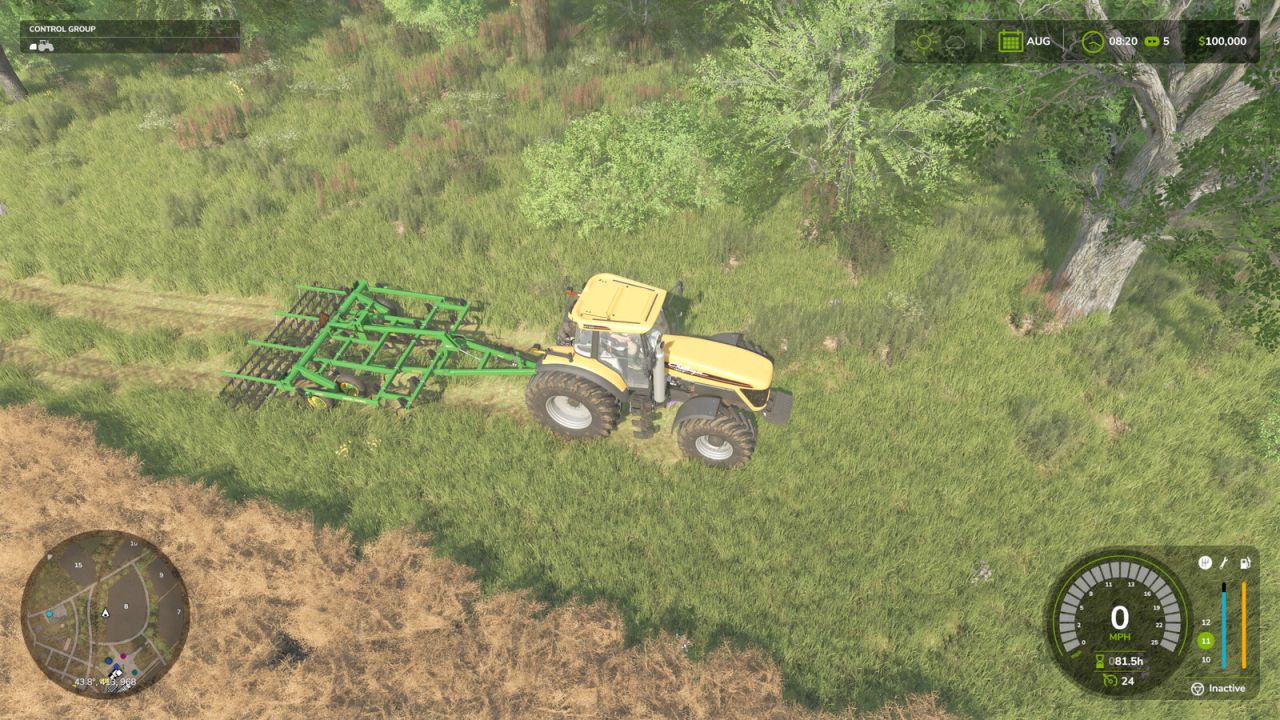
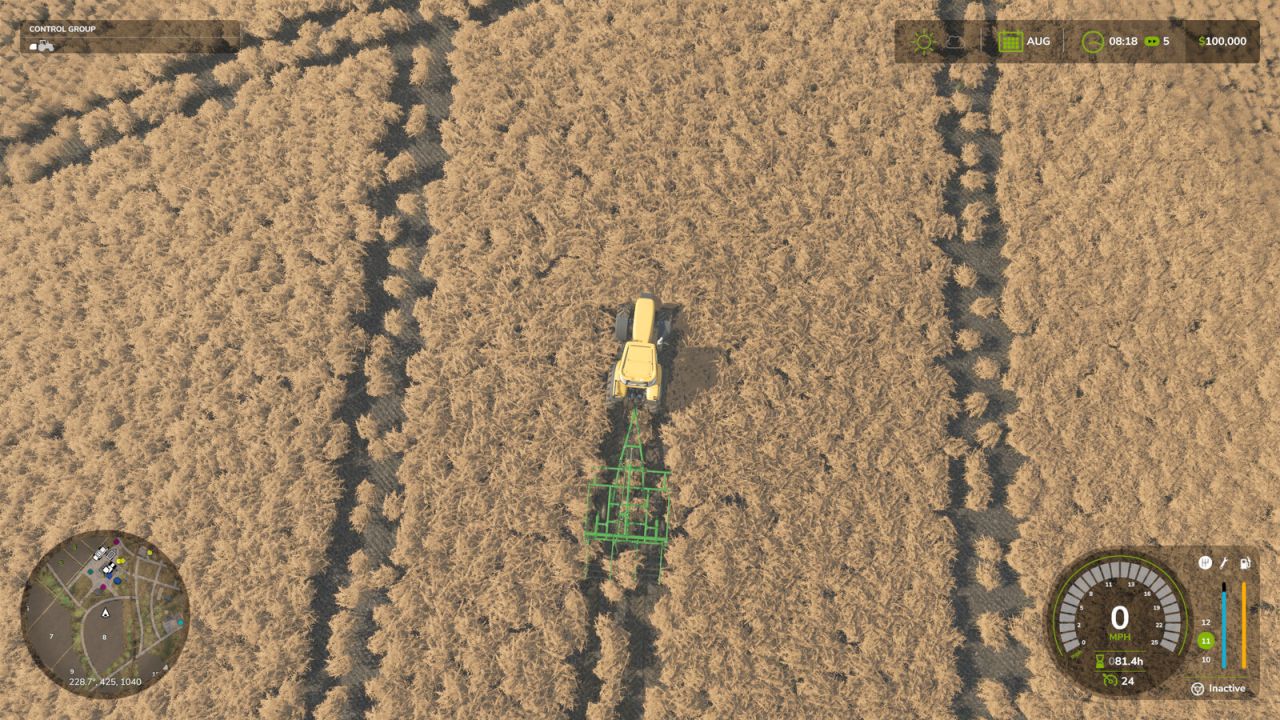
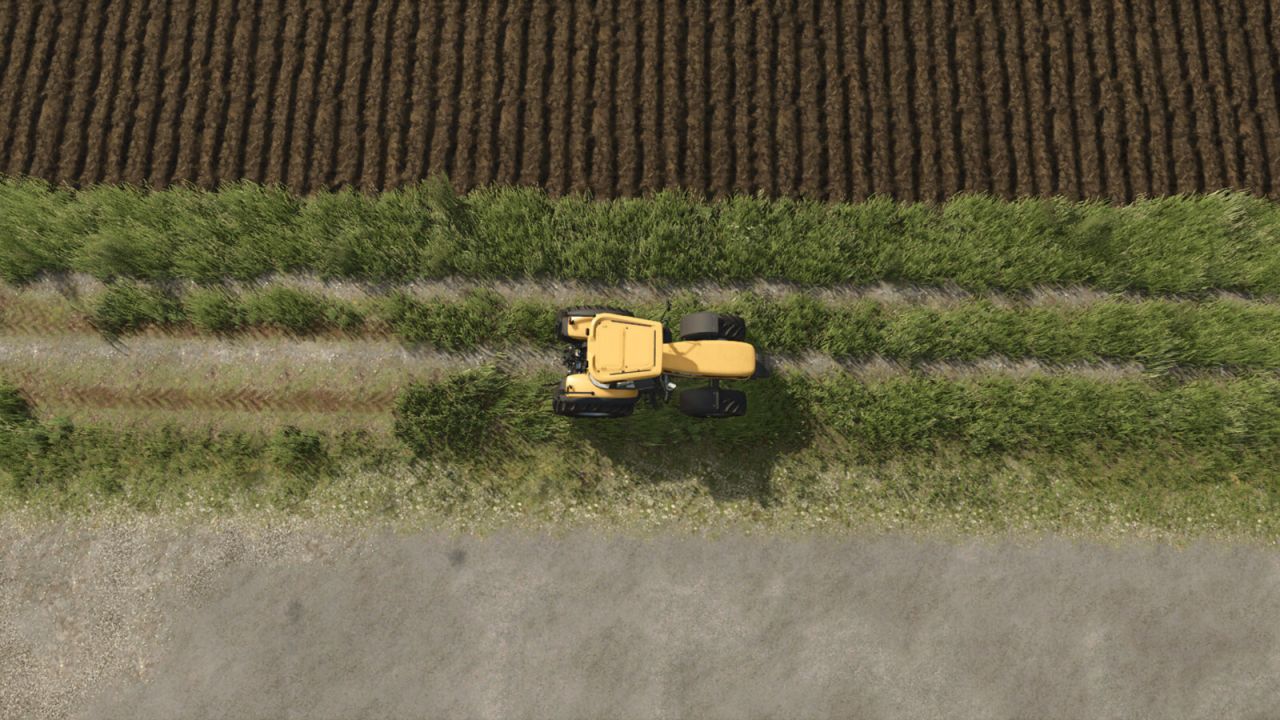
Repeated vehicle traffic wears visible wheel paths through wild grass, planted grass fields, and decorative ground foliage.
Wild grass and decorative foliage outside fields use Grass Wear Passes. Repeated traffic can develop dirt tracks; hard surfaces such as asphalt and concrete are excluded.
Base Game mode leaves field destruction to FS25. Meadow Trails mode uses Crop Destruction Passes for field crops, including planted grass, on owned and unowned land. Both pass settings range from 1 to 5; default: 4. Grass fields retain their field ground type.
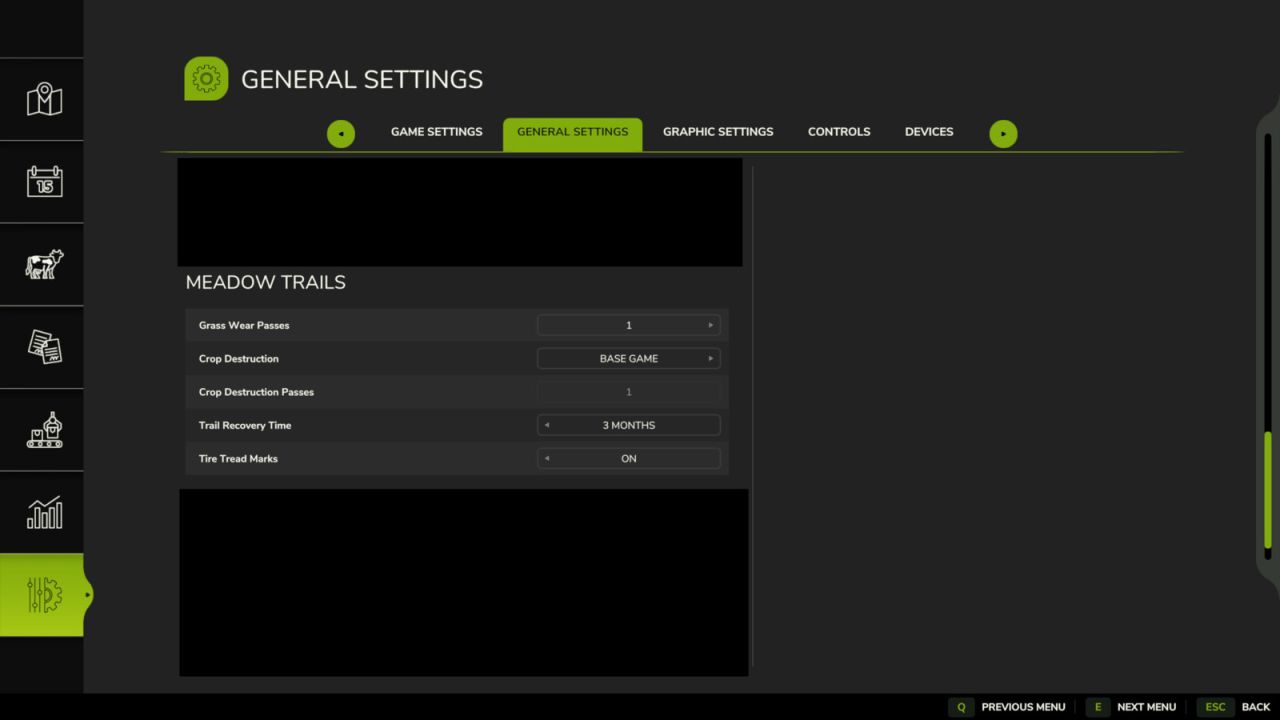
Settings in ESC > Game Settings:
Grass Wear Passes
Crop Destruction: Base Game / Meadow Trails
Crop Destruction Passes
Trail Recovery Time
Tire Tread Marks: On / Off
Trail recovery defaults to 3 in-game months without traffic. Options: Off, 1 Day, 1 Month, 2 Months, or 3 Months. Only originally removed vegetation returns in saved patches. Changed field ground or a different crop cancels recovery. Meadow Trails crop damage recovers over 3 months.
Tire Tread Marks strengthens native tread marks on worn grass paths and grass fields using each wheel’s existing texture. Enable tire tracks in graphics settings; the game controls their lifetime. Wear and recovery history are saved.
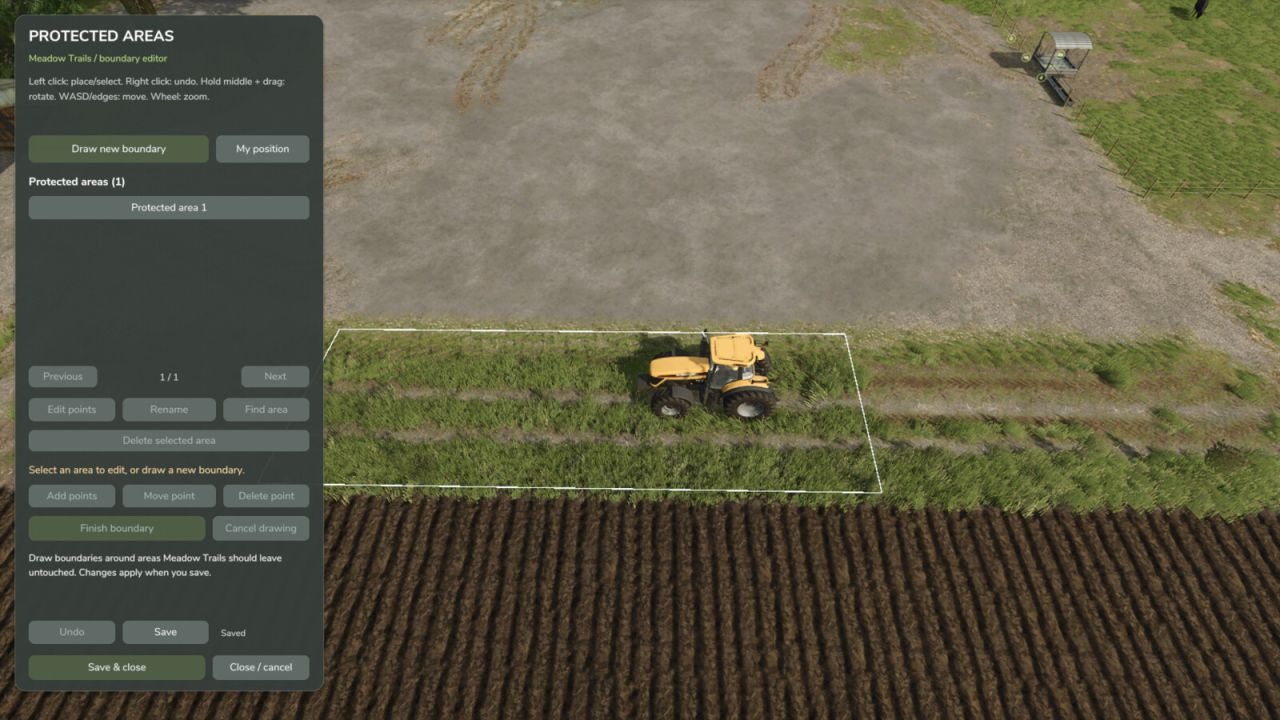
Ctrl+Shift+M opens the Protected Areas editor (rebindable). Draw and name boundaries from above, move or remove points, rename/delete areas, undo, and Save & Close. Up to 64 areas with 128 points each are saved per game. Protected boundaries stop Meadow Trails wear, dirt painting, crop damage, enhanced tread marks and mod recovery writes. Existing damage is not erased. Base Game crop destruction mode still follows FS25 settings; normal game tire tracks and farming tools remain active.
V1.0.1.0
Added wear on planted grass fields and selectable Base Game / Meadow Trails crop destruction modes.
Changed grass wear and crop destruction settings to independent 1–5 pass controls, both defaulting to 4.
Added staged trail recovery with a 3-month default and improved recovery of damaged vegetation.
Added optional enhanced tire tread marks and improved compatibility with All Decorative Foliage and All Ground Textures.
Added a top-down protected-area editor with named boundaries, point editing, Undo, saved areas and middle-mouse camera rotation.