Persistent Tracks V1.0.0.0
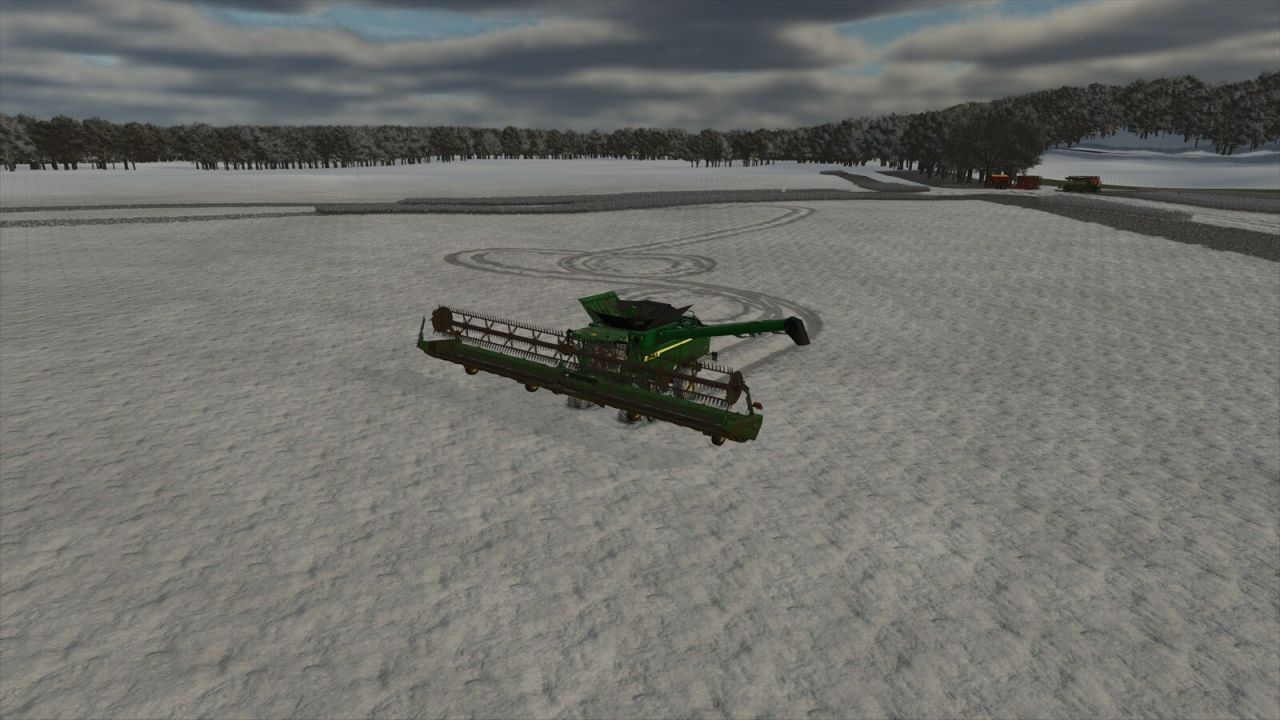
Persistent Tracks V1.0.0.0
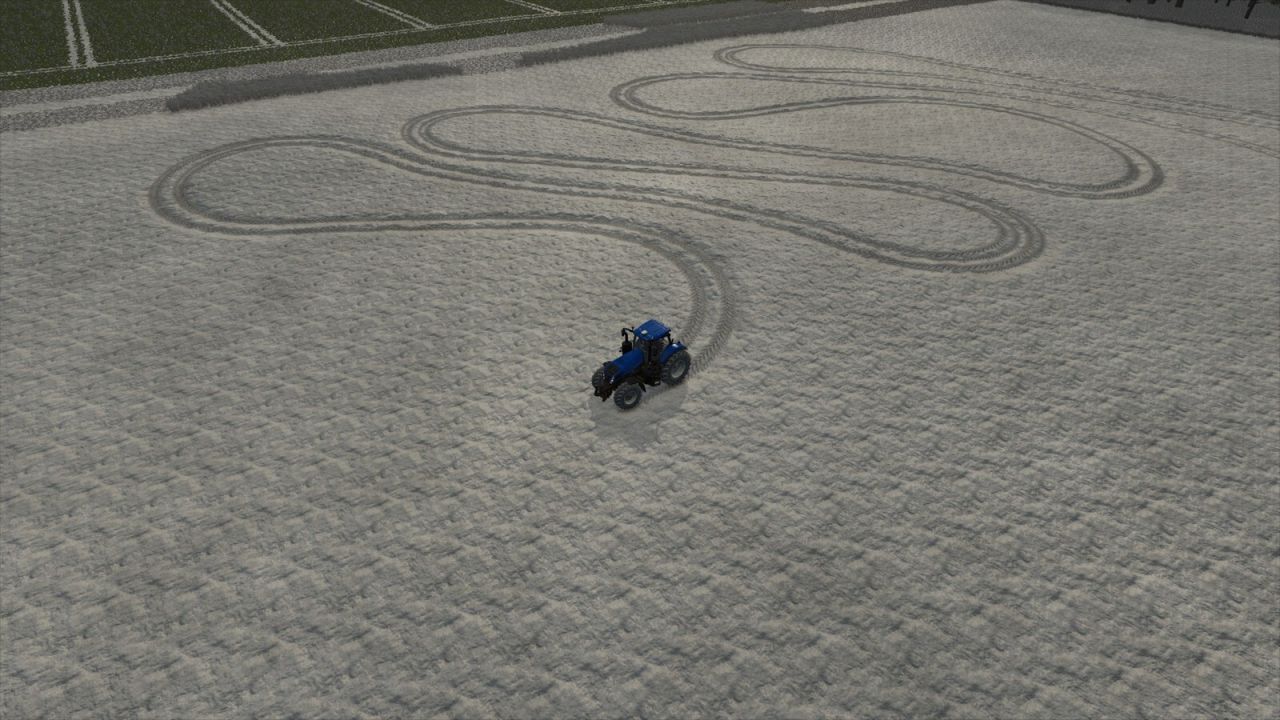
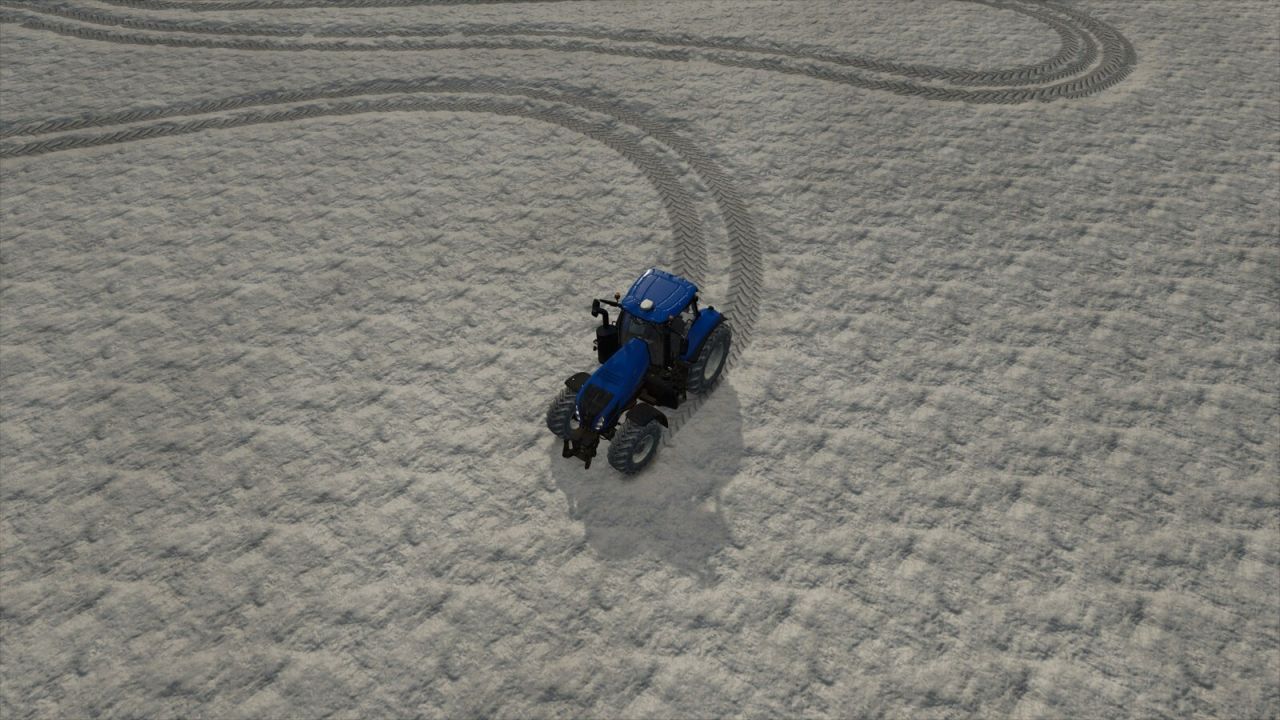
Keeps vehicle tire tracks between Farming Simulator 25 sessions and restores them automatically when the career loads.
– Separate track history for every career
– Nearby saved tracks stream in as the camera moves; distant history remains stored
– Current-session tracks return after distant vehicle switches and native recycling
– Vehicle-specific track widths and tread patterns are preserved when tracks return
– Restored distance, saved detail, and saved density under ESC > Settings > General Settings
– Adjustable density stores fewer redundant points so the same limit covers more driving
– Frame-budgeted restoration for smoother gameplay
– Compact saves with automatic legacy-file migration
– Oldest recorded detail is discarded first when the selected limit is reached
SETTINGS (ESC > Settings > General Settings > Persistent Tracks)
Restored Track Distance: Near 128 m; Medium 192 m (default); Far 256 m; Very Far 320 m.
Saved Track Detail (maximum retained points): Low 25,000; Medium 50,000; High 100,000 (default); Very High 250,000; Extreme 500,000; Maximum 1,000,000.
Saved Track Density: Off (every point); High detail (~0.35 m); Balanced (~0.60 m, default); Extended range (~1.00 m); Maximum range (~1.50 m).
Larger point limits preserve a longer history but use more memory, storage, save time, and load time. Larger spacing covers more driving with the same point limit.