Repopulate Fields V1.0.0.0

Repopulate Fields V1.0.0.0
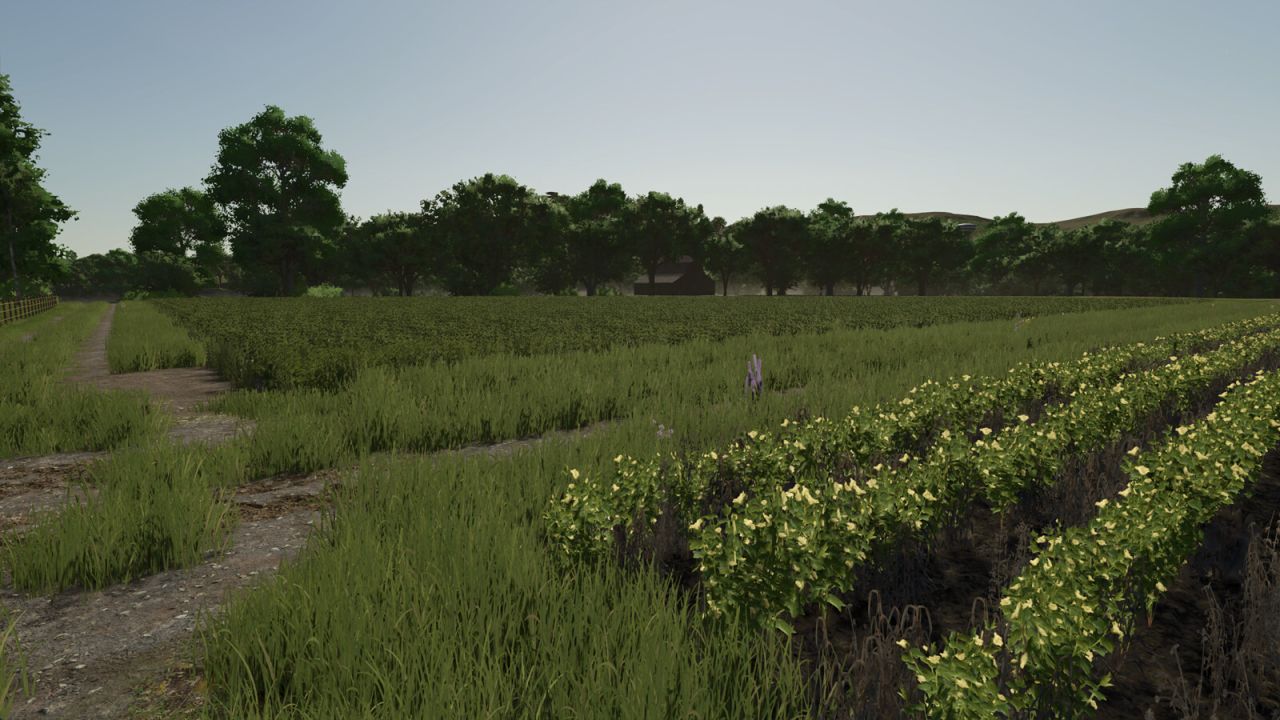
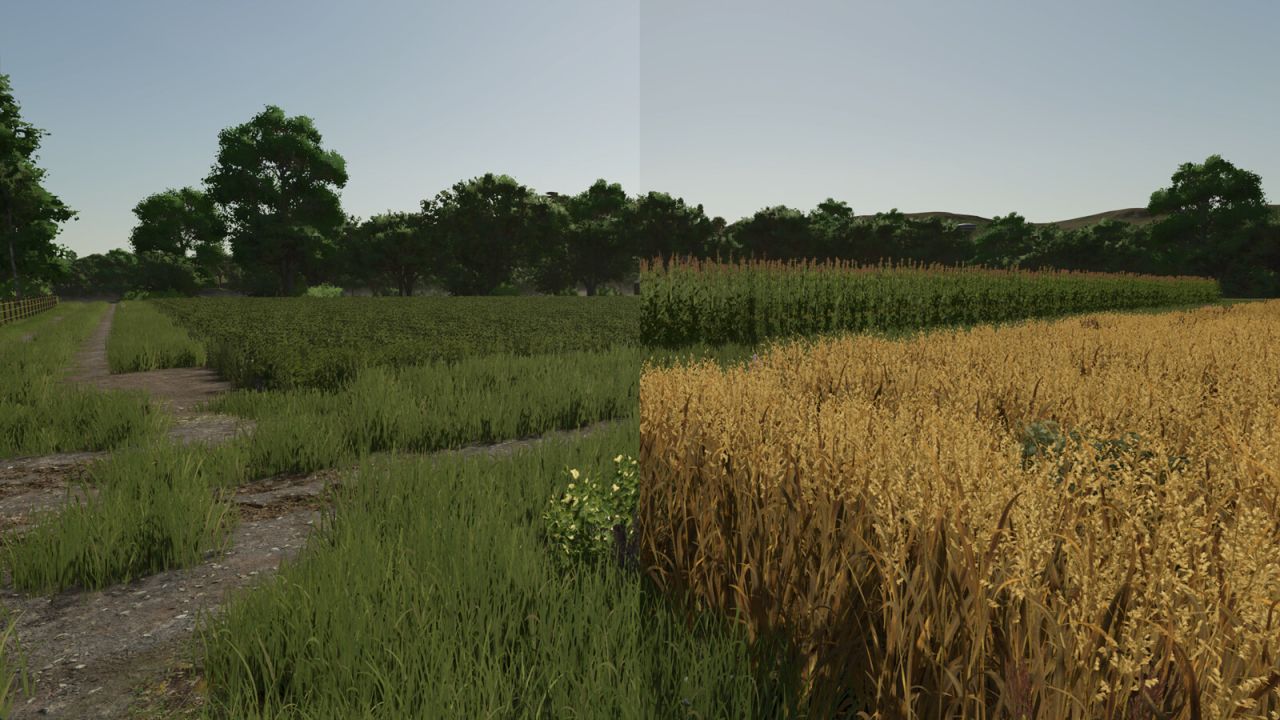
Repopulate Fields lets you reset fields to a randomised state with a single button press.
Each field receives a random crop at a random growth stage, along with randomised soil conditions: spray level, plow level, lime level, weed state, and ground type. Grass-only fields always receive grass.

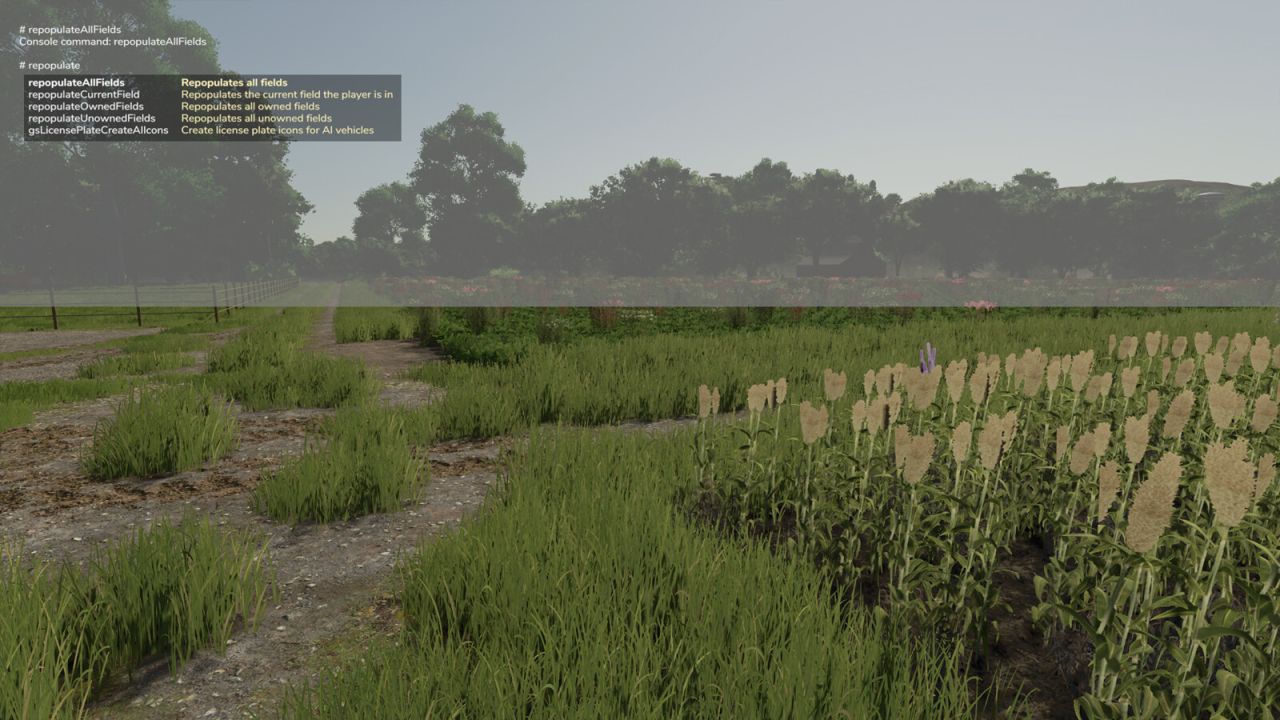
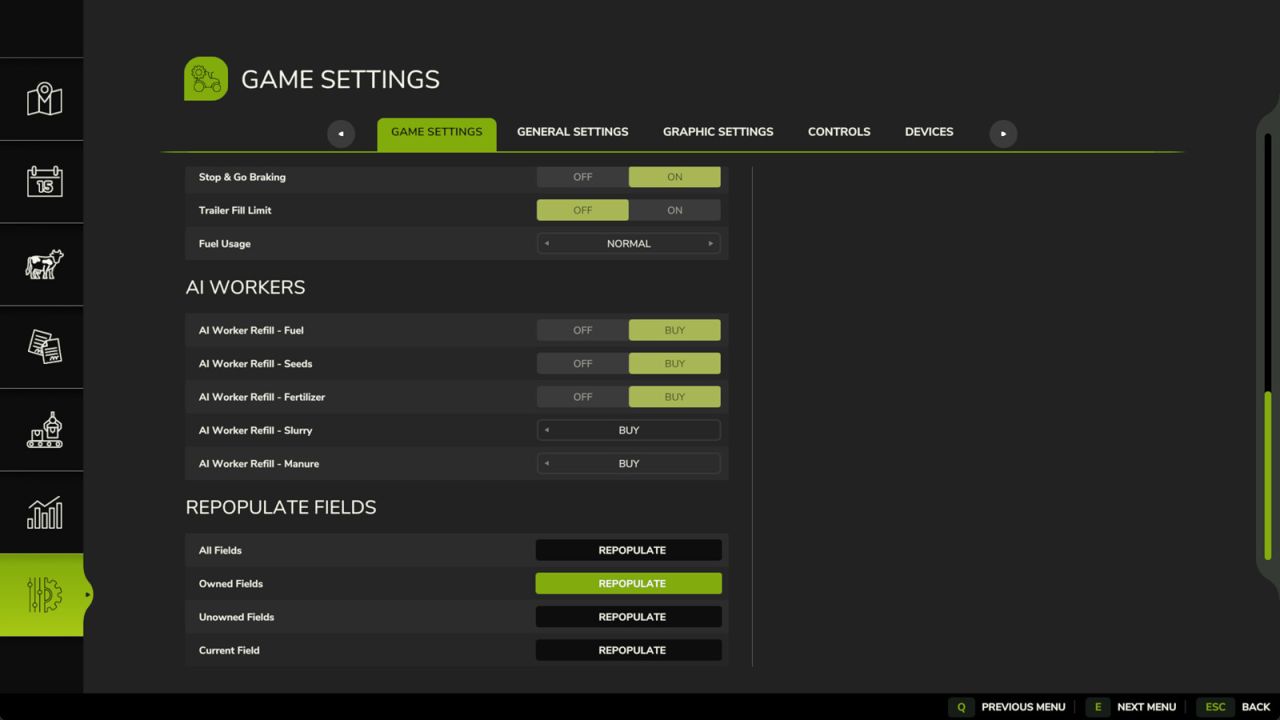
Four options are available, both as console commands and as buttons in the in-game Settings menu:
– Repopulate All Fields (command: repopulateAllFields)
– Repopulate Owned Fields (command: repopulateOwnedFields)
– Repopulate Unowned Fields (command: repopulateUnownedFields)
– Repopulate Current Field (command: repopulateCurrentField)

In multiplayer, admin rights are required to use any of these options.
Author: Jos


About FS25 mods:

If you play Farming Simulator 25, it's time to understand how mods work with the game. Farming Simulator 25 Mods is an extra file or content to change your basic game version. If you want more tractors and harvesters or need any farming tools in the game, FS25 mods are the best choice. So, mods allow you to change gameplay and customize the Farming Simulator 25 game. There are many different types of Farming Simulator 25 mods that will make your gameplay easier or increase your income to grow and build your farm, and you decide what kind of FS25 Mod to install. Read the mod installation instructions and description above before use. We are the largest FS25 mods community to share mods for the PC.


You may also like...

Leave a Reply

Your email address will not be published. Required fields are marked *