Save Gameplay Settings v1.0.0.0
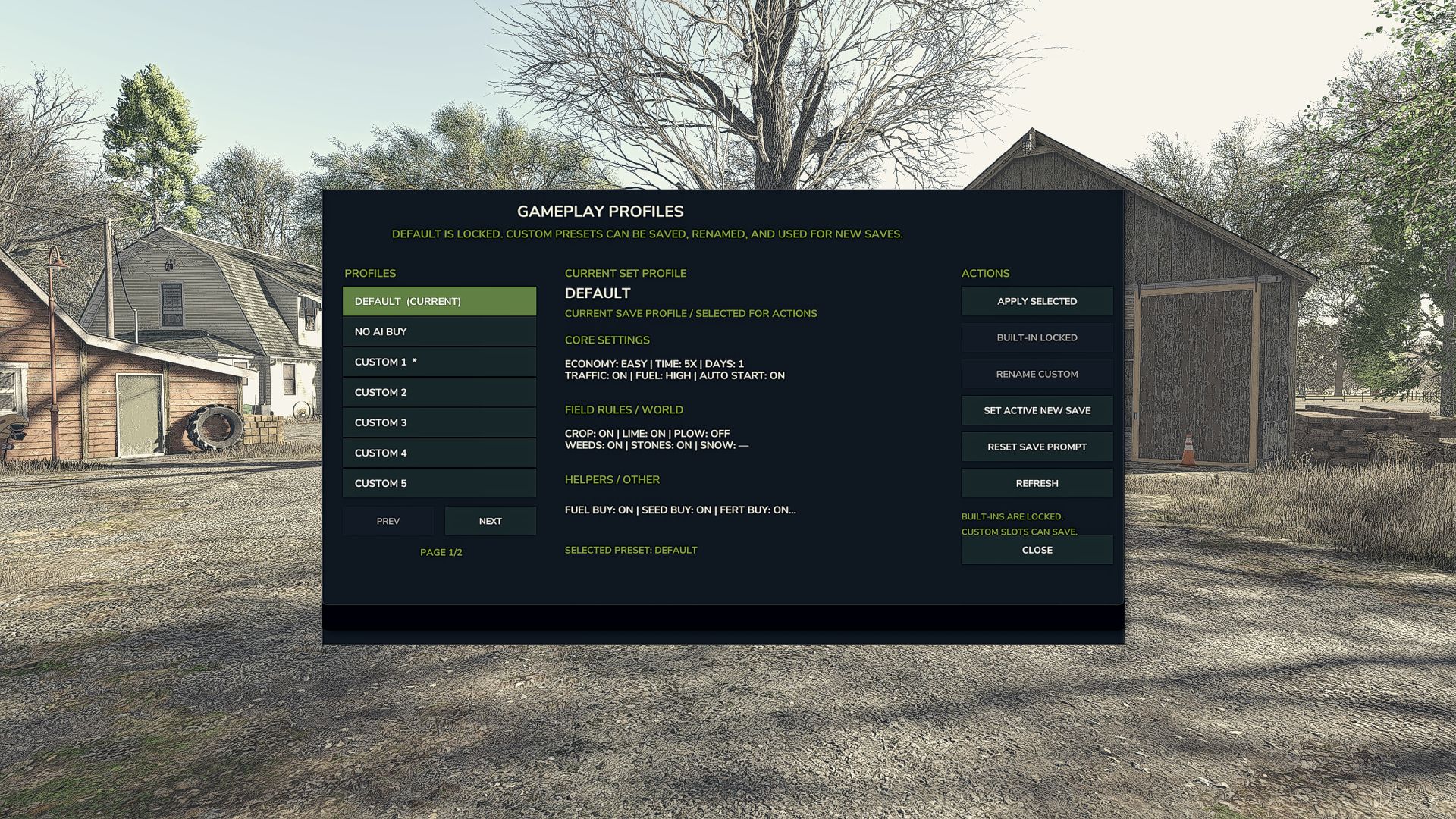

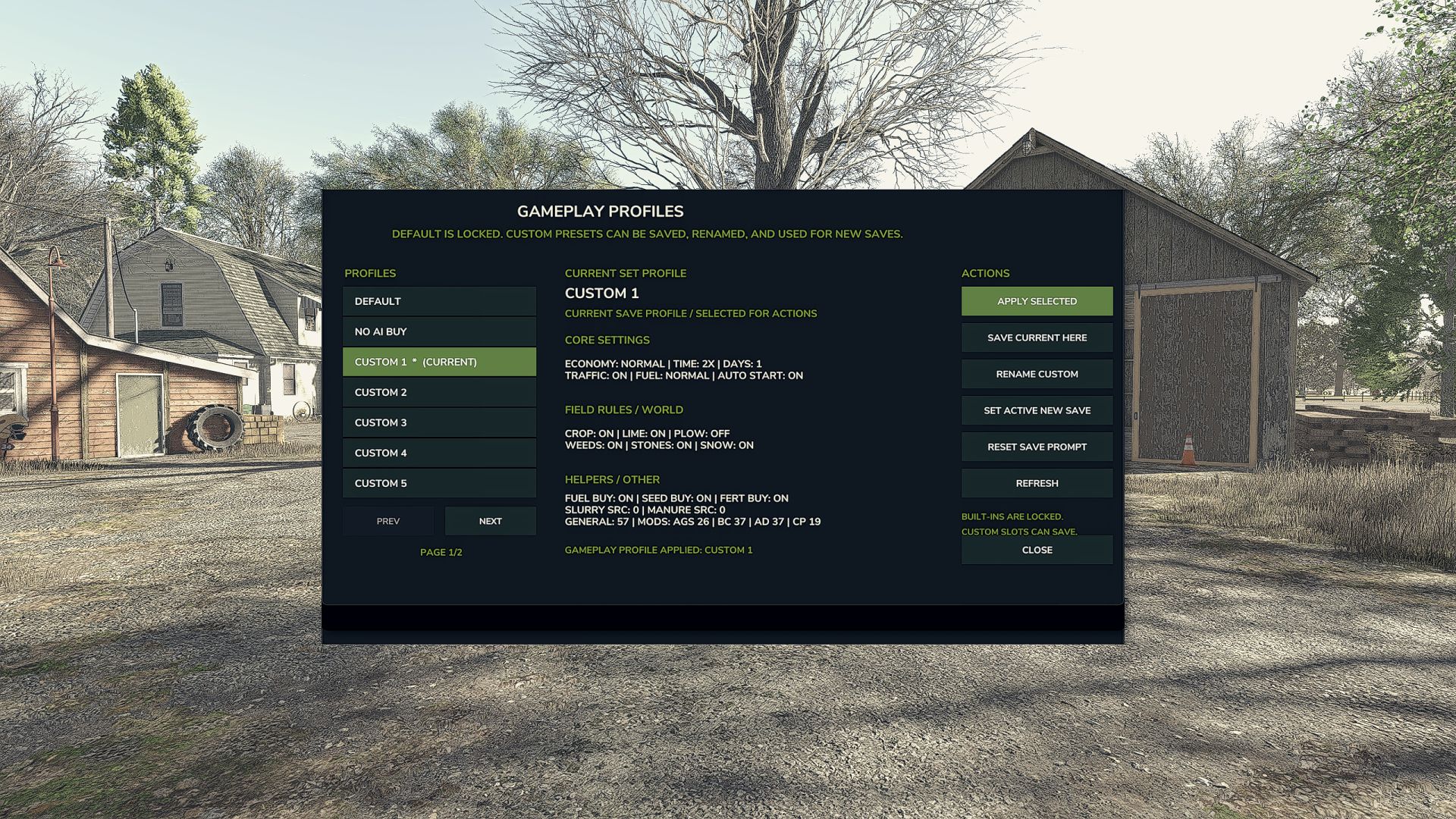
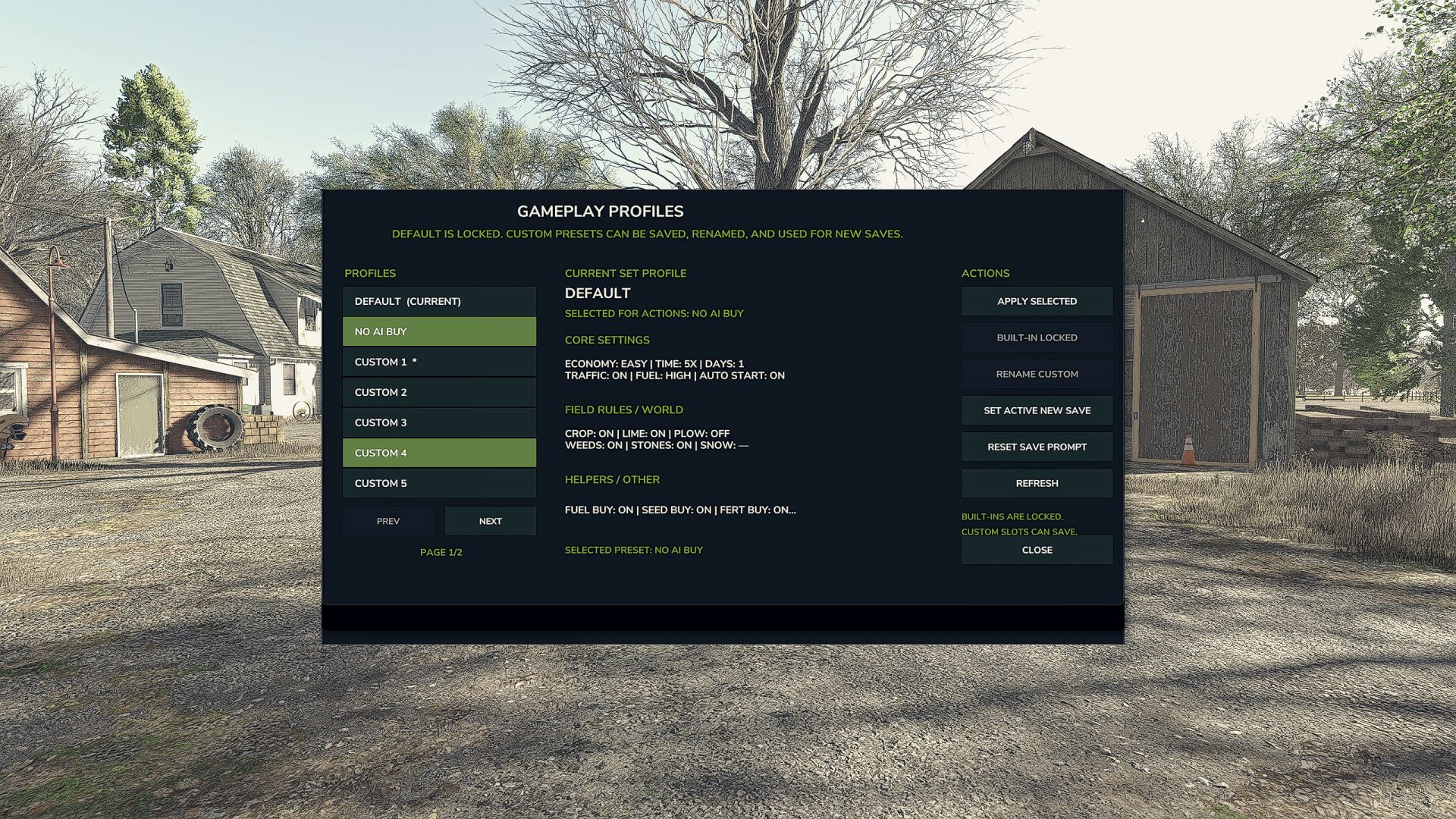
Save Gameplay Settings v1.0.0.0
Save Gameplay Settings lets you create and apply gameplay-setting profiles without manually reconfiguring everything each time you start or load a save.
The mod includes built-in profiles and also allows you to create custom profiles containing your preferred gameplay settings. Profiles can be renamed, updated, deleted, and applied through a compact mouse-controlled menu.
Features
Save multiple custom gameplay-setting profiles
Quickly apply saved settings
Built-in Default and No AI Buy profiles
Shows the currently active profile
Restore supported mod settings to their defaults when applying a built-in profile
Optional prompt when loading a save
Compact mouse-controlled interface
Profile data is saved between sessions
Multiplayer support is currently experimental
Supported Mods
Save Gameplay Settings currently includes support for:
Additional Game Settings
Better Contracts
AutoDrive
Courseplay
Supported mod settings are saved with custom profiles where possible. Applying one of the built-in profiles resets supported mod settings to their original defaults.
Beta Notice
This is a public beta release intended for testing.
Some settings may behave differently depending on the map, game version, multiplayer environment, or versions of supported mods. Please report any problems and include your Farming Simulator log.txt file when possible.
Controls
Open the Save Gameplay Settings menu using the configurable key shown in the game controls menu.
All menu operations are designed primarily for mouse use.
Feedback and Support
Please report:
Settings that do not apply correctly
Settings that do not remain saved
Conflicts with other mods
Problems when loading a save
Multiplayer synchronization issues
Additional mods you would like supported
Support is available through Pluto’s FS25 Mod Support.