Seasonal Crop Stress V1.2.0.0
Seasonal Crop Stress V1.2.0.0
FS25 farms look lush even when your crops are quietly dying of thirst. This mod changes that.
Real soil moisture physics. Heat evaporates. Rain replenishes. Sandy soil drains fast; clay holds longer. When moisture drops below critical thresholds during the windows that matter most — wheat during heading, corn during pollination — stress accumulates and your yield shrinks. Place a center-pivot irrigator, schedule it, and protect what you’ve grown.
QUICK START:
1. Load your farm — moisture monitoring activates immediately
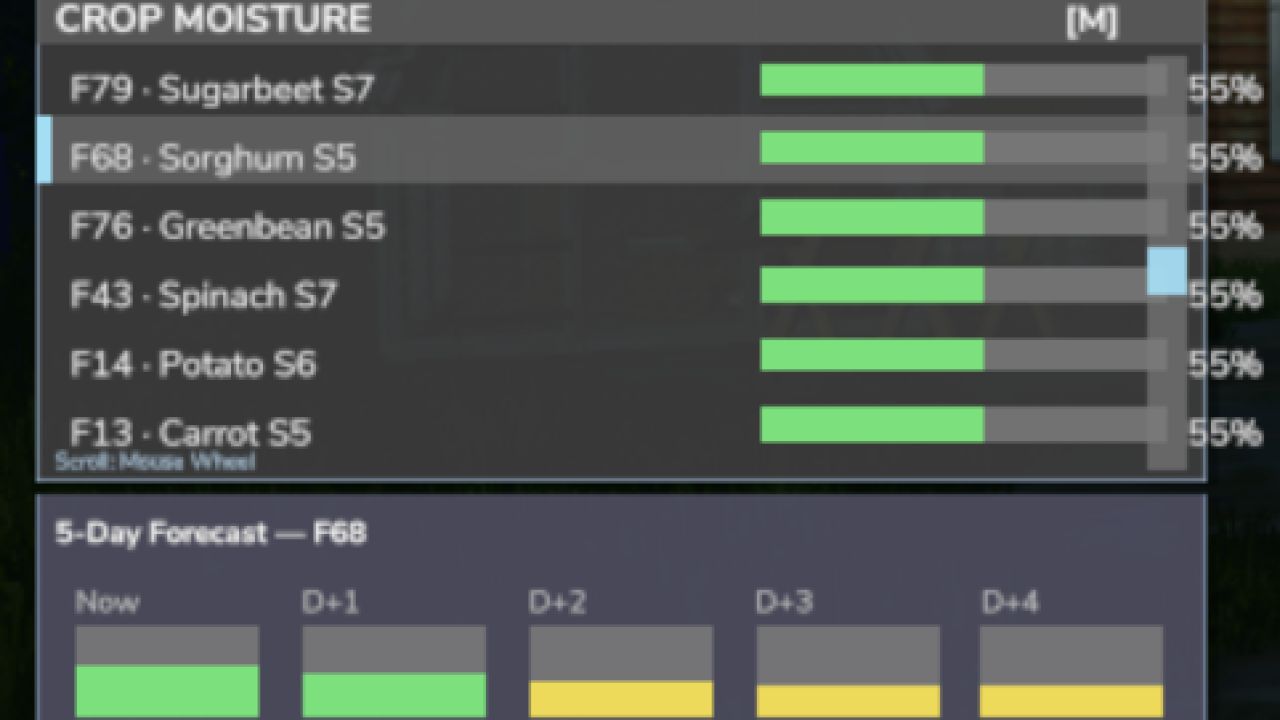
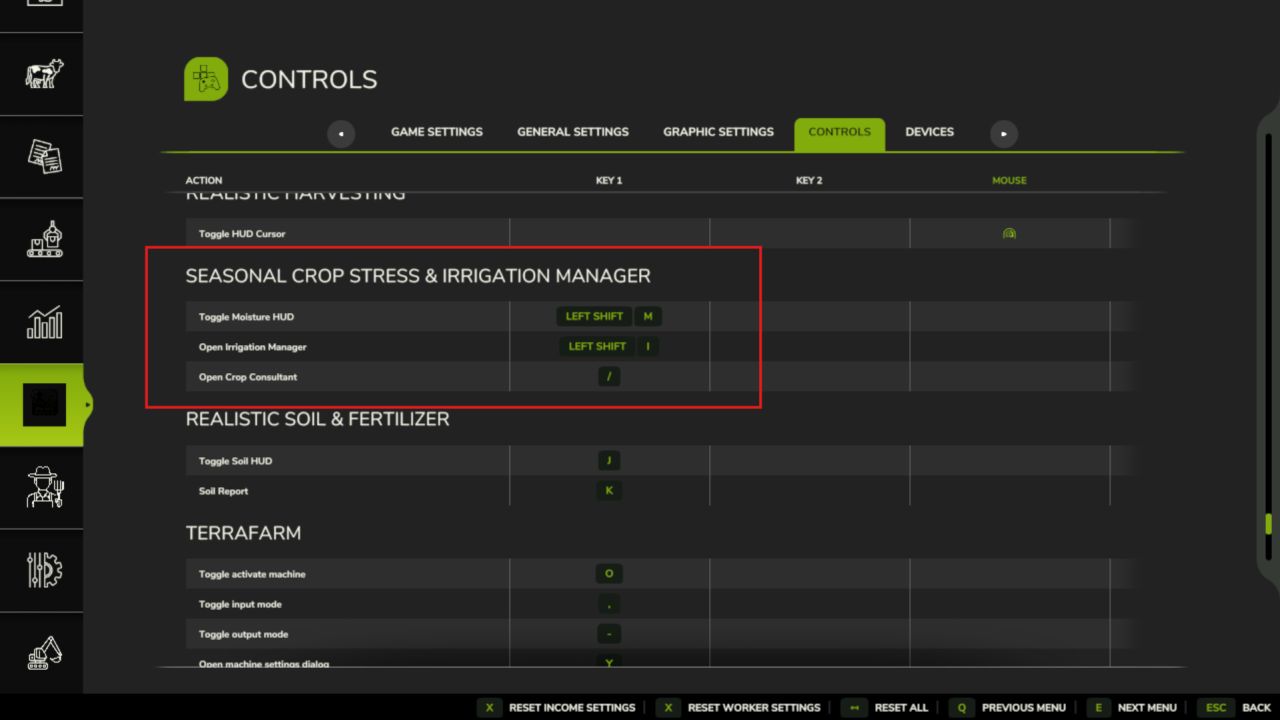
2. Press Shift+M → open the Field Moisture HUD
3. Click a field → see its 5-day moisture forecast strip
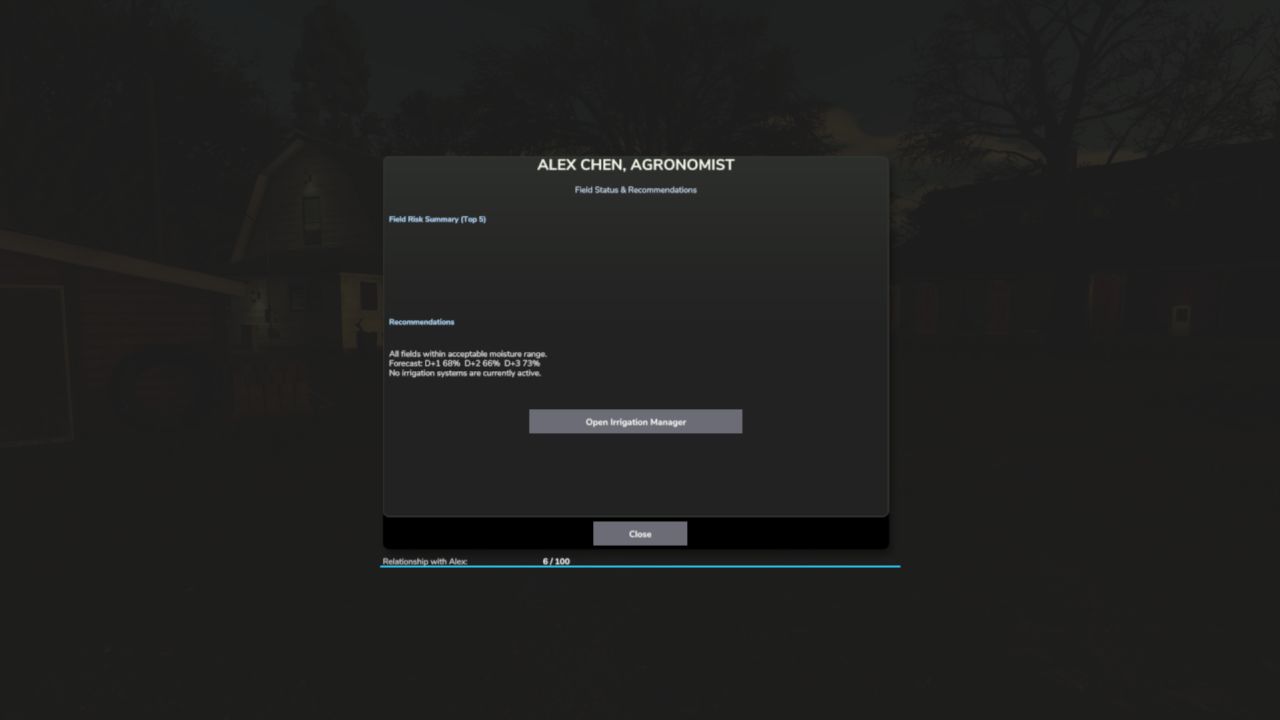
4. Press Shift+C → open the Crop Consultant for risk summary
5. Green = healthy · Yellow = needs attention · Red = irrigate NOW
6. Place a Water Pump near water, then a Center Pivot within 500m
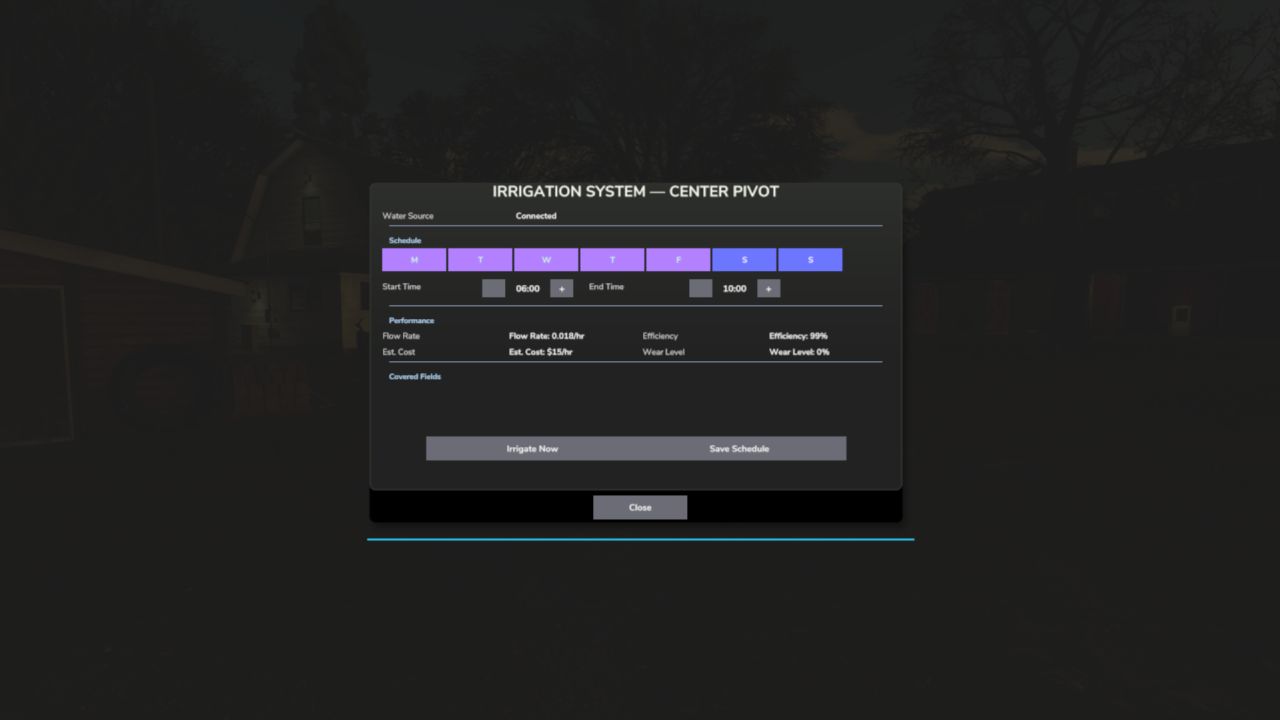
7. Press E near the pivot (or Shift+I) → set your irrigation schedule
8. At harvest, drought-stressed fields yield less — plan ahead
Water your fields or lose your harvest.
V1.2.0.0
A lot has been added since the last release. The mod now has a proper in-game interface so you can monitor your farm’s moisture situation without relying solely on the HUD overlay.
What’s new:
Crop Moisture tab added to the PDA map each field shows a colour-coded dot: green (healthy), amber (getting dry), red (irrigate now)
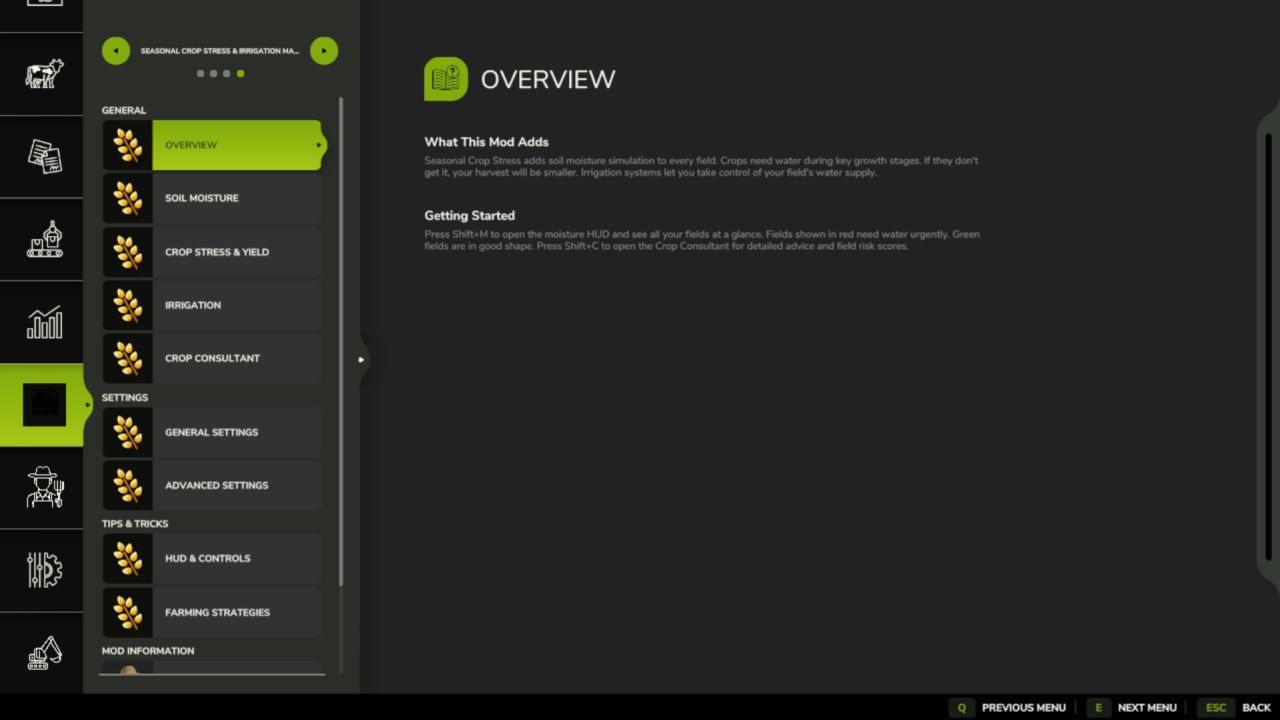
New Crop PDA screen in the InGameMenu Overview tab shows average moisture, stress level, and estimated yield loss across your whole farm; Irrigation tab lists every field sorted driest-first so you can triage at a glance and see which fields already have irrigation coverage
“Open Crop PDA” button on the map sidebar for quick access
Alex Chen (Agronomist NPC) now remembers your relationship level across save reloads no more starting from scratch every session
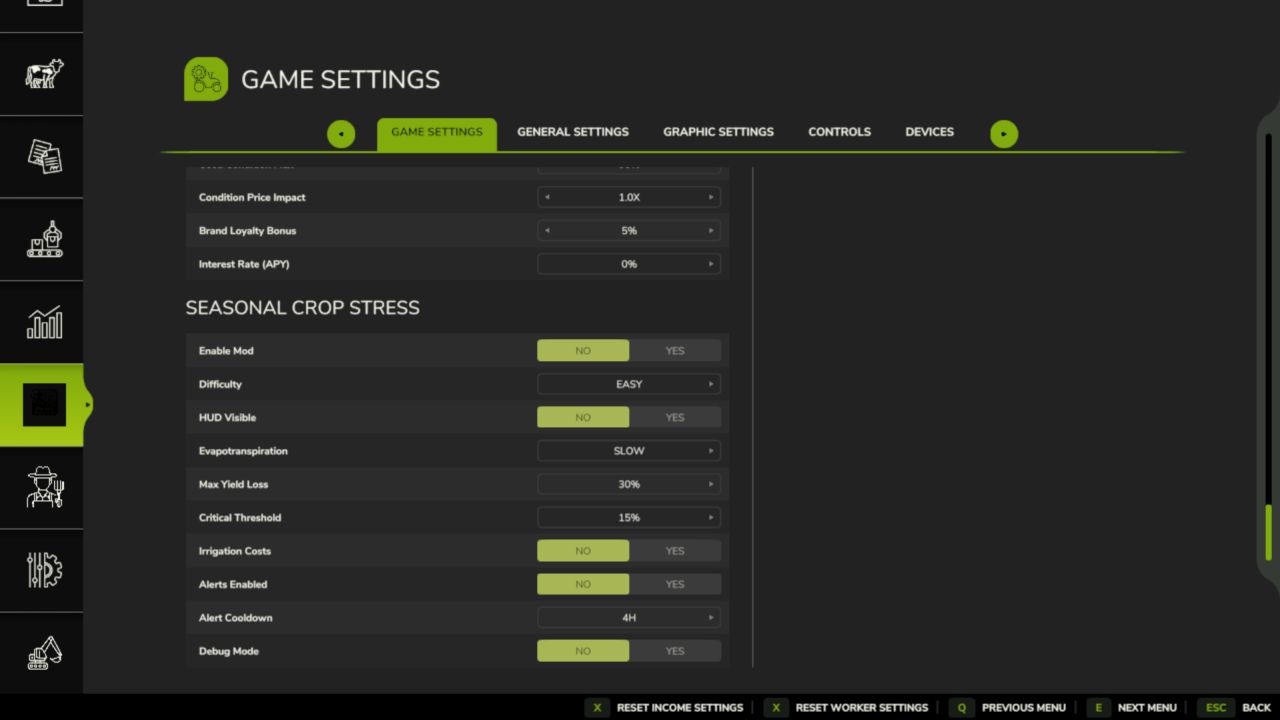
Custom Settings panel added (Shift+S) — adjust stress thresholds and irrigation behaviour without leaving the game
Fixed: moisture HUD scroll, right-click, and field count display bugs
Fixed: Shift+S keybind not showing in controls menu for all languages
Ukrainian language support added
FS25_SoilFertilizer integration improvements
No save migration needed fully compatible with existing saves.