Steering Lock V1.0.0.0
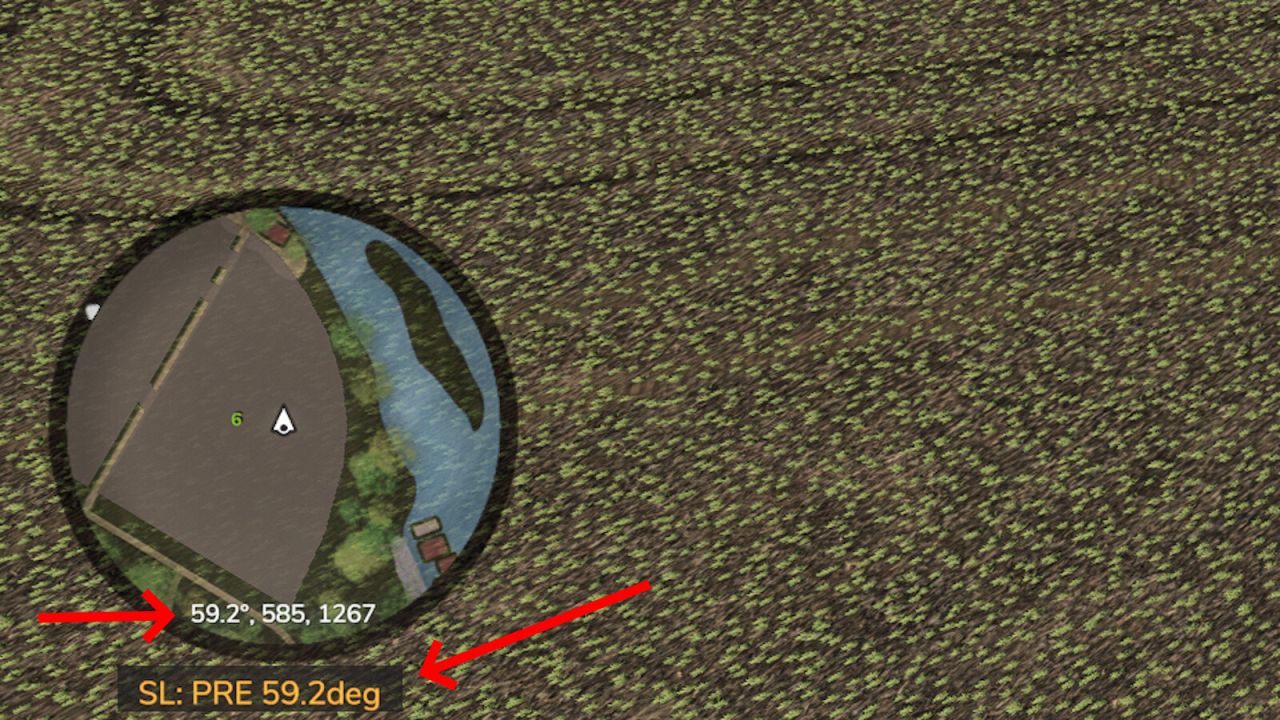
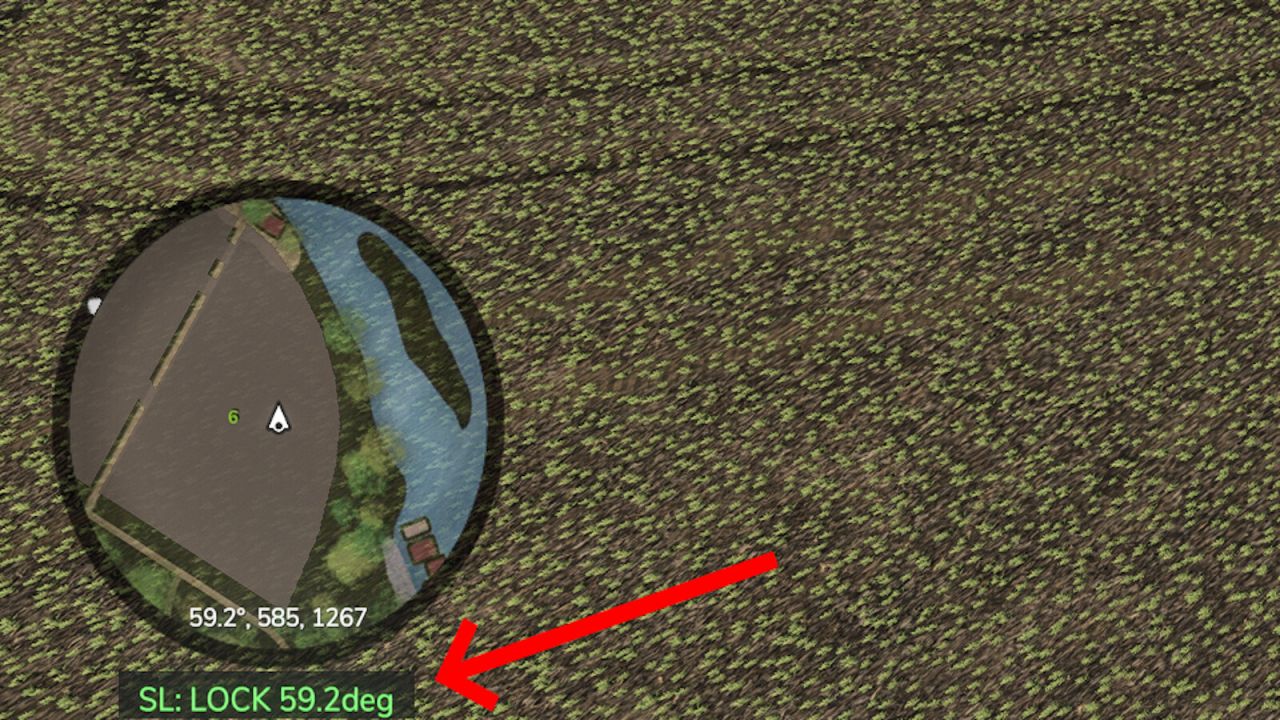
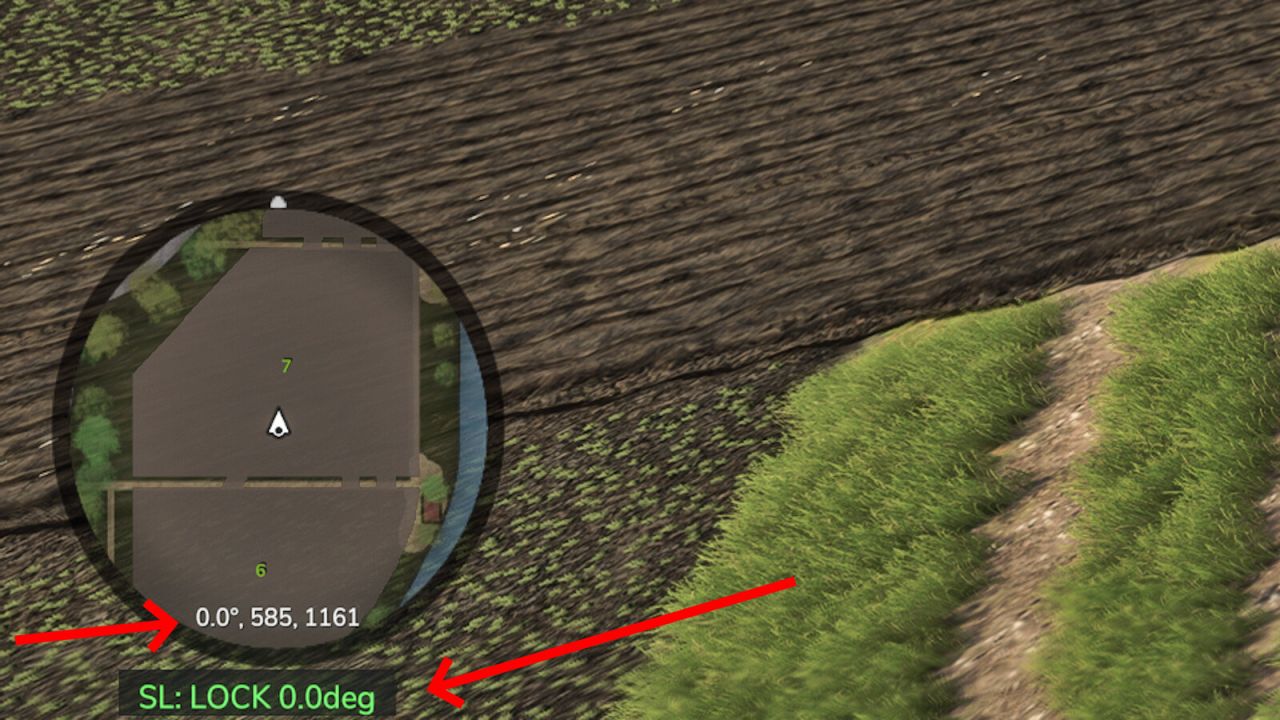
Steering Lock V1.0.0.0
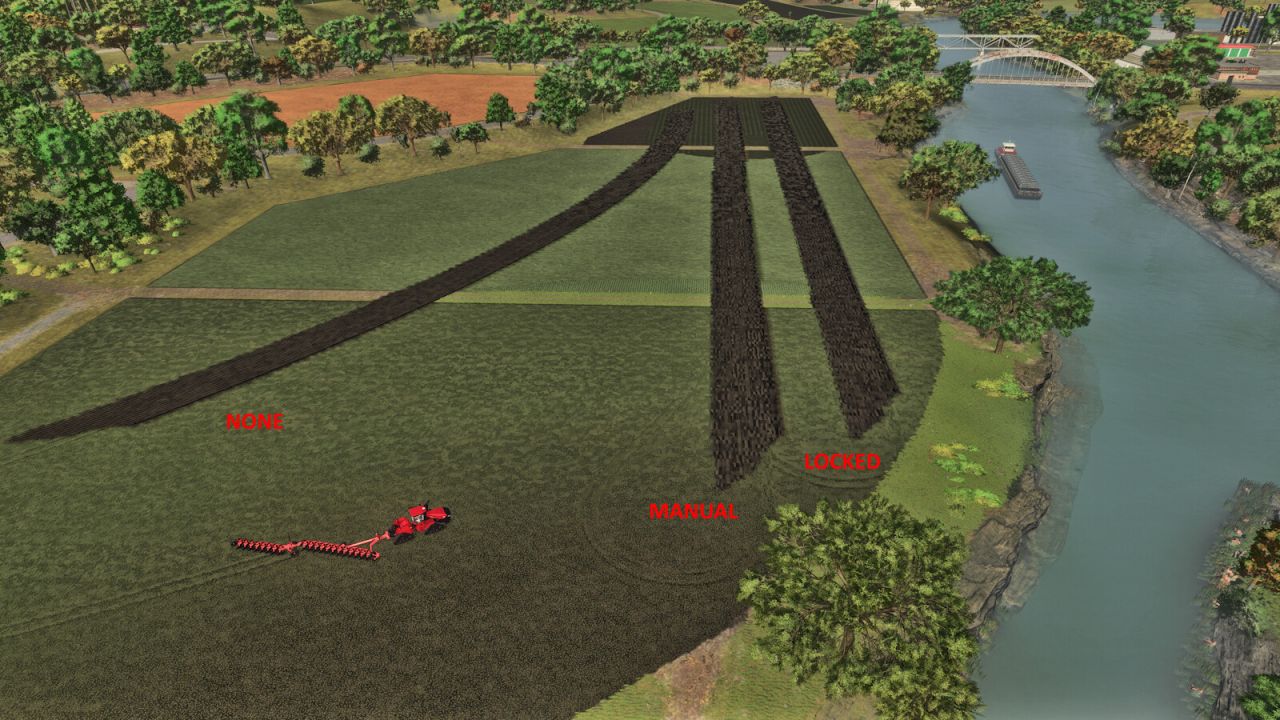
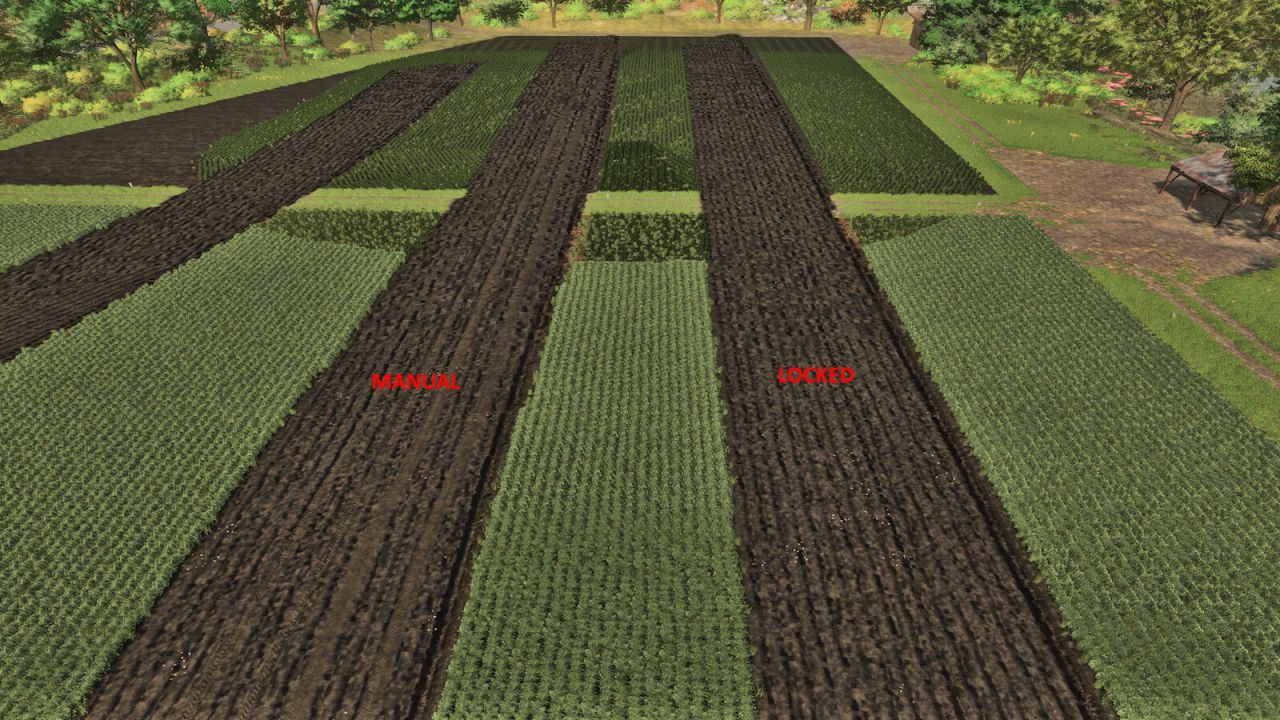
Locks a vehicle to a compass heading with gentle persistent correction. Works with any steerable vehicle.
All keys are unbound by default. Assign them in the in-game Controls menu under “Steering Lock”.
Actions / Keybinds:
– Activate / Deactivate: Toggle the steering lock on or off
– Cycle Heading Preset: Cycle through 0 / 90 / 180 / 270 degrees
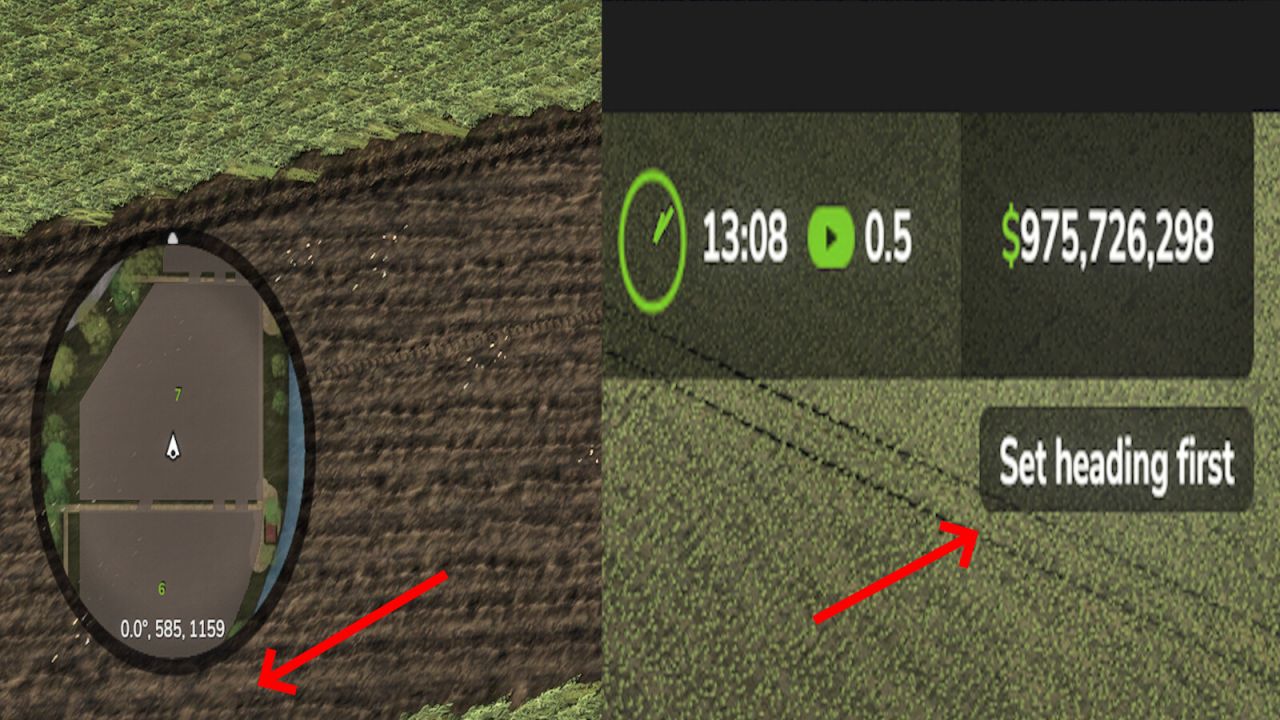
– Clear Heading: Clear the preselected heading, and disable the hud overlay.
– Get Current Heading: Capture the vehicle’s current compass heading
– Fine Adjust Heading +0.1 deg: Nudge the target heading clockwise (hold to select faster)
– Fine Adjust Heading -0.1 deg: Nudge the target heading counter-clockwise (hold to select faster)
– Reposition HUD: Move the HUD display to a different location
Usage: First set a heading using the preset cycle or by capturing the current heading. Fine-tune the heading with +/- adjustments if needed. Activate to lock to that heading. The heading is remembered when deactivated so you can resume without re-setting it. Works better at lower speeds, there is less impact at high speeds to avoid overcompenating and wobbling too hard back and forth.
Reverse lock functionality: The lock stays active while reversing too! – the steering correction automatically inverts so the vehicle holds the same heading backward along the same line. Useful for tight silage compacting, tool work, row tasks, backing straight into unloaders and into trailers, or parking spots without losing your heading. If you want to back up freely to maneuver, just deactivate first – your heading stays remembered and one press of Activate re-engages the lock, same thing with going forwards!
HUD Reposition: Press the Reposition HUD key to enter reposition mode. The mouse cursor appears automatically, with the reposition box. Move the mouse to place the HUD, then LEFT-CLICK to save.