Thunder Warm Shader v1.0.0.0

Thunder Warm Shader v1.0.0.0
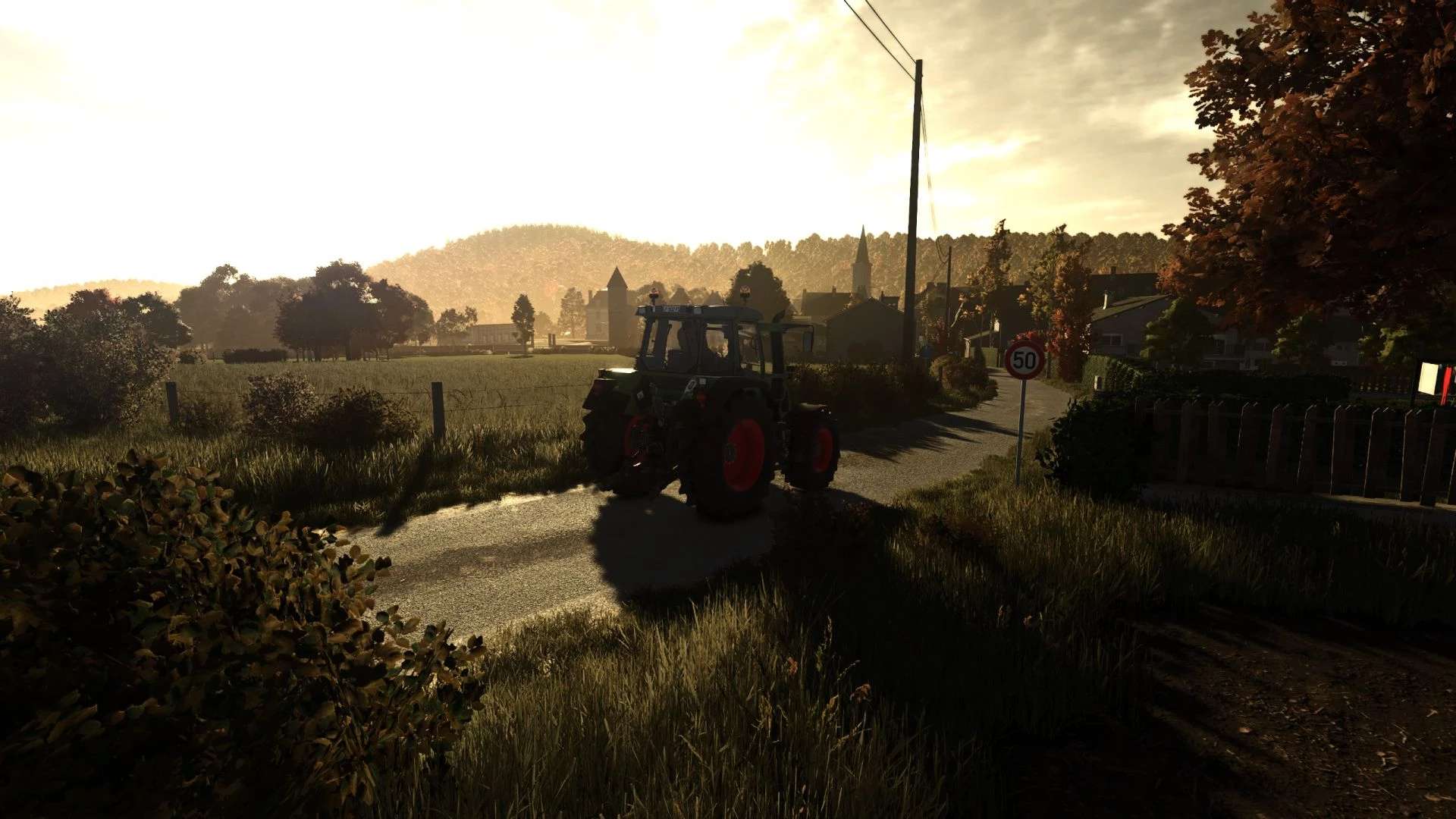
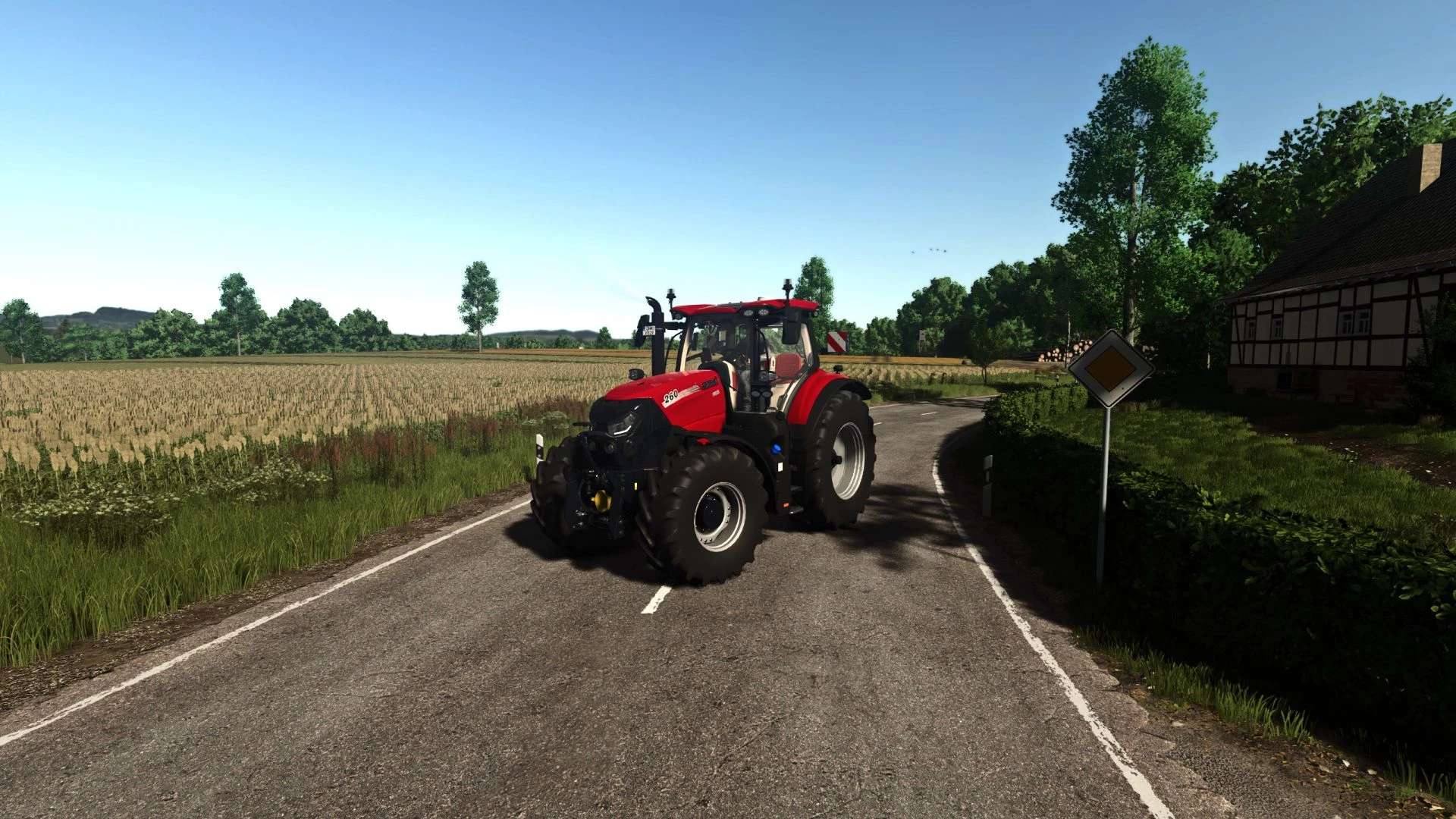
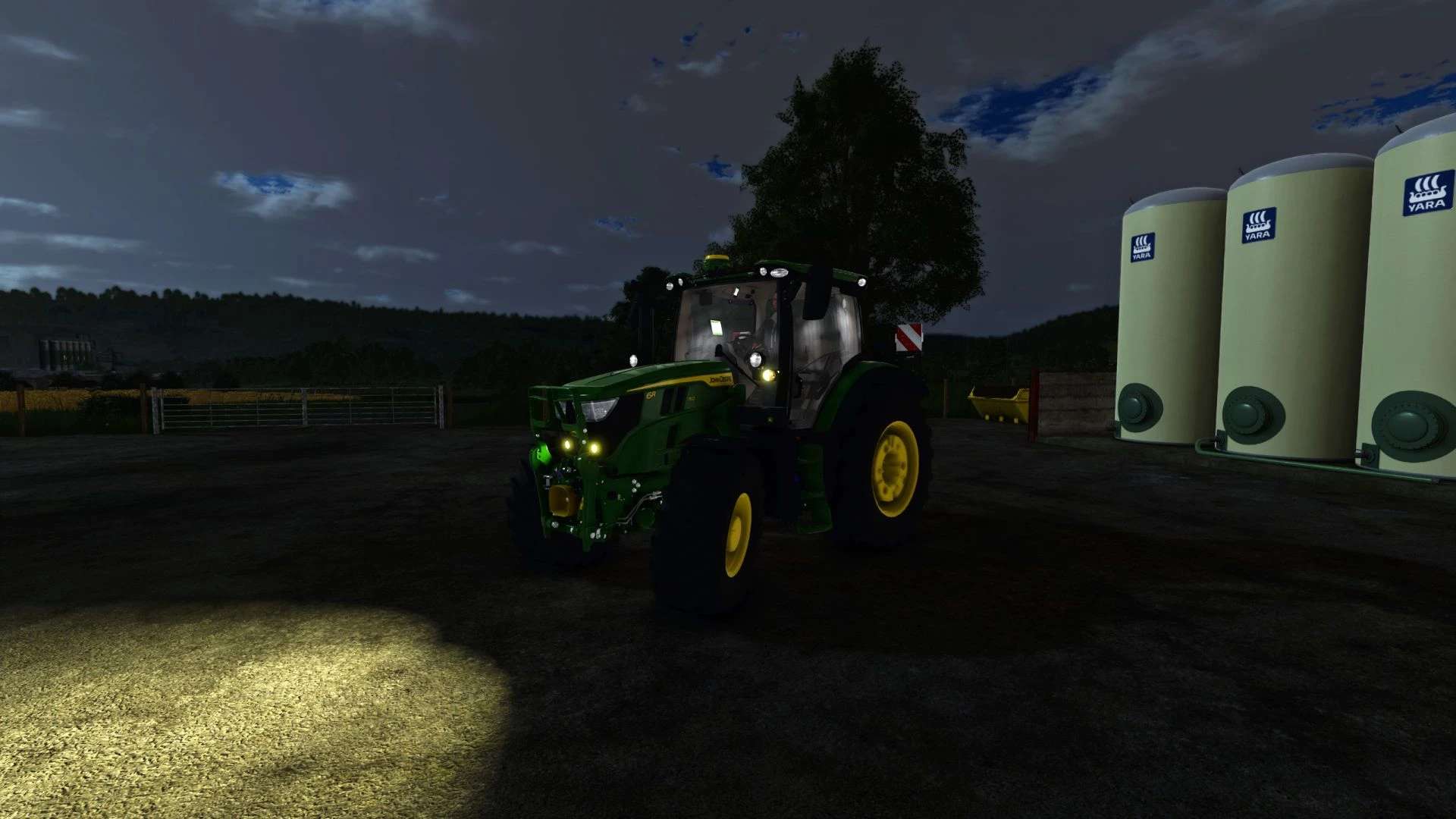
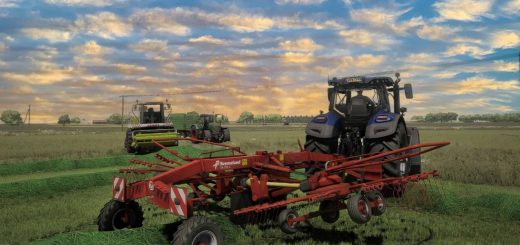
Simple warm tone realistic shader. Nothing special, just what I like and always run.

How to install:
1. Install the most recent version of Reshade
2. Download and unzip the “ThunderWarmShader.zip” file
3. Move .ini file into your “/Farming Simulator 25/x64” folder
4. Load into game and press “Home”
5. Select the “ThunderWarmShader.ini” preset
6. You should be set

Feedback:
Please leave helpful feedback on changes I can make for future versions and if you have any problems please let me know. This is my first upload to KingMods and I am sort of new to the PC side of Farming Simulator so please be kind.

Author: ThunderFS


About FS25 mods:

If you play Farming Simulator 25, it's time to understand how mods work with the game. Farming Simulator 25 Mods is an extra file or content to change your basic game version. If you want more tractors and harvesters or need any farming tools in the game, FS25 mods are the best choice. So, mods allow you to change gameplay and customize the Farming Simulator 25 game. There are many different types of Farming Simulator 25 mods that will make your gameplay easier or increase your income to grow and build your farm, and you decide what kind of FS25 Mod to install. Read the mod installation instructions and description above before use. We are the largest FS25 mods community to share mods for the PC.


You may also like...

Leave a Reply

Your email address will not be published. Required fields are marked *