Tractor Terrain Dynamics V1.0.3.4
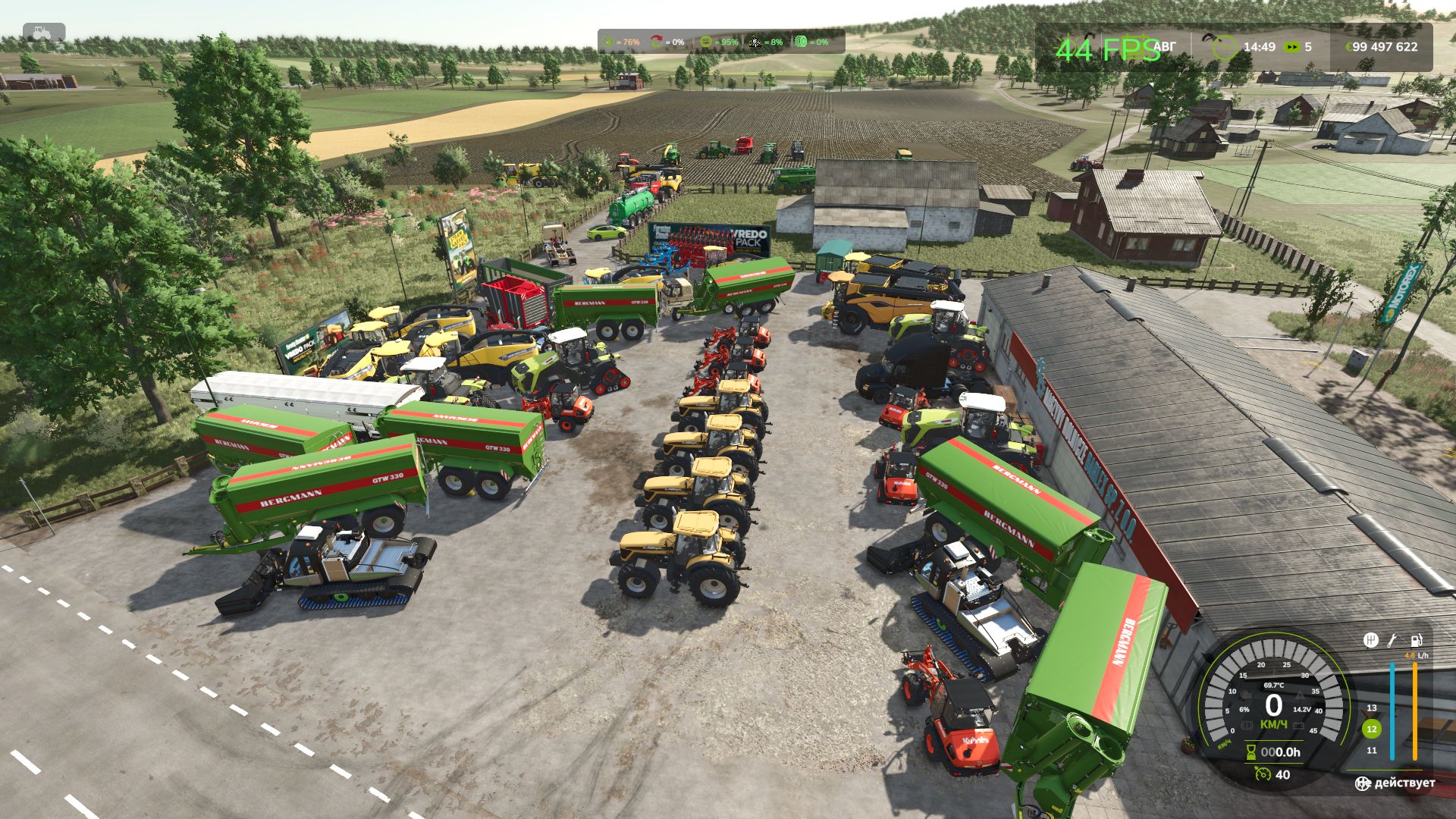
Tractor Terrain Dynamics V1.0.3.4
TTD – Tractor Terrain Dynamics
Equipment physics, not dirt mods. No settings – everything works automatically.
What is it?
TTD modifies equipment behavior depending on weather, soil type, humidity, tire wear and tire pressure.
The earth is not a goal, it is a condition. The tractor is the main character. Wet field – less grip. Plowed soil means more resistance. Asphalt – everything is easy. Just like in real life.
What you get:
The weather affects your work: rain – the field becomes soft, dry – everything is stable
Physics of changing land type: 17 types from asphalt to plowed field.
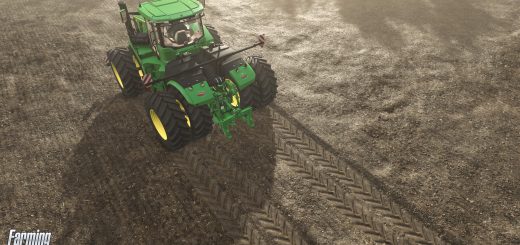
The equipment feels different: tracks, double tires, wide tires – everything makes a difference.
Transmission works realistically: holds gears under load
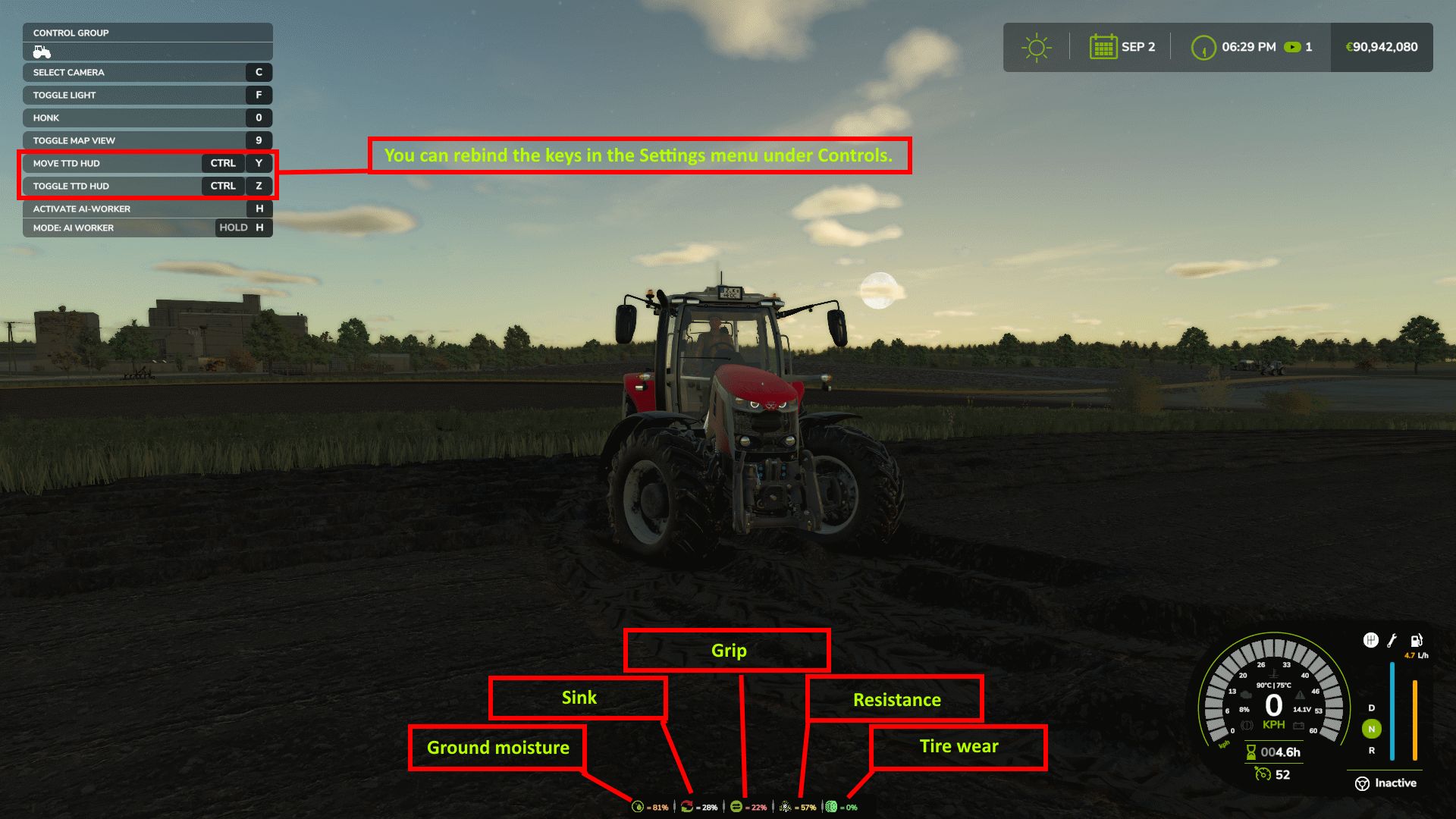
HUD shows moisture, grip and resistance
Multiplayer: synchronization in code
It is important to understand:
TTD does not add slip on demand. Wheel spin is the result of conditions such as wet fields, worn tires (if UYT is installed), sudden starts or too high a speed. If the tractor is new, the tires are new, the weather is dry, you won’t notice the difference. TTD simply makes physics fair and predictable.
What TTD DOESN’T do:
No visual clutter
Not only slows you down
No random punishments
Compatibility:
Tire Pressure – tire pressure control in automatic mode.
UseYourTyres – tire wear affects traction.
More realistic – for maximum hardcore fun
Everything that happens is the result of your decisions, weather and soil.
The mod archive includes a complete manual with a description of physics and contacts of the author.
V1.0.3.4
What’s new:
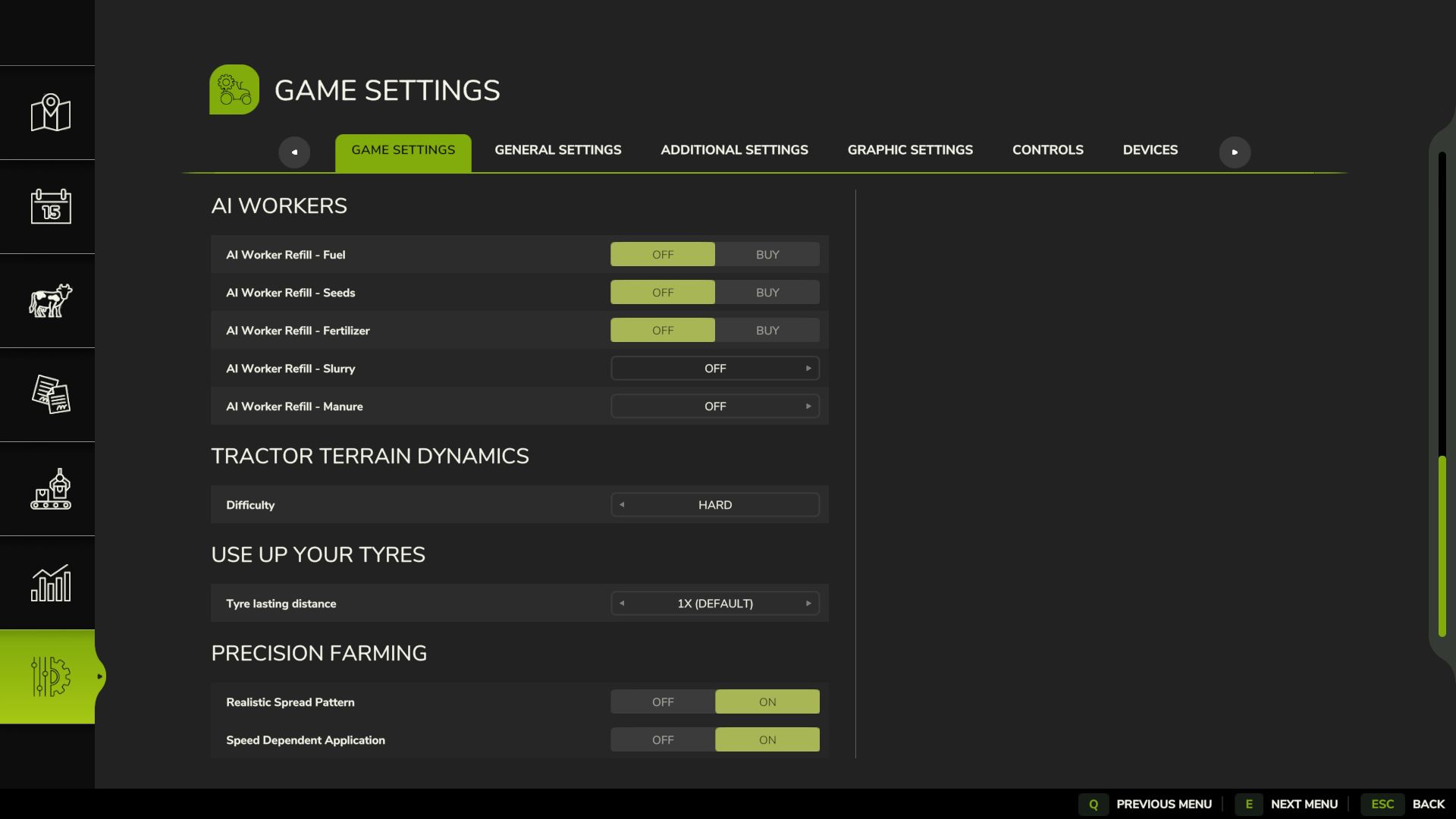
Difficulty picker (Easy/Medium/Hard) right in the game settings menu
Difficulty sticks to your save and syncs in multiplayer – no more random resets
Public API for other mods (getSharedData, registerIntegration)
Wheels dig in properly under load with speed-aware sinking
Improvements:
HUD actually scales now – looks the same on 1080p, 2K, 4K, whatever
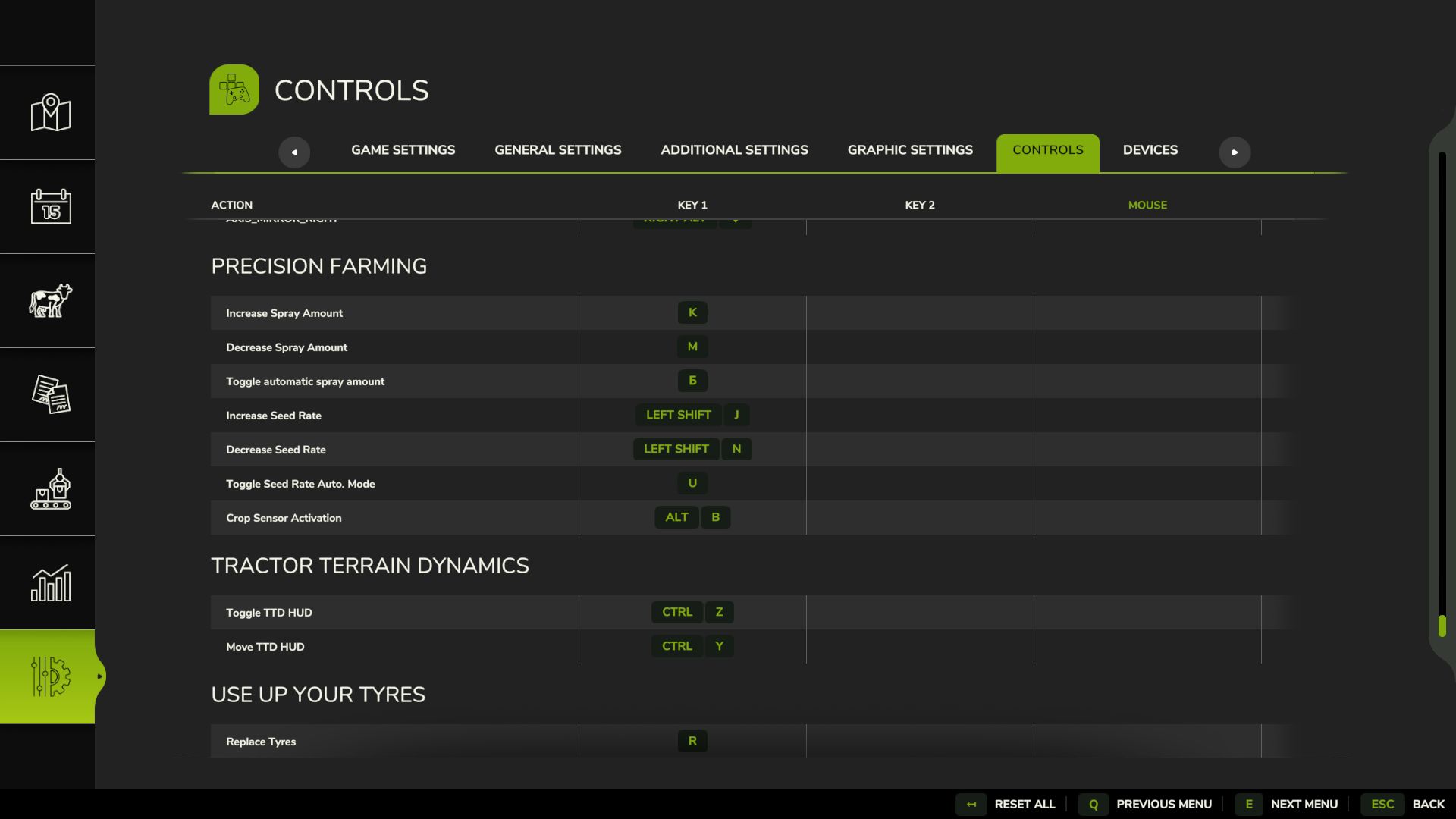
TTD keys show up in the Controls menu so you can rebind them
Bug fixes:
HUD position saves and restores correctly
Wheel radius recovery on multiplayer servers
hitchLiftFactor syncs when clients connect
Physics cleanup when resetting/deleting vehicles
Other:
Manual HTML, 3 languages EN/DE/RU
FS25_useYourTyres listed as dependency
Updated screenshots with HUD icon guide