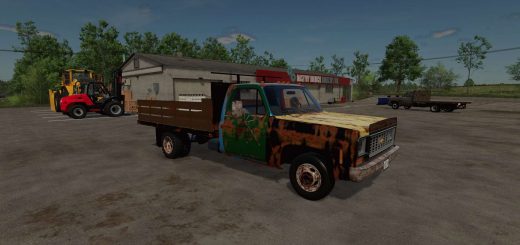
Universal Collision Remover V1.0.0.0
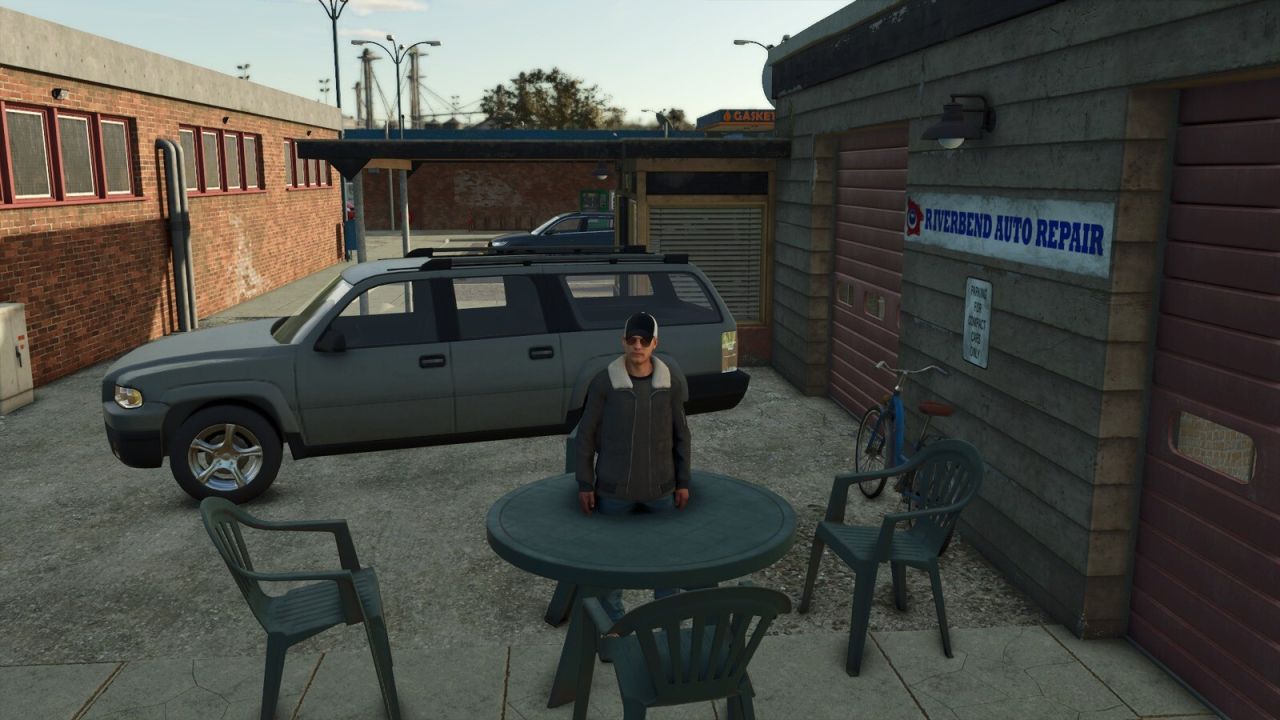
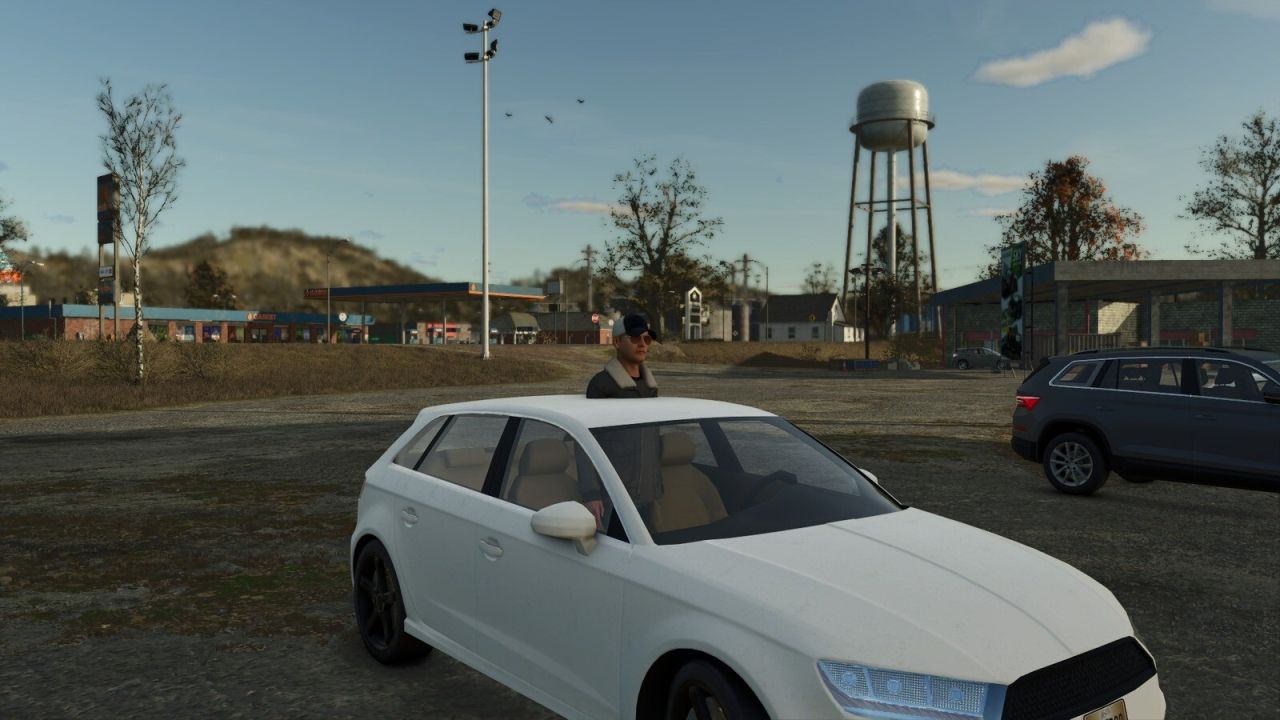
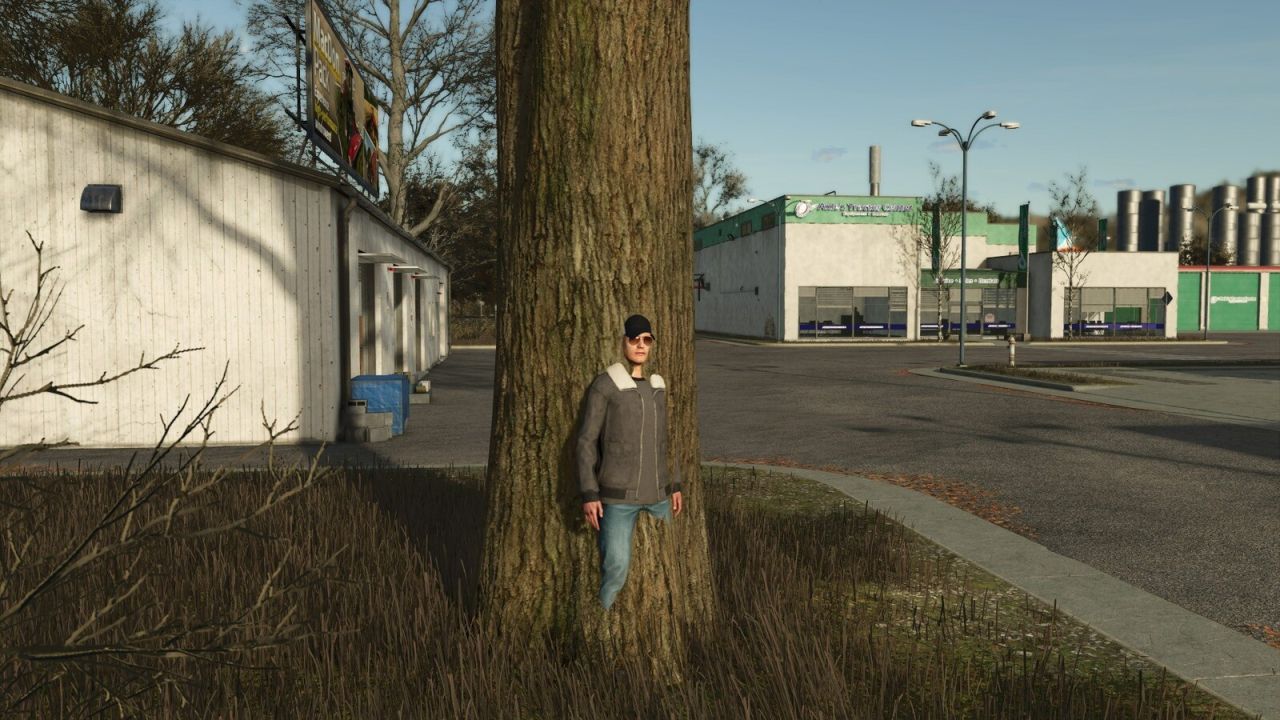
Universal Collision Remover V1.0.0.0
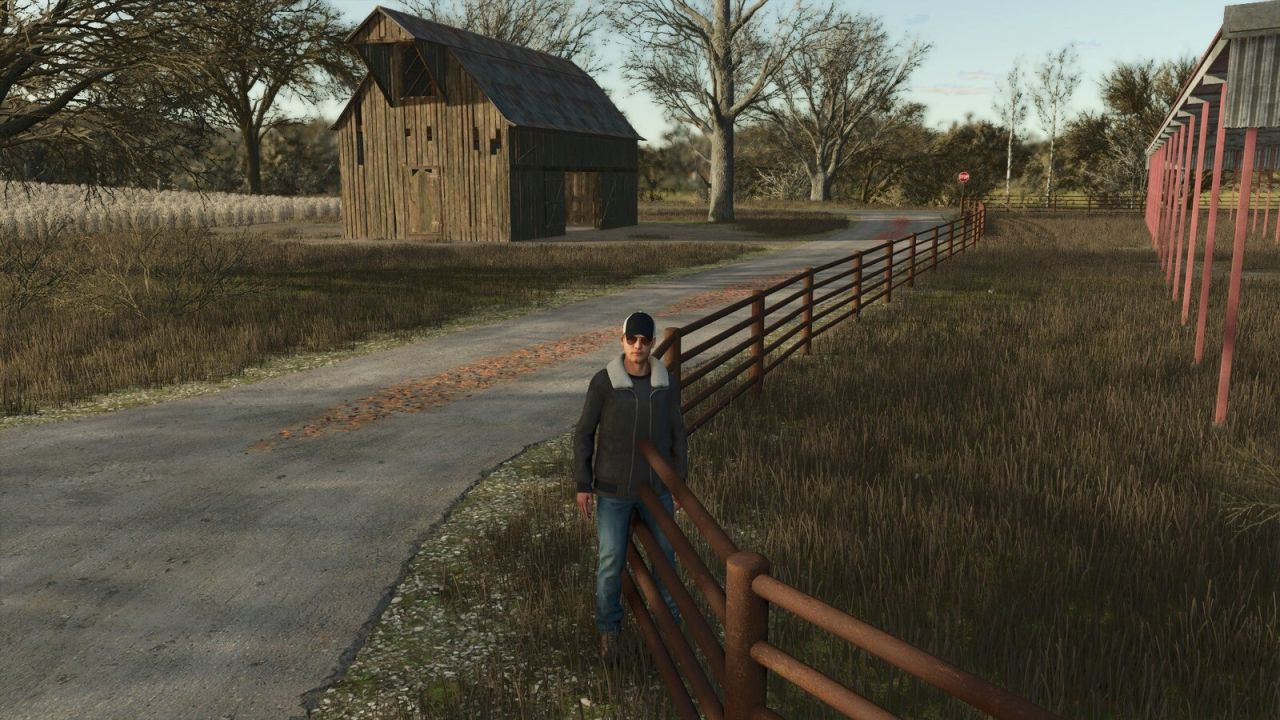
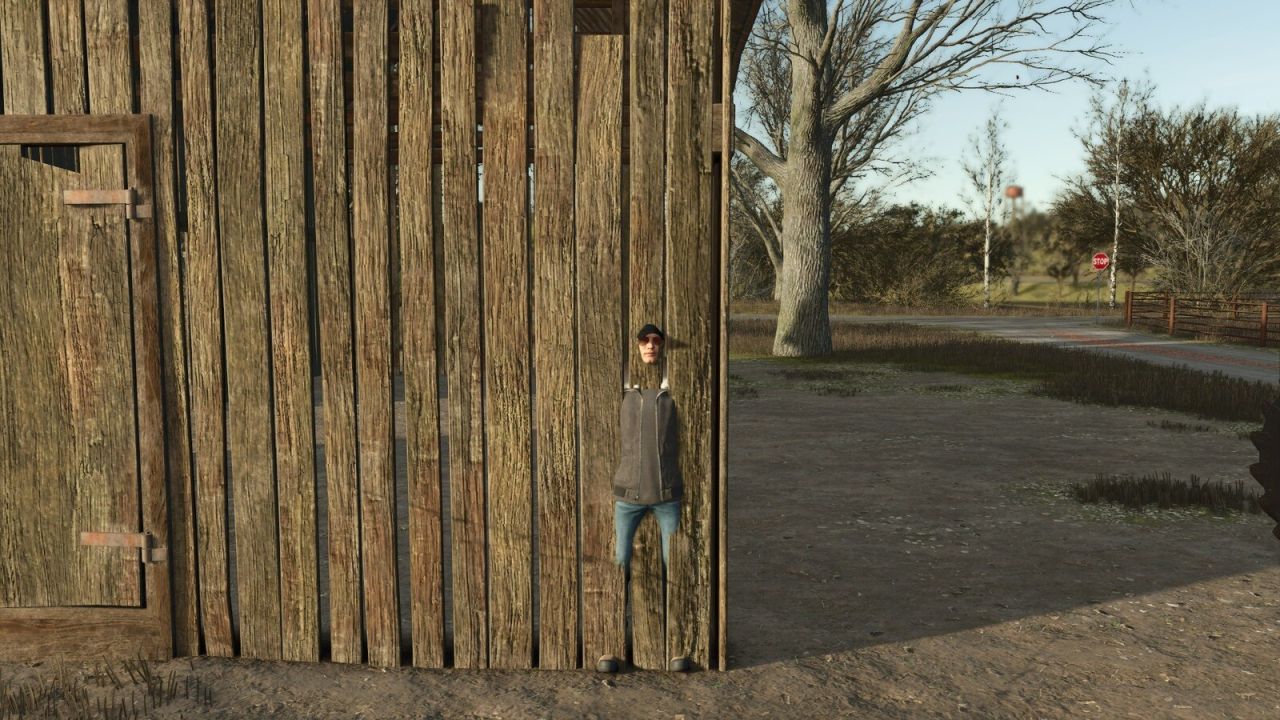
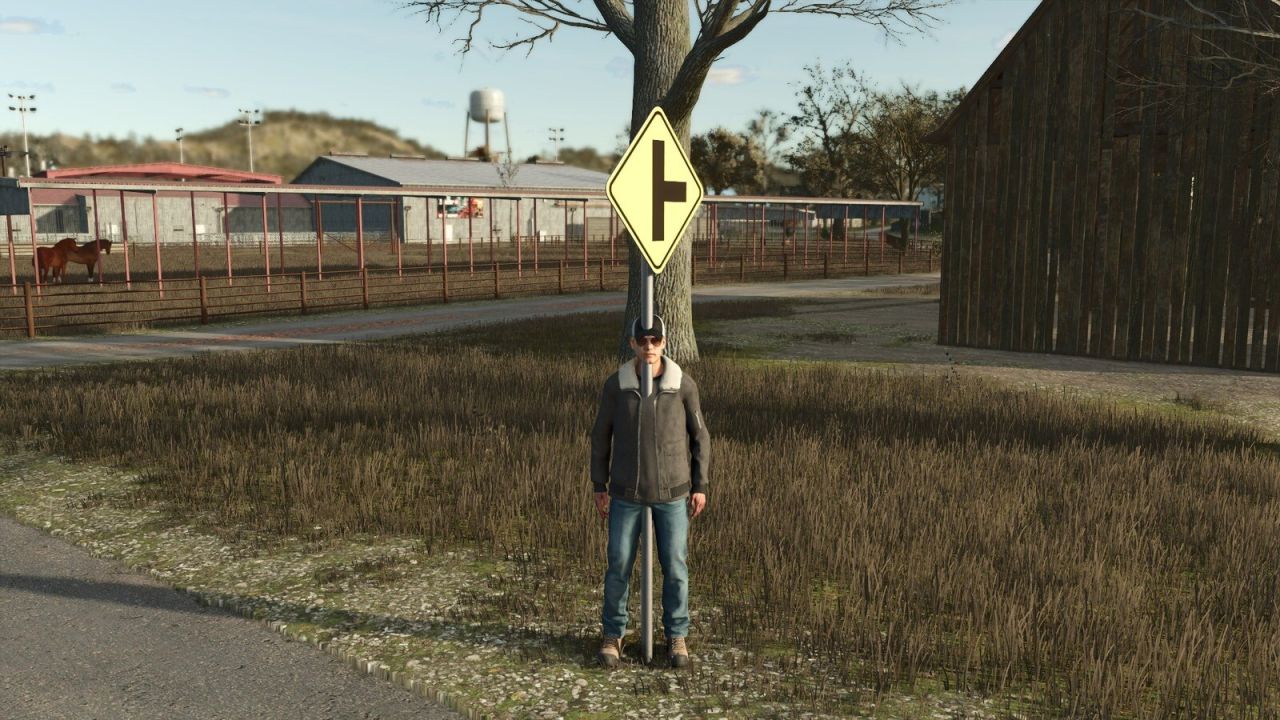
Disables the collision of fixed map objects without removing their appearance. Useful for fences, walls, signs, sheds, rocks, decorative parked vehicles and other static obstacles. Animated gates, doors and barriers that belong to static structures are also supported, while their opening and closing animations keep working.
Press CTRL+X to activate or deactivate the mode. Aim at the object: the crosshair is green when its collision can be changed and red when it is protected. Press DELETE to make the selected obstacle pass-through and CTRL+Z to restore the last change.
For safety, terrain, world boundaries, water surfaces, functional triggers, registered vehicles and true moving gameplay objects remain protected. Every change is saved immediately in the current savegame and automatically reapplied whenever the map is loaded. CTRL+Z restores the most recent saved change. Single-player only.