
Universal Map Editor V1.0.0.0
Universal Map Editor V1.0.0.0
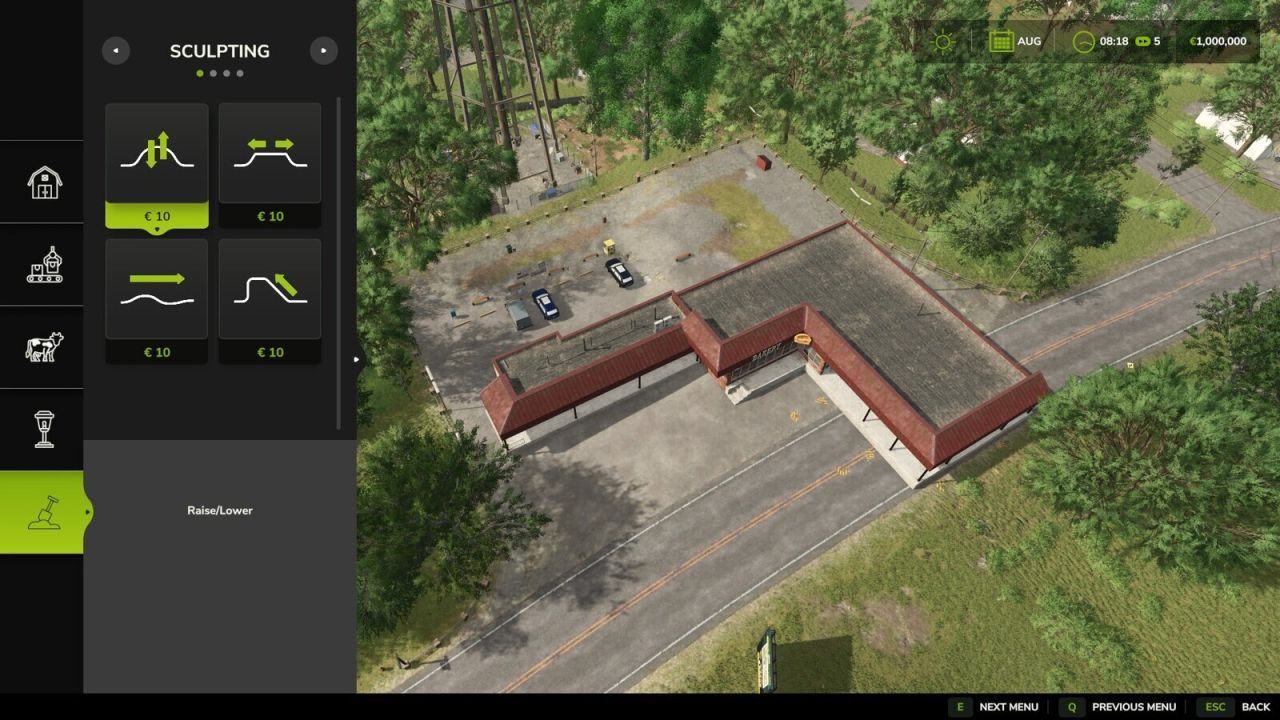
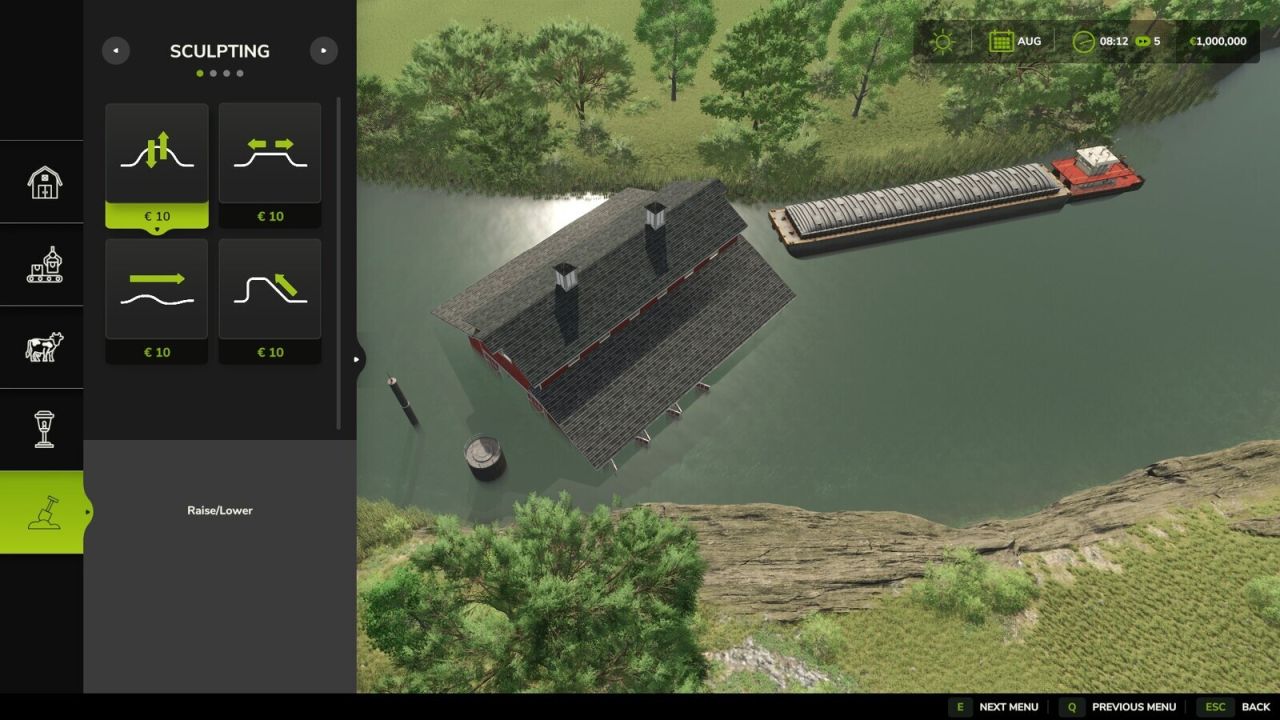
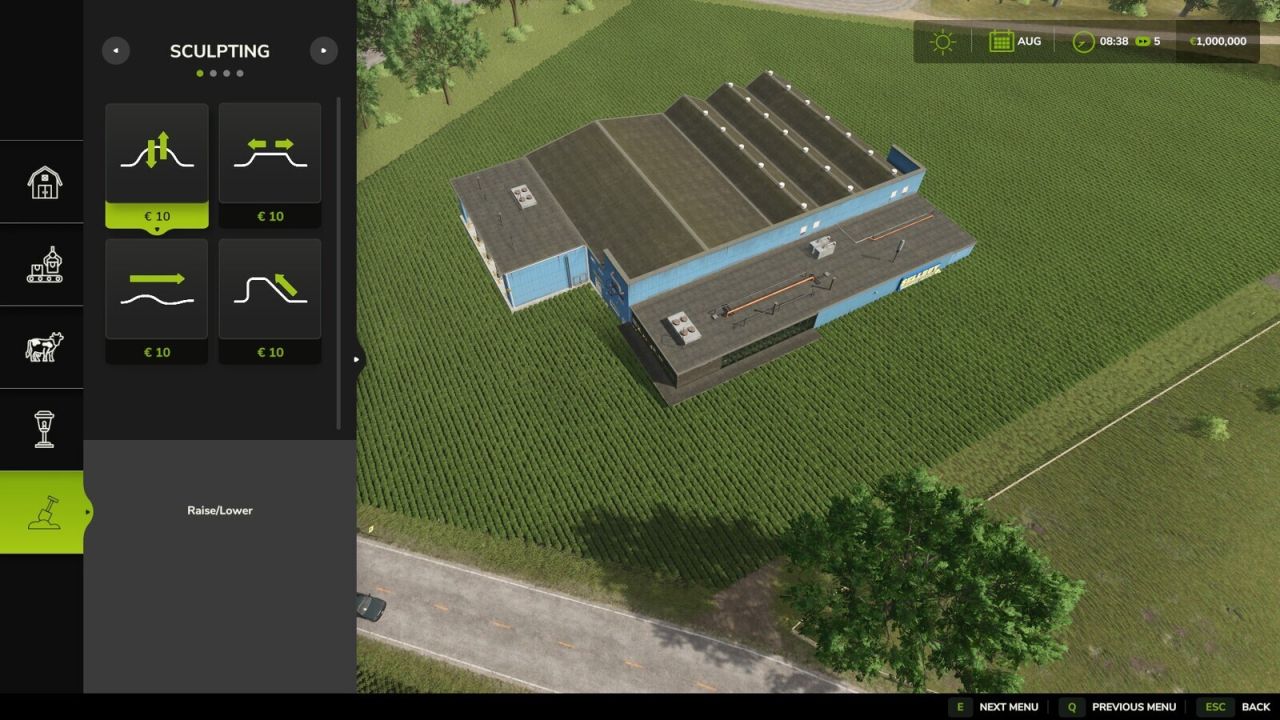
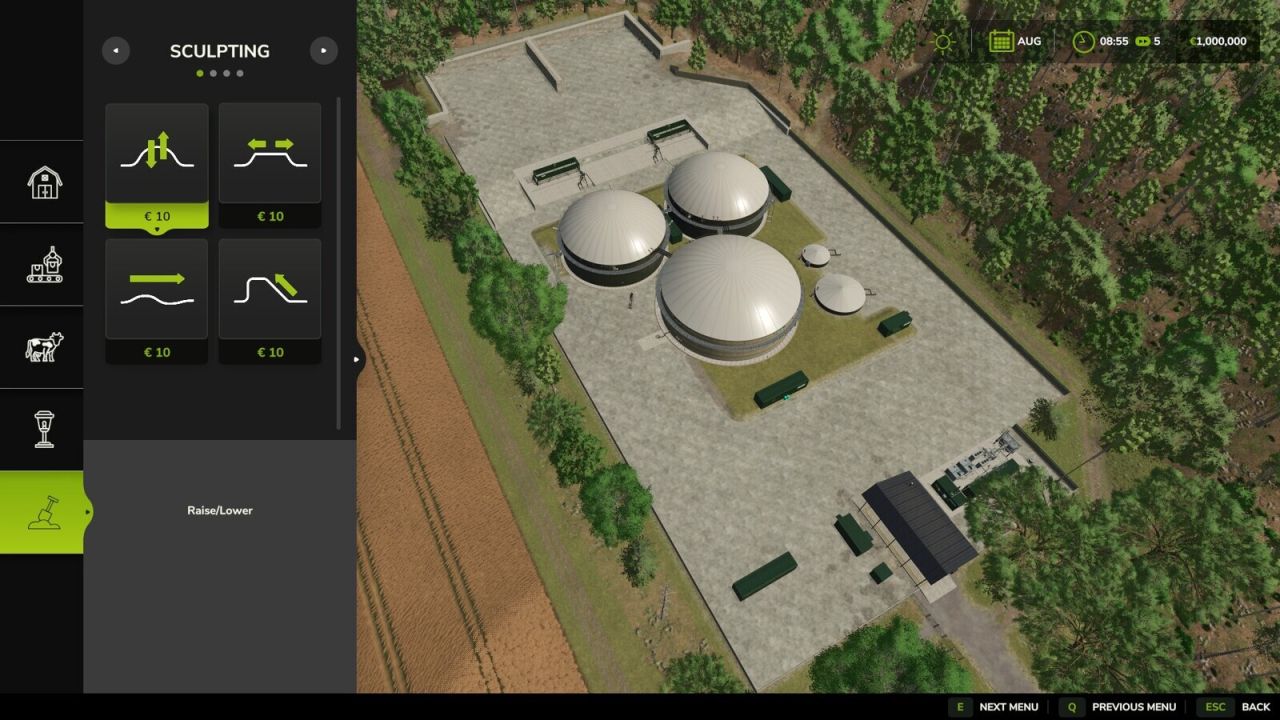
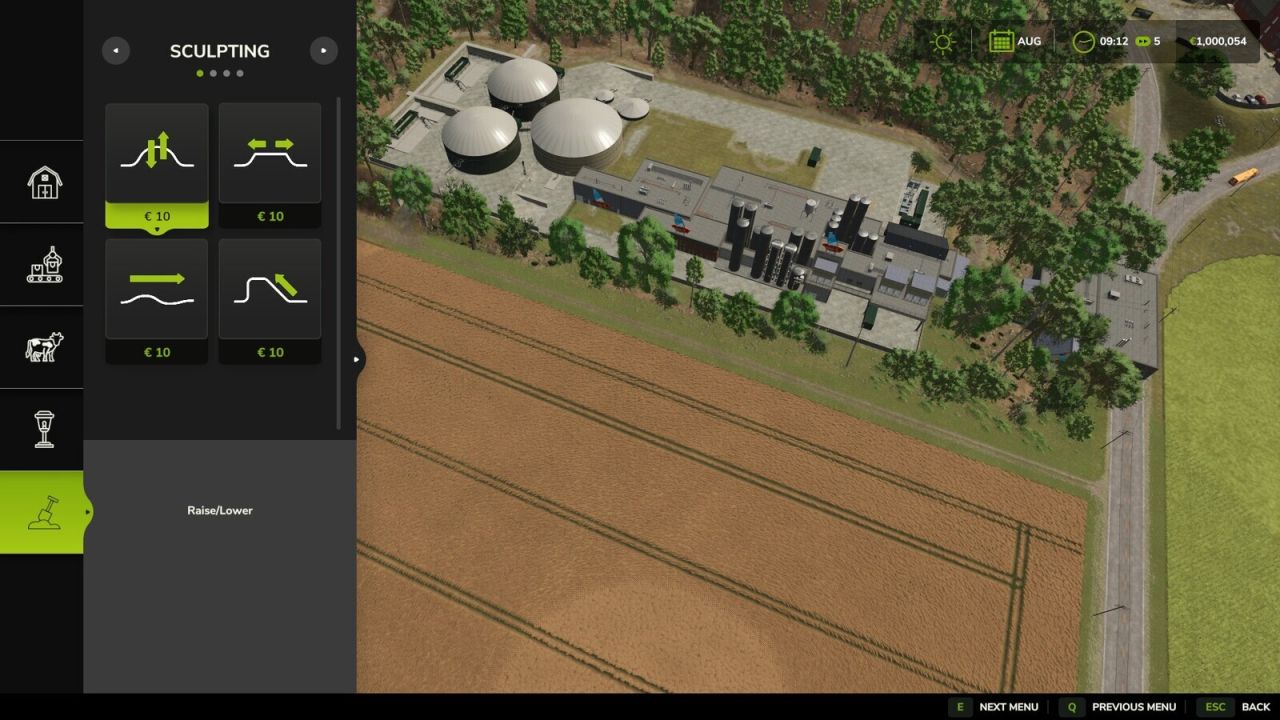
Move many fixed map objects directly in Construction mode, including decorations, trees, sheds and compatible placeables such as productions, greenhouses, silos and selling stations.
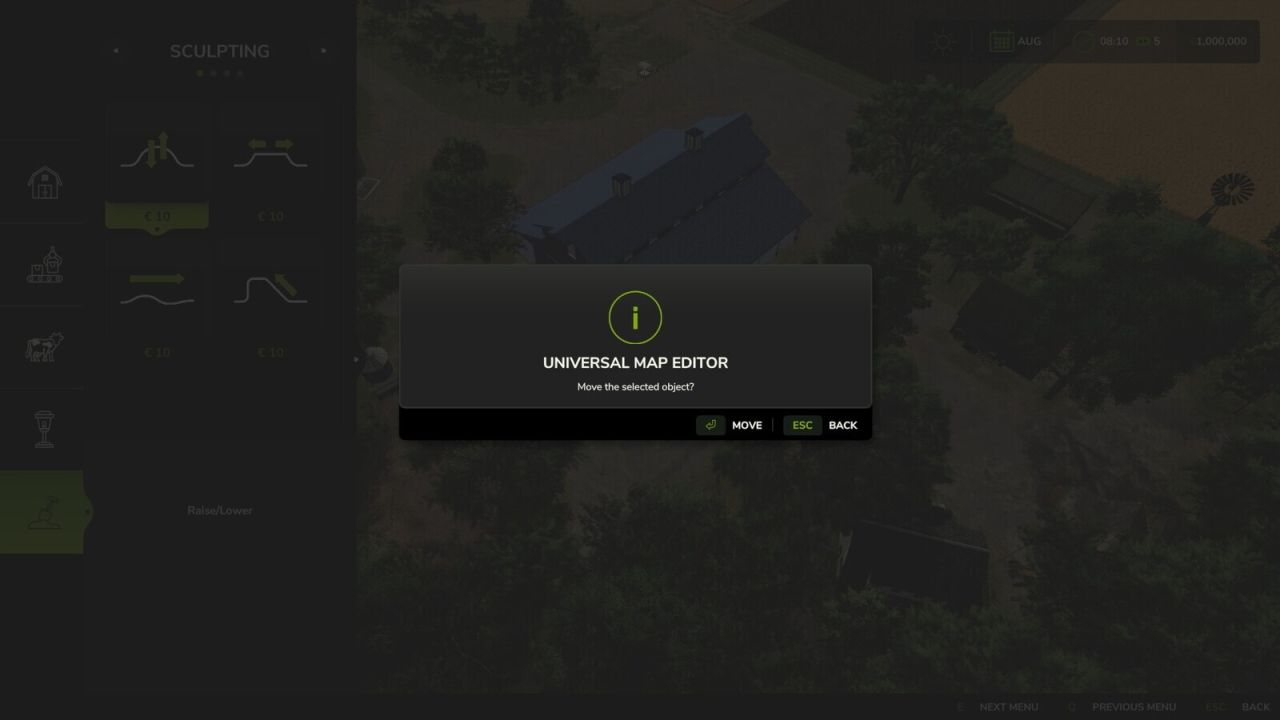
Aim at an object and press ALT+M, choose MOVE, position it and click. Use R or SHIFT+R to rotate, PAGE UP/PAGE DOWN to adjust height, right click to cancel and CTRL+Z to undo. If a position appears occupied, you can choose PLACE ANYWAY.
Terrain, fields, water, map boundaries, players, vehicles and systems that alter terrain or navigation remain protected. Changes are saved with the game. In multiplayer, only the server administrator can move objects.
Dealership and animal dealer sites, animal pastures, vehicle and pallet spawn areas and unloading points are protected. Railways, bridges and moving objects controlled by the game cannot be moved. Forced placement does not bypass these protections.


