Vehicle Control Addon (VCA) V1.0.0.0
Vehicle Control Addon (VCA) V1.0.0.0
Vehicle Control Addon (VCA) is a set of features that make driving vehicles in Farming Simulator 25 easier and more customizable.
Choose the settings that suit your play style, keyboard, or controller.
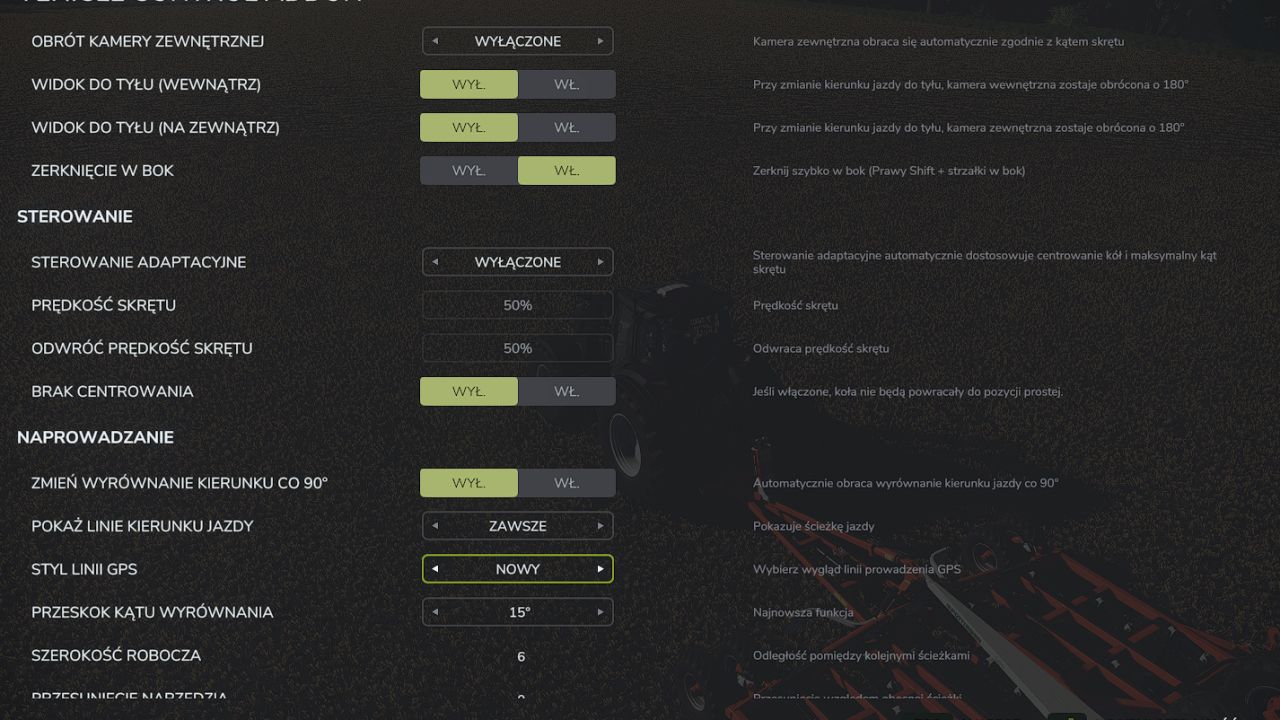
Adaptive steering adjusts the steering response to the vehicle’s speed.
The camera can rotate according to the direction of travel and steering; quick glances in a selected direction are also available.
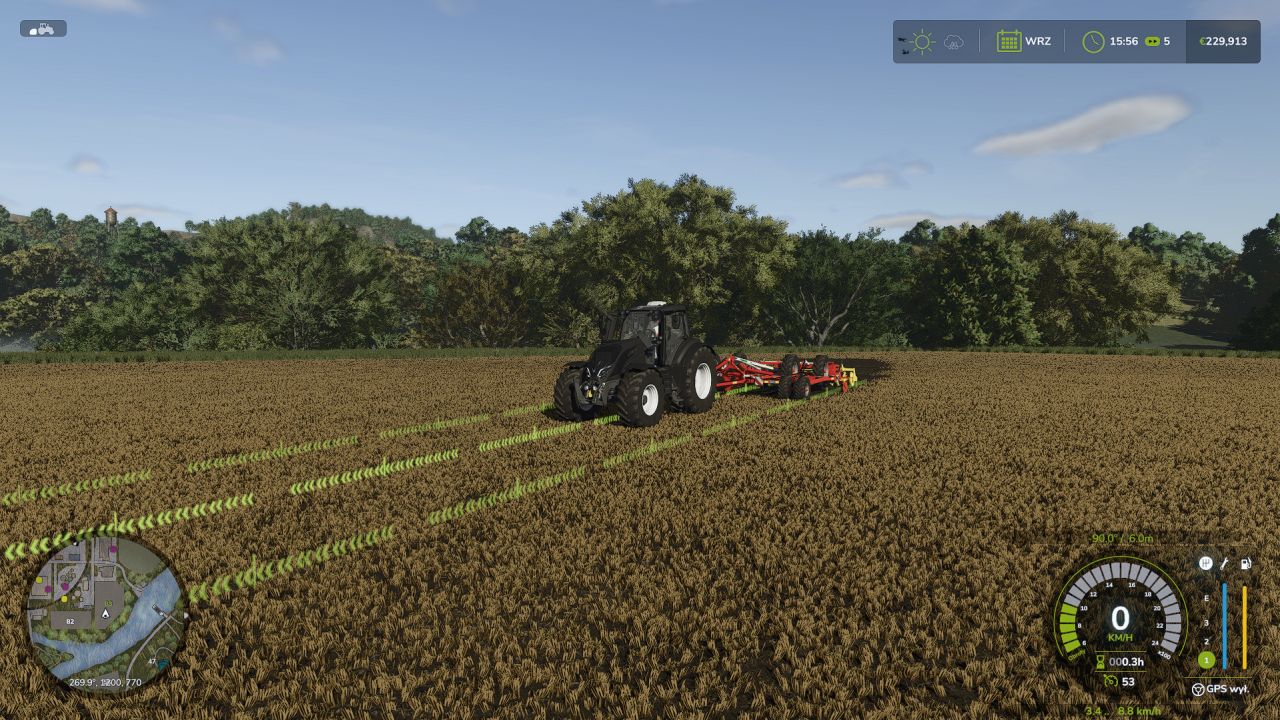
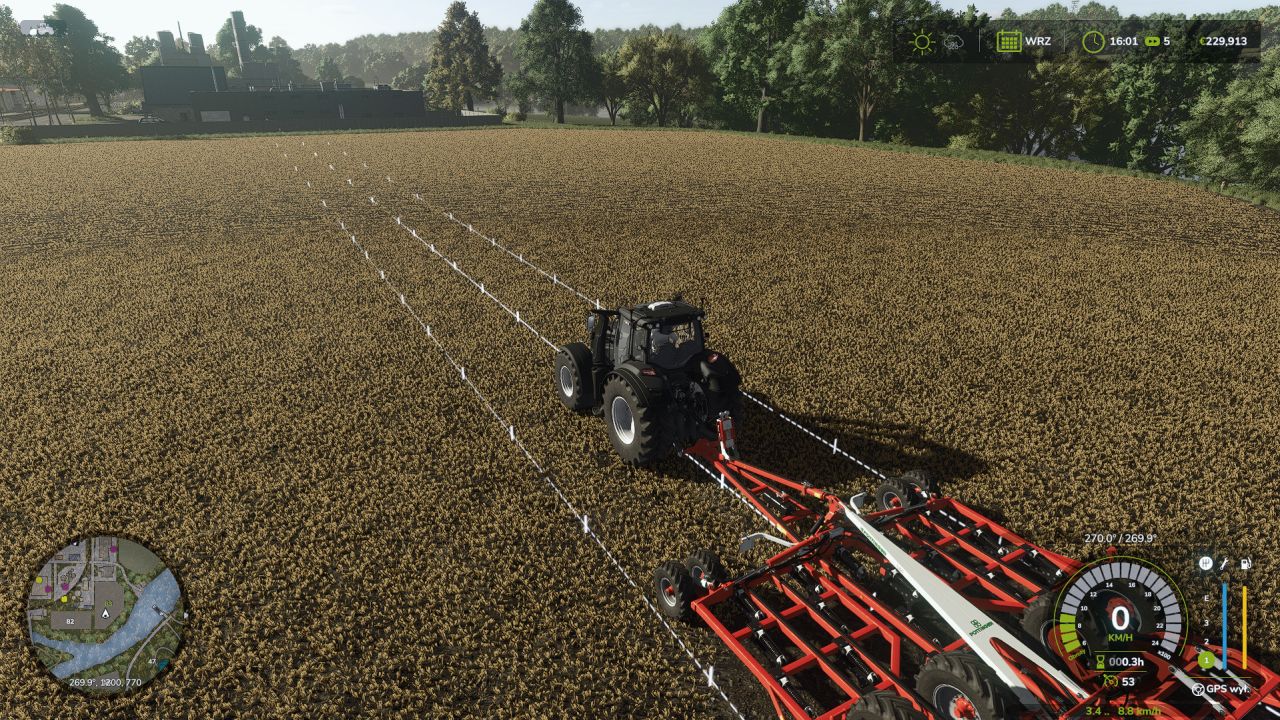
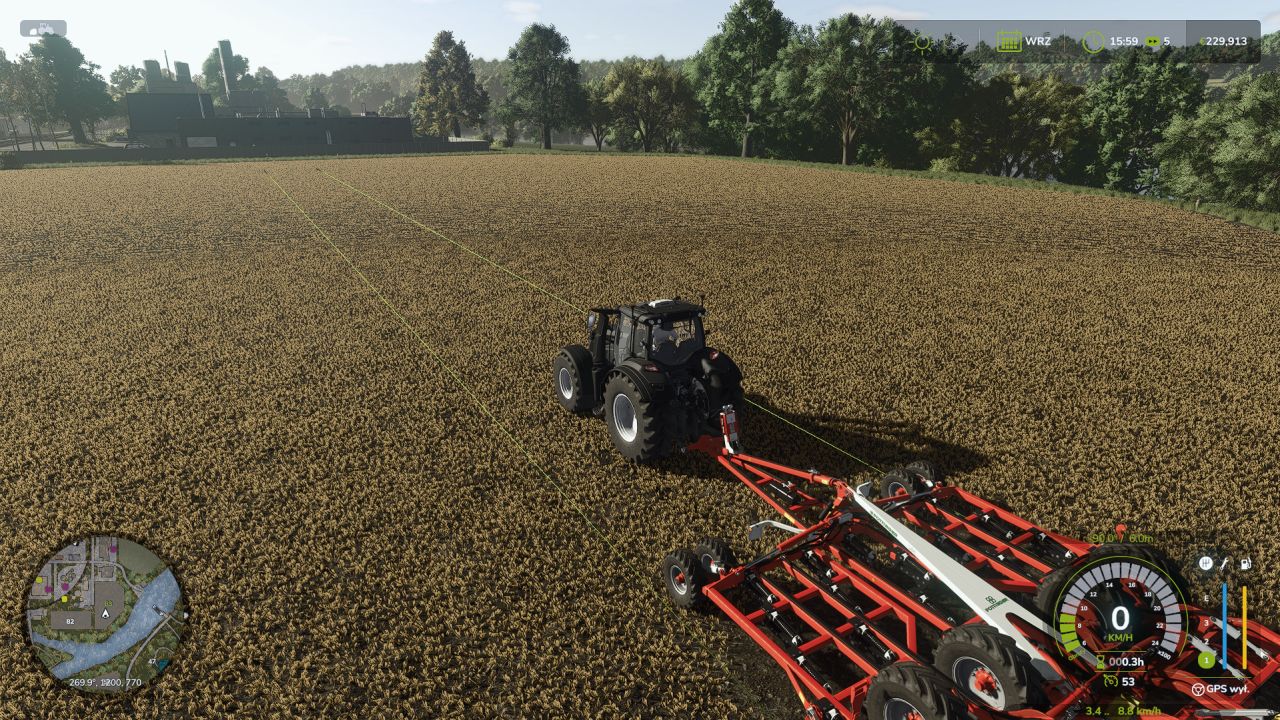
GPS guidance helps maintain direction and drive the vehicle along parallel tracks. You can set the working width, offset, and the track selected when turning around.
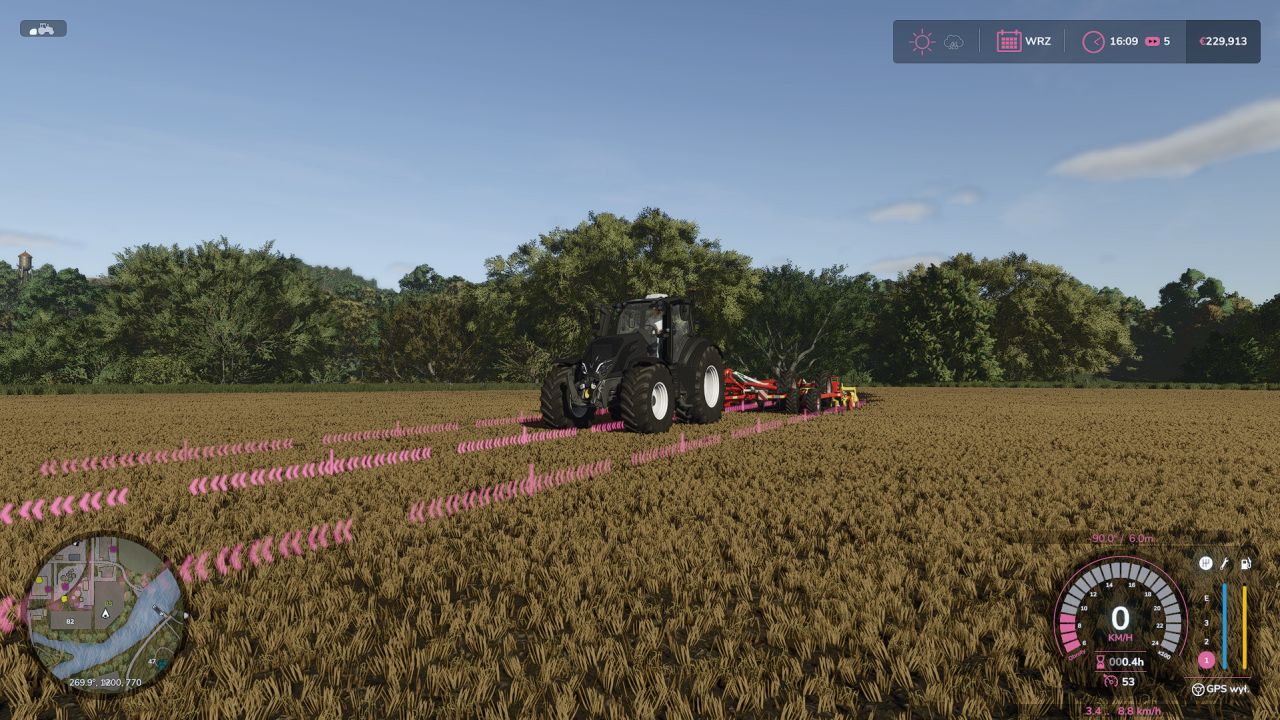
Two GPS line styles: classic VCA and new. The new line adapts its height to the terrain and crop growth stage, fades smoothly at the ends, and can be occluded by vehicles and buildings.
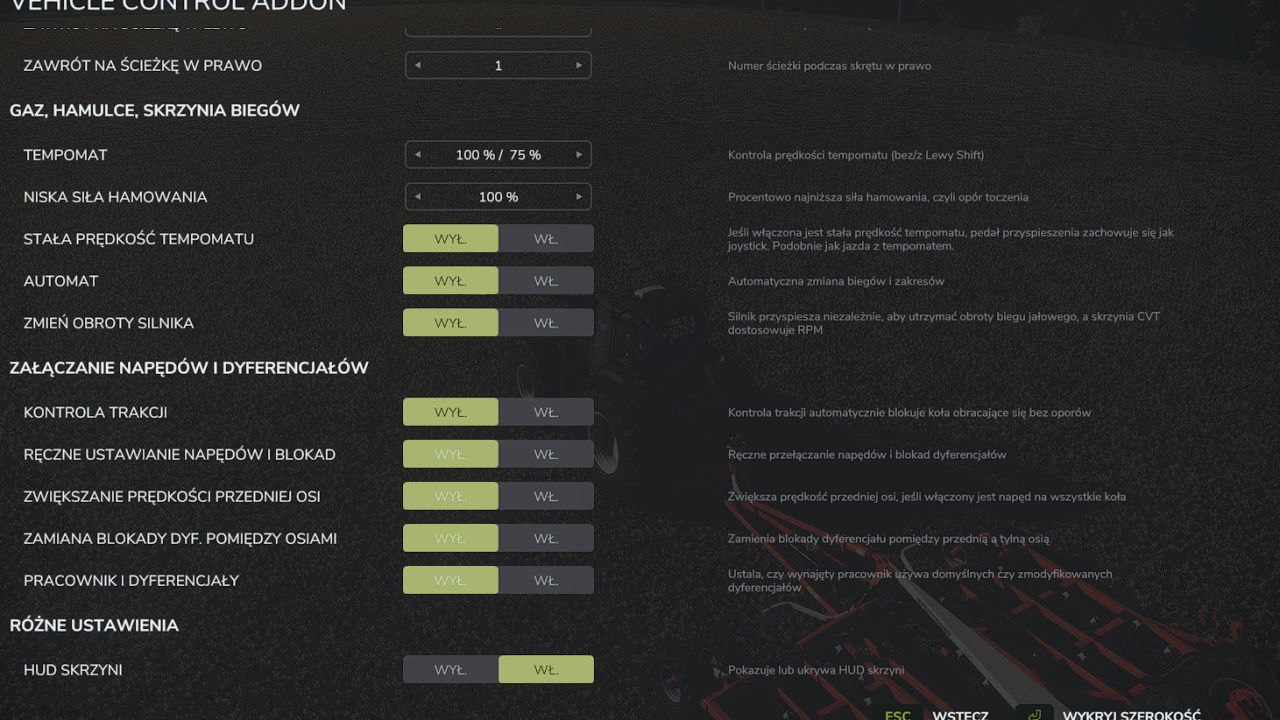
Refreshed VCA menu, with the HUD and GPS line accent color matching the game’s active HUD color.
Speed control: additional options for cruise control, speed limiter, speed holding, and manual throttle.
Transmission and drivetrain: settings for automatic shifting, clutch, and Powershift, as well as manual control of the drivetrain and differential locks — if supported by the vehicle.
Additional options, including traction control, handbrake, and transmission HUD.
Most features are disabled by default. The vehicle settings menu opens by default with Left Ctrl + C, while GPS guidance is activated with Left Ctrl + W. The remaining shortcuts can be checked and changed in the game’s controls menu under the name Vehicle Control Addon.