Vehicle Lock v0.11.0
Vehicle Lock v0.11.0
Decide for yourself which vehicle models are available in your game. With the Vehicle Lock, you can block tractors, trucks, harvesters and other machines individually or by category for purchase and rental.
Perfect for nostalgia and Ostalgie maps
Features:
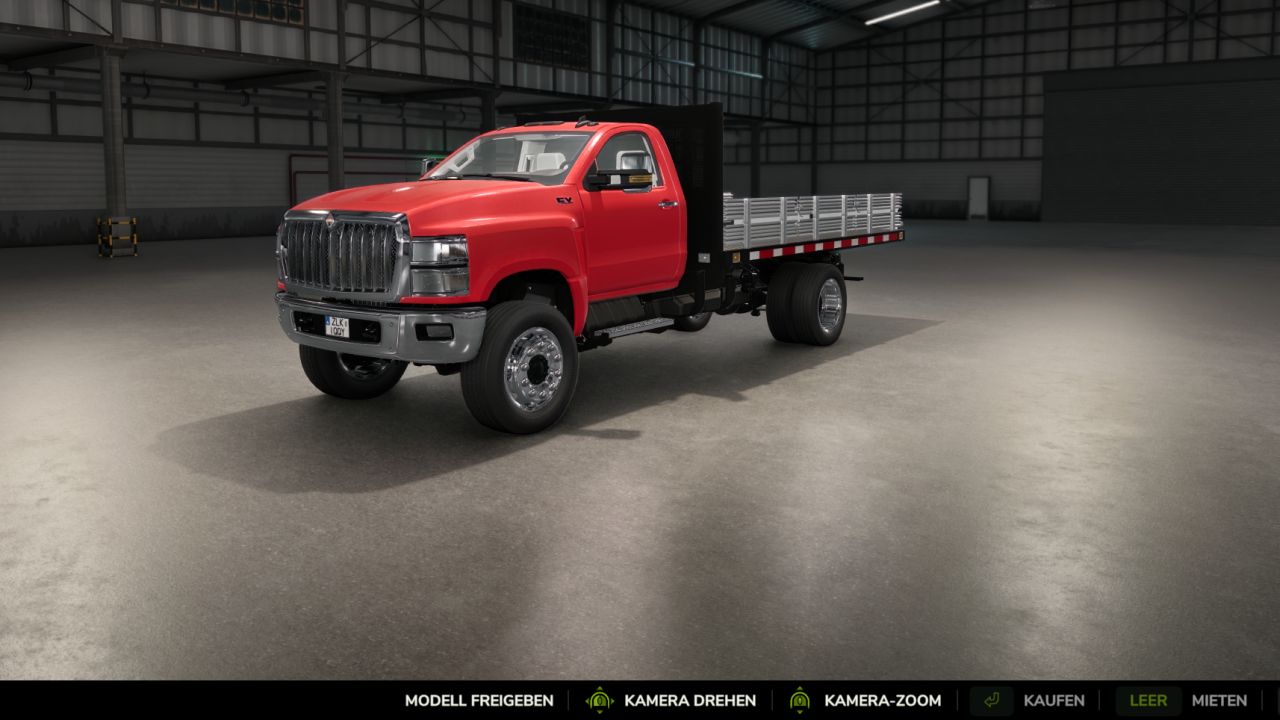
Lock and unlock models directly in the vehicle view of the shop.
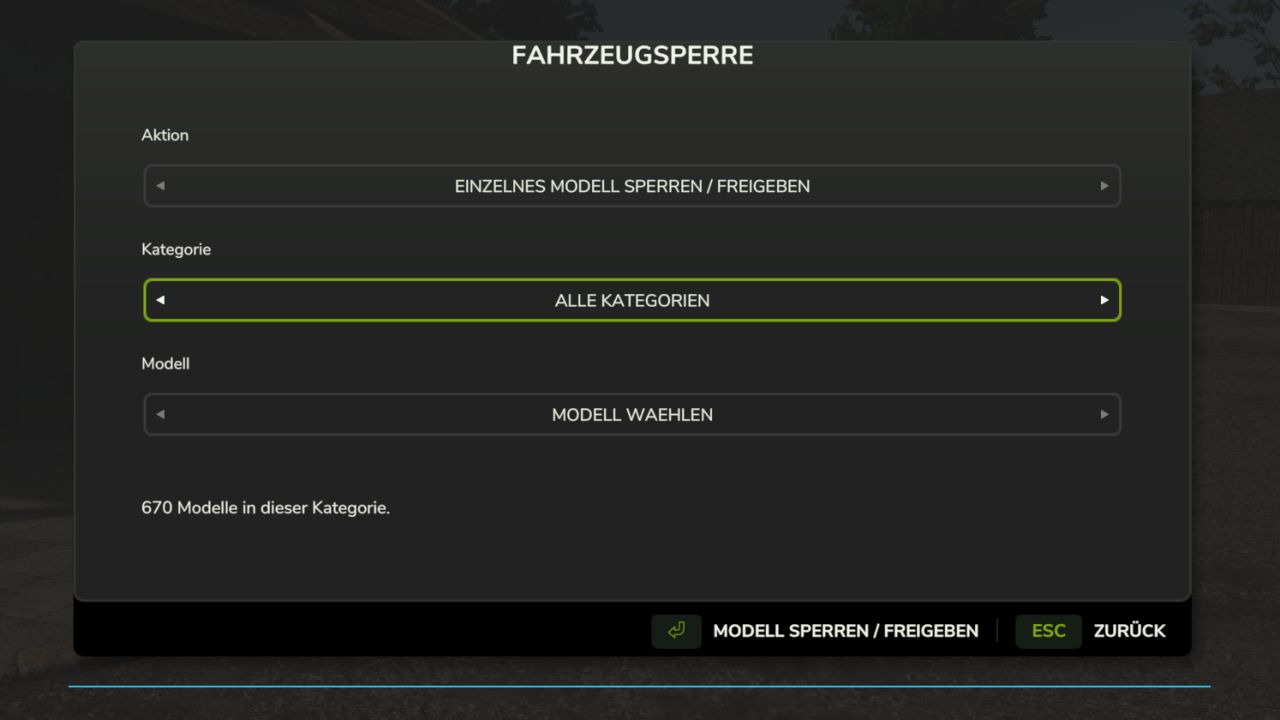
Clear selection menu with action, category and associated models.
Lock and unlock entire categories or all vehicle models at once.
Locked models remain visible in the shop.
Contracts with locked models in the designated loan vehicle package are hidden.
Objects and tools are excluded from the lock.
The lock list is saved separately for each savegame.
Supports loaded vehicles from the base game, DLCs and mods.
Controls: Open the selection menu with Ctrl + Alt + B or use the “Lock / unlock model” button in the vehicle view of the shop.
Vehicles already owned remain usable. Accepted contracts remain available. A lock applies to all configurations of the respective model.
Game mode: Single-player
Version: 0.11.0.0 Beta
Test version, no multiplayer support.