Vehicle Seat Controls V1.0.0.0

Vehicle Seat Controls V1.0.0.0
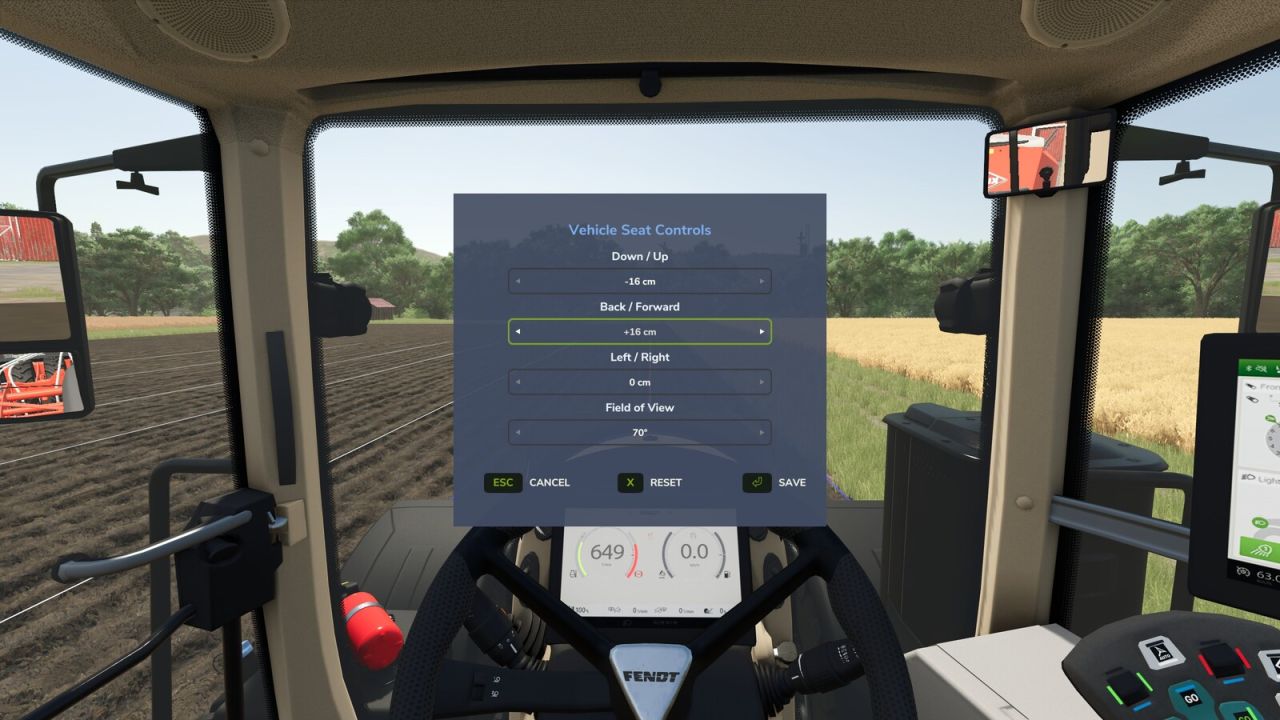
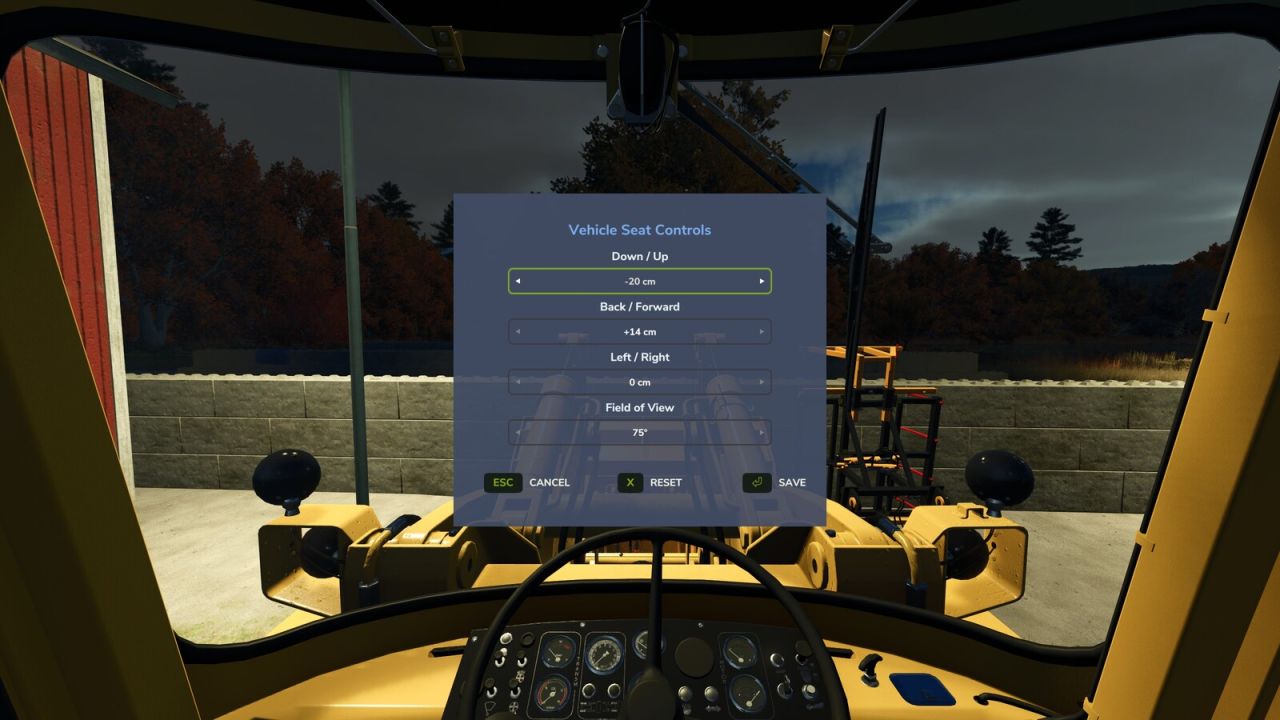
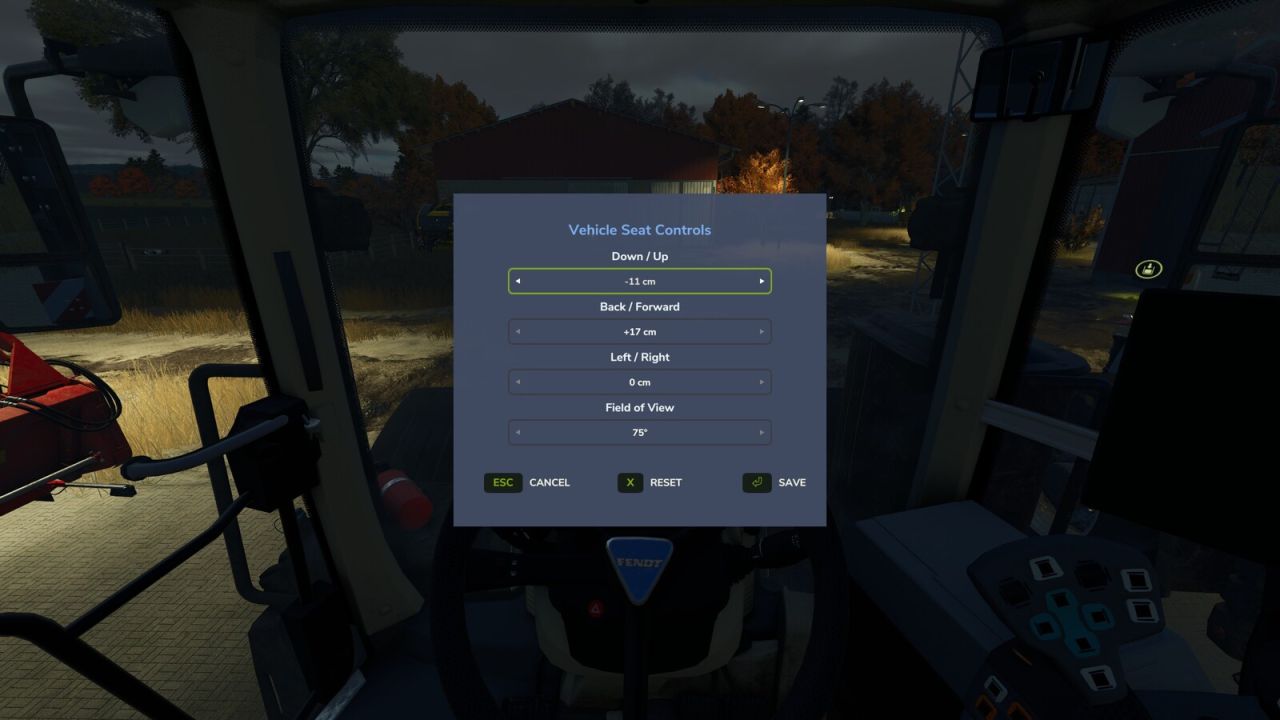
Adjust the indoor (cab) camera position and field of view of your vehicles.
While seated in a vehicle, press Numpad – (rebindable in Settings > Controls) to open the Vehicle Seat Controls window.

Use the arrow selectors to set:
Up / Down
Forward / Back
Left / Right
Field of View (zoom)

Changes preview live on the cab. Press Save to keep them, Reset to recenter, or Cancel to discard.
Want to look around while you adjust? Click and hold the left mouse button anywhere outside the window and drag to freely glance around the cab – the menu stays open the whole time, so you can line up the perfect view before saving.
Settings are saved per player and per vehicle and persist across leaving/rejoining and server restarts.

Author: Magzan


About FS25 mods:

If you play Farming Simulator 25, it's time to understand how mods work with the game. Farming Simulator 25 Mods is an extra file or content to change your basic game version. If you want more tractors and harvesters or need any farming tools in the game, FS25 mods are the best choice. So, mods allow you to change gameplay and customize the Farming Simulator 25 game. There are many different types of Farming Simulator 25 mods that will make your gameplay easier or increase your income to grow and build your farm, and you decide what kind of FS25 Mod to install. Read the mod installation instructions and description above before use. We are the largest FS25 mods community to share mods for the PC.


You may also like...

Leave a Reply

Your email address will not be published. Required fields are marked *