
Work Light Control V1.0.0.0
Work Light Control V1.0.0.0
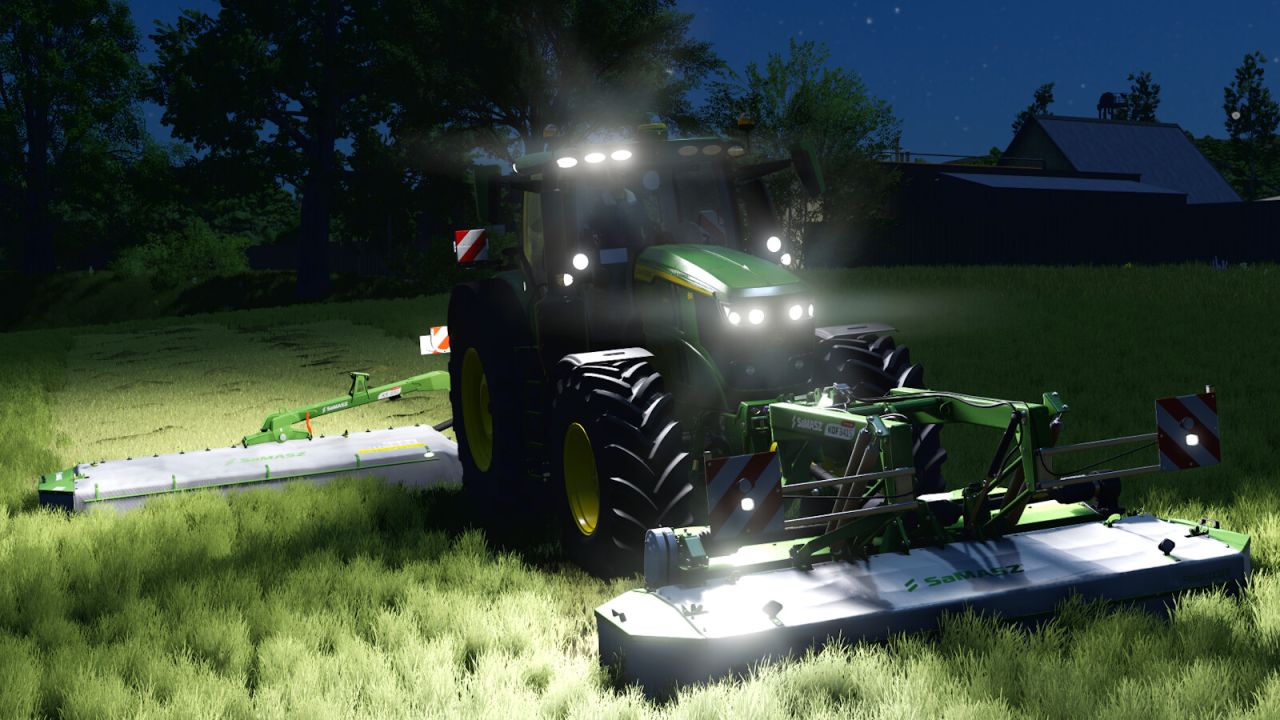
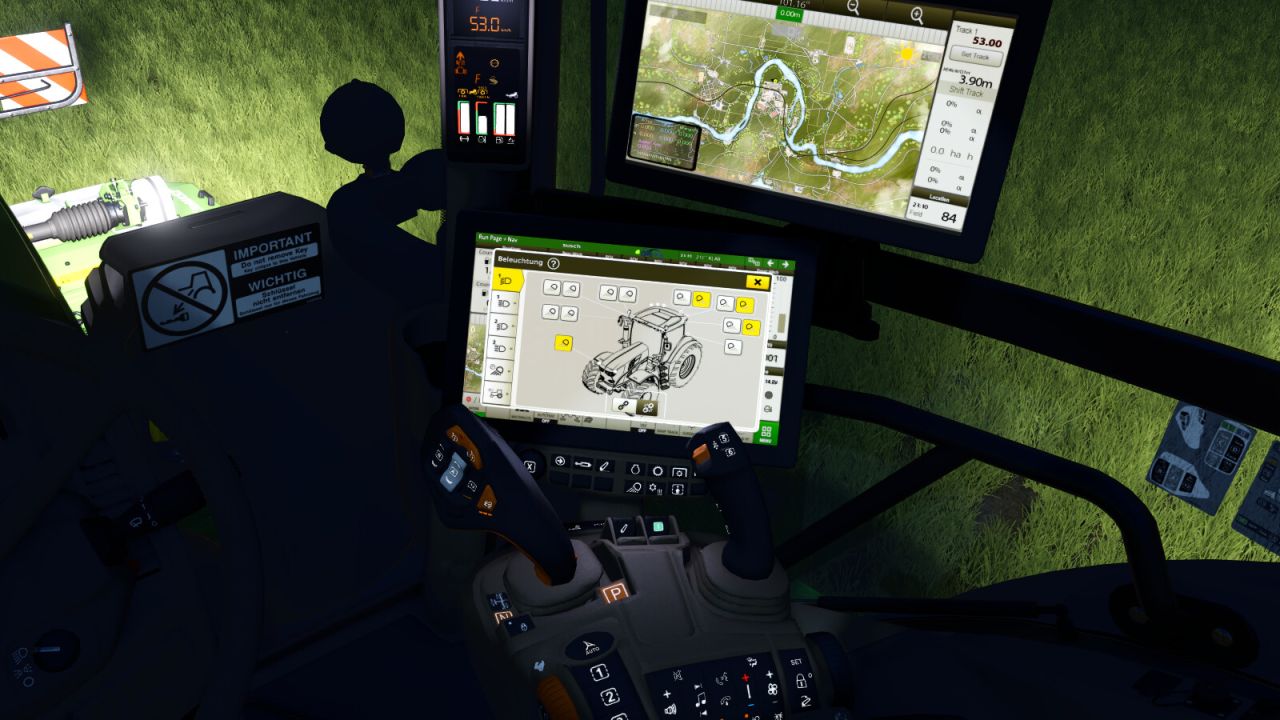
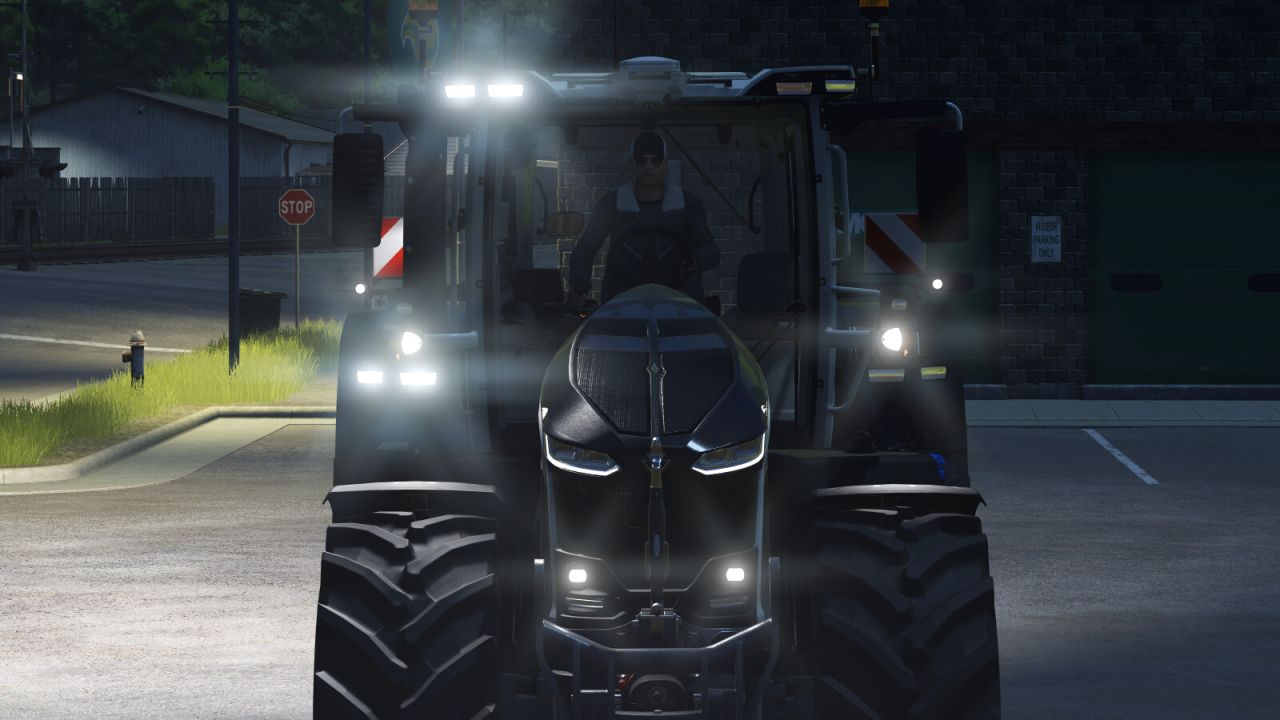
Adds a lighting control system to pre-configured vehicles. Work lights can be dimmed up and down, lighting groups can be created, groups can be mirrored, and assigned groups can be controlled together.
Stepless or incremental dimming is supported.
Note: This mod only works on vehicles that have been prepared for it (e.g. the Massey Ferguson 9S by Guner348). It has no effect on other vehicles.
How to use it on the Massey Ferguson 9S by Guner348:
1. Buy the MF 9S and select “Yes” for the terminal (display type) configuration in the shop.
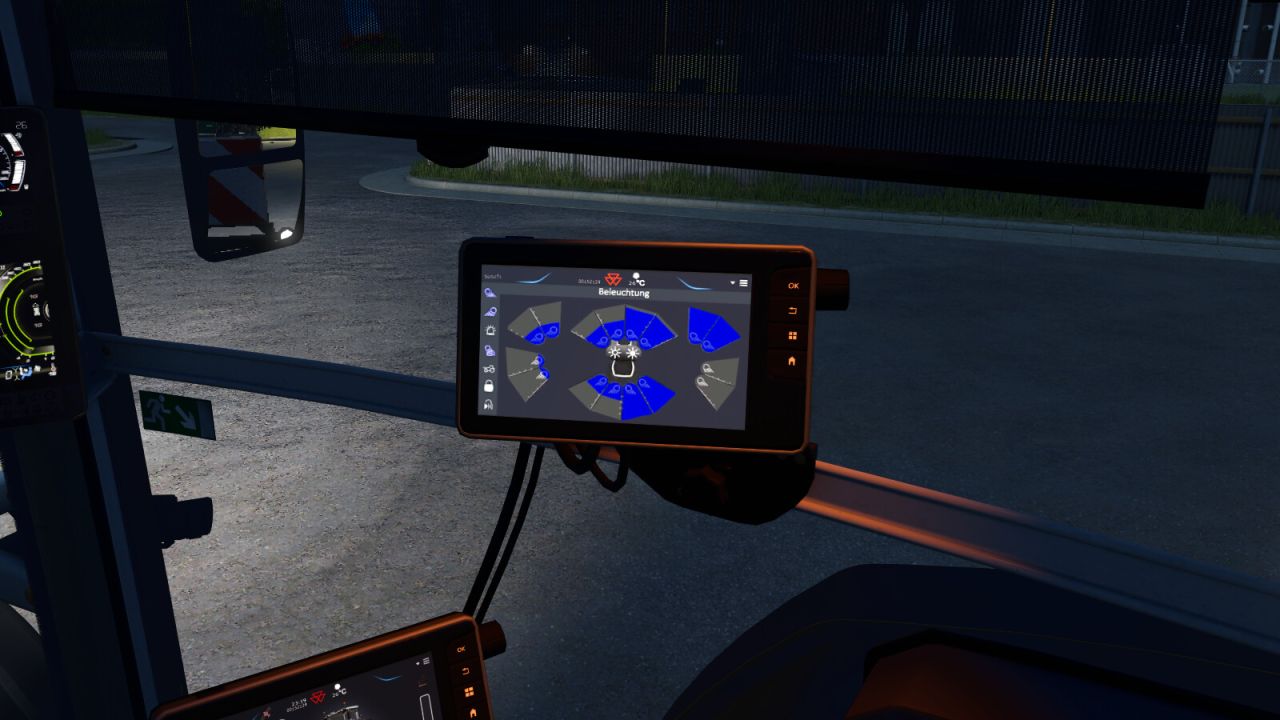
2. Switch the Dashboard Live terminal to page 4.
3. Turn on the work lights and activate Interactive Control.
4. Use the click points on the terminal to dim the individual light groups up or down, dim all groups together, mirror the left and right side or link both sides.
Required mods:
Interactive Control


